






In 2018, we founded the XOSS Brand, beginning our step in promoting our brand in the global market.
Today, XOSS is at the forefront of design and innovation for GPS cycling computers and related electronic devices such as speed & cadence sensors, heart rate monitors, as well as other accessories like mounts and lights used by adventurers all over the globe.
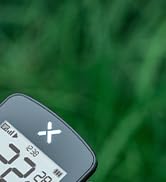
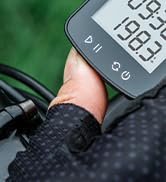
XOSS G Gen2 Bike Computer
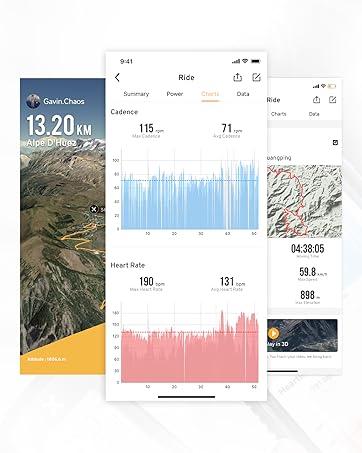
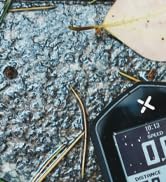
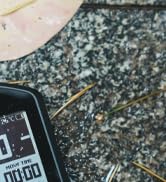
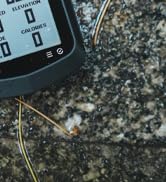
XOSS NAV Bike Computer


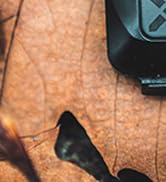
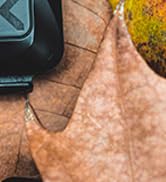
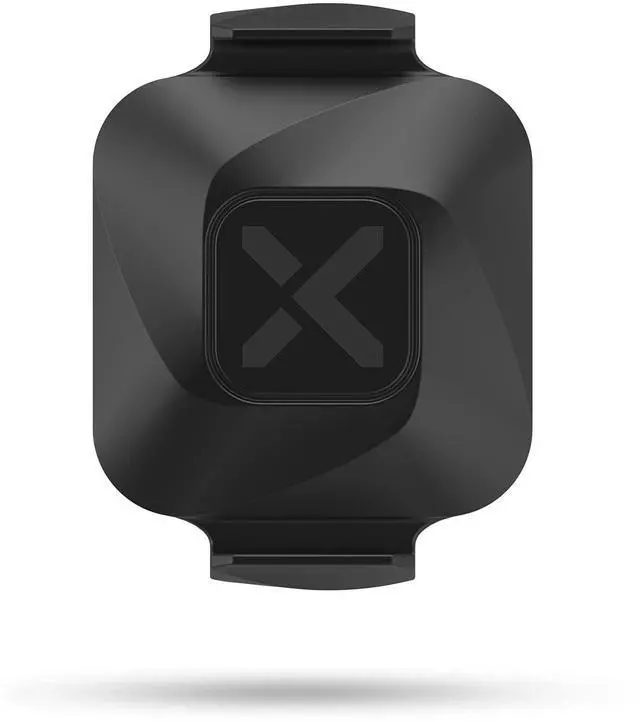
XOSS Vortex


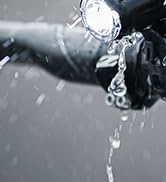
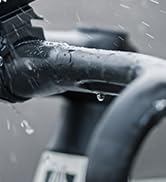
XOSS XL-800 Bike Headlight
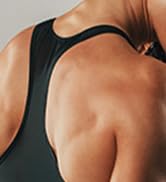

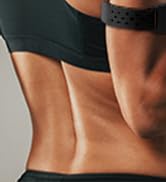

XOSS X1 HRM Armband
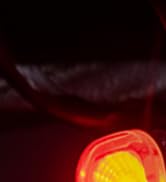


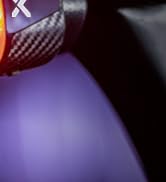
XOSS XR01 Bike Taillight

Accurately calculate your cadence and speed
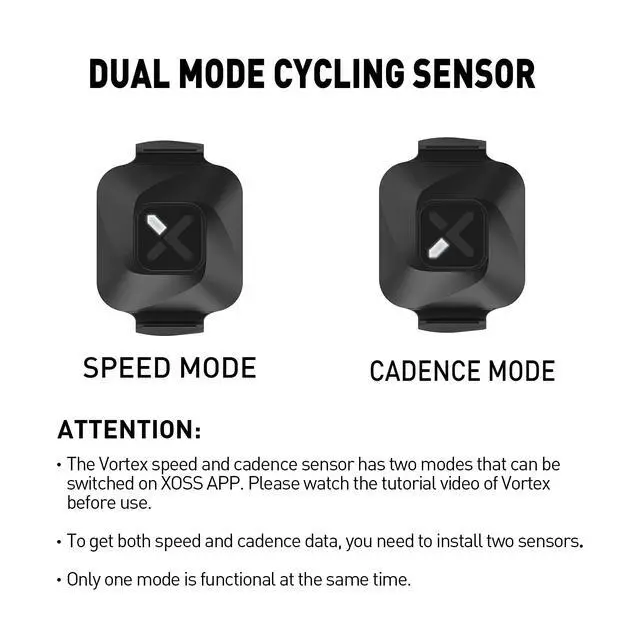
You can choose one of the two modes of speed and cadence according to your needs. One device but two functions, 99% accuracy, 1-second sensitivity.
Measure range: Cadence max 250RPM/Speed max 85KM/H.

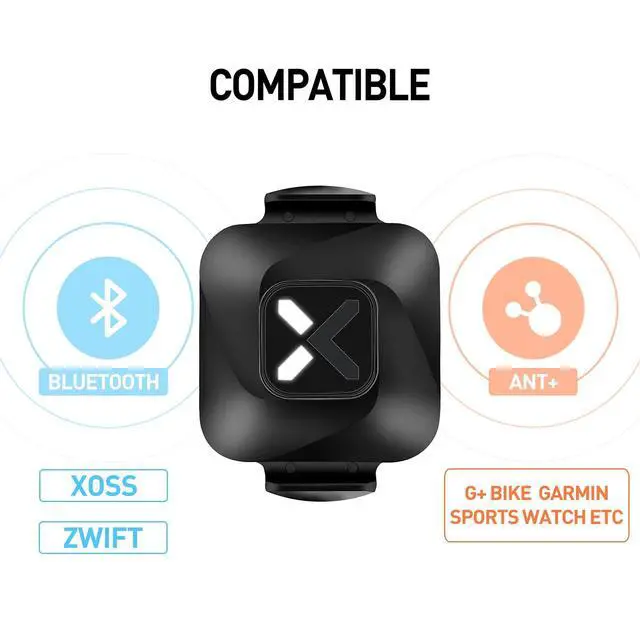
ANT+/Bluetooth dual mode compatible
Sensors are compatible with all devices that support ANT+ protocol, such as XOSS G+,Garmin, Bryton and other bike computers.
If you want to connect with G+, please long press left and right button both to search sensors(Need to move sensors)
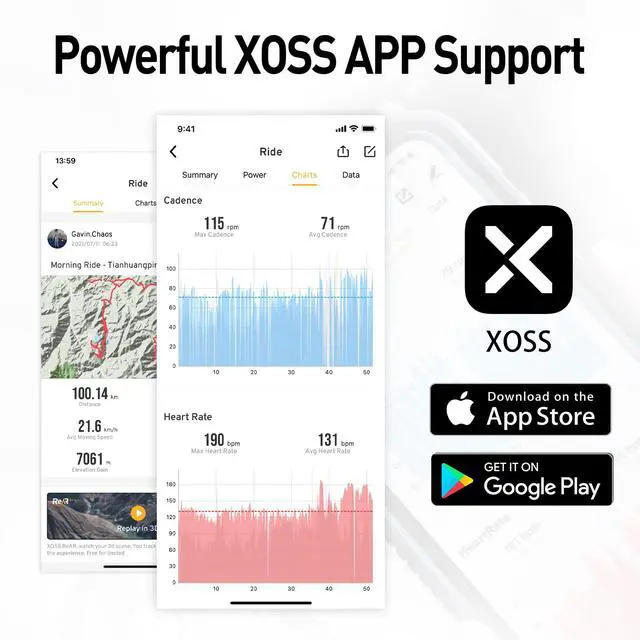
You can upload the cadence or speed data on the G+ bike computerto the XOSS APP and synchronized to Strava At the end of the ride

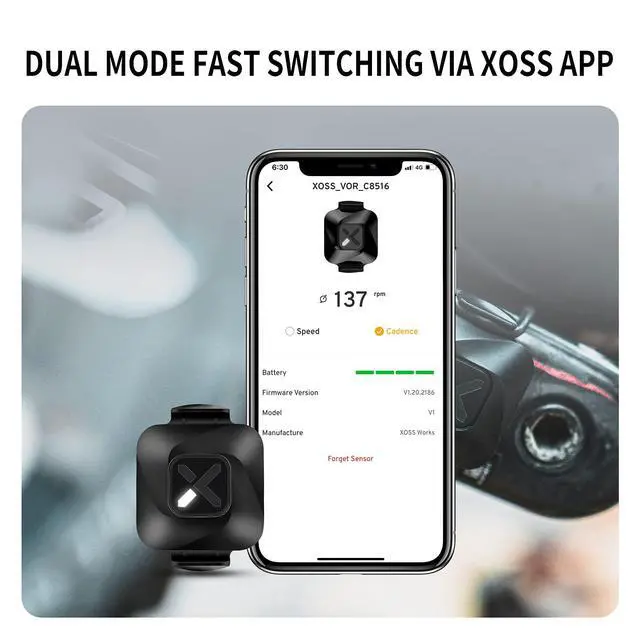
Fast switching mode through XOSS APP
Anytime you want to switch, just simply use your phone on XOSS.
*To get both speed and cadence data, you need to install two sensors. Only one mode is available at the same time.

Cadence mode installation
- Switch VORTEX to cadence mode via XOSS APP.
- Put the rubber mat under VORTEX.
- Buckle the rubber band and fix VORTEX on the left crank.

Speed mode installation
- Switch VORTEX to speed mode via XOSS APP.
- Put the rubber mat under VORTEX.
- Buckle the rubber band and fix VORTEX on the wheel axie.

Power efficient Design
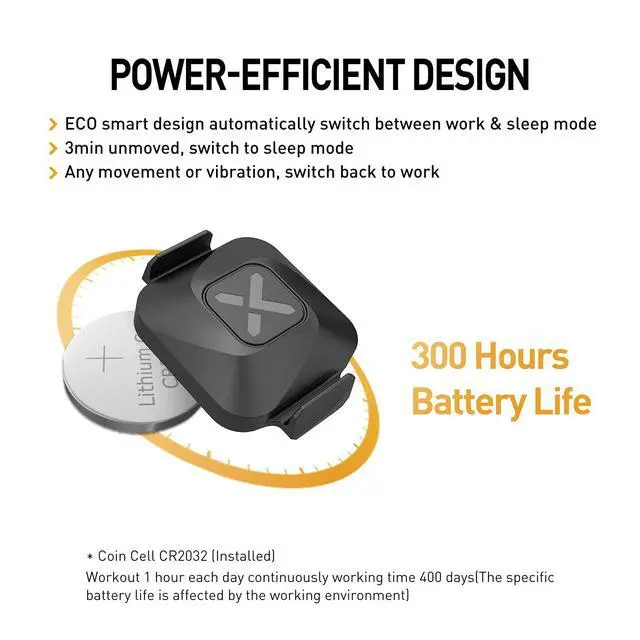
ECO smart design automatically switch between work & sleep mode.
3 mins unmoved, switch to sleep mode .
Any movement or vibration, switch back to work.
Accurately calculate your cadence and speed
You can choose one of the two modes of speed and cadence according to your needs. One device but two functions, 99% accuracy, 1-second sensitivity.
Measure range: Cadence max 250RPM/Speed max 85KM/H.
ANT+/Bluetooth dual mode compatible
Sensors are compatible with all devices that support ANT+ protocol, such as XOSS G+,Garmin, Bryton and other bike computers.
If you want to connect with G+, please long press left and right button both to search sensors(Need to move sensors)
You can upload the cadence or speed data on the G+ bike computerto the XOSS APP and synchronized to Strava At the end of the ride
Fast switching mode through XOSS APP
Anytime you want to switch, just simply use your phone on XOSS.
*To get both speed and cadence data, you need to install two sensors. Only one mode is available at the same time.
Cadence mode installation
- Switch VORTEX to cadence mode via XOSS APP.
- Put the rubber mat under VORTEX.
- Buckle the rubber band and fix VORTEX on the left crank.
Speed mode installation
- Switch VORTEX to speed mode via XOSS APP.
- Put the rubber mat under VORTEX.
- Buckle the rubber band and fix VORTEX on the wheel axie.
Power efficient Design
ECO smart design automatically switch between work & sleep mode.
3 mins unmoved, switch to sleep mode .
Any movement or vibration, switch back to work.
In 2018, we founded the XOSS Brand, beginning our step in promoting our brand in the global market.
Today, XOSS is at the forefront of design and innovation for GPS cycling computers and related electronic devices such as speed & cadence sensors, heart rate monitors, as well as other accessories like mounts and lights used by adventurers all over the globe.
XOSS G Gen2 Bike Computer
XOSS NAV Bike Computer
XOSS Vortex
XOSS XL-800 Bike Headlight
XOSS X1 HRM Armband
XOSS XR01 Bike Taillight