


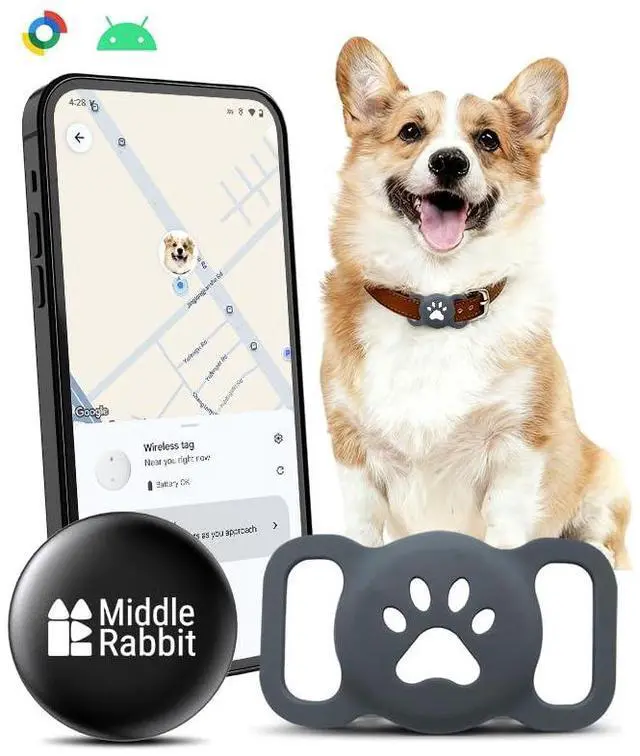
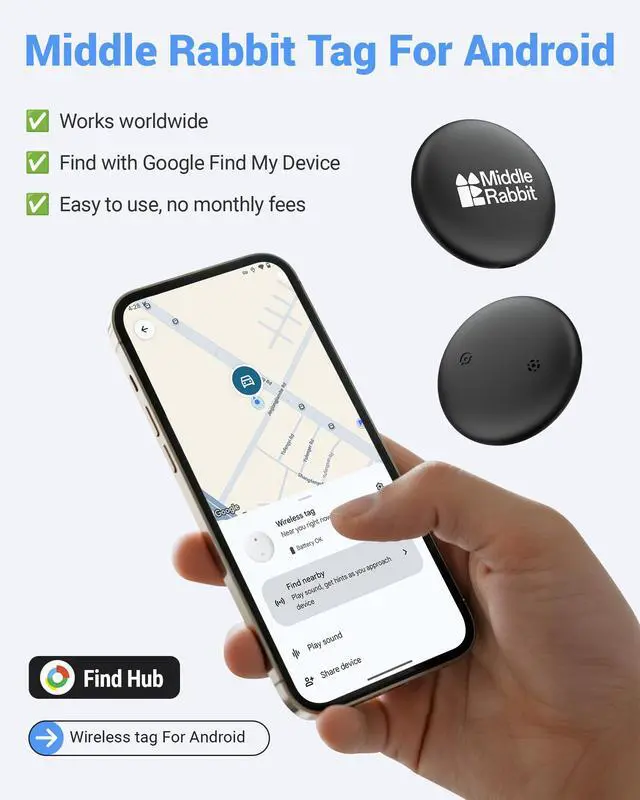
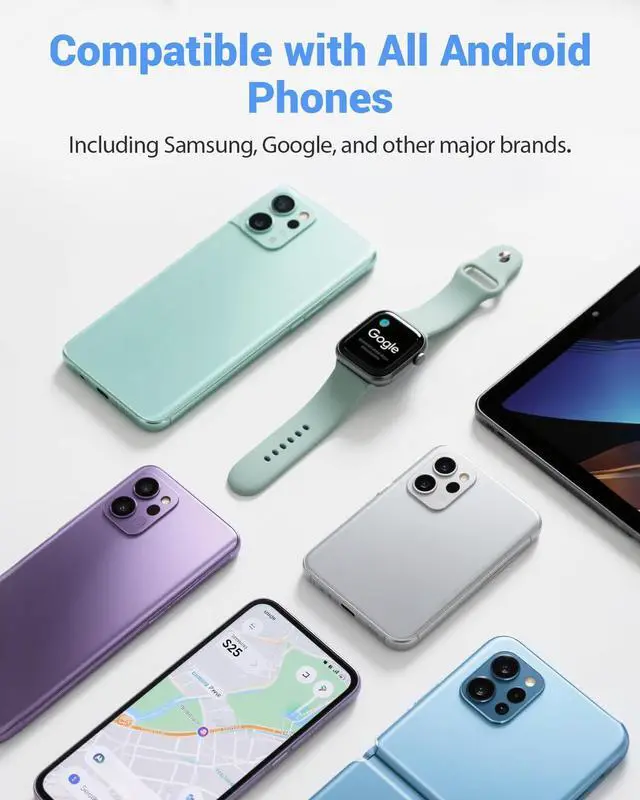
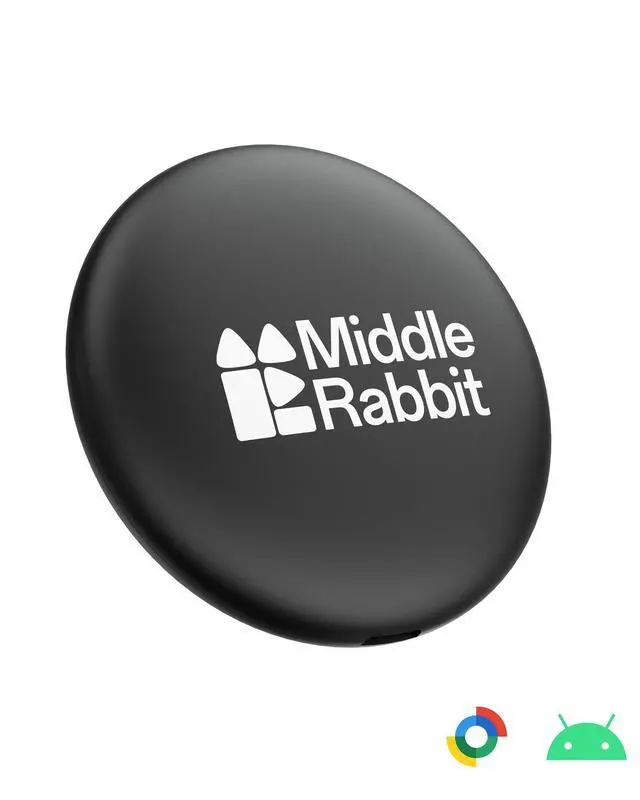


Works with Google's Find Hub app (formerly Find My Device)


How do I connect the tag to my Android phone?

Must Read Before Purchase — How Tracker Tag Works

Must Read Before Purchase
* All Tracker Tag on the market rely on any nearby smartphones (not just your own) to update their location
* If you need precise location updates every second, please do not buy this product — instead, consider a dedicated GPS tracker (larger and requires a monthly fee)
How do I power the tag on and off?
· To power ON:
Press and hold the button until you hear a long chime (like “ring-ring-ring-ring”).
· To power OFF:
Press and hold the button for 3-5 seconds, then release.
You will hear 2 short beeps.
My tag won’t connect — what should I do?
1. Make sure your phone’s Bluetooth and network are enabled.
2. Follow the manual to perform a factory reset on the tracker.
3. Go to your phone’s Settings ? Google ? All Services ? Devices ? Scan for nearby devices.
4. Watch video in product image.
How do I reset the tag to factory settings?
1. Double-click the button.
– You’ll hear 1 beep.
2. Then quickly tap the button 4 more times and on the 5th press, press and hold the button until you hear a long chime (like “ring-ring-ring-ring”).
Why is the location not updating or accurate?
Tag sends out a Bluetooth signal. Nearby anyone's phones help locate it by sharing their location. So if no phone is nearby, you won’t see a new location update. For real-time track, you’ll need a GPS tracker but they’re bigger and need monthly fee.
Need Help?
Just search “Middle Rabbit” on Google—we’re easy to find and ready to assist.
Works with Google's Find Hub app (formerly Find My Device)


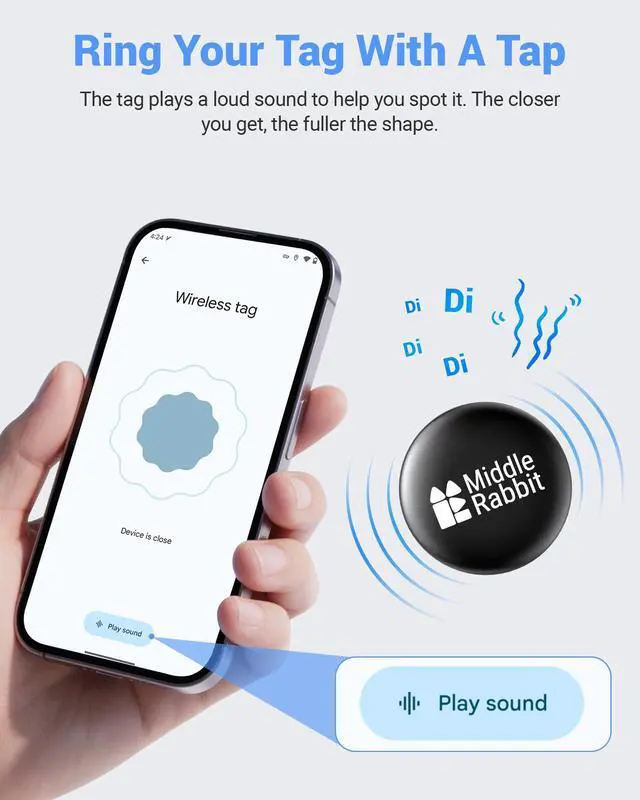
Ring to Find • Share with Family • Privacy Protection • Free Keyring Included


How do I connect the tag to my Android phone?

Must Read Before Purchase — How Tracker Tag Works

Must Read Before Purchase
* All Tracker Tag on the market rely on any nearby smartphones (not just your own) to update their location
* If you need precise location updates every second, please do not buy this product — instead, consider a dedicated GPS tracker (larger and requires a monthly fee)
How do I power the tag on and off?
· To power ON:
Press and hold the button until you hear a long chime (like “ring-ring-ring-ring”).
· To power OFF:
Press and hold the button for 3-5 seconds, then release.
You will hear 2 short beeps.
My tag won’t connect — what should I do?
1. Make sure your phone’s Bluetooth and network are enabled.
2. Follow the manual to perform a factory reset on the tracker.
3. Go to your phone’s Settings ? Google ? All Services ? Devices ? Scan for nearby devices.
4. Watch video in product image.
How do I reset the tag to factory settings?
1. Double-click the button.
– You’ll hear 1 beep.
2. Then quickly tap the button 4 more times and on the 5th press, press and hold the button until you hear a long chime (like “ring-ring-ring-ring”).
Why is the location not updating or accurate?
Tag sends out a Bluetooth signal. Nearby anyone's phones help locate it by sharing their location. So if no phone is nearby, you won’t see a new location update. For real-time track, you’ll need a GPS tracker but they’re bigger and need monthly fee.
Need Help?
Just search “Middle Rabbit” on Google—we’re easy to find and ready to assist.