




 here!
I’m your shopping assistant for PC builds, upgrades, and everything tech.
Got questions? Ask away!
Start a conversation
here!
I’m your shopping assistant for PC builds, upgrades, and everything tech.
Got questions? Ask away!
Start a conversation Top Rated Top Rated



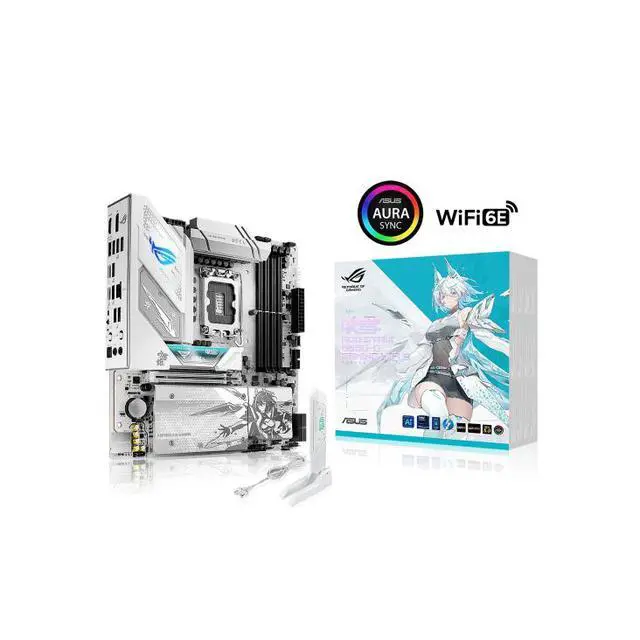
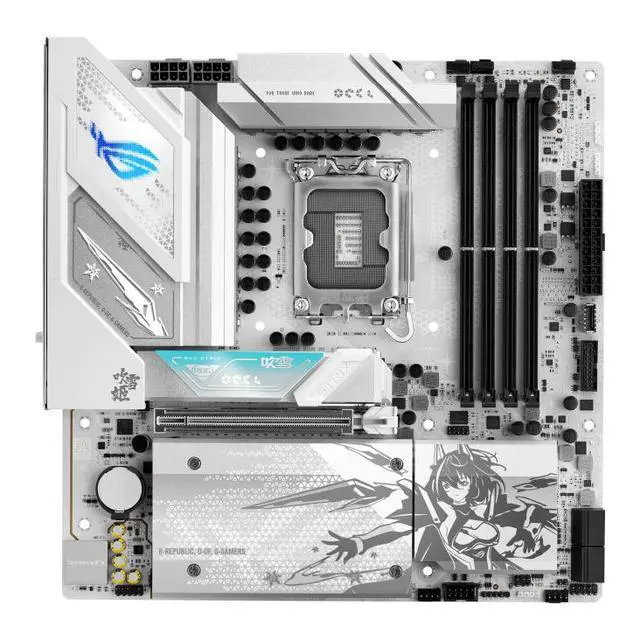
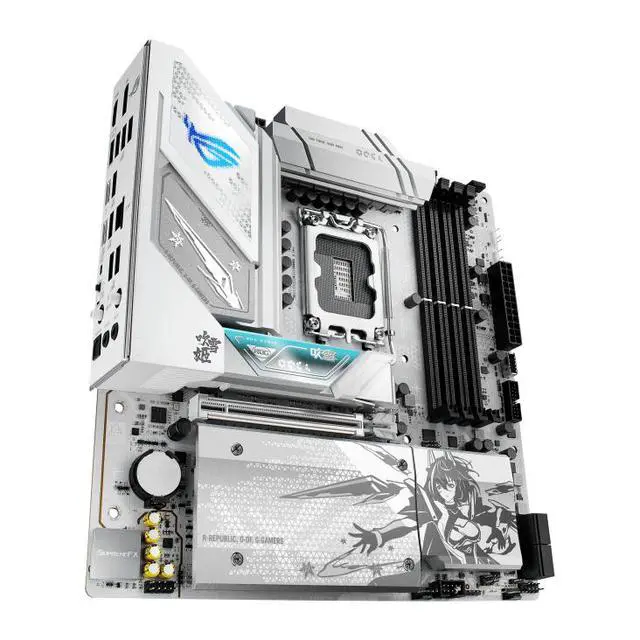
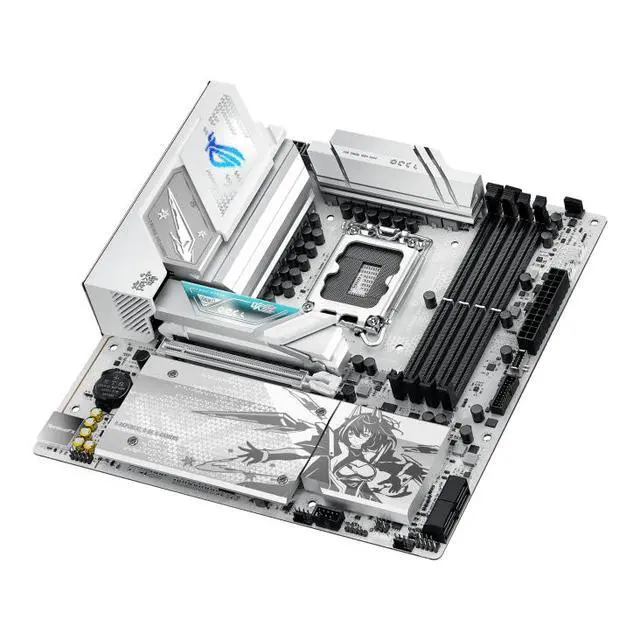



Any questions? Ask CelesteSM will help you find out quickly.
Intel® LGA 1851 Socket: Ready for Intel® Core Ultra processors (Series 2)
4x DDR5 slot, 256GB, supports up to 9066Mhz
Exclusive Memory Technologies: DIMM Fit, DIMM Flex and AEMP III to simplify setup and improve performance
Robust Power Solution: 14(80A)+1(80A)+2(80A)+1(80A) power stages with alloy chokes and premium metallic capacitors
Optimized Thermal Design: Massive heatsinks with integrated I/O cover, high-conductivity thermal pads, and connected
Quick-disassembly and convenient design: M.2/graphics card/wifi antenna is easy to disassemble and assemble
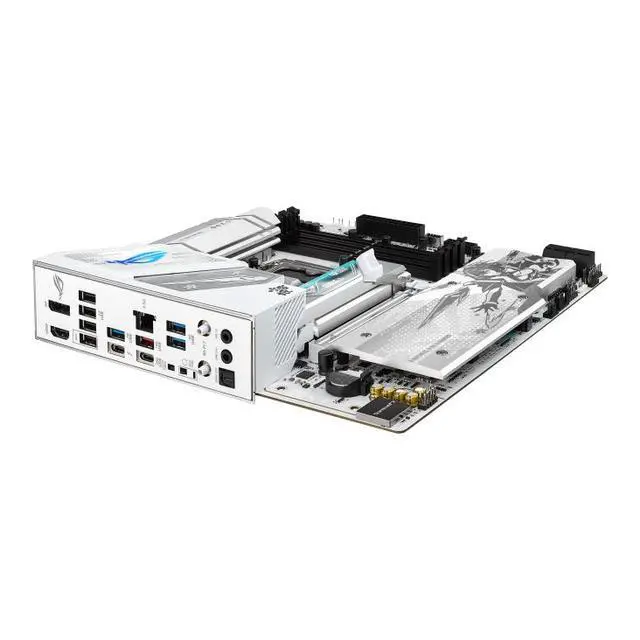
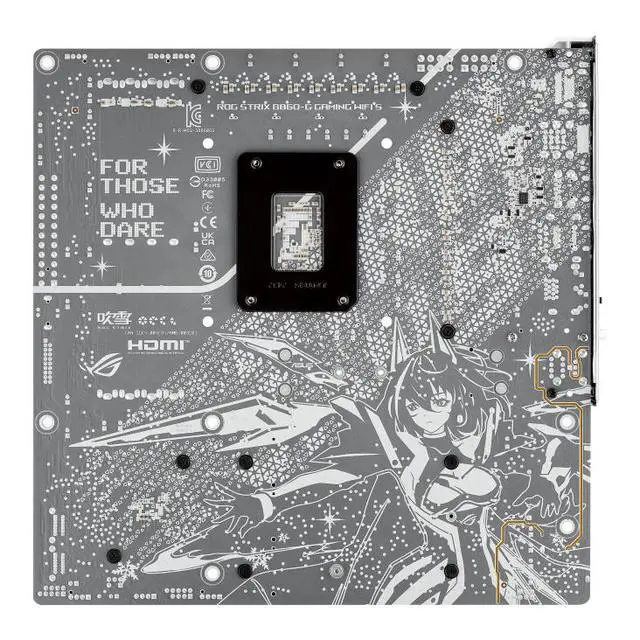
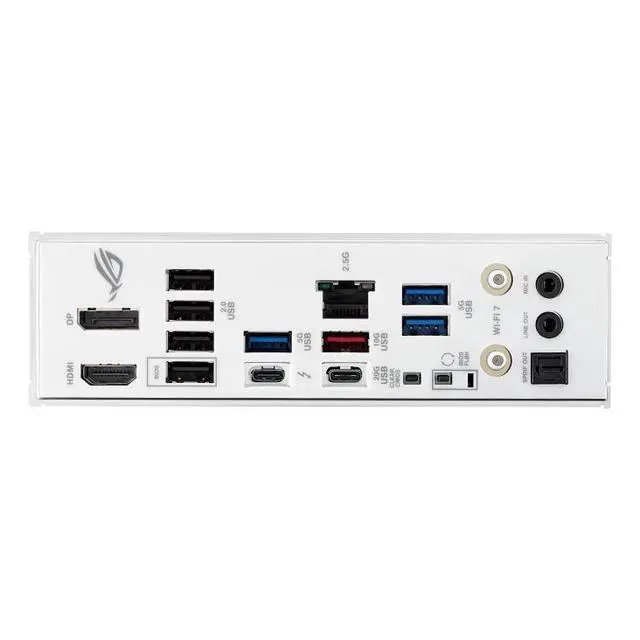
The ASUS ROG STRIX B860-G GAMING WIFI S is a feature-rich mATX motherboard for Intel Core Ultra Series 2 desktop builds using the LGA 1851 socket. It suits performance-focused gamers and enthusiasts who want DDR5 support, PCIe 5.0, four M.2 slots, strong power delivery, Thunderbolt 4, and USB Type-C connectivity.
| Attribute | Value |
|---|---|
| Best For | Intel LGA 1851 compact systems using DDR5 memory and multiple M.2 storage drives |
Q: ASUS ROG STRIX B860-G GAMING WIFI S vs ASUS PRIME B860M-A WIFI: which should I buy?
A: Choose the ROG STRIX B860-G GAMING WIFI S when you need four M.2 slots, Wi-Fi 7, Thunderbolt 4, stronger enthusiast-oriented power delivery, and a larger rear-I/O selection. Choose the PRIME B860M-A WIFI when two M.2 slots, Wi-Fi 6E, and a simpler feature set meet your needs. Both use the LGA1851 socket, Intel B860 chipset, DDR5 memory, and a micro-ATX layout. ([rog.asus.com](https://rog.asus.com/us/motherboards/rog-strix/rog-strix-b860-g-gaming-wifi/spec/))
Q: Should I choose the ROG STRIX B860-G or upgrade to a Z890 motherboard?
A: Choose the ROG STRIX B860-G if you want a compact Core Ultra Series 2 system with memory overclocking, PCIe 5.0 graphics and storage support, four M.2 slots, and high-speed connectivity. Choose a Z890 motherboard if you plan to tune the CPU or BCLK, because Intel lists B860 for memory overclocking while Z890 supports IA, BCLK, and memory overclocking. Z890 boards are also commonly offered in full ATX layouts, which can provide more expansion space. ([intel.com](https://www.intel.com/content/www/us/en/ark/products/series/46645/desktop-chipsets.html))
Q: Is the ASUS ROG STRIX B860-G worth upgrading to from the B760-G GAMING WIFI?
A: Upgrade to the ROG STRIX B860-G when moving to Intel Core Ultra Series 2 and when you need newer platform connectivity. Compared with the B760-G, it changes from LGA1700 to LGA1851, increases supported DDR5 capacity from 192GB to 256GB, expands storage from two M.2 slots to four, adds Wi-Fi 7 instead of Wi-Fi 6E, and includes a rear Thunderbolt 4 port. Stay with the B760-G if your existing LGA1700 processor and two-drive storage setup already meet your requirements. ([rog.asus.com](https://rog.asus.com/us/motherboards/rog-strix/rog-strix-b860-g-gaming-wifi/spec/))
Q: Is the ROG STRIX B860-G better for a compact PC than a full-size ATX motherboard?
A: Choose the ROG STRIX B860-G for a compact performance-focused build because it uses a 9.6-by-9.6-inch micro-ATX layout while retaining four M.2 slots, a PCIe 5.0 x16 slot, Wi-Fi 7, 2.5Gb Ethernet, and Thunderbolt 4. Choose a full-size ATX board when you need more expansion slots or additional board space for add-in cards. Community discussions also identify the B860-G’s compact dimensions and four-drive storage support as key reasons to use it in space-saving cases. ([rog.asus.com](https://rog.asus.com/us/motherboards/rog-strix/rog-strix-b860-g-gaming-wifi/spec/))
Q: Is this motherboard compatible with Intel Core Ultra Series 2 processors?
A: Yes. The ASUS ROG STRIX B860-G GAMING WIFI S uses the Intel LGA 1851 socket and is designed for Intel Core Ultra Series 2 desktop processors. The supplied information does not specify the installed BIOS version, so checking ASUS CPU and BIOS support details before installation is recommended.
Q: How many M.2 SSDs can this motherboard support?
A: It has four M.2 slots, allowing a system to use multiple NVMe or other compatible M.2 storage devices. The supplied product information identifies PCIe 5.0 support but does not specify the interface generation or SATA-mode support for each individual M.2 slot, so users should check the manual before planning a specific storage layout.
Q: What type and amount of memory does this motherboard support?
A: The board uses DDR5 memory and has four DIMM slots with support for up to 256GB. Memory speeds up to 9066 MT/s are listed as overclocked speeds, so actual results depend on the memory kit, processor, BIOS settings, and system stability.
Q: Who is this motherboard suitable for?
A: It is suitable for users building a compact micro-ATX desktop around an Intel Core Ultra Series 2 processor, including gaming, content creation, and general high-performance workloads. Its four M.2 slots, DDR5 support, PCIe 5.0 capability, Thunderbolt 4, and reinforced power design favor users who want substantial storage and connectivity in a smaller motherboard format. Users needing many expansion slots or a larger multi-card workstation may prefer a full-size motherboard.
Q: Can the graphics card and one PCIe 5.0 M.2 SSD run at full speed at the same time?
A: For a build using one PCIe 5.0 graphics card and one PCIe 5.0 M.2 SSD, Reddit discussion indicates the expected configuration is x16 for the GPU and x4 for the SSD. Adding more M.2 drives may change lane allocation, so verify the motherboard manual for the exact slot combination.
Q: Is the four-M.2 design worth the trade-off of limited PCIe expansion?
A: The board provides four M.2 slots, but Reddit discussion identifies its limited add-in-card expansion as a key trade-off, including the loss of a second PCIe x16 slot. It is a better fit for users prioritizing multiple NVMe drives over capture cards, expansion cards, or multi-card configurations.
Q: Will a DDR5-6000 memory kit run with XMP on this motherboard?
A: DDR5-6000 is within the board's supported memory range, but XMP operation depends on the exact kit, CPU, BIOS version, and memory configuration. Check ASUS's memory QVL before buying; if a kit is not listed, it may still work, but its rated XMP speed is not guaranteed.
Q: Is the ASUS ROG STRIX B860-G GAMING WIFI S suitable for a compact high-end gaming PC?
A: Yes, it is suited to compact LGA 1851 gaming builds that need mATX dimensions, DDR5 support, PCIe 5.0, multiple M.2 slots, and Thunderbolt 4. The main limitation is expansion: users needing multiple PCIe add-in cards should consider a larger board with more slots.


