





We Are Magenius!

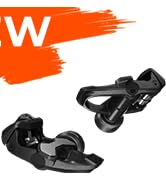
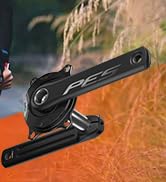
Magene 2025 New Power Meter
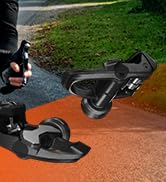
Lead to the Ridge of Cycling

“Magene” is a combined word of “magnetic” and “gene”, which means that Magene is a technology company possessing magnetic gene.
Founded in December 2015, Magene has always been committed to the development of intelligent, interesting and information-based cycling sports.

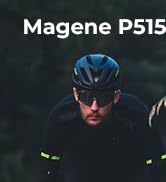


Fuel Your Desire for Speed
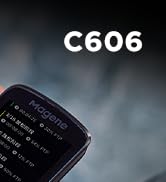
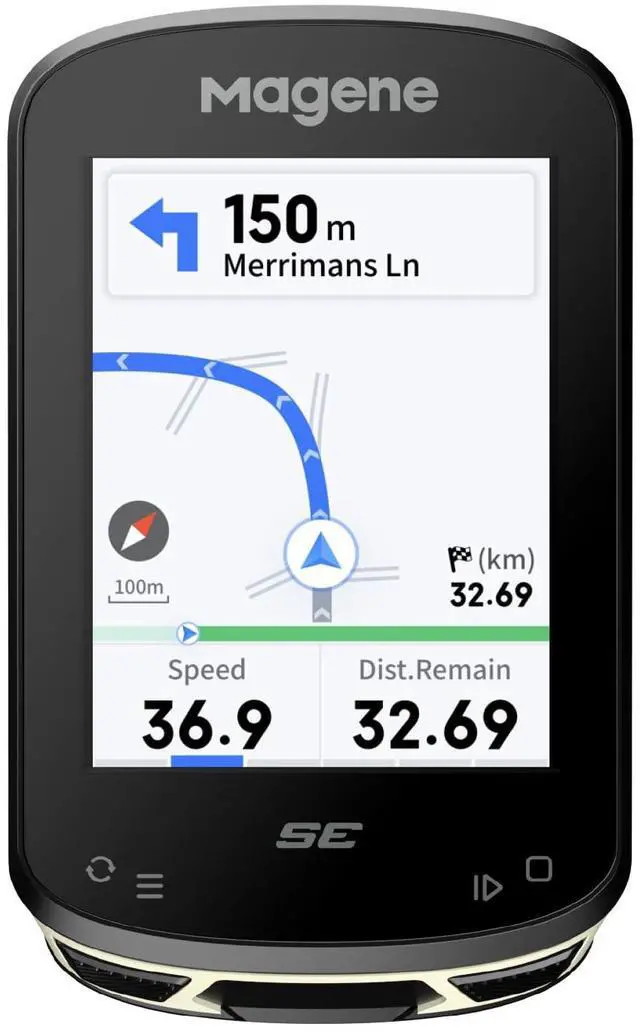
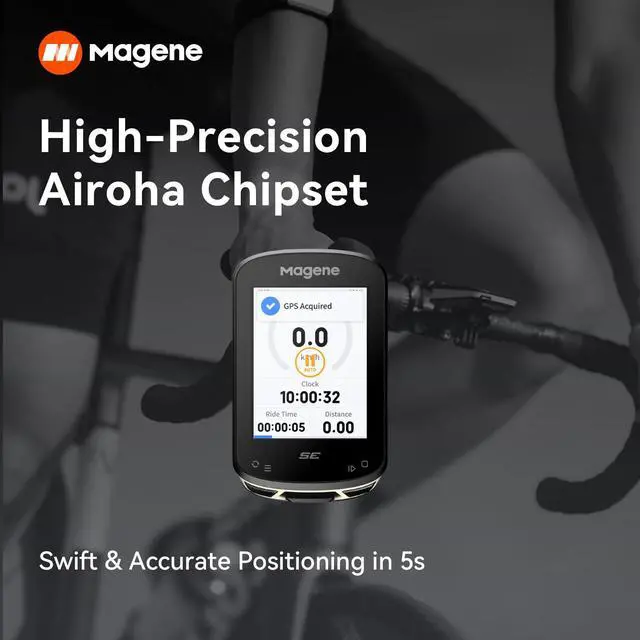
Smart GPS Computer



NEW RELEASE
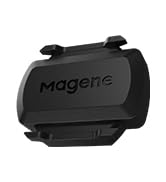
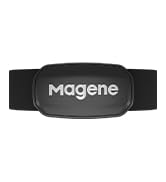
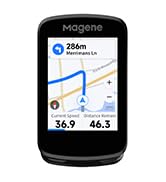
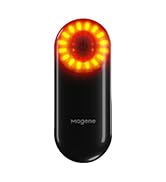
Magene innovation for cycling
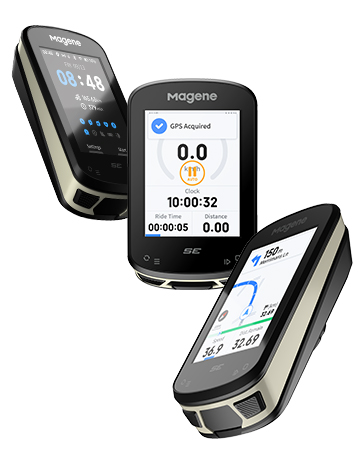
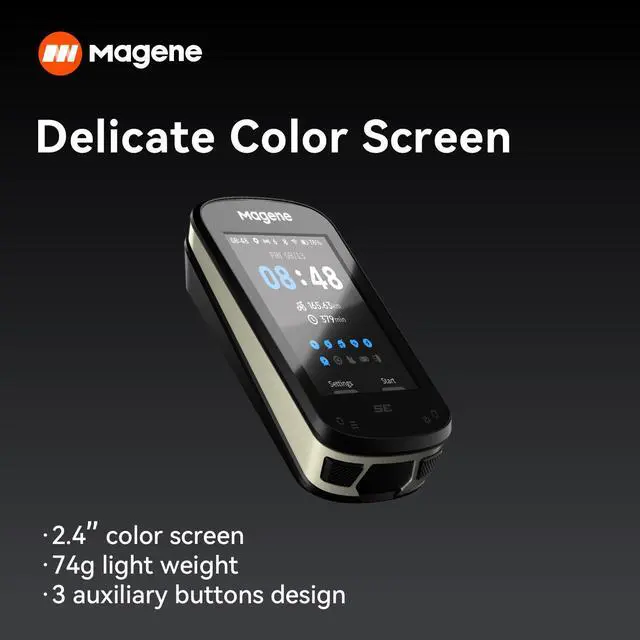
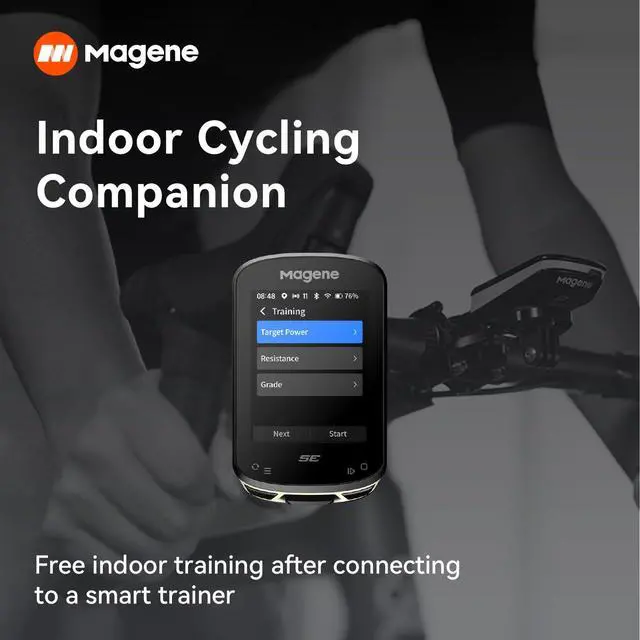
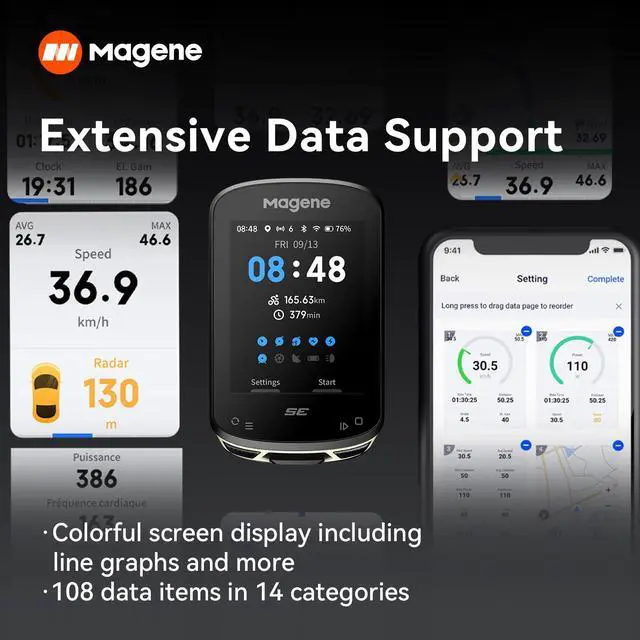
Magene C506SE
What makes our products unique?
Focusing on user needs and oriented by the development trend of cycling, Magene applies cutting-edge R&D technologies, innovative scientific and technological products and smart sports equipment to both outdoor and indoor cycling scenes, so as to create excellent and pleased cycling experience for users in a scientific way
Why do we love what we do?
Our vision:To be the leading brand for smart-cycling ecosystem
Our mission:Enable cyclists to have a safe, easy-to-use, enjoyable biking experience


Can the bike computer provide full map navigation, and how many routes can I keep on it?
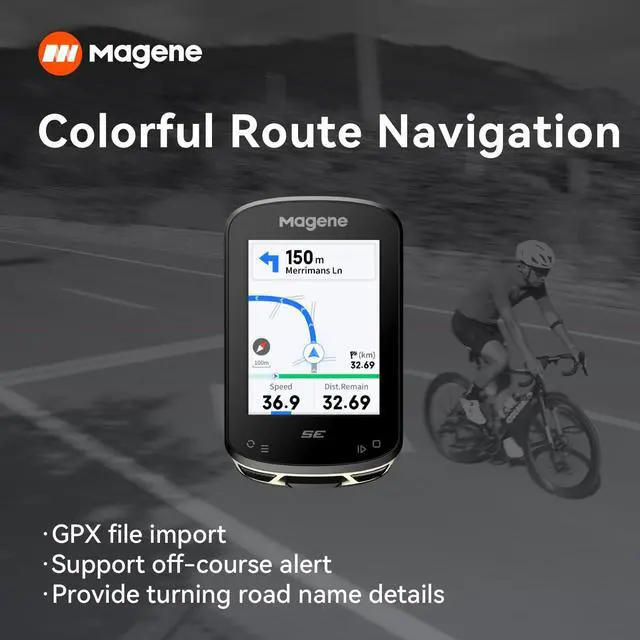
The C506SE does not come with map browsing or street display functions. Navigation works through GPX tracks. You can upload routes of up to 300 km in length, with storage space for four tracks at the same time.
Does it work directly with Komoot?
Not directly. You can create a route in Komoot, export it as a GPX file, load that file onto the C506SE, and follow it during your ride. Afterward, you can take the FIT file from the device and upload it back into Komoot to save your activity.
Why don’t I see fork or junction details on some roads?
This happens because certain mapping resources may not include every small road segment. When data is missing, the device cannot show fork or intersection details at those points.
The speed readings seem off after I installed a speed sensor—why?
Speed is based on sensor data; set wheel circumference manually, as the C506SE doesn’t auto-calibrate.
Is the Magene C506SE difficult to operate?
No, the interface is designed to be straightforward. If you ever run into difficulties—such as pairing your phone, setting up your profile, or connecting sensors—our support team is ready to guide you step by step.
Magene GPS Bike Computer
 Magene C506SE |  Magene C506 |  Magene C606 |  S3 Cadence Sensor |  H303 |  L508 |  L308 | |
|---|---|---|---|---|---|---|---|
Customer Reviews | — | — | — | — | — | — | — |
Price | — | — | — | — | — | — | — |
Display(Inch) | 2.4" Color Screen | 2.4" Color Touchscreen | 2.8" Color Touchscreen | — | — | — | — |
Battery Life(hr) | 24H | 24H | 28H | — | — | — | — |
Track Navigation | Turn-by-turn Route Navigation | Turn-by-turn Map Navigation | Turn-by-turn Map Navigation | — | — | — | — |
Wireless Protocol | WiFi ANT+ Bluetooch | WiFi ANT+ Bluetooch | WiFi ANT+ Bluetooch | — | — | — | — |
Off-course Alert | ? | ? | ? | ? | ? | ? | ? |
Free Training | ? | ? | ? | ? | ? | ? | ? |
Auto Backlight | ? | ? | ? | ? | ? | ? | ? |
Lap Counting | ? | ? | ? | ? | ? | ? | ? |
Ambient Light Sensor | ? | ? | ? | ? | ? | ? | ? |


Can the bike computer provide full map navigation, and how many routes can I keep on it?
The C506SE does not come with map browsing or street display functions. Navigation works through GPX tracks. You can upload routes of up to 300 km in length, with storage space for four tracks at the same time.
Does it work directly with Komoot?
Not directly. You can create a route in Komoot, export it as a GPX file, load that file onto the C506SE, and follow it during your ride. Afterward, you can take the FIT file from the device and upload it back into Komoot to save your activity.
Why don’t I see fork or junction details on some roads?
This happens because certain mapping resources may not include every small road segment. When data is missing, the device cannot show fork or intersection details at those points.
The speed readings seem off after I installed a speed sensor—why?
Speed is based on sensor data; set wheel circumference manually, as the C506SE doesn’t auto-calibrate.
Is the Magene C506SE difficult to operate?
No, the interface is designed to be straightforward. If you ever run into difficulties—such as pairing your phone, setting up your profile, or connecting sensors—our support team is ready to guide you step by step.
Magene GPS Bike Computer
Magene C506SE | Magene C506 | Magene C606 | S3 Cadence Sensor | H303 | L508 | L308 |
|---|---|---|---|---|---|---|
| Customer Reviews | ||||||
| — | — | — | — | — | — | — |
| Price | ||||||
| — | — | — | — | — | — | — |
| Display(Inch) | ||||||
| 2.4" Color Screen | 2.4" Color Touchscreen | 2.8" Color Touchscreen | — | — | — | — |
| Battery Life(hr) | ||||||
| 24H | 24H | 28H | — | — | — | — |
| Track Navigation | ||||||
| Turn-by-turn Route Navigation | Turn-by-turn Map Navigation | Turn-by-turn Map Navigation | — | — | — | — |
| Wireless Protocol | ||||||
| WiFi ANT+ Bluetooch | WiFi ANT+ Bluetooch | WiFi ANT+ Bluetooch | — | — | — | — |
| Off-course Alert | ||||||
| ? | ? | ? | ? | ? | ? | ? |
| Free Training | ||||||
| ? | ? | ? | ? | ? | ? | ? |
| Auto Backlight | ||||||
| ? | ? | ? | ? | ? | ? | ? |
| Lap Counting | ||||||
| ? | ? | ? | ? | ? | ? | ? |
| Ambient Light Sensor | ||||||
| ? | ? | ? | ? | ? | ? | ? |
We Are Magenius!
Magene 2025 New Power Meter
Lead to the Ridge of Cycling
“Magene” is a combined word of “magnetic” and “gene”, which means that Magene is a technology company possessing magnetic gene.
Founded in December 2015, Magene has always been committed to the development of intelligent, interesting and information-based cycling sports.
Fuel Your Desire for Speed
Smart GPS Computer
NEW RELEASE
Magene innovation for cycling
Magene C506SE
What makes our products unique?
Focusing on user needs and oriented by the development trend of cycling, Magene applies cutting-edge R&D technologies, innovative scientific and technological products and smart sports equipment to both outdoor and indoor cycling scenes, so as to create excellent and pleased cycling experience for users in a scientific way
Why do we love what we do?
Our vision:To be the leading brand for smart-cycling ecosystem
Our mission:Enable cyclists to have a safe, easy-to-use, enjoyable biking experience