




 here!
here!
I’m your shopping assistant for PC builds, upgrades, and everything tech.
Got questions? Ask away!
Start a conversation
here!
I’m your shopping assistant for PC builds, upgrades, and everything tech.
Got questions? Ask away!
Start a conversation Top Rated Top Rated Top Rated








Any questions? Ask CelesteSM will help you find out quickly.
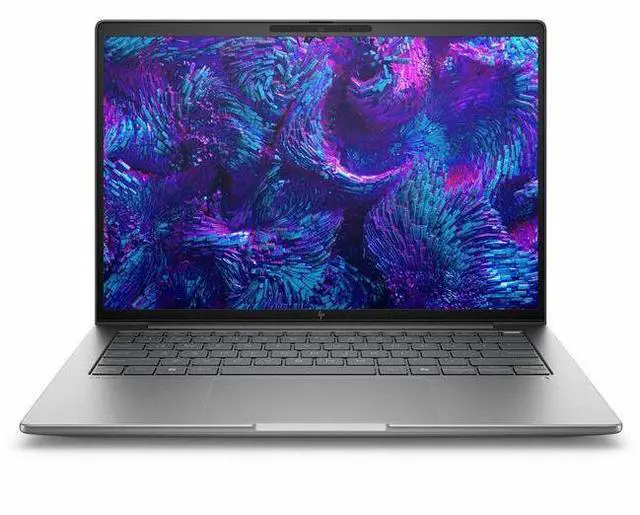
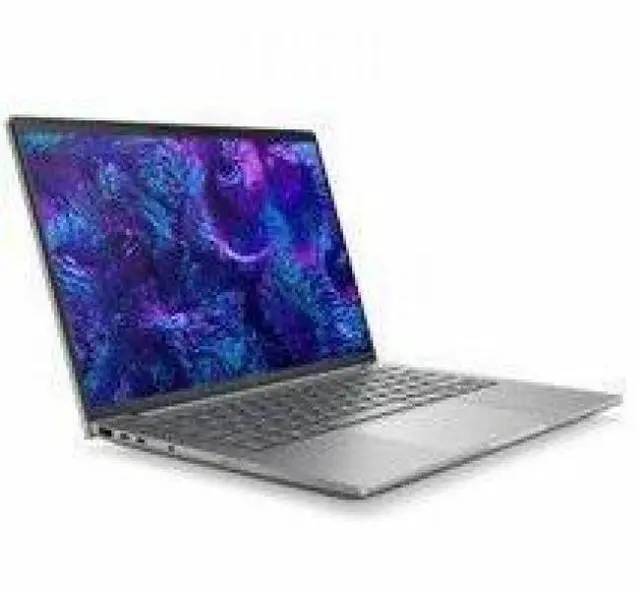
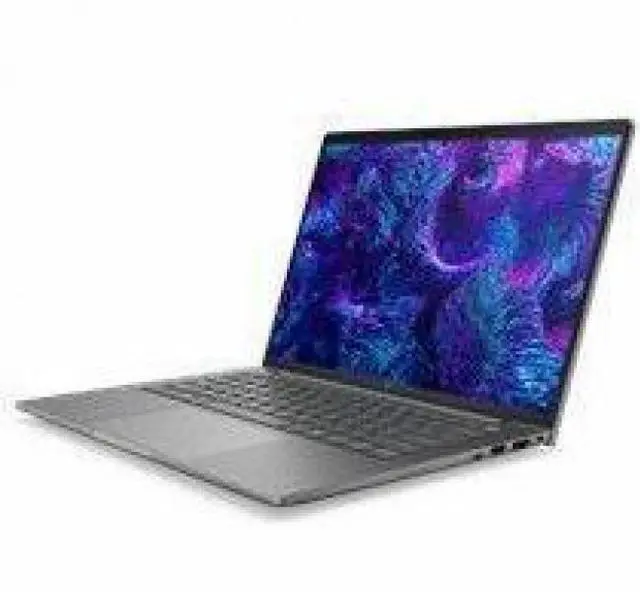
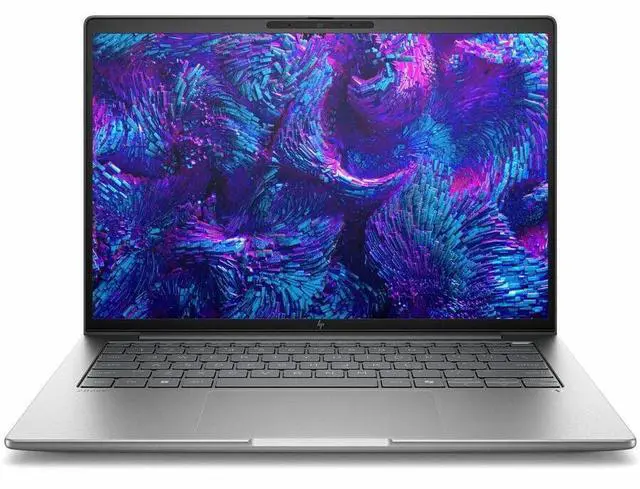
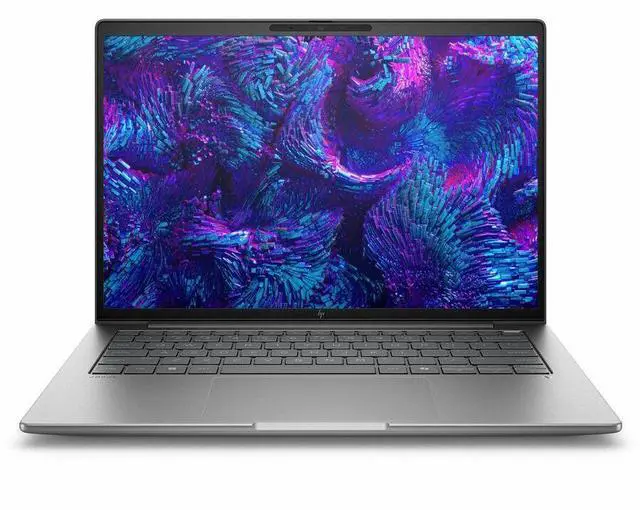
The HP ZBook 8 G1i is a 14-inch mobile workstation with an Intel Core Ultra 5 235H, 16GB DDR5 memory, and 512GB SSD, making it a strong fit for professionals and students who need a portable Windows 11 Pro system for productivity, business apps, light creative work, and everyday multitasking.
| Attribute | Value |
|---|---|
| Best For | 14-inch mobile workstation for business and professional workflows that need a portable WUXGA display and integrated Intel Arc graphics |
| Processor And Core Count | Intel Core Ultra 5 235H (Series 2) processor, single-processor configuration, up to 5 GHz turbo and 18 MB L3 cache |
| GPU And VRAM | Integrated Intel Arc 140V graphics; graphics RAM type reported as DDR5 SDRAM |
| Display Spec | 14.0" WUXGA (1920 x 1200) IPS display, 60 Hz refresh, 300 nit maximum brightness, 62% sRGB color gamut |
| Memory Configuration | 16 GB DDR5 (DDR5 SDRAM) installed; 2 memory slots; supports up to 64 GB maximum |
| Storage And Expansion | 512 GB solid-state drive (M.2 form factor, M.2 interface) |
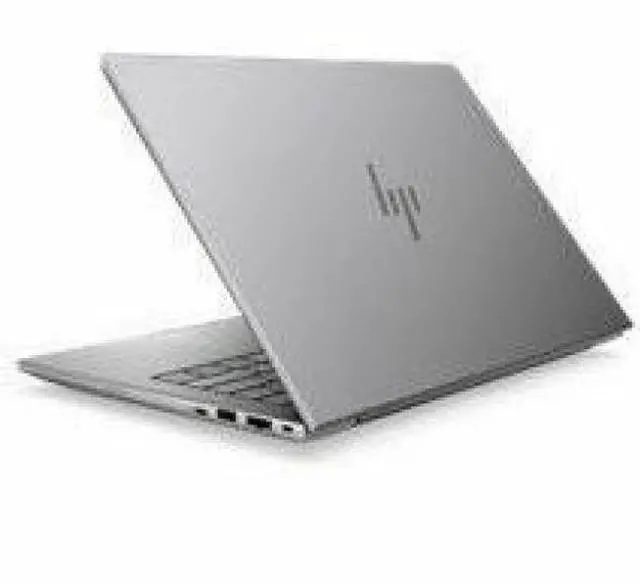
| High Speed I O | 2x Thunderbolt, 1x HDMI, 2x USB (total USB ports: 2) — total physical ports reported as 5; video output via HDMI and Thunderbolt |
| Battery And Power | 8-cell Lithium Polymer battery included (battery weight 10.58 oz); power adapter and power cord included in box |
| Wired And Wireless Networking | Wi‑Fi 7 (802.11be) wireless LAN with compatibility noted for 802.11ax and 802.11ac; Bluetooth supported |
| Webcam And Privacy | 5 megapixel front-facing webcam |
| Keyboard And Control | Backlit English keyboard with capacitive touchpad |
| Portability | 3.15 lb; device dimensions 12.4" x 8.7" x 0.74" (W x D x H); Meteor Silver finish |
| External Display And Docking Fit | Supports external monitors and docking via HDMI and two Thunderbolt ports; compatible with external displays and common USB/Bluetooth peripherals |
| Model Identifiers | HP ZBook 8 G1i (Model/Part BP6N5UT#ABA) — Hewlett Packard / ZBook series |
| Package Contents | ZBook 8 G1i 14 Mobile Workstation PC (Wolf Pro Security Edition), Lithium Polymer Battery, Power Adapter, Power Cord |
| Security And AI Features | vPro technology and AI Boost features; Windows Defender listed as included security software |
Q: Should I choose the HP ZBook 8 G1i 14 with Intel Arc graphics or a 14-inch workstation with NVIDIA RTX A500/RTX 500 graphics?
A: Choose this ZBook 8 G1i configuration when your work is mostly CPU-heavy office, coding, analysis, light creative work, or lighter CAD workloads and you want a thinner 14-inch workstation without stepping up to discrete graphics. Choose an RTX-equipped alternative when your apps benefit from certified NVIDIA workstation drivers or when 3D, viewport, GPU rendering, and heavier visual workloads matter more. HP positions the ZBook 8 G1i line with both integrated Intel Arc and optional RTX 500 variants, and review data on closely related 14-inch ZBooks shows the NVIDIA class is meaningfully stronger in graphics-focused testing while the integrated-Arc model remains viable for lighter workstation use.
Q: Is the HP ZBook 8 G1i 14 a better pick than the older HP ZBook Firefly 14?
A: Yes, if you want the newer platform and more upgrade-friendly workstation design. The ZBook 8 G1i is the successor to the Firefly line, and review coverage highlights a second cooling fan plus continued support for two SO-DIMM memory slots and a modular M.2 SSD. That makes it the better choice for buyers who value serviceability and newer Intel Core Ultra 200H options. A Firefly 14 can still make sense if you specifically want an older RTX A500-equipped configuration and find it at a better price.
Q: Should I buy this Core Ultra 5 235H / 16GB / 512GB ZBook 8 G1i or move up to a higher ZBook 8 G1i configuration?
A: Buy this configuration if you want the ZBook platform for professional Windows use, business security, and light workstation tasks without paying for GPU-heavy hardware. Move up if you plan to keep many large apps open, work with bigger datasets, run VMs, or do more frequent 3D and content-creation workloads. HP offers the ZBook 8 G1i with higher-tier CPUs, up to 64GB memory, and optional RTX 500 graphics, so the upgrade path is mainly about more multitasking headroom and stronger graphics rather than a different chassis category.
Q: Is the HP ZBook 8 G1i 14 better for portability or should I choose a larger performance-first workstation?
A: Choose the ZBook 8 G1i 14 if you want a workstation that stays travel-friendly and easier to carry daily. Your listed configuration is about 3.15 lb, and review coverage of higher-end ZBook 8 G1i 14 units still places the model in the lighter 14-inch workstation class. Choose a larger performance-first workstation if your priority is sustained GPU power, heavier rendering, or more desktop-like thermal headroom. In practice, the ZBook 8 G1i 14 is better aligned with mobile professional use than maximum mobile-workstation performance.
Q: Is this a good travel work laptop for business users who move between meetings, home, and the office?
A: Yes, it is a strong fit for mobile business use. The 14-inch size, 3.15 lb weight, 16GB RAM, 512GB SSD, Wi-Fi 7, webcam, and Windows 11 Pro make it well suited for travel, meetings, web apps, documents, and everyday multitasking. The main trade-off is that this configuration uses integrated Intel Arc graphics rather than a higher-end dedicated workstation GPU, so portability is stronger than raw graphics performance.
Q: Is it good for note-taking, video meetings, and general office work?
A: Yes. This configuration is well matched to Office apps, browser-based work, note-taking, email, and video calls. It has a Core Ultra 5 processor, 16GB memory, SSD storage, built-in webcam, and business-focused Windows 11 Pro. For these tasks, the hardware is comfortably above the baseline commonly recommended in business-laptop Q&A. It is less compelling if your workload regularly includes heavier editing, CAD, or GPU-intensive creation.
Q: Who is this HP ZBook 8 G1i configuration best suited for?
A: It is best suited for professionals who want a business-class 14-inch laptop with workstation branding, modern connectivity, and solid everyday performance, but who do not need a high-end discrete GPU. Good fits include consultants, analysts, project managers, engineers doing lighter workflows, and office users who value portability and Windows Pro features. It is a weaker fit for buyers whose main priority is intensive 3D rendering, large CAD assemblies, or advanced video production.
Q: Can it handle external monitors and a desk setup well enough for hybrid work?
A: Probably yes for a typical hybrid-work setup, especially for one or two external displays plus normal office accessories. This model includes HDMI and modern wireless connectivity, and similar business-laptop Q&A patterns show that multi-monitor support is a frequent buyer concern for this class. The practical trade-off is that monitor limits and dock behavior depend on the exact USB-C or Thunderbolt implementation, so buyers planning a complex multi-display setup should confirm the port spec before purchase.
Q: Is this better than a typical consumer 14-inch laptop for business use?
A: For business use, usually yes. Compared with a mainstream consumer 14-inch laptop, this ZBook configuration is a better fit if you want Windows 11 Pro, vPro, business security positioning, Wi-Fi 7, and a more work-focused feature set. The trade-off is value: a consumer laptop at a similar price may offer a higher-resolution display, touch, OLED, or more storage, while this model prioritizes business features and reliability-oriented positioning over entertainment-oriented extras.
Q: Is the HP ZBook 8 G1i a good fit for office work, coding, and travel?
A: Yes for professional everyday work. This configuration is well suited to office apps, web work, meetings, coding, and frequent travel because it is a 14-inch workstation-class laptop with a 3.15 lb chassis, Wi-Fi 7, a 1920x1200 IPS display, and Windows 11 Pro. The main trade-off is that this base model has 16GB RAM and integrated Intel Arc 140V graphics, so it is better for general professional workloads than for heavier GPU-dependent work.
Q: Who is the HP ZBook 8 G1i best for?
A: It is best for buyers who want a business laptop with workstation branding and better professional features than a typical mainstream office notebook, but who do not need a large dedicated GPU. This base version makes the most sense for analysts, developers, engineers with light 3D needs, IT users, and business users who want a portable Windows workstation rather than a gaming laptop.
Q: Is this base ZBook 8 G1i worth buying over a higher-end workstation?
A: It depends on workload. This model is a sensible buy if you want portability, business features, and workstation positioning without paying for a heavier system with dedicated professional graphics. It is not the best choice if your work depends on sustained 3D CAD, rendering, simulation, or other GPU-heavy tasks, because this specific configuration uses integrated Intel Arc 140V graphics and only 16GB of memory.
Q: What are the main trade-offs of the HP ZBook 8 G1i 14-inch model?
A: The main trade-offs are performance headroom and upgrade margin versus portability. This configuration is light and business-friendly, but it pairs a 60Hz 1920x1200 display, 16GB RAM, 512GB SSD, and integrated graphics, so buyers should expect practical everyday performance rather than high-end mobile workstation capability. It is a better match for mobile professional work than for demanding graphics or long-term heavy multitasking growth.
Q: Is the HP ZBook 8 G1i a quiet laptop?
A: Not if low fan noise is your top priority. Community discussion around the ZBook 8 line suggests it stays reasonable for light office use but becomes noticeably louder under heavier work, which is typical for thin mobile workstations. If quiet operation matters more than workstation features, this is a trade-off to weigh carefully.


