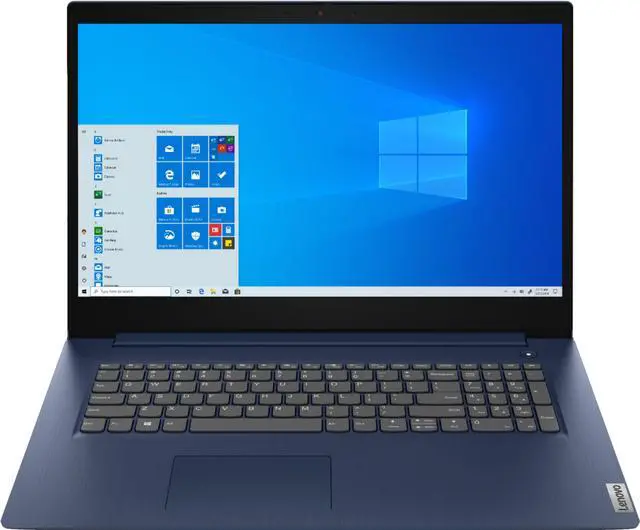
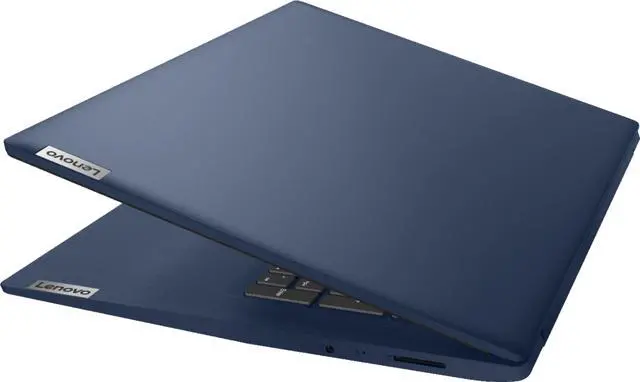
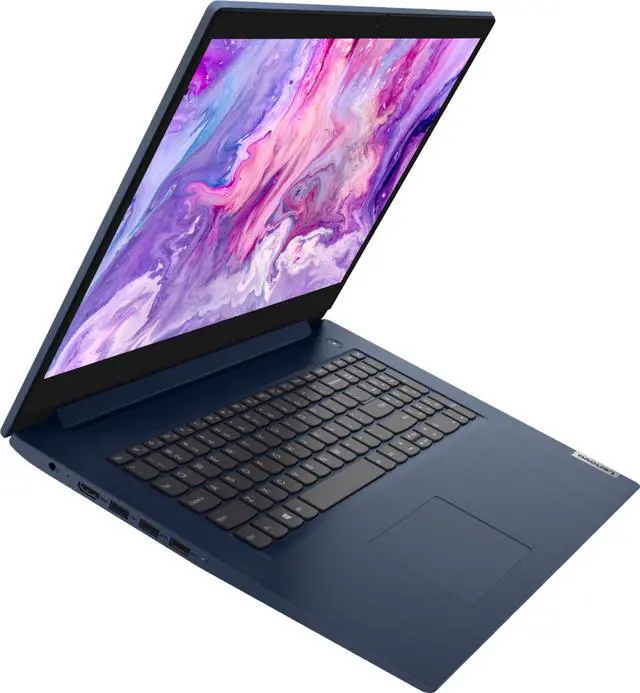
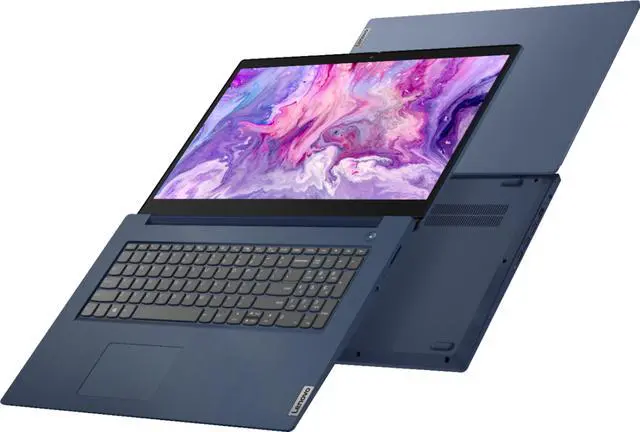
This computer is sold with 8G RAM and 1TBHDD configuration. This computer is listed above with no modifications, and the item will be unopened, in its original manufacturer box, and untested.
How to switch s mode to windows 10
1. On your PC running Windows 10 in S mode, open Settings > Update & Security > Activation.
2. In the Switch to Windows 10 Home or Switch to Windows 10 Pro section, select Go to the Store. (If you also see an " Upgrade your edition of Windows" section, be careful not to click the " Go to the Store" link that appears there)
3. On the Switch out of S mode (or similar) page that appears in the Microsoft Store, select the Get button. After you see a confirmation message on the page, you'll be able to install apps from outside of the Microsoft Store
Display: 17.3" diagonal, HD+ (1600 x 900)
Processor: 10th Generation Intel Core i5-1035G1, Quad-Core
Processor Speed: 1.0 GHz
Graphics: Intel® UHD Graphics
Operating system: Windows 10 Home in S mode
Ram and Storage: 8GB RAM and 1TBHDD
Webcam: Built-in HD webcam with dual array microphone
Audio: Dolby Audio, High Definition Audio
Network: Wireless-AC and Bluetooth 5.0
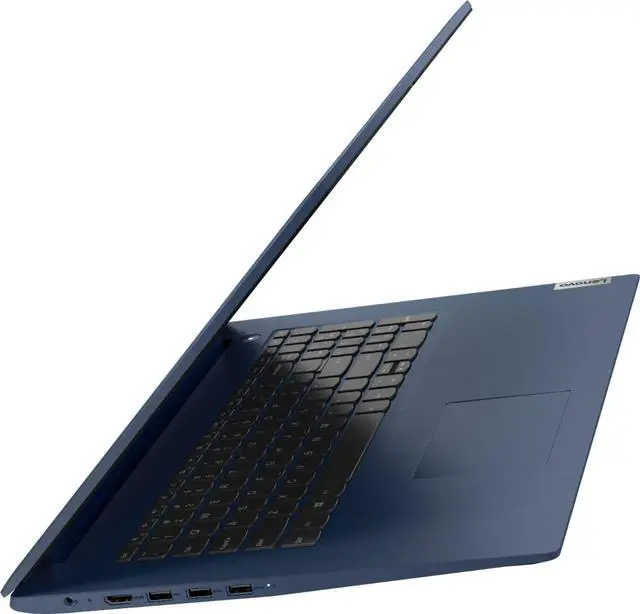
Ports:
2 X USB 3.0
1 X USB 2.0
1 X HDMI
1 x Headphone/microphone combo jack
Dimensions: 15.83 X 11.07 X 0.78
Weight: 4.84 lb
Color: Abyss Blue