



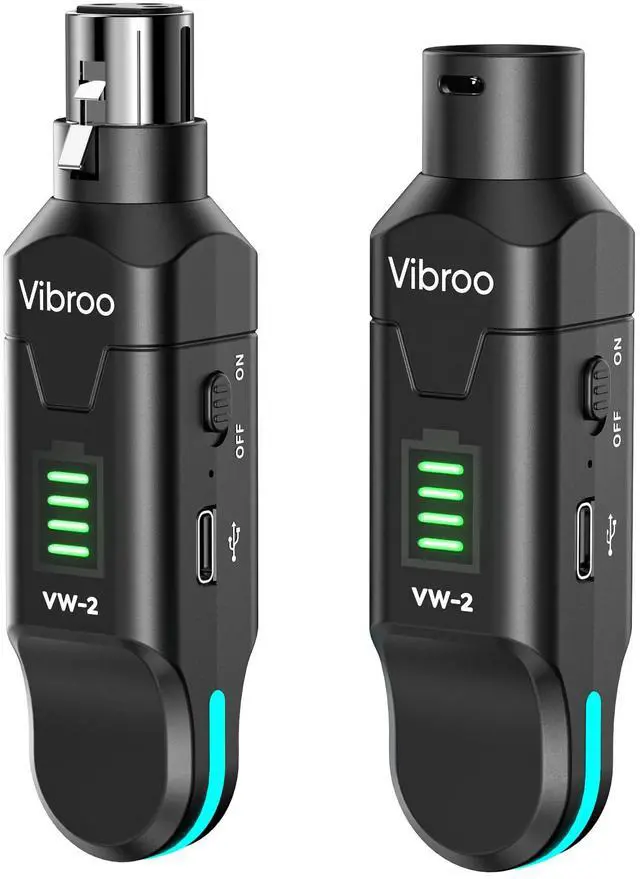
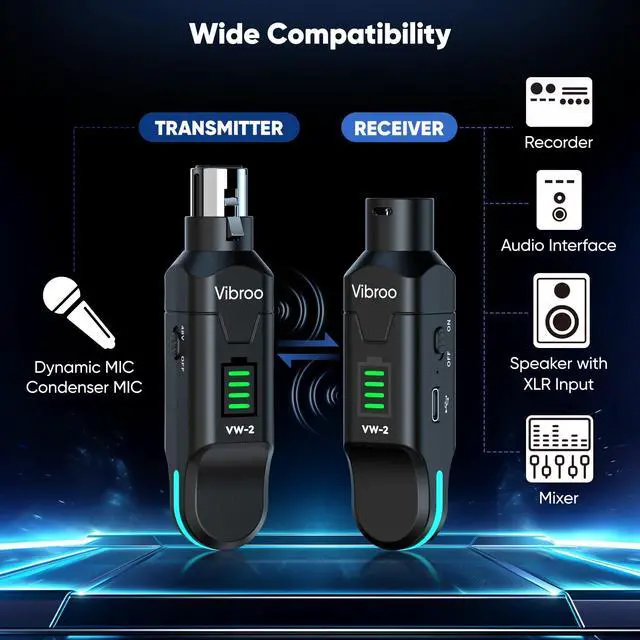
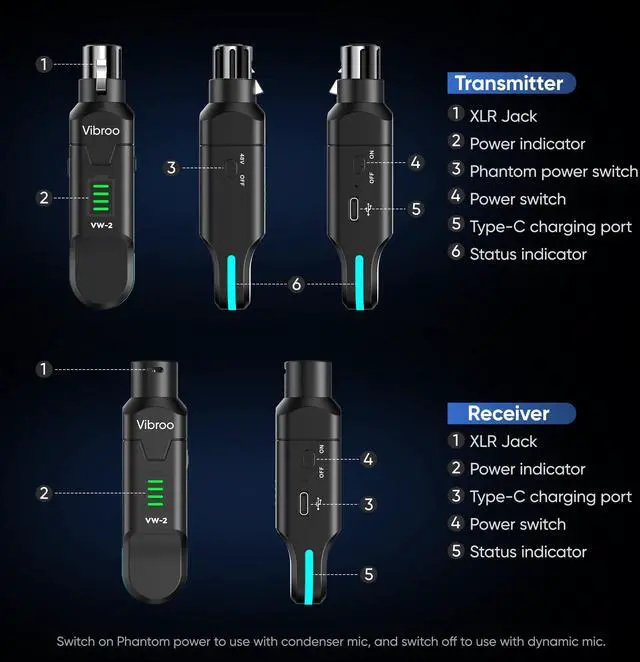
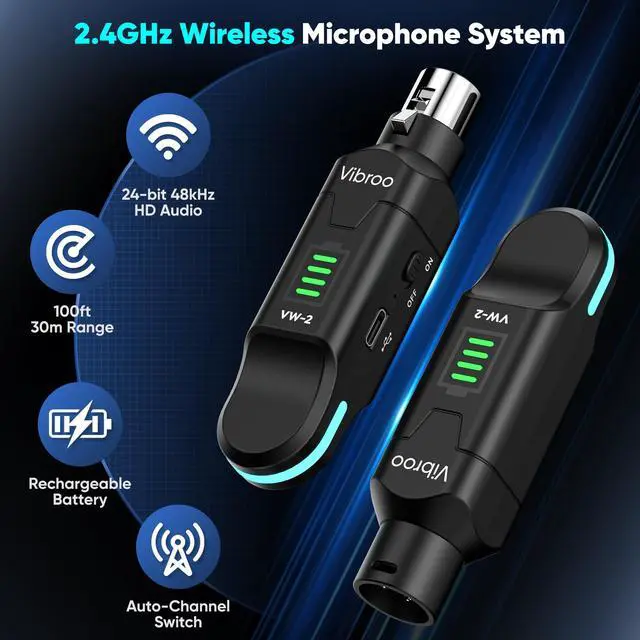


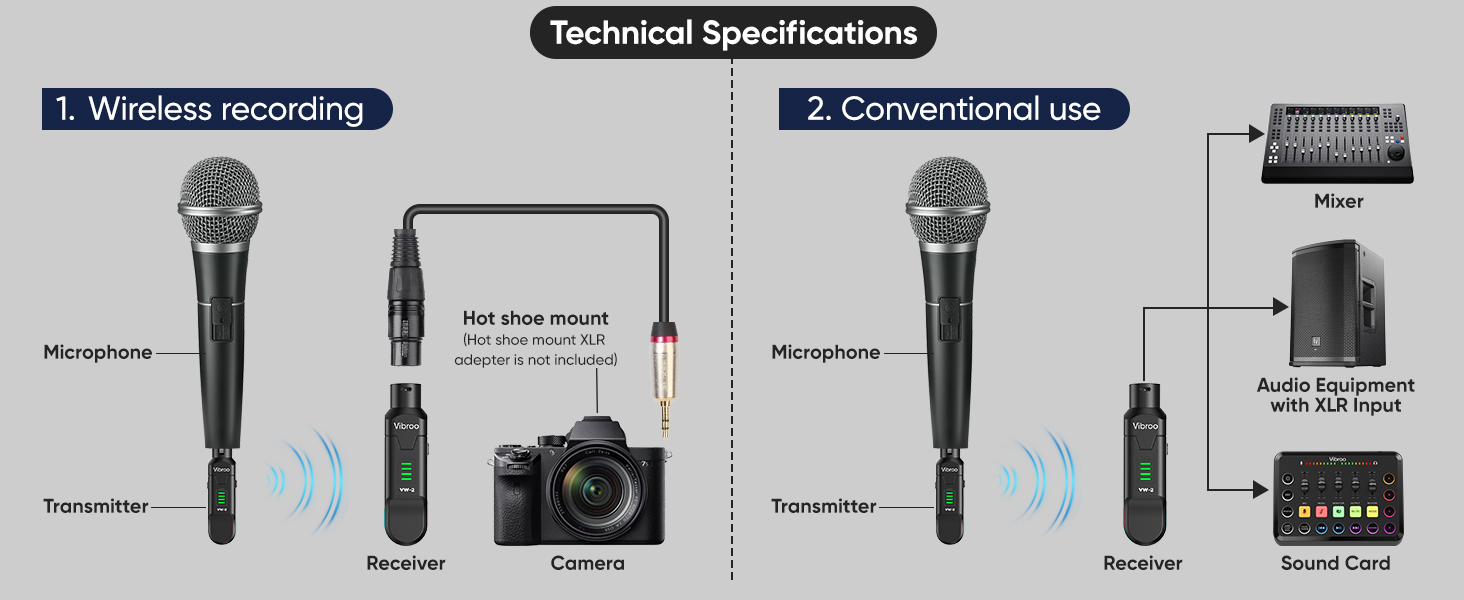
Wireless Microphones and Receiver
How can I reduce background noise while using the wireless microphones and receiver?
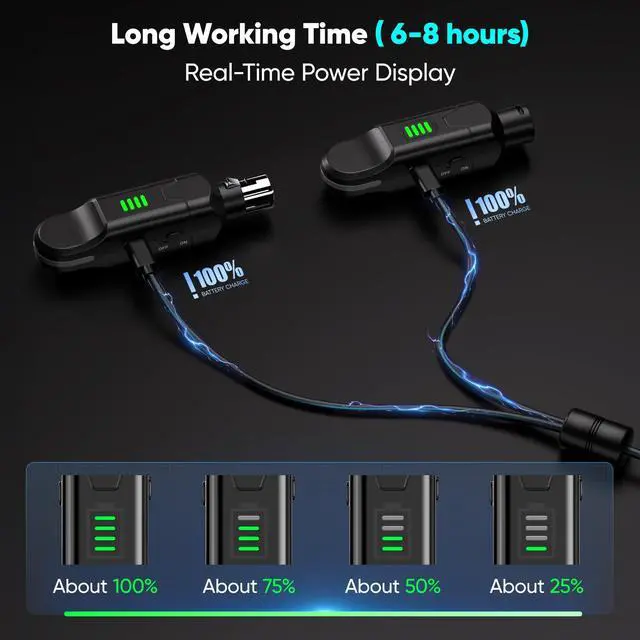
1. Ensure the battery is fully charged. 2. Check if the XLR jack and connected devices show signs of damage or loose connections. 3. Optimise the gain settings. 4. Keep the system away from routers, fluorescent lights, or other EM-emitting devices.
How do I resolve intermittent audio drops or unstable signals?
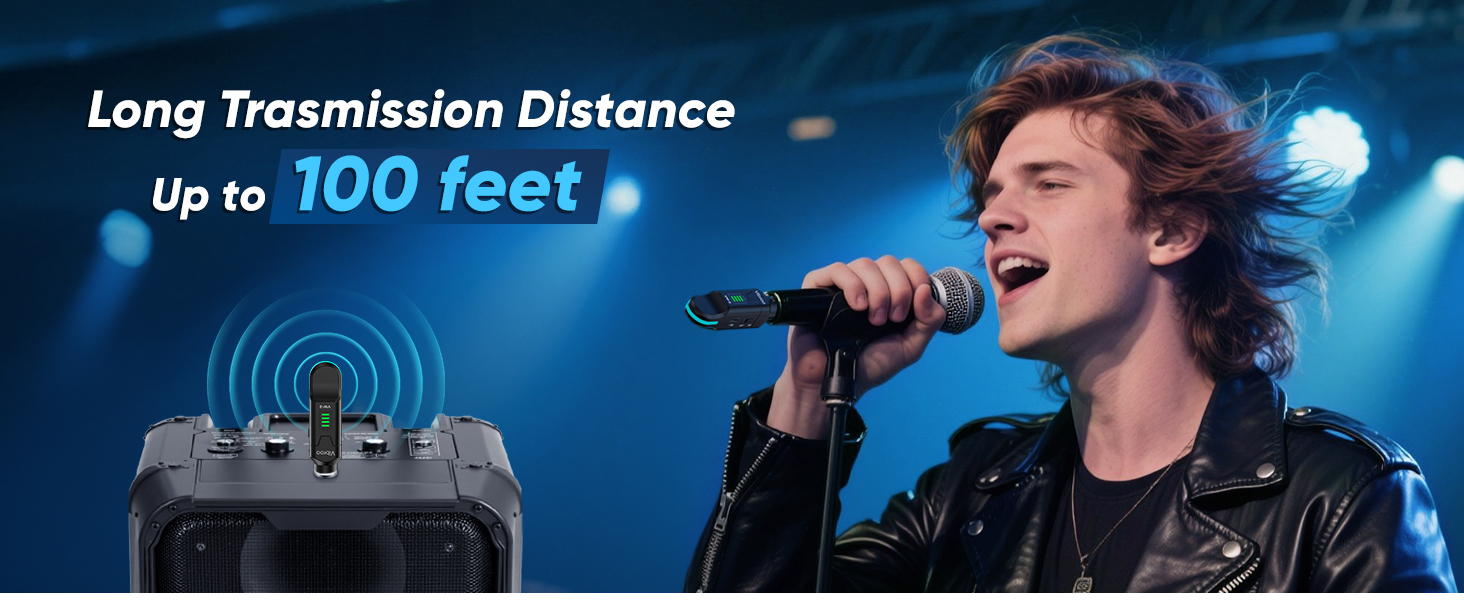
. Check distance/obstacles: Keep receiver/transmitter within range.Avoid walls/metal blocking signals
2. Avoid interference: Stay clear of Wi-Fi, Bluetooth, microwaves. Turn off unused wireless devices during use.
Why does my wireless audio quality seem subpar?
1. Check the audio input/output. Test the microphone/input for sound quality. Try using different microphones/sources.
2. Adjust the gain/levels. Check the gain to avoid distortion. Set the levels to achieve balanced audio.
What should I do if I have any product issues?
Please do not hesitate to reach out to us. We will provide assistance.
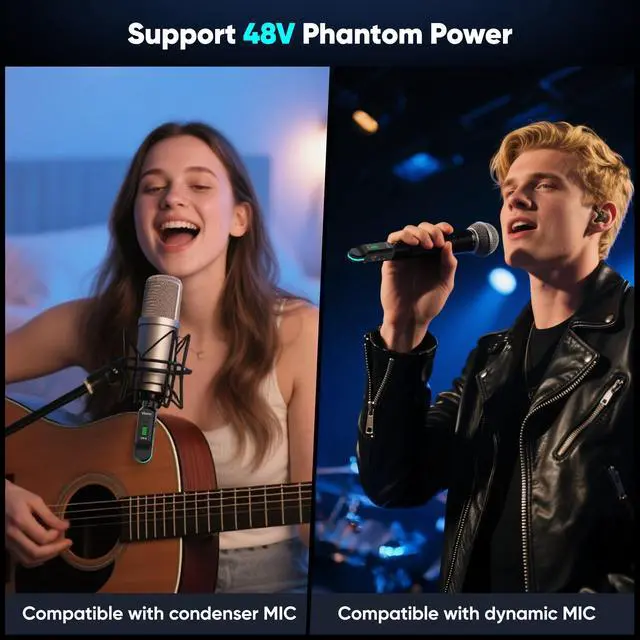
Technical Clarification on Phantom Power Labeling "48V"
Many people in the audio industry think that 48V is the standard for phantom power for condenser microphones. However, the VW-2 is designed to support condenser microphones that need 24V or less.
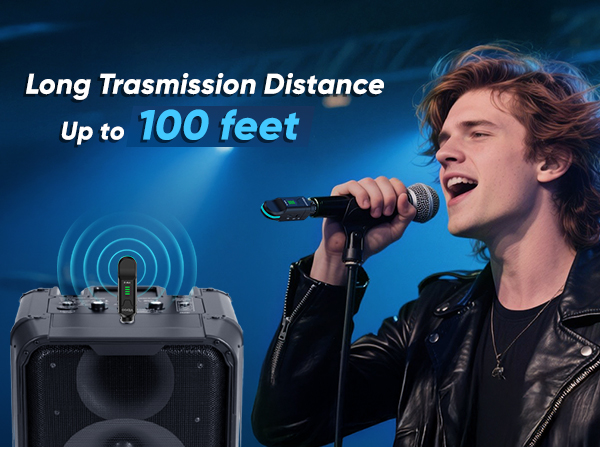
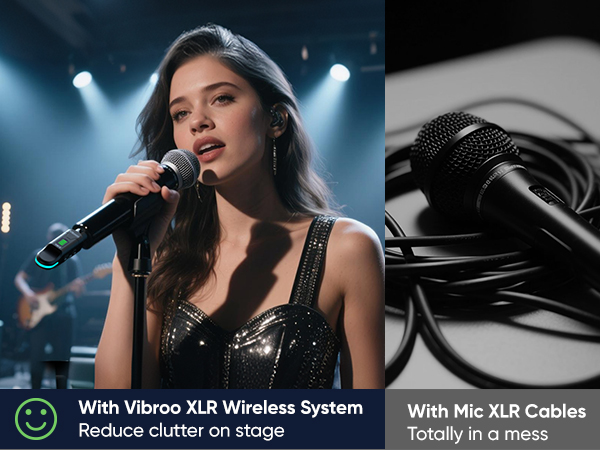
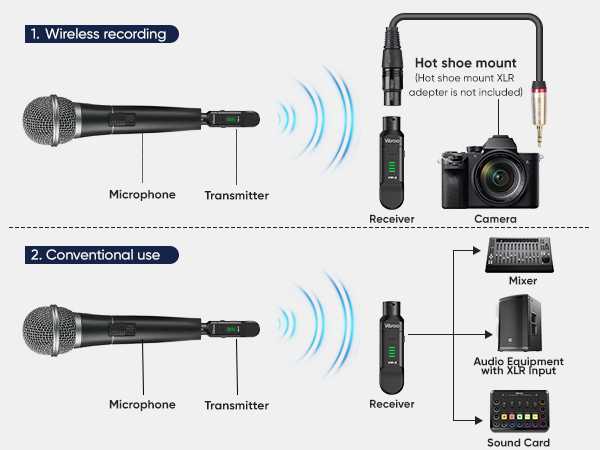
Wireless Microphones and Receiver
| Power Source | Rechargeable battery |
|---|---|
| Transmission power | 10dBm |
| Reception Sensitivity | 85dBm |
| Working frequency | 2.4GHz ISM band |
| Anti-jamming method | Frequency hopping |
| Signal distortion | <0.02% |
| Gain | 10dB |
| SNR | 105dB |
| Frequency response | 20Hz-20kHz |
| Delay time | 16ms |
| Sampling rate | 24-bit /48kHz |
| Input lmpedance | 3.3K |
| Port's type | Transmitter XLR female port, Receiver XLR male port |
| Package included | Wireless transmitter*1, wireless receiver*1, charging cable*1 , (Hot shoe mount XLRadapter is not included) |
How can I reduce background noise while using the wireless microphones and receiver?
1. Ensure the battery is fully charged. 2. Check if the XLR jack and connected devices show signs of damage or loose connections. 3. Optimise the gain settings. 4. Keep the system away from routers, fluorescent lights, or other EM-emitting devices.
How do I resolve intermittent audio drops or unstable signals?
. Check distance/obstacles: Keep receiver/transmitter within range.Avoid walls/metal blocking signals
2. Avoid interference: Stay clear of Wi-Fi, Bluetooth, microwaves. Turn off unused wireless devices during use.
Why does my wireless audio quality seem subpar?
1. Check the audio input/output. Test the microphone/input for sound quality. Try using different microphones/sources.
2. Adjust the gain/levels. Check the gain to avoid distortion. Set the levels to achieve balanced audio.
What should I do if I have any product issues?
Please do not hesitate to reach out to us. We will provide assistance.
Technical Clarification on Phantom Power Labeling "48V"
Many people in the audio industry think that 48V is the standard for phantom power for condenser microphones. However, the VW-2 is designed to support condenser microphones that need 24V or less.