



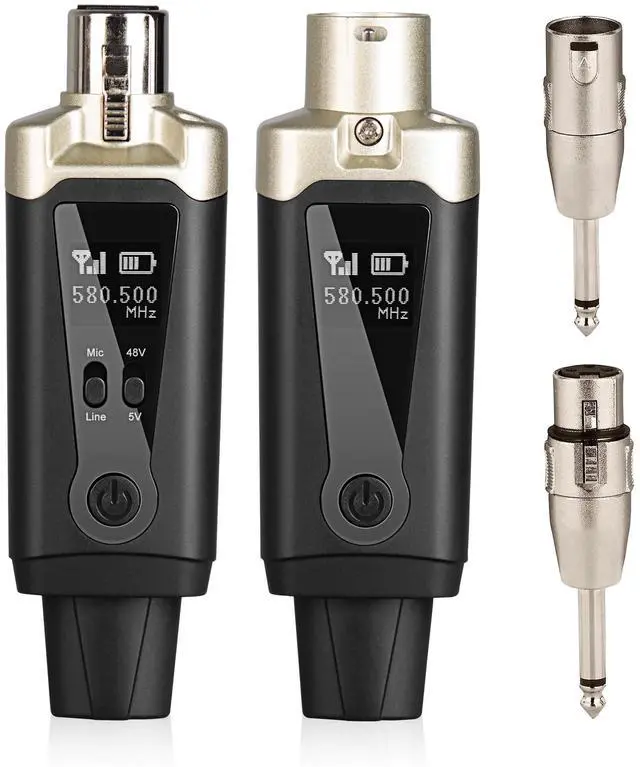

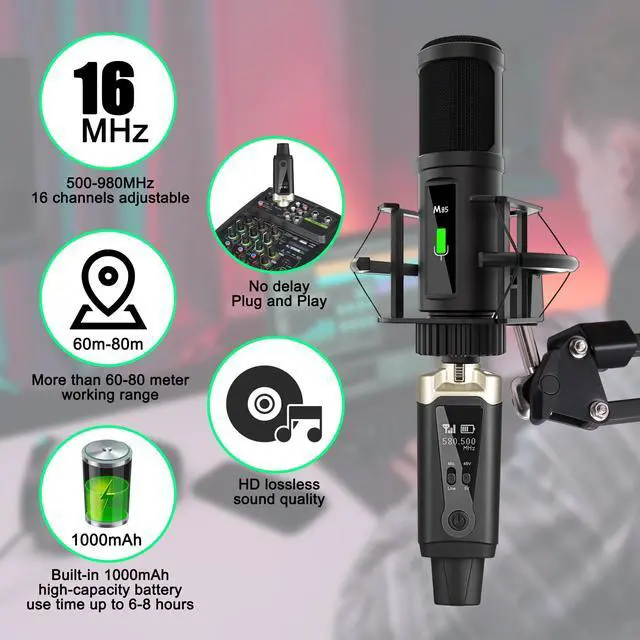
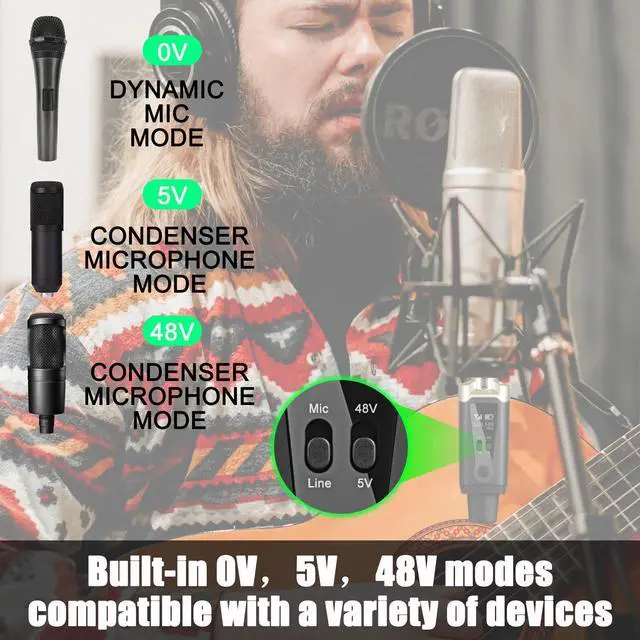
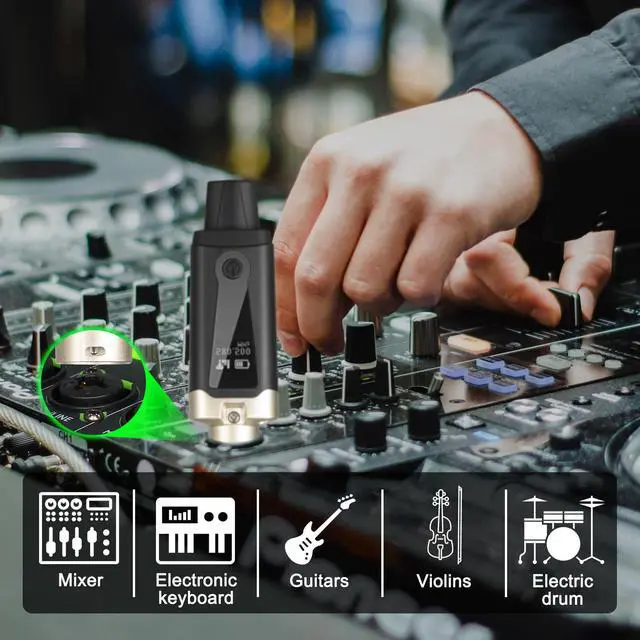
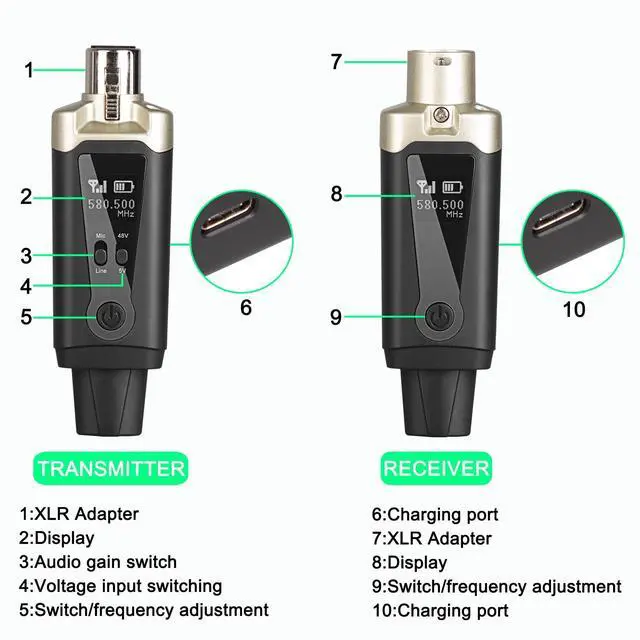


On key, long press for 1 second to turn on, long press for 1 second to turn off.
Transmitter double click switching key to enter frequency modulation, continue to double click and switch to the next frequency point, after 2 seconds of static automatically save.


Questions and Answers
Q: How do I switch frequencies?
A: Turn on the transmitter and receiver, then double click the on/off button of the transmitter to switch the frequency, and save it automatically after 2 seconds.
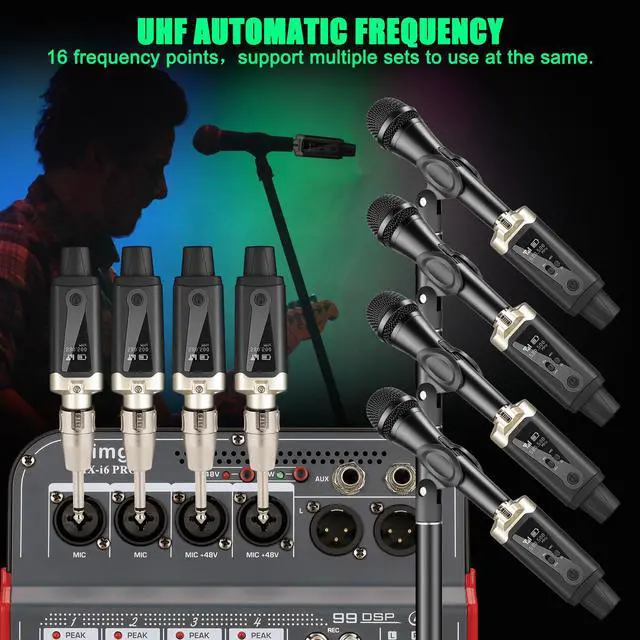
Q: How do I use different frequencies when multiple units are working together?
A:Turn on the receiver and transmitter to be paired, double-click on the transmitter's toggle (On/Off button) to switch frequencies, let it stand still for 2 seconds and then save it automatically, then continue to double-click to switch to the next frequency.
Choose a different frequency for each set so that it works properly.


Tiimge Audio
Sound is the thread that weaves life’s moments together. we craft audio gear that lets you feel every note, whisper, and beat—without compromise.
Born from a simple question—“Why settle for mediocre sound?”—we fuse studio-grade acoustics with sleek, eco-conscious designs. Our headphones, speakers, and earbuds deliver *zero distortion*and*rich bass*, perfect for music or pure silence. Hear the Difference.
Tiimge store
On key, long press for 1 second to turn on, long press for 1 second to turn off.
Transmitter double click switching key to enter frequency modulation, continue to double click and switch to the next frequency point, after 2 seconds of static automatically save.
Questions and Answers
Q: How do I switch frequencies?
A: Turn on the transmitter and receiver, then double click the on/off button of the transmitter to switch the frequency, and save it automatically after 2 seconds.
Q: How do I use different frequencies when multiple units are working together?
A:Turn on the receiver and transmitter to be paired, double-click on the transmitter's toggle (On/Off button) to switch frequencies, let it stand still for 2 seconds and then save it automatically, then continue to double-click to switch to the next frequency.
Choose a different frequency for each set so that it works properly.
Tiimge Audio
Sound is the thread that weaves life’s moments together. we craft audio gear that lets you feel every note, whisper, and beat—without compromise.
Born from a simple question—“Why settle for mediocre sound?”—we fuse studio-grade acoustics with sleek, eco-conscious designs. Our headphones, speakers, and earbuds deliver *zero distortion*and*rich bass*, perfect for music or pure silence. Hear the Difference.
Tiimge store