Meet Your Seller
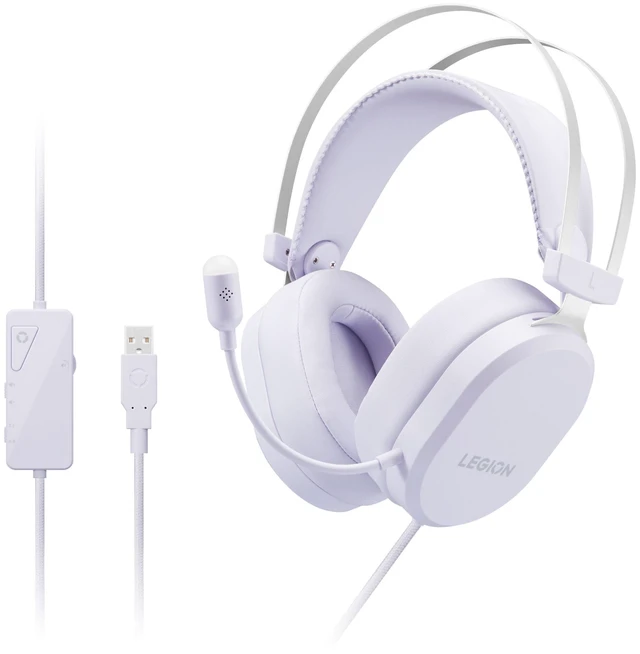
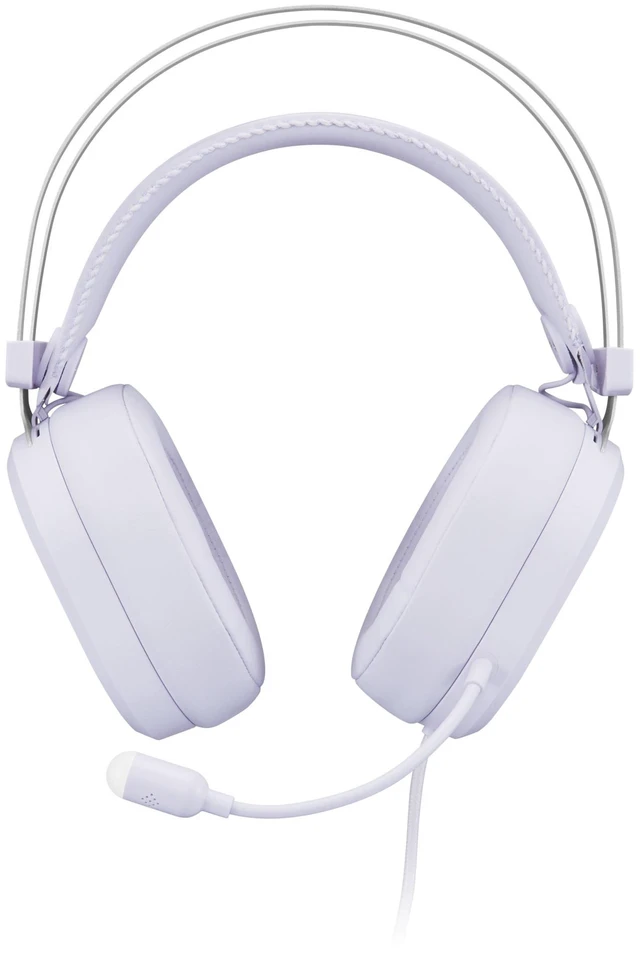
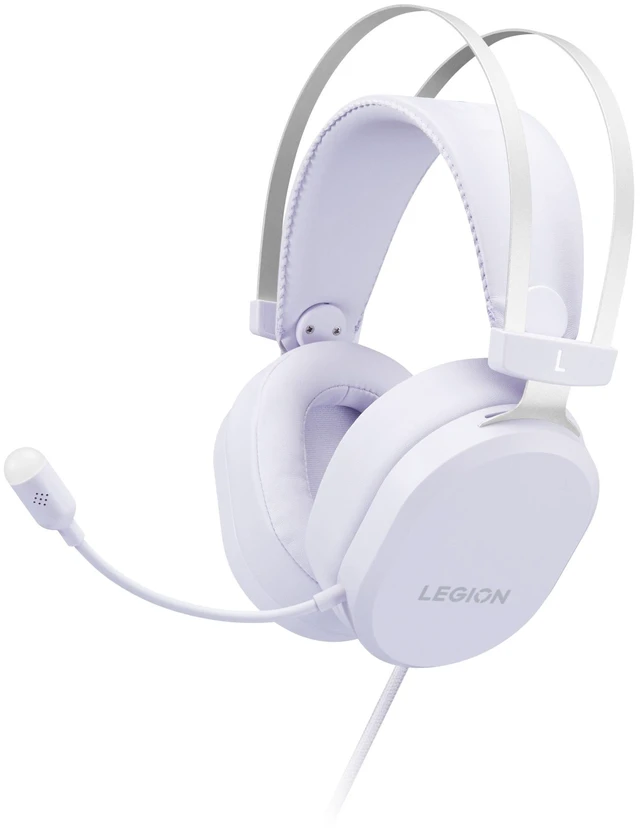
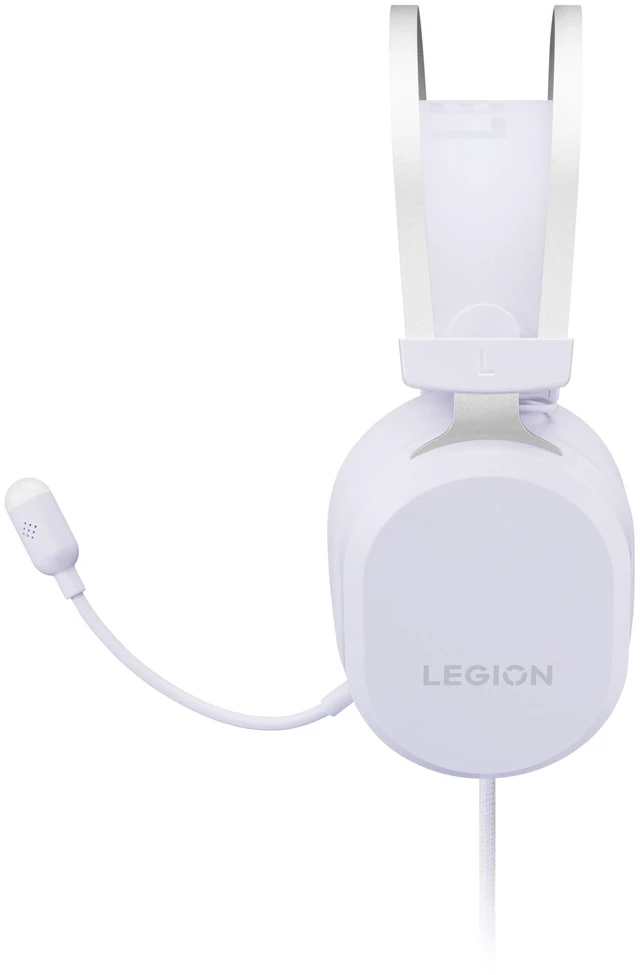
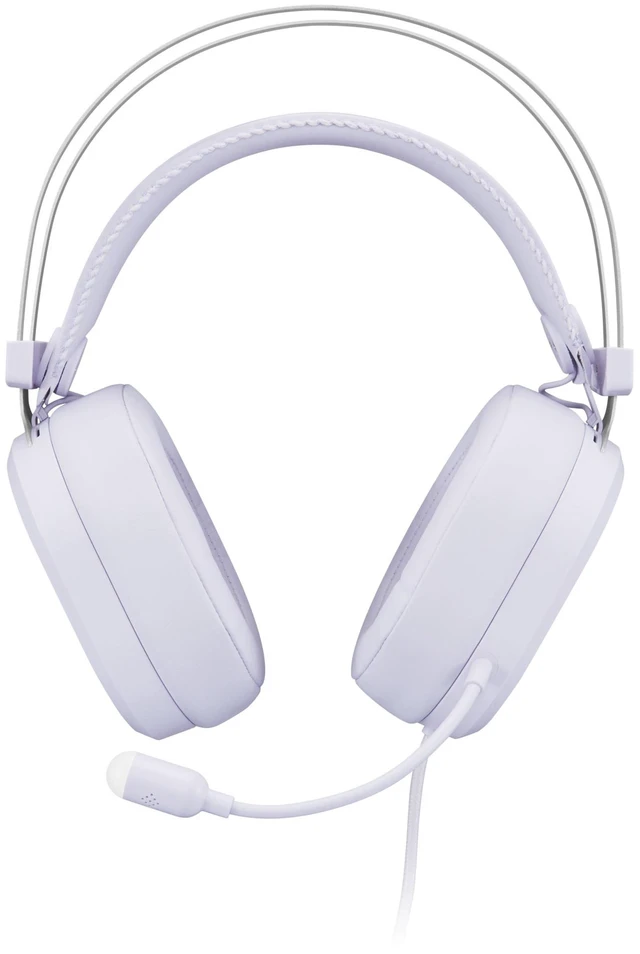
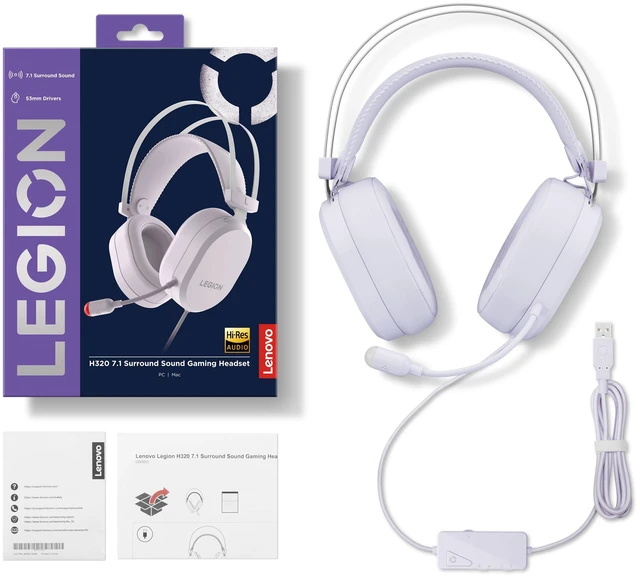
Lenovo Legion H320 7.1 Surround Sound Gaming Headset (Aurora Purple), For Gaming
Any questions? Ask CelesteSM will help you find out quickly.
Tactical audio
|Immerse yourself in Virtual 7.1 Surround Sound forgaming and enjoy rich, detailed sound for music and morewith Hi-Res certified audio.
|Tournament-gradecommunication
|The unidirectional mic focuses on your voice with crystal-clear clarity, while the inline mute control keepscommunication under your command.
|Built for endless endurance
|The lightweight suspension headband provides balancedsupport, while breathable memory foam ear cups keep youcomfortable through long gaming.
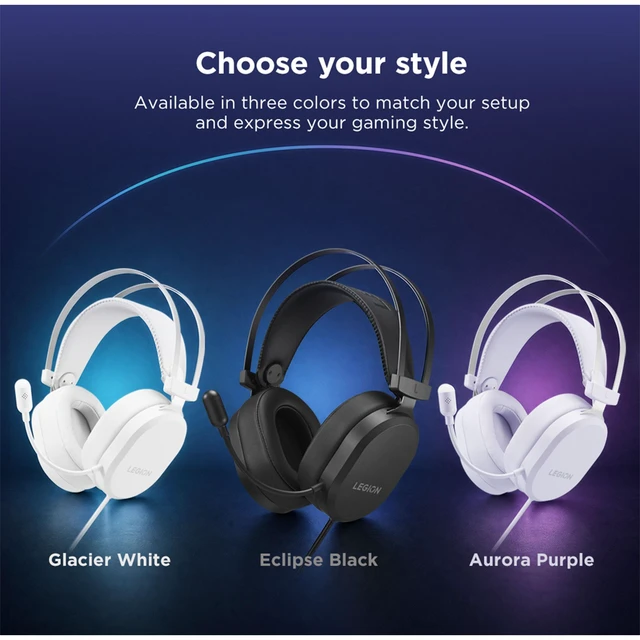
|Choose your style
|Available in three colors to match your setupand express your gaming style.
|Warranty & Returns
Warranty, Returns, And Additional Information
Warranty
- Please contact the Seller directly for warranty information. Warranty information may also be found on the Manufacturer's website.
- Read full details
- CONTACT
Return Policies
- Return for refund within: 30 days
- Return for replacement within: 30 days
- This item is covered by Lenovo Return Policy
Manufacturer Contact Info
- For a directory of all our manufacturers, please click below.
- Manufacturers Directory
The Lenovo Legion H320 is an Aurora Purple gaming headset with virtual 7.1 surround sound, Hi-Res audio mode, and a unidirectional microphone, suited to PC gamers who want immersive game audio and clear voice chat.
Recommended For
- PC gamers who play at a desk and prefer a wired USB-A headset with in-line volume and audio-mode controls.
- Team-game players who need a built-in microphone for voice chat and an in-line mute control.
- Gamers who want to switch between virtual 7.1 mode for games and Hi-Res audio mode for music using the in-line controller.
- Players who wear a headset through long gaming sessions and prefer an over-ear design with soft cushions and an adjustable headband.
Real-World Use Scenarios
- During PC games with directional audio, switch to Virtual 7.1 mode to hear game sounds with a spatial presentation; how useful that is for locating sounds depends on the game and audio settings.
- In team games or voice chat, use the headset microphone for communication and the inline mute control to mute quickly when you need privacy.
- For extended gaming sessions, wear the over-ear headset with its soft cushions and adjustable headband; Lenovo positions the design for longer use, though comfort will vary by person.
- When switching from games to music, use the inline control to change from Virtual 7.1 to Hi-Res audio mode for a different listening presentation.