• $250.99
  • Free 30-day Returns
  • Price alert
    Shop it at NeweggBusiness.

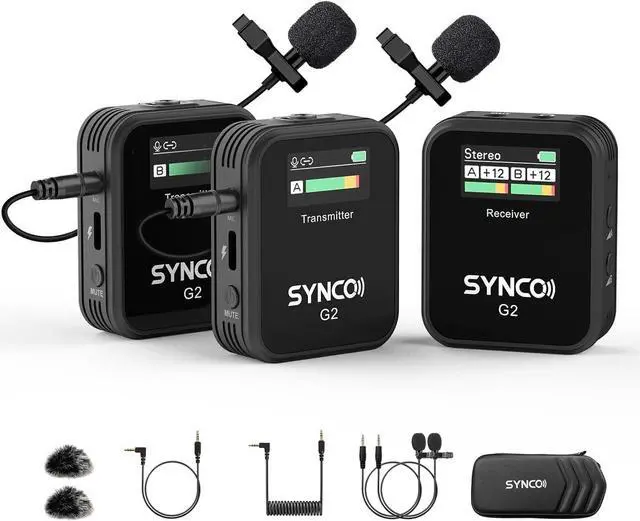
    SYNCO Wireless Lavalier Microphone, G2(A2) 2.4G Dual Transmitter 48KHz 24Bit Lapel Mic 656FT 8H for Online Class Vlog Stream YouTube for Camera Smartphone Tablet

    • Digital 2.4GHz & Auto-Pairing: SYNCO G2(A2) Wireless Microphone System features 2.4GHz frequency spectrum and Syncoder technology, which avoids confusing domain of UHF and offers a secure, stable, and hassle-free audio system. It supports the automatic connection between TX & RX after power on and easy operations if you need manual pairing
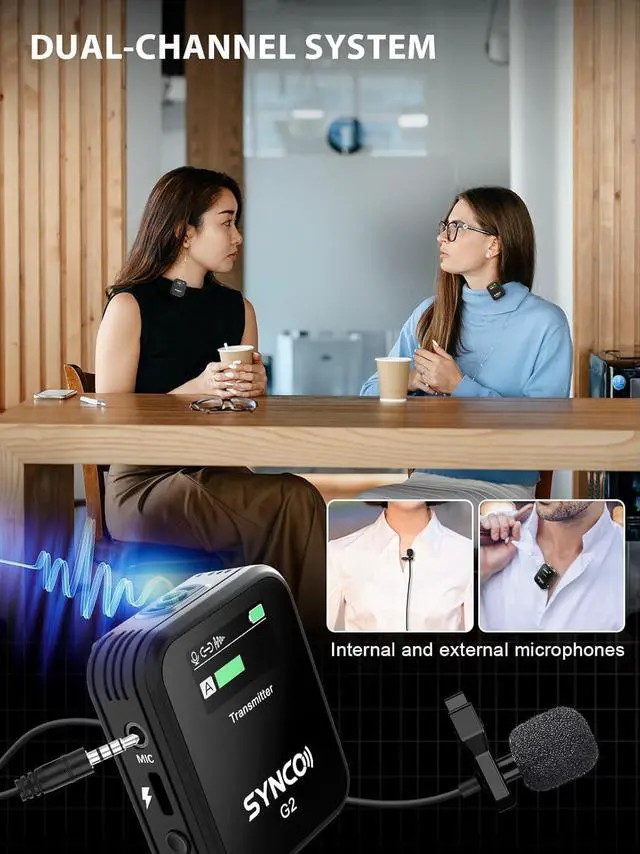
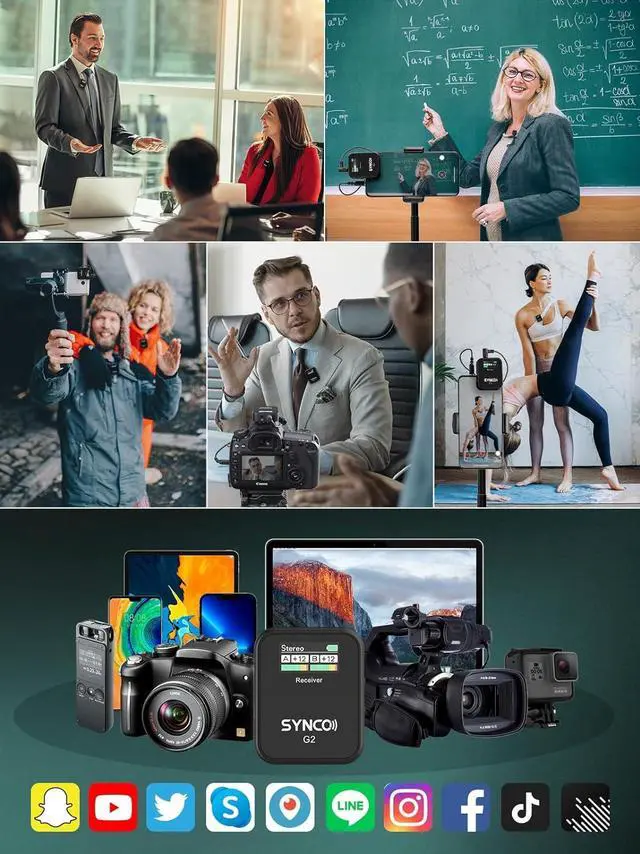
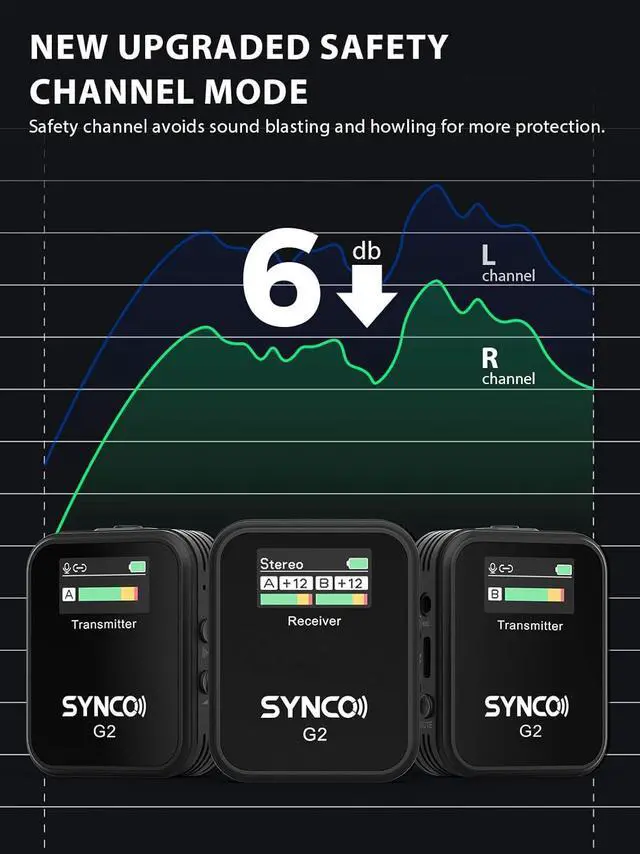
    • Dual-Channel System & Mono/Stereo/Safety Mode: SYNCO G2(A2) wireless lavalier microphone is capable of handling 2 transmitters and 1 receiver simultaneously, and features the ability to switch between Mono, Stereo or Safety Channel outputs mode, easy for post processing, ideal for face-to-face interviews, Youtube video and other two-person shoots. Especially the newly upgraded safe mode can effectively prevent the whistling sound, will not let the recording abandoned
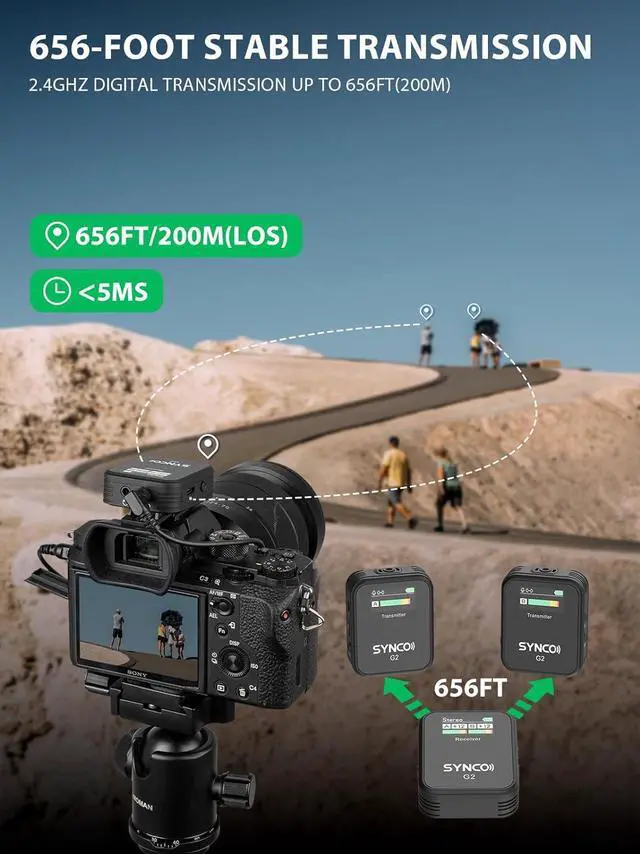
    • Universal Mic with 656 ft/200 m Stable Transmission: Boasting secure 2.4GHz digital transmission and Syncoder Tech, G2(A2) wireless microphones avoids the confusing domain of UHF and
    +
    +
    Overview
    Specs
    Reviews
    1Dual Channel Mic2-6dB Safety Channel3No More Battery Worried4HD TFT Display5Crystal Clear Pickup How to connect the SYNCO G2A2 wireless lavalier microphone to the iphone?
    Plug the 3.5mm TRRS cable into the receiver's audio output port, and then connect your iphone through the lightning to 3.5mm adapter, and you're good to go!
    How to connect the SYNCO G2A2 wireless lavalier microphone to the Android smartphone?
    The type-c port of the receiver can be plugged directly into an Android phone via a type-c to type-c cable. Or receiver outputs the audio signal to the phone via either a 3.5mm TRRS phone cable. In this case requires type-c to 3.5mm adapter
    Which output mode does the microphone use when connected to a smartphone?
    Mono output mode is recommended.
    Does the SYNCO G2A2 wireless mic work on PC?
    Yes. The receiver Type-C port has a digital output function, which directly connect to a computer using a Type-C to Type-C cable. Or use a USB-A to 3.5mm/Type-C adapter to connect to a USB A port computers.
    SYNCO G2 Wireless Lavalier Microphone System SYNCO G2A2 Enriches Your Life SYNCO G2 Wireless Lavalier Microphone System How to connect the SYNCO G2A2 wireless lavalier microphone to the camera?
    How to connect the SYNCO G2A2 wireless lavalier microphone to the iphone?
    How to connect the SYNCO G2A2 wireless lavalier microphone to the Android smartphone?
    Which output mode does the microphone use when connected to a smartphone?
    Does the SYNCO G2A2 wireless mic work on PC?

    Warranty & Returns

    Warranty, Returns, And Additional Information

    Warranty

    • Please contact the Seller directly for warranty information. Warranty information may also be found on the Manufacturer's website.
    • CONTACT

    Return Policies

    Manufacturer Contact Info

    LOADING...