• $162.99
  • Free 30-day Returns
  • Price alert
    Shop it at NeweggBusiness.

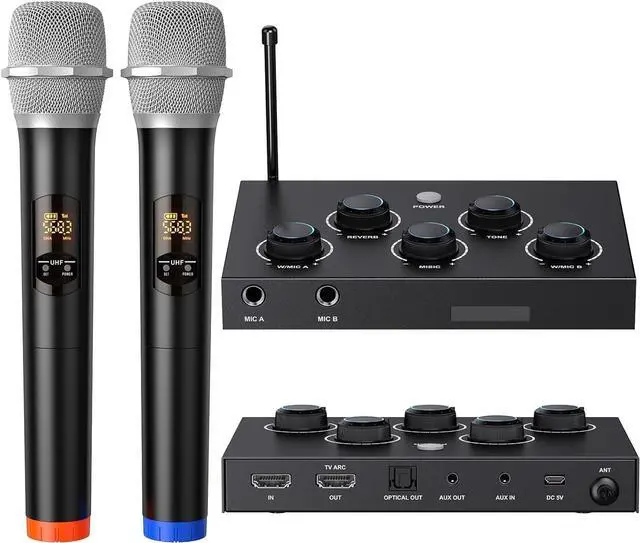
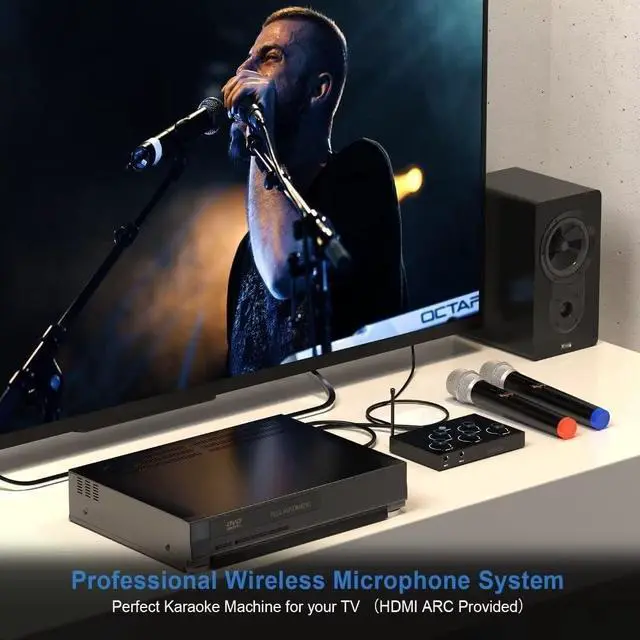
    Wireless Karaoke Microphone System, Dual Wireless Microphones, Receiver with HDMI & AUX in/Out, Optical Out, 100ft Range, 2×8 UHF Frequencies, Karaoke Microphone for TV, PC, Amplifiers, Speakers

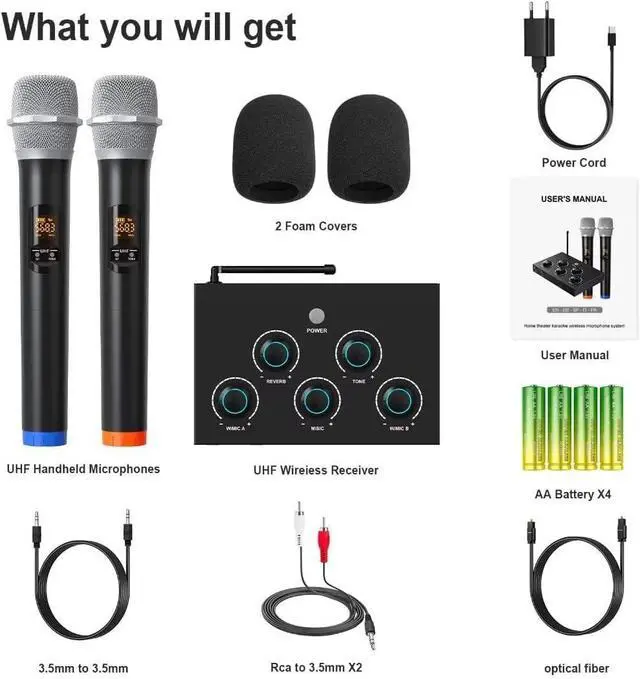
    • Clear and Pure Sound: The wireless microphone system is also a karaoke mixer, equipped with rotary controls. Easily adjust echo, tone, microphone volume, and music to your desired level. The system delivers superior, clearer, purer, and richer sound without stuttering, delays, or distortion.
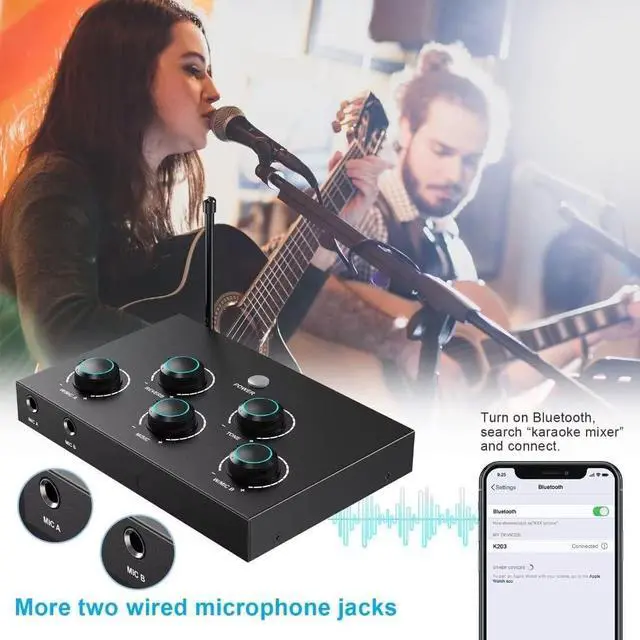
    • Microphones Operate with AA Batteries: The wireless microphones use easily replaceable AA batteries, ensuring all-night peace of mind. The karaoke mixer includes two additional wired microphone inputs, allowing you to plug in additional wired microphones as needed
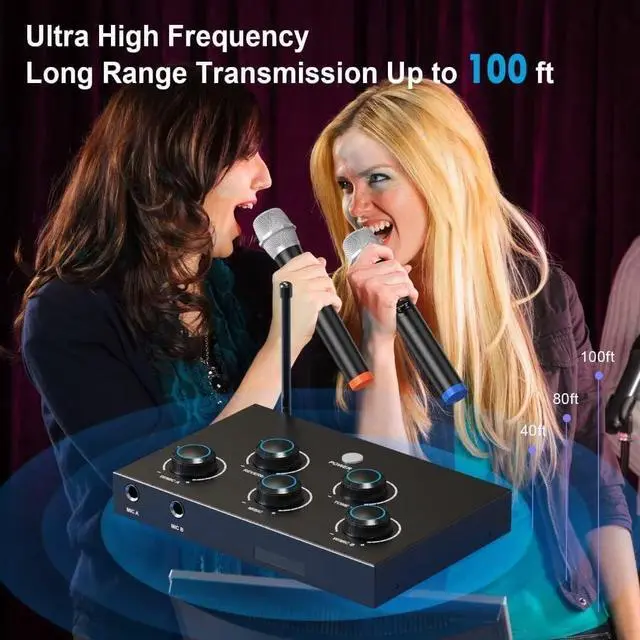
    • Strong anti-interference capability: The karaoke mixer is equipped with two wireless UHF microphones that are not easily affected by interference from other devices. Each microphone has eight selectable frequencies and a maximum operating range of 100 feet in straight line of sight, making it suitable for karaoke, home KTV, large parties, DJ music, weddings, and classroom use.
    • Easy Operation: Connect the receiver to a power source, tu
    +
    +
    Overview
    Specs
    Reviews
    avatar

    Any questions? Our AI beta will help you find out quickly.

    1Wedding Ceremony2Party Time3Specialized Conference4Roadside Shows How can get a better karaoke experience and audio effect?
    lease connect the 3.5mm audio jack of the product to your speaker system and set the volume of TV into mute.
    Why is there no sound from the microphone?
    Power off mic & console; restart to re-pair. Successful pairing lights up console's corresponding mic volume knob.
    Why can't pair the mic mixer with the stereo?
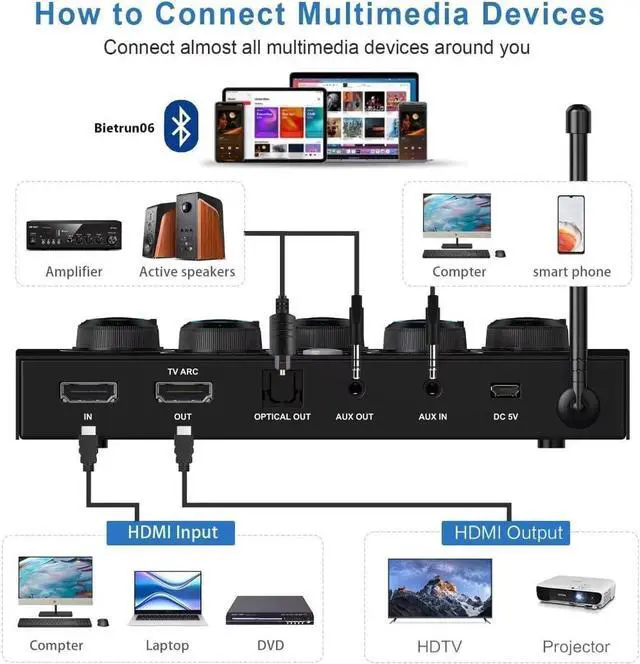
    To connect the speakers use the OPTICAL or AUX OUT connector on the receiver to connect.
    How can get a better karaoke experience and audio effect?
    Why is there no sound from the microphone?
    Why can't pair the mic mixer with the stereo?

    Warranty & Returns

    Warranty, Returns, And Additional Information

    Warranty

    • Please contact the Seller directly for warranty information. Warranty information may also be found on the Manufacturer's website.
    • CONTACT

    Return Policies

    Manufacturer Contact Info

    LOADING...