• $168.99
  • Free 30-day Returns
  • Ships from China.
    Price alert
    Shop it at NeweggBusiness.

    Meet Your Seller

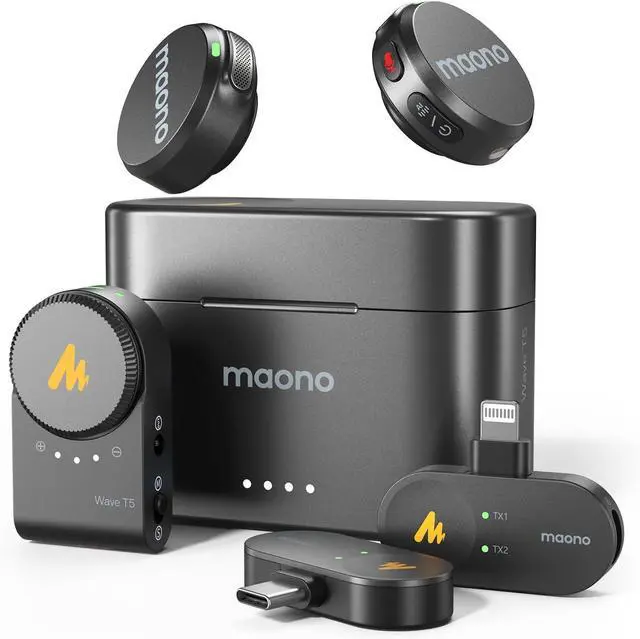
    MAONO Wireless Lavalier Microphone for iPhone/Android/Camera/PC, Mini Lapel Mic with 48khz 24bit, Voice Filter, Noise Cancellation, 30h Battery, USB-C/Lightning Plug for Video Recording - Wave T5

    Limited time offer, ends 01/12 By Mystery Gate

    • Next-Gen Wireless Microphone for Creators: MAONO WAVE T5 with 9g weight and cutting-edge technology, small but mighty. It offers industry-leading broadcast sound quality and adjustable noise cancellation. Perfect for filmmakers, vloggers, and podcasters.
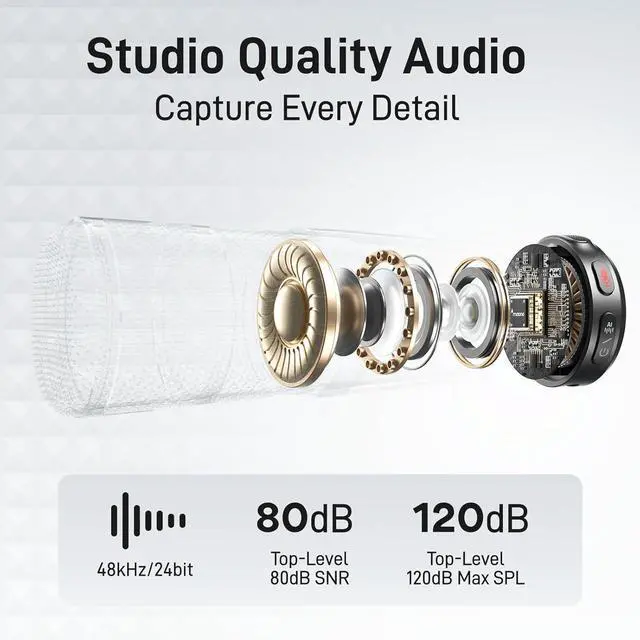
    • Studio-Grade Audio Quality: WAVE T5 delivers the industry's best 80dB signal-to-noise ratio, 120dB maximum sound pressure level, and 48kHz/24-bit audio format, capturing subtle sound details in various environments with low noise floor.
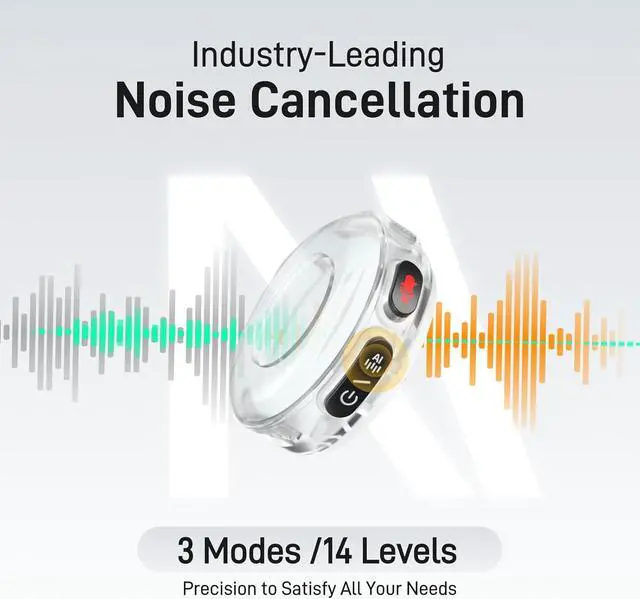
    • Pro-Level Intelligent Noise Cancellation - The dedicated ENC chip and algorithm precisely separate voice from noise, ensuring clear, undistorted sound. Choose from 3-mode/14-level noise cancellation adjustment via the Maono Link app, which easily meets all your needs.
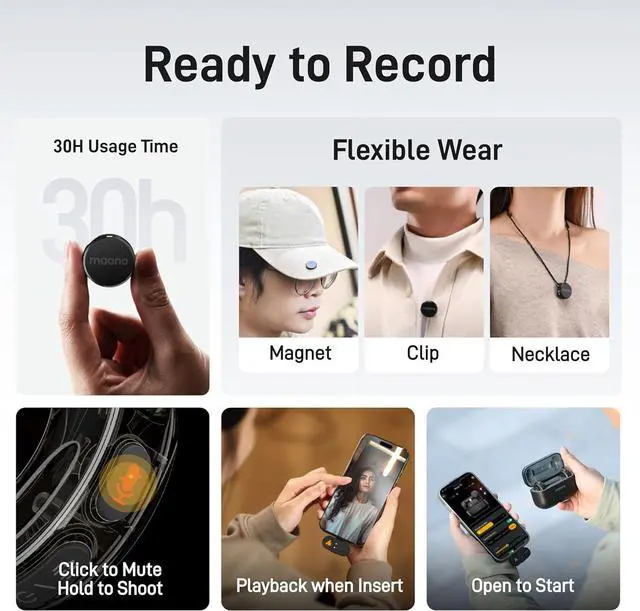
    • Easier Operation & Smoother Experience - Instant Pairing Out of the Box, enjoy plug-and-play convenience. Independent button, one-click mute and noise cancellation, while long-press to control your phone to start or stop video recordin
    +
    +
    Overview
    Specs
    Reviews
    avatar

    Any questions? Our AI beta will help you find out quickly.

    How do I enable and adjust noise cancellation levels?
    You can enable or disable noise cancellation by pressing the power button on the Maono Wave T5 transmitter once.
    You can precisely adjust the noise cancellation levels using the Maono Link app.
    Is the Wave T5 compatible with my Android phone?
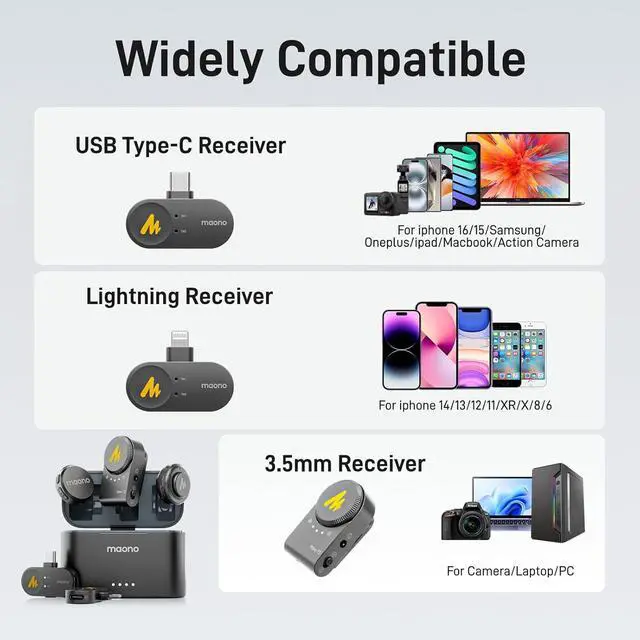
    Yes, the Wave T5 Type-C receiver is compatible with most Android phones and iPhone 16/15 Series.
    If this does not work, please search for "OTG" in settings and enable it.
    How do I use the transmitter to control my phone to take photos or record videos?
    After pairing successfully, press and hold the mute button for 2 seconds on the phone's photo/video interface to take photos/videos remotely.*
    *Not supported when connecting to a camera.
    What are the differences between different Maono Wave T5 versions? How should l choose which one is right for me?

    We offer three SKUs, each including 2 Transmitters and different types of Receiver(RX).
    Combo version: Type-C RX, Lightning RX and Camera RX.
    Versatile version: Camera RX, to Type-C cable and to Lightning cable.
    Type-C version: Type-C RX Only.
    MAONO Wireless Lavalier Microphone Does the WAVE T5 support recording in Stereo Mode?
    How do I enable and adjust noise cancellation levels?
    Is the Wave T5 compatible with my Android phone?
    How do I use the transmitter to control my phone to take photos or record videos?
    What are the differences between different Maono Wave T5 versions? How should l choose which one is right for me?

    Warranty & Returns

    Warranty, Returns, And Additional Information

    Warranty

    • Please contact the Seller directly for warranty information. Warranty information may also be found on the Manufacturer's website.
    • Read full details
    • CONTACT

    Return Policies

    Manufacturer Contact Info

    LOADING...
    LOADING...