1Live Performance2Wedding Event3Roadshow4DJ Party5Studio Rehearsal How to reduce noise when using the product?
Ensure batteries are charged; check XLR cables and devices for damage. Adjust gain to reduce noise. Verify proper grounding, especially with multiple devices. Test for electromagnetic interference. Use handheld dynamic mics for best results.
What could be the reasons for the product's wireless output quality not meeting expectations?
1. Check audio I/O:Test mic/input for sound quality.Try other mics/sources.
2. Adjust gain/levels: Check gain to avoid distortion. Set levels for balanced audio.
How to fix the intermittent or unstable audio output problem from the product?
1. Check distance/obstacles: Keep receiver/transmitter within range.Avoid walls/metal blocking signals.
2. Avoid interference: Stay clear of Wi-Fi, Bluetooth, microwaves. Turn off unused wireless devices during use.
How to resolve overheating issues with the product?
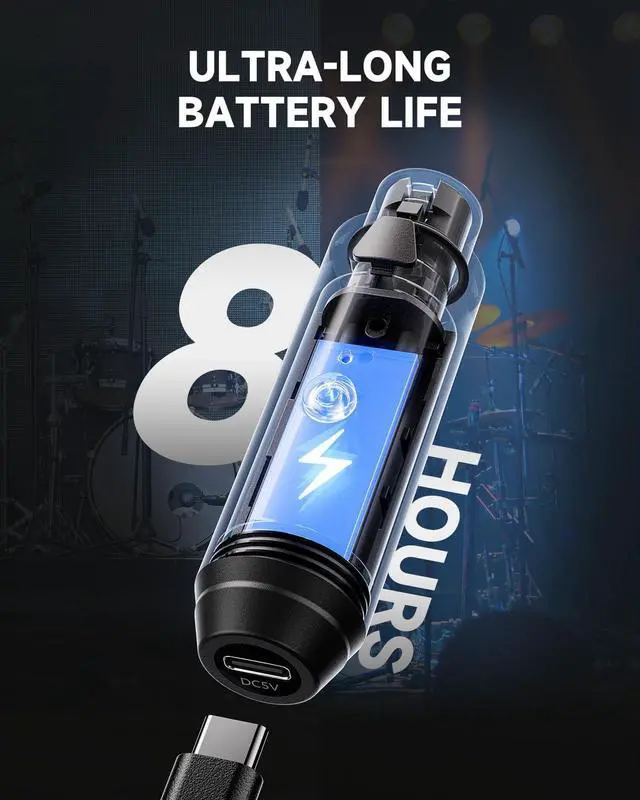
1. Avoid charging while in use: Higher current may raise temperature. Prefer full charge before use.
2. Purple indicator (mixed red/blue) is normal during charging.
How to reduce noise when using the product?
What could be the reasons for the product's wireless output quality not meeting expectations?
How to fix the intermittent or unstable audio output problem from the product?
How to resolve overheating issues with the product?