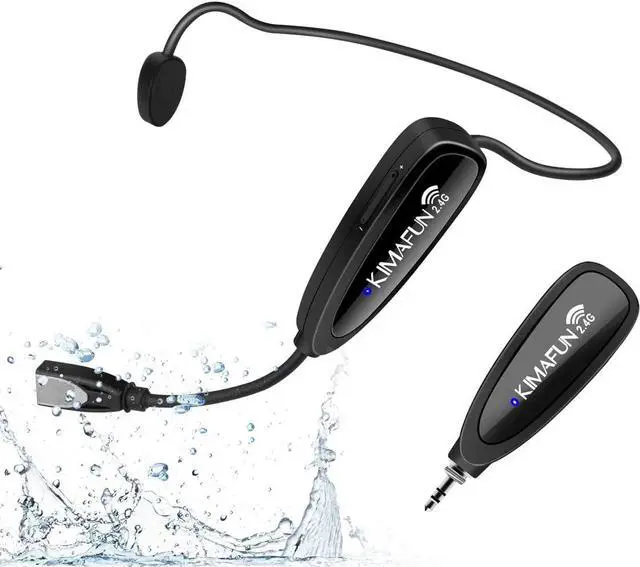
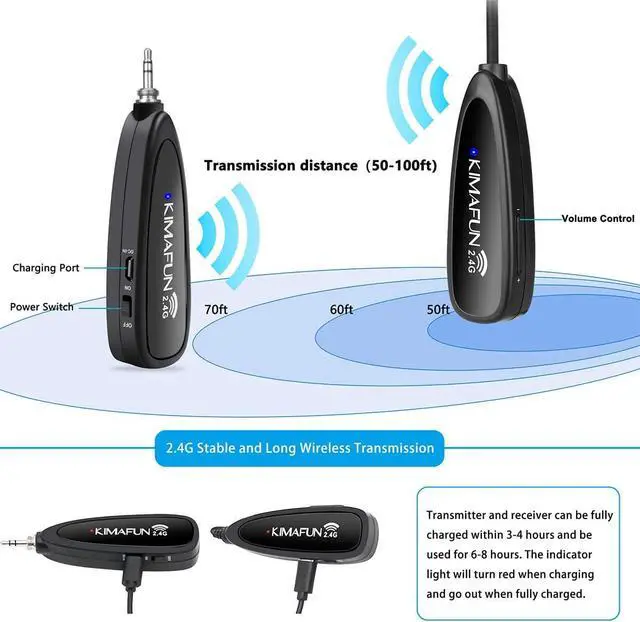
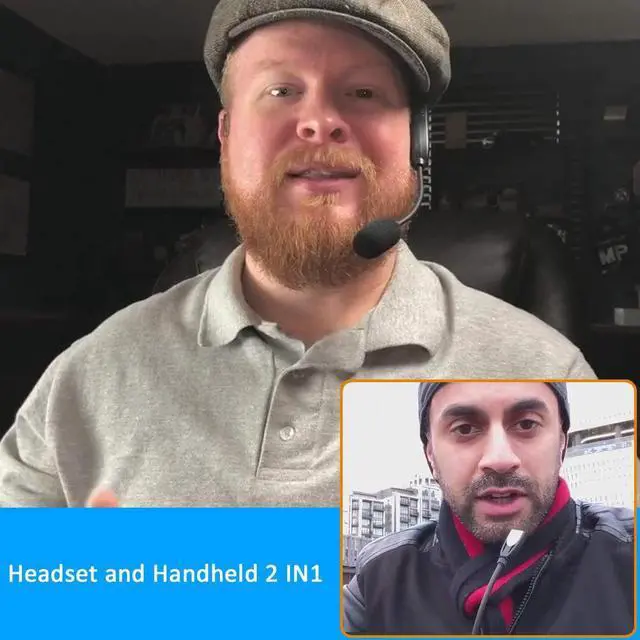
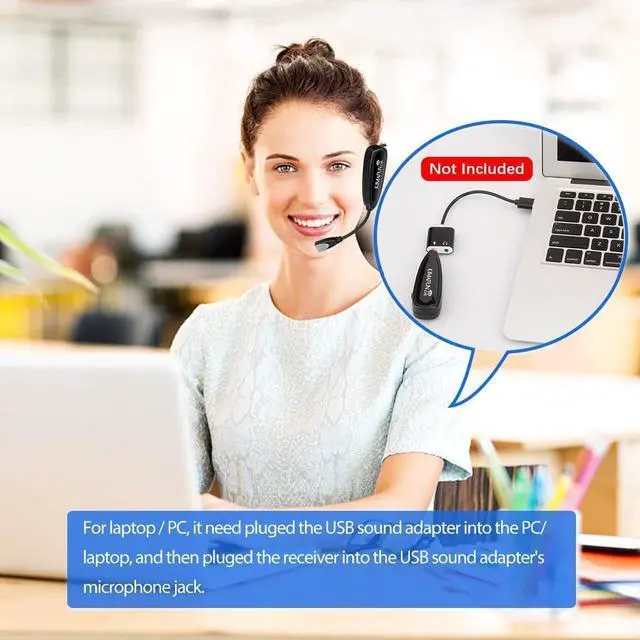
It's easy enough to operate and set up for beginners. Value for money.
The video showcases the product in use.The video guides you through product setup.The video compares multiple products.The video shows the product being unpacked. Merchant Video Faint Voice
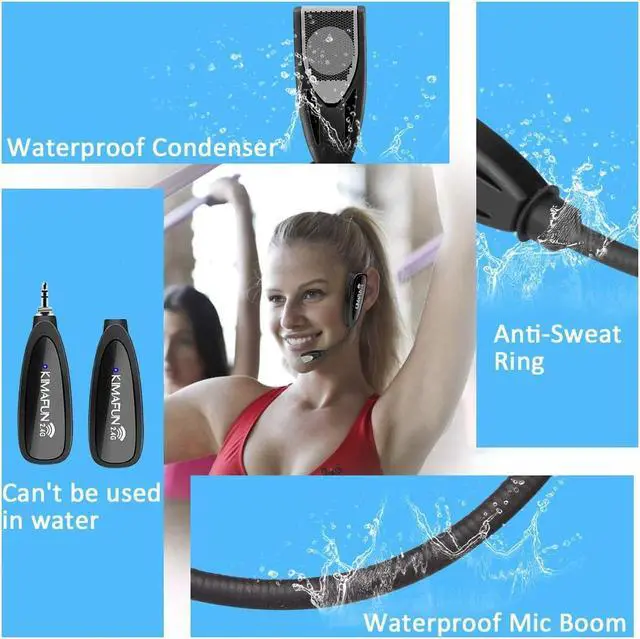
1) The wrong way to wear it. Make sure there is nothing to cover the microphone condenser.
2) The initialization setting of the volume is the middle value level 5(9 levels total). You can increase the volume of the transmitter and device. Each click on the volume '+' will increase the volume by 2DB and click the volume '-' will decrease the volume by 2DB.When the volume is reduced to the lowest level, the microphone will no longer pick up sound, which is close to the effect of pause.
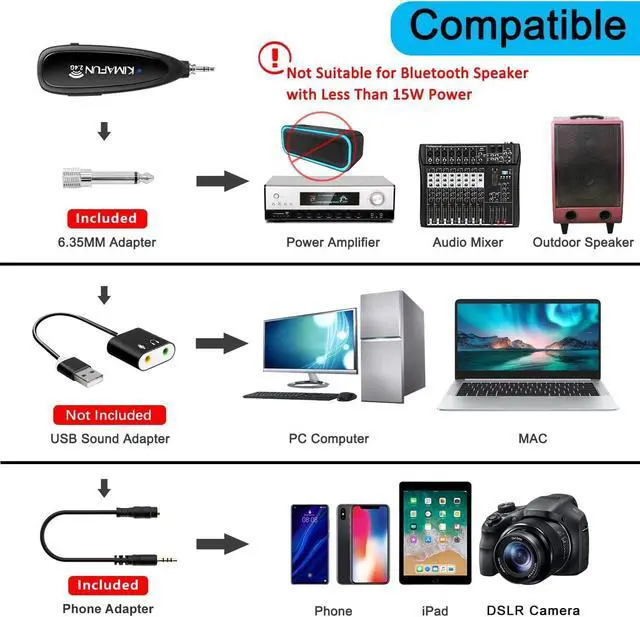
3) The device power is too low (below 100W).
Noise
1) Please check if there is a strong magnetic field or sound waves or wireless interference.
2) The mic didn't wear the windscreen foam. Please use the supplied windscreen foams, which can effectively minimize wind noise and vocal plosives.
Howling ------ Please check the position of the speaker. Do not point the microphone directly at the speaker. 2) Try turning off the reverb and turning down the volume.
Don't know how to connect it with your device ------Detailed instructions are provided on pages 5 to 8 of the User Manual.
Need more help/The problem has not been solved ------ We are always here, looking forward to offering you help at any time.
What makes our products unique? Video of KM-G100-1 Troubleshooting