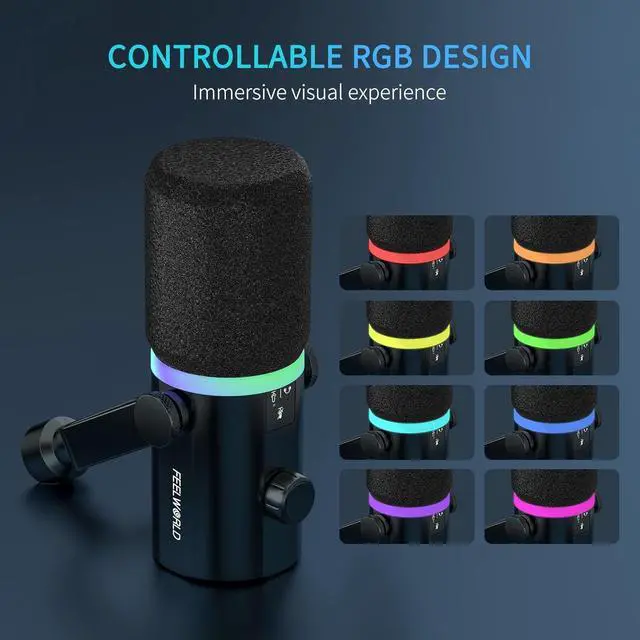
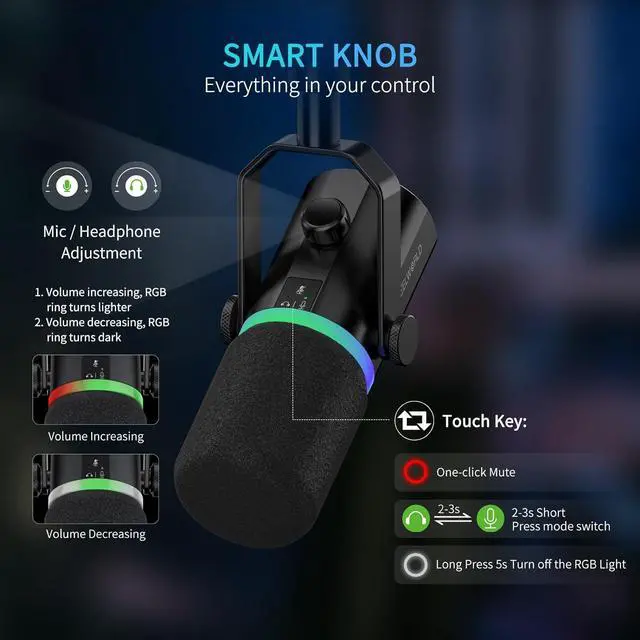
The video showcases the product in use.The video guides you through product setup.The video compares multiple products.The video shows the product being unpacked. Merchant Video In USB mode, you can tap to mute key to help you instantly mute the mic to avoid sudden awkward event, the RGB light show red after mute. You can press the key 2~3 seconds to switch the volume control of microphone or headphoneYou can also long press and hold until the light turn off.
The volume knob can adjust the volume of the microphone or headphone in real-time, allowing you to enjoy high-quality sound without shouting loudly. When the volume is increasing, the RGB ring turns lighter, and when the volume is decreasing, the RGB ring turns dark.
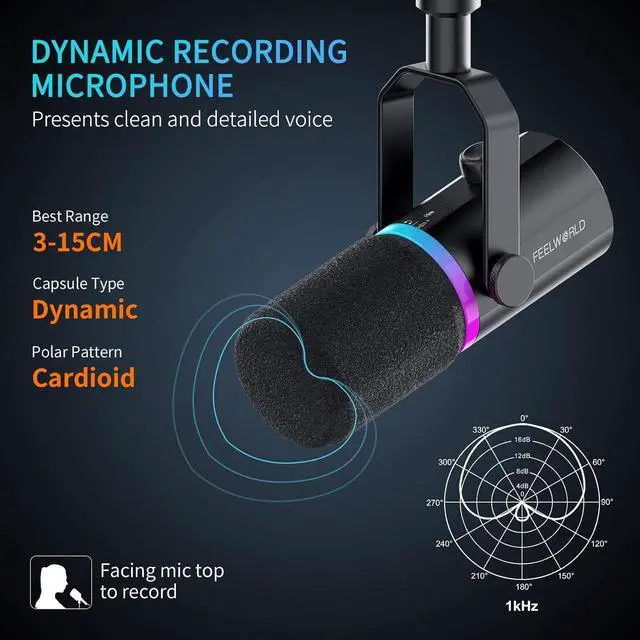
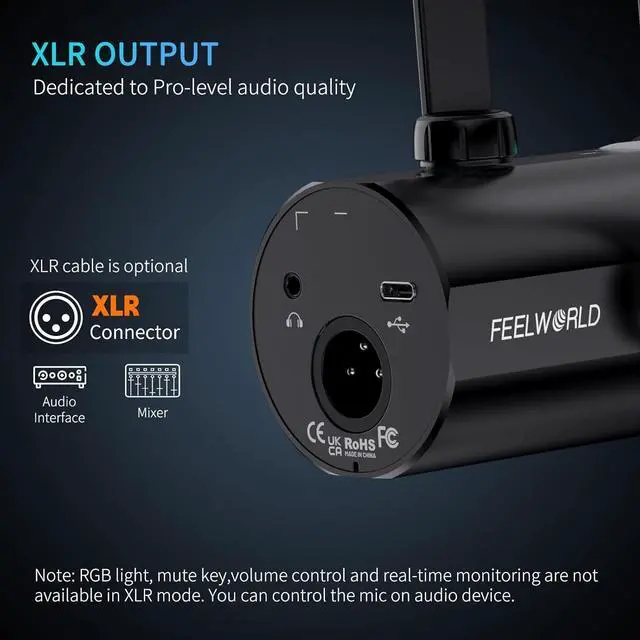
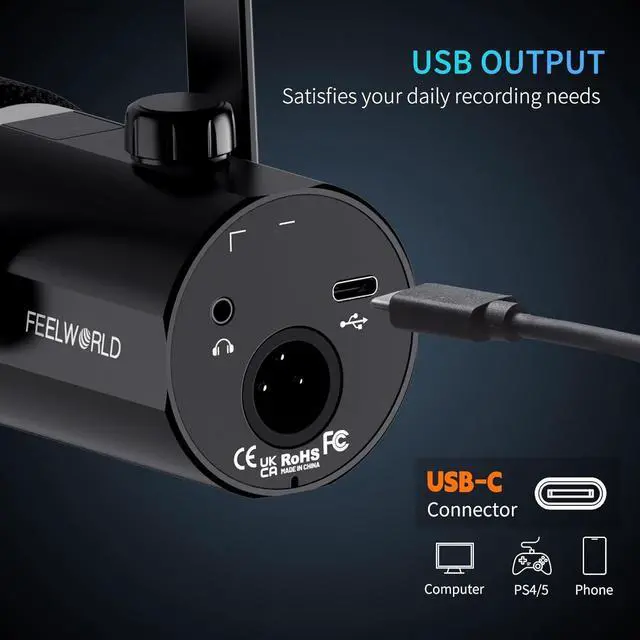
Capsule TypeDynamicPolar PatternCardioidInput Sample Rate96kHzBit Rate24bitFrequency Response50Hz-14kHzSensitivity-54dB±1.5dB(0dB=1V/Pa,at 1kHz)Output Impedance600THD+N<1%S/N Ratio95dBInterfaceUSB-C, XLR, 3.5mm Headphone Jack hero-video Multiple Function Key Volume Control Knob Display Spec.