




 here!
I’m your shopping assistant for PC builds, upgrades, and everything tech.
Got questions? Ask away!
Start a conversation
here!
I’m your shopping assistant for PC builds, upgrades, and everything tech.
Got questions? Ask away!
Start a conversation




Any questions? Ask CelesteSM will help you find out quickly.
We sell new,unused computers,the original Seal is opened for upgrade ONLY. If you've selected a custom-configured computer, our professional technicians will carefully open the original manufacturer's box and professionally install the upgrades to achieve the advertised specifications.
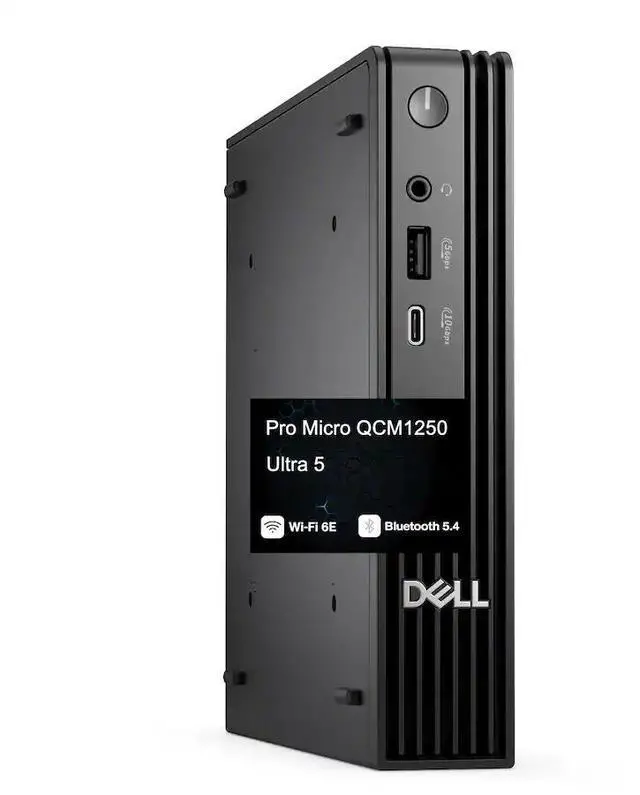
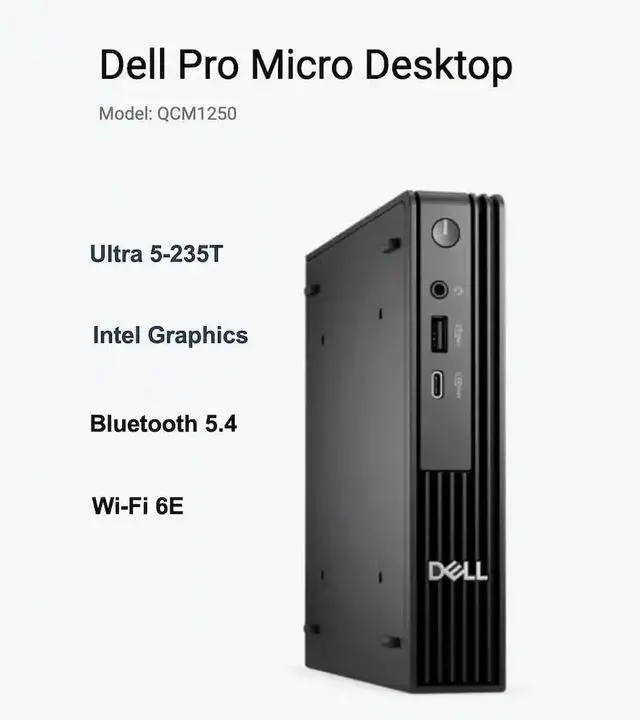
CPU:Intel Core Ultra 5 235T Processor
Graphics:Integrated Graphics
Display:NO Display
Memory:up to 64 GB DDR5 RAM
Hard Drive:up to 2 TB PCIe NVMe M.2 SSD
Operating System:Windows 11 Pro
Keyboard and mouse:USB Keyboard & USB Mouse
Wireless Connectivity:Wi-Fi 6E and Bluetooth 5.4
Dimensions:7.17" x 7.01" x 1.42"in,2.56 lb
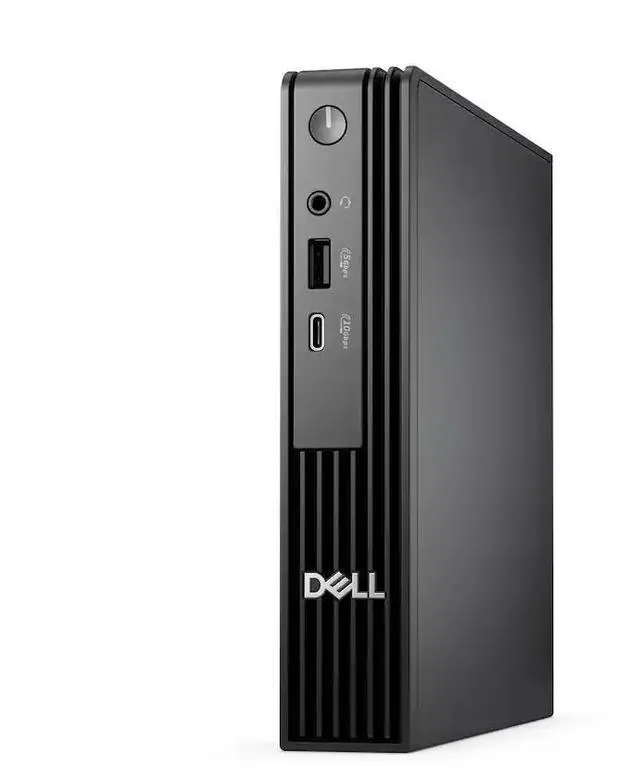
Color:Black
The Dell Pro Micro QCM1250 is a compact business desktop with an Intel Core Ultra 5 235T, 32GB of DDR5 memory, a 512GB SSD, and Windows 11 Pro, suited to office productivity and business users who want a small-form-factor PC.
| Attribute | Value |
|---|---|
| Best For | Business and general productivity use in a compact desktop setup, with Windows 11 Pro, integrated graphics, and wired keyboard and mouse |
| Processor | Intel Core Ultra 5 235T, with a maximum speed of 5 GHz |
| Graphics | Integrated graphics with shared graphics memory |
| Memory | 32 GB DDR5 |
| Storage | 512 GB SSD |
| Operating System | Windows 11 Pro |
| Networking | Wi-Fi 6E and Bluetooth 5.4 |
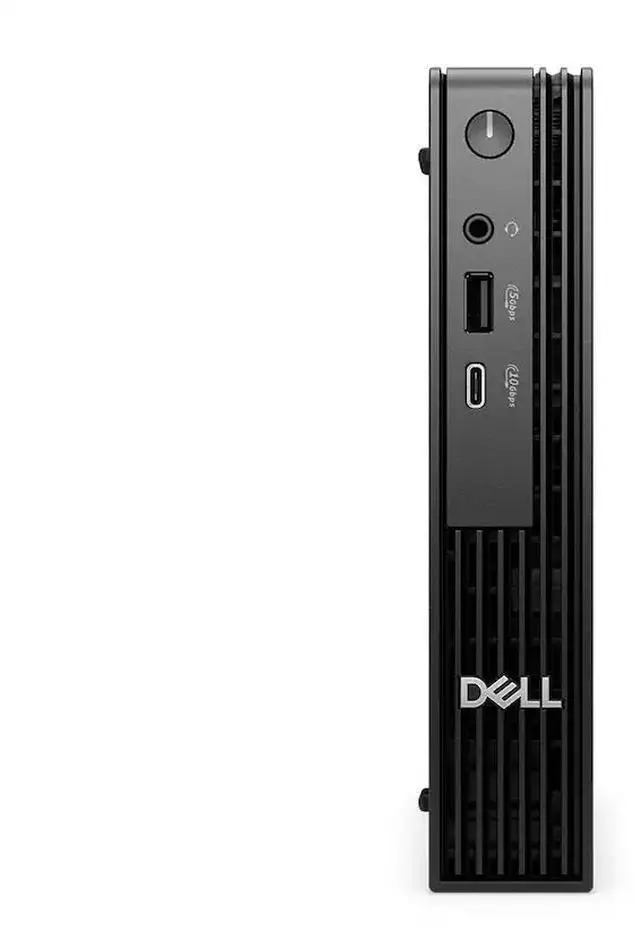
| Ports | One USB 2.0 port |
| Input Devices | Wired keyboard and wired mouse |
| Physical Design | Black Micro Tower desktop PC |
Q: Should I choose the QCM1250 with Core Ultra 5 235T or step up to the Core Ultra 7 265T version?
A: Choose this 235T configuration for a 14-core processor, 32GB of memory, and 512GB of storage in Dell’s micro desktop. The QCM1250’s 265T option has 20 cores and a higher maximum turbo frequency, making it a better fit when you prioritize additional CPU capacity for heavily parallel work. Both are QCM1250 configurations, so compare the processor alongside memory and storage when selecting.
Q: Is the QCM1250 with 32GB RAM and a 512GB SSD worth choosing over a 16GB/256GB configuration?
A: Choose the 32GB/512GB configuration when you want more memory capacity for running several applications together and more local SSD space for files and software. A 16GB/256GB configuration is a more modest setup for everyday business tasks; this Newegg configuration doubles both memory and storage capacity.
Q: How does the Dell Pro Micro QCM1250 compare with the older OptiPlex 7000 Micro?
A: The QCM1250 is the newer choice, pairing the Core Ultra 5 235T’s 14 cores with DDR5 memory. In Dell-commissioned Principled Technologies testing, a QCM1250 configuration scored 73.85% higher in Cinebench 2024 multi-core testing than the tested OptiPlex 7000 Micro configuration. Choose the QCM1250 when you want that newer processor and memory platform; benchmark results apply to the specific configurations tested.
Q: Should I get the Dell Pro Micro QCM1250 or the Dell Pro Micro Plus QBM1250?
A: Choose the QCM1250 for a Core Ultra 5 235T configuration aimed at business productivity in a micro desktop. The QBM1250 is positioned for buyers who want higher processor options, including up to Core Ultra 9, and expanded built-in connectivity and display options. The choice comes down to the QCM1250’s specified configuration versus the Pro Micro Plus’s broader processor and I/O options.
Q: Is this desktop suitable for everyday office work and video meetings?
A: Yes. Its 14-core Intel Core Ultra 5 processor, 32 GB of DDR5 memory, and 512 GB SSD make it suitable for typical office tasks and multitasking. The listed package does not include a webcam or headset, so add meeting audio and video equipment if needed.
Q: Does it come with a monitor, and what do I need to set it up?
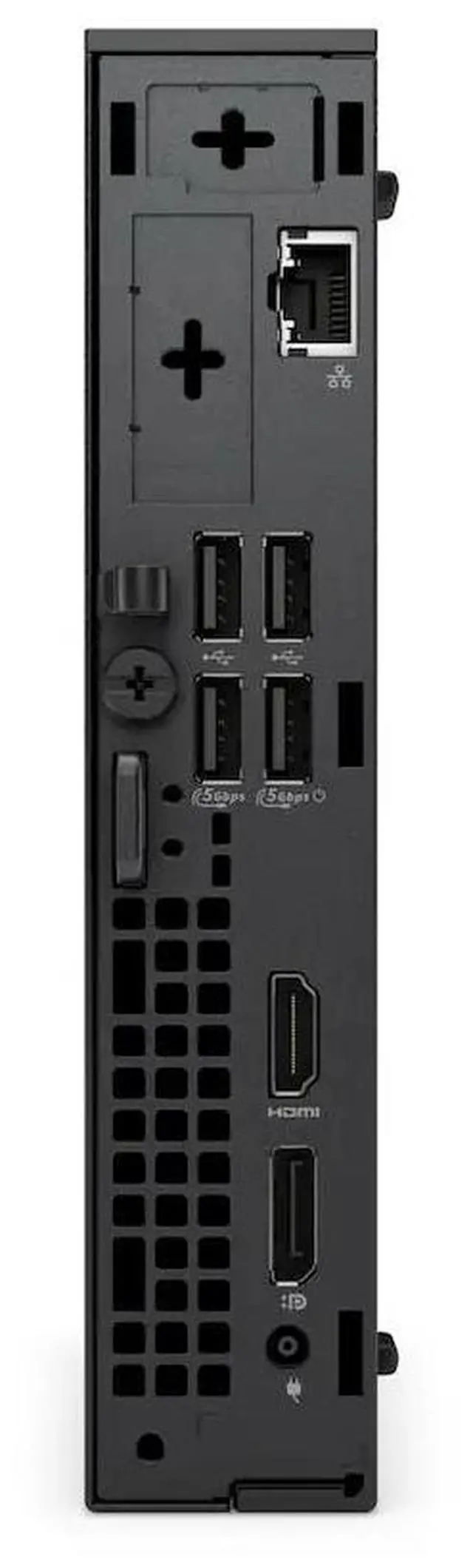
A: No monitor is listed as included. The package includes a wired keyboard and mouse, and the desktop has HDMI and DisplayPort outputs for connecting a compatible monitor. You will need to provide a monitor and its appropriate cable.
Q: Is this practical to carry between work locations?
A: It is compact and weighs 2.56 lb, so it is easier to transport than a full-size desktop. However, it is not a standalone travel computer: it has no built-in display and needs a monitor and power source at the destination.
Q: Is the Dell Pro Micro QCM1250 suitable for heavy multitasking across two 4K monitors?
A: It may handle office multitasking, but heavy multi-window use is less certain. A Reddit user with a QCM1250 and a different processor reported lag with two 4K monitors, many browser tabs, and YouTube. That report is one user’s experience and does not establish how this 235T configuration will perform.
Q: Can the Dell Pro Micro QCM1250 run hot during sustained workloads?
A: There is at least one Reddit report of overheating and shutdowns on a QCM1250 with a different, higher-tier processor during sustained camera-monitoring work. That single report does not show how common the issue is or predict temperatures for this Core Ultra 5 235T configuration; allow airflow and assess it under your intended workload.
Q: Is the QCM1250 worth considering over an older Lenovo ThinkCentre?
A: A Reddit user considered the QCM1250 with a Core Ultra 5 235T as an upgrade from an older ThinkCentre M710q, but the discussion does not establish a consensus or a direct performance comparison. For this listing, weigh its 32 GB RAM, 512 GB SSD, Windows 11 Pro, and price against the specific ThinkCentre configuration you are considering.


