




 here!
here!
I’m your shopping assistant for PC builds, upgrades, and everything tech.
Got questions? Ask away!
Start a conversation
here!
I’m your shopping assistant for PC builds, upgrades, and everything tech.
Got questions? Ask away!
Start a conversation Top Rated
 Hot Seller

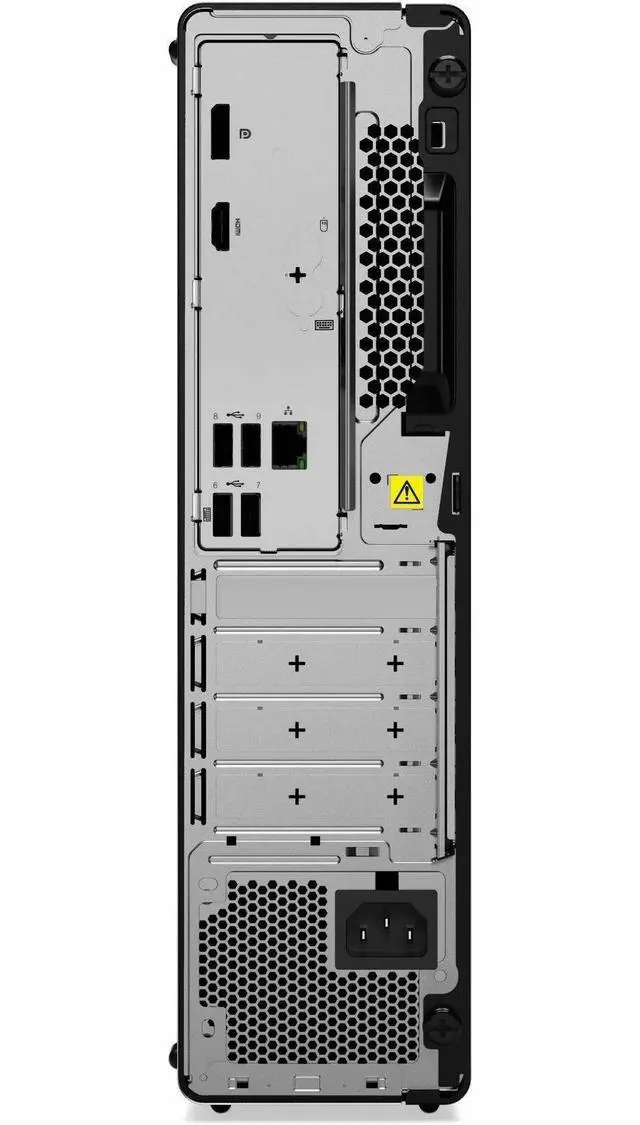



Any questions? Ask CelesteSM will help you find out quickly.
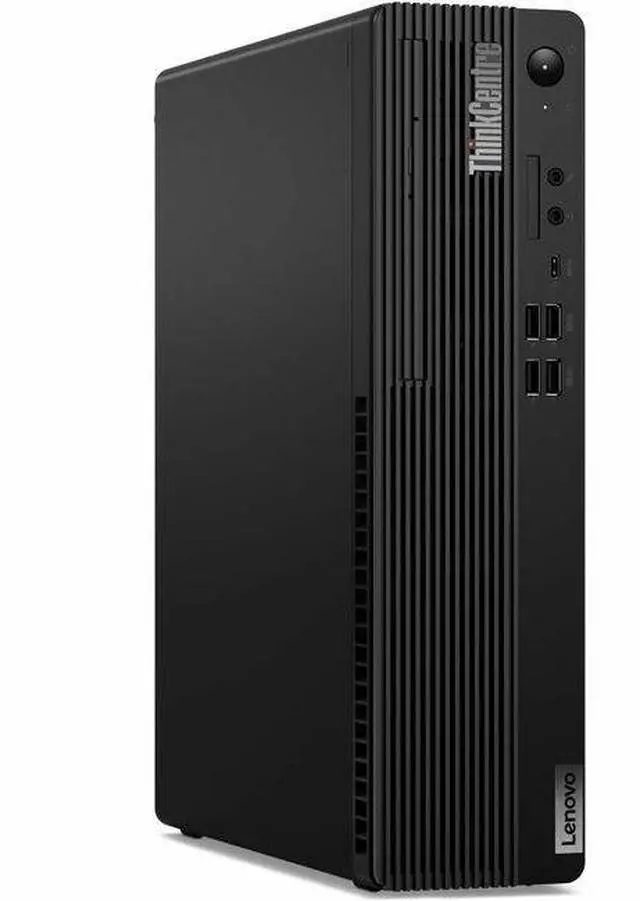
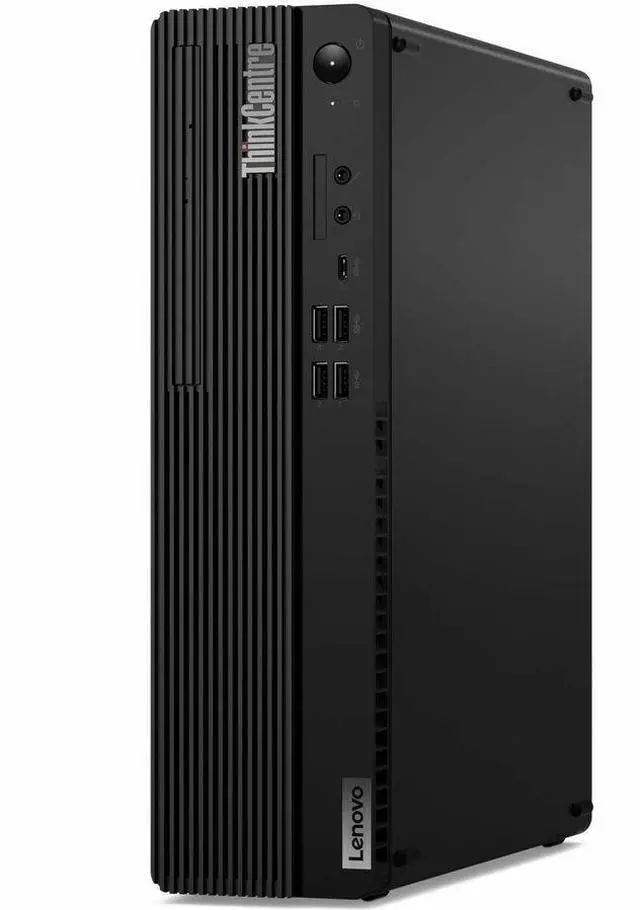
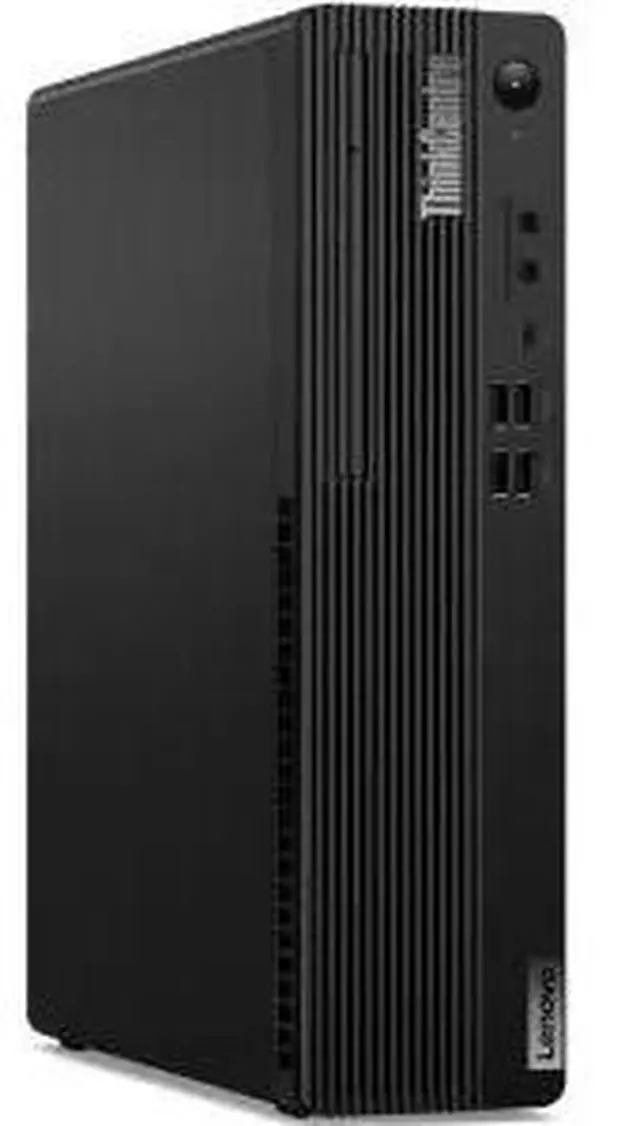
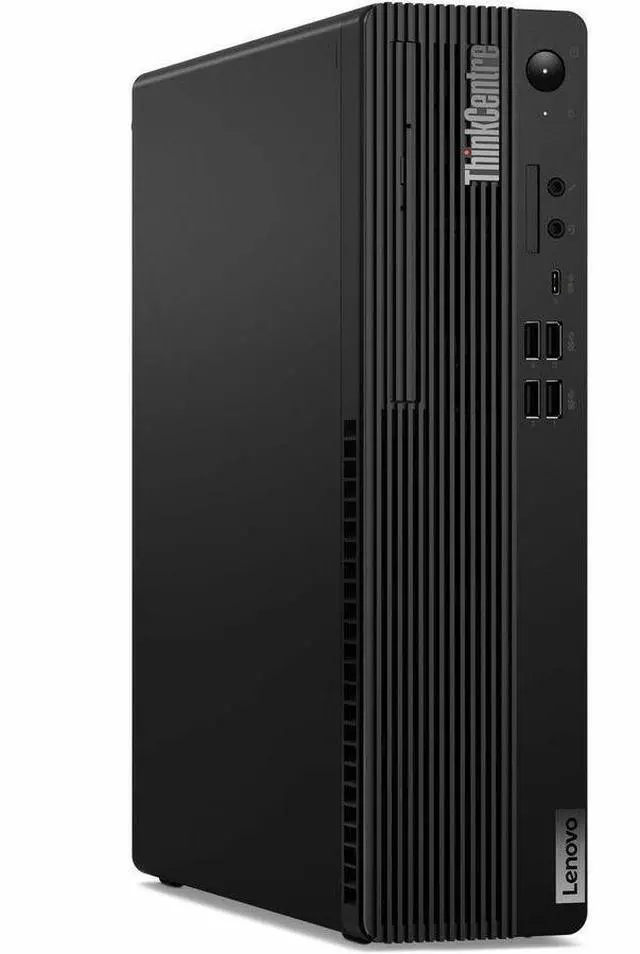
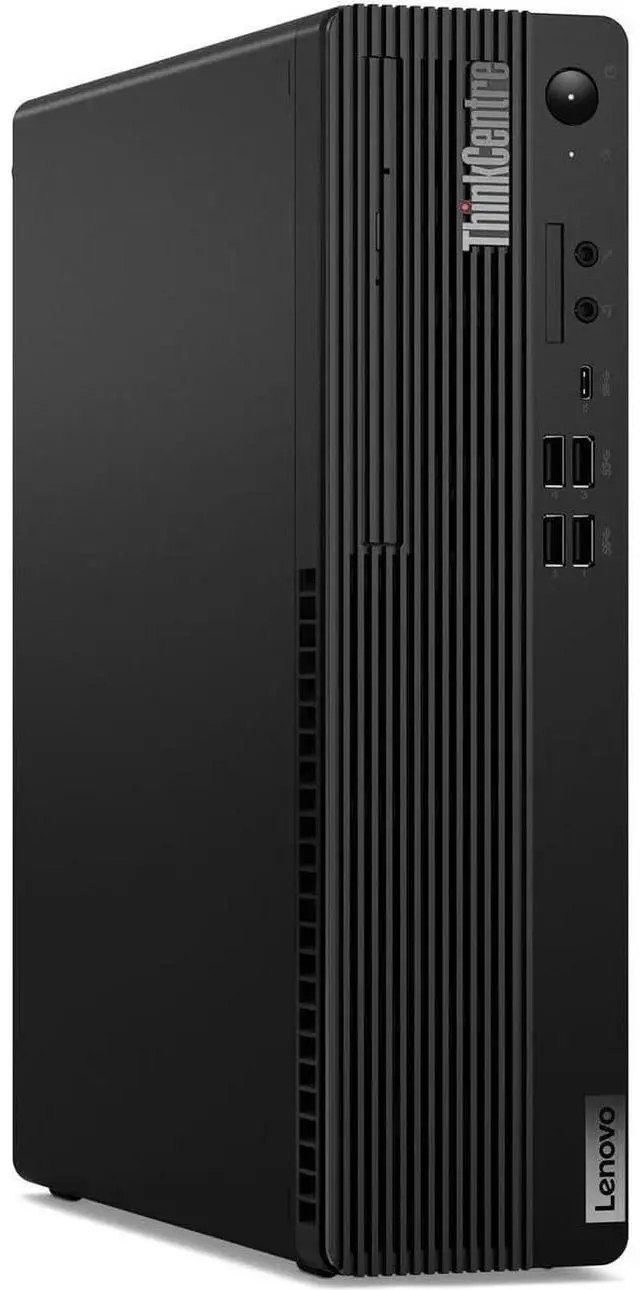
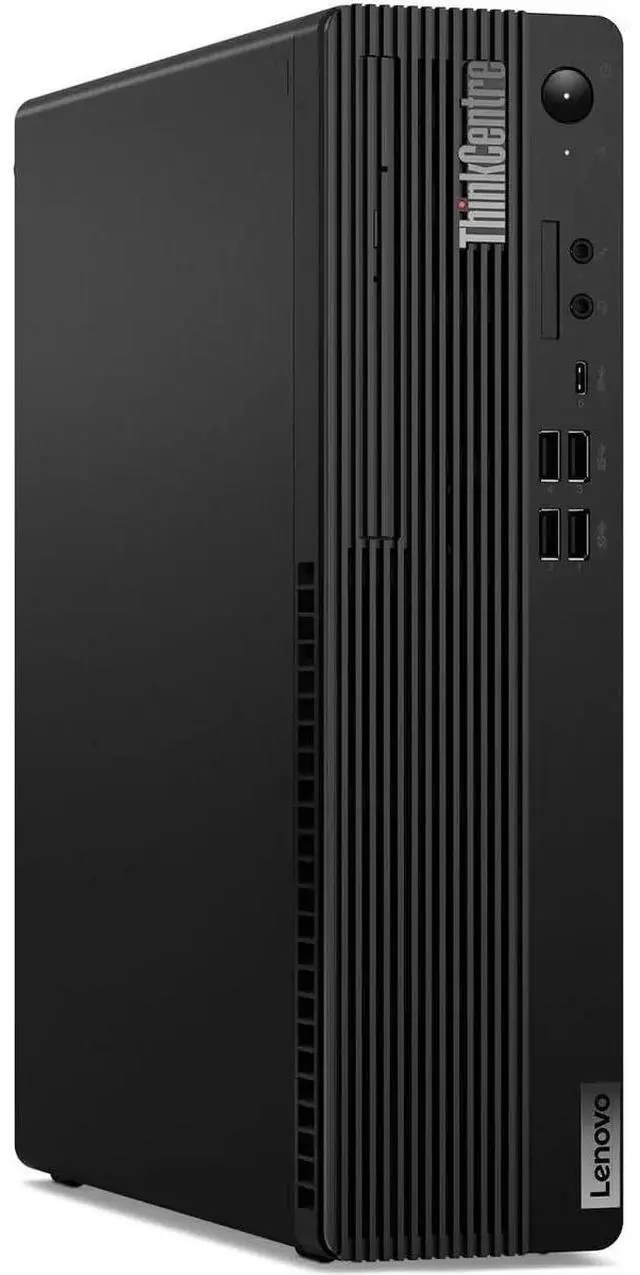
The Lenovo ThinkCentre M70s Gen 5 is a small-form-factor business desktop with an Intel Core i7-14700, 16GB memory, 512GB SSD, and Windows 11 Pro, suited to office teams and professionals who need strong everyday productivity in a compact workspace.
| Attribute | Value |
|---|---|
| Best For | Business, home-office, and mainstream work tasks, with a Core i7 processor, 16 GB of memory, and 512 GB SSD storage |
| Processor And Platform | Intel Core i7-14700, 14th Gen, with a listed speed of 2.1 GHz, one processor, and an LGA 1700 socket |
| Memory Configuration | 16 GB DDR5 memory at 5600 MHz, expandable to 64 GB |
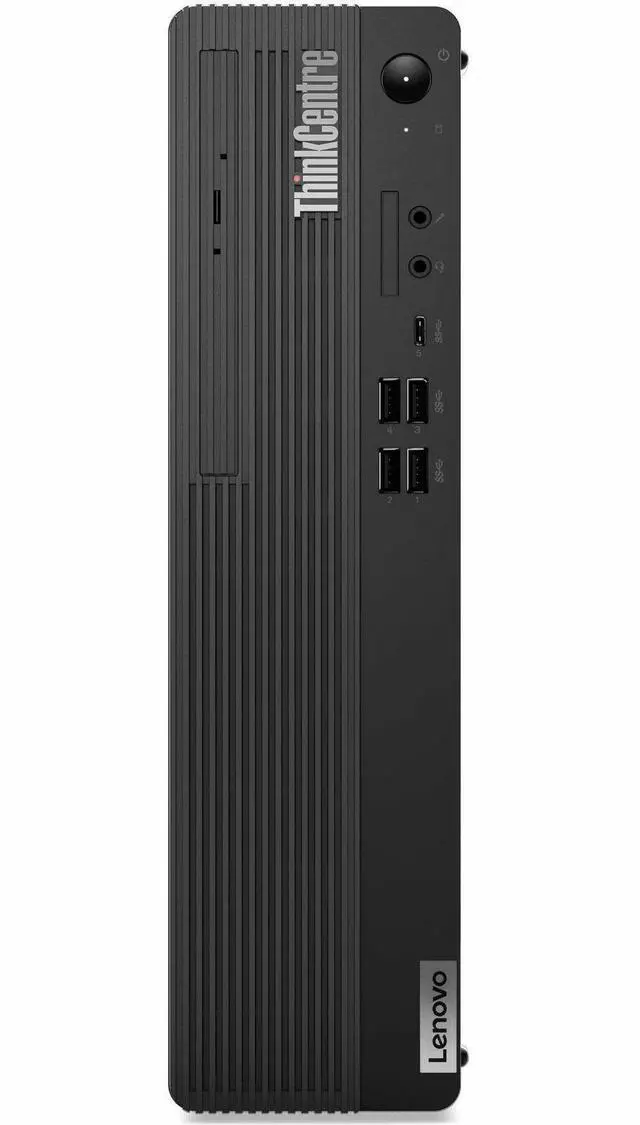
| Storage And Optical Drive | 512 GB SSD with no HDD; includes a DVD writer |
| Graphics And Display Support | Integrated Intel UHD Graphics 770 with shared graphics memory and support for one display at up to 3840 × 2160 |
| Ports And Connectivity | HDMI and DisplayPort video outputs; 9 USB ports, including 4 USB 2.0 ports; Wi-Fi 6, Bluetooth, and Ethernet |
| Operating System And Security | Windows 11 Pro; includes a security slot |
| Included Peripherals And Media | Includes a wired QWERTY keyboard and mouse; English language and DVD-writer media support |
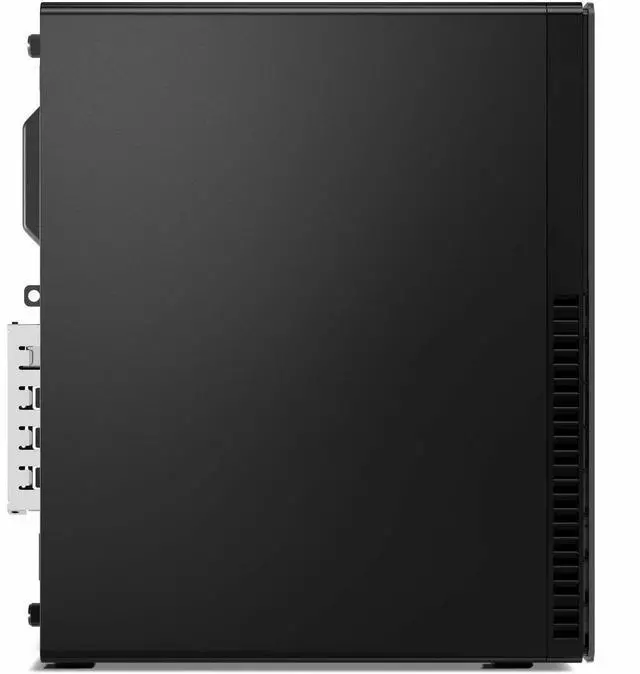
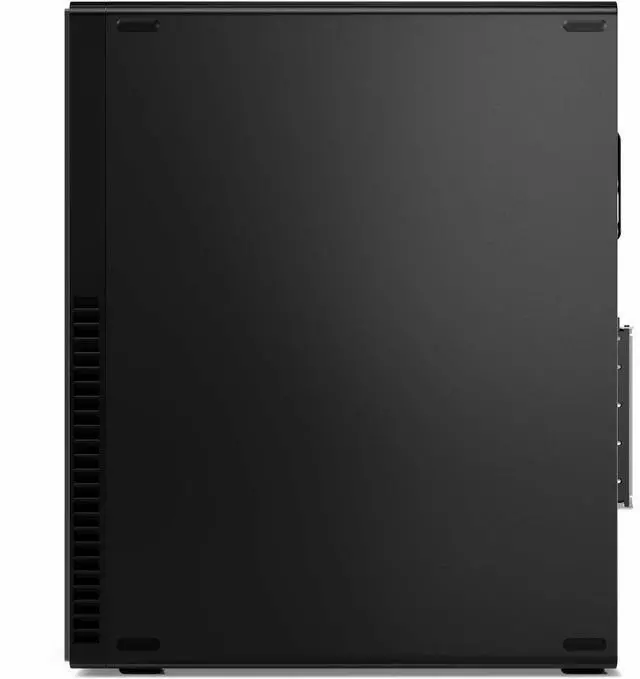
| Physical Specifications | Black computer tower measuring 11.7 × 3.6 × 13.4 inches and weighing 11.68 pounds; air cooling |
| Power And Compliance | 260 W power consumption; Energy Star specification |
| Model Identifiers | Lenovo ThinkCentre M70s Gen 5, model 12U3000VUS; model year 2025 |
Q: Should I get this ThinkCentre M70s Gen 5 with the i7-14700 or an i5 configuration?
A: Choose this i7-14700 configuration for CPU-heavy multitasking or workloads that can use more cores: it has 20 cores and 28 threads, compared with 10 cores and 16 threads in the M70s Gen 5 i5-14400 configuration. For everyday office tasks, browsing, and video calls, an i5 configuration may be a more cost-conscious fit if its price is lower.
Q: Is the M70s Gen 5 or the M70q Gen 5 Tiny better for a small desk?
A: Choose the M70q Gen 5 Tiny when minimizing desktop footprint is the priority. Choose this M70s Gen 5 when you want a small-form-factor desktop with more room for expansion: Lenovo lists an 8.2-liter chassis and a low-profile PCIe slot for the M70s. Compare the exact processor configuration before deciding, since the models can use different CPU variants.
Q: Is this M70s Gen 5 suitable for gaming, or should I get a desktop with a dedicated graphics card?
A: For gaming or graphics workloads that depend on GPU performance, choose a desktop with a dedicated graphics card. This Newegg configuration lists Intel UHD Graphics 770 integrated graphics, making it a better fit for business and general desktop tasks than GPU-intensive gaming. Lenovo lists optional discrete graphics for the M70s platform, but verify that the specific configuration includes a dedicated GPU before buying.
Q: Is this desktop suitable for office work and multitasking?
A: Yes. Its Intel Core i7-14700, 16 GB of memory, 512 GB SSD, and Windows 11 Pro make it suitable for typical business tasks such as documents, spreadsheets, email, web browsing, and running several everyday applications. It is a desktop, so a monitor is needed separately.
Q: Does it come with a monitor?
A: No. The product information says the monitor is not included, so you will need a separate display.
Q: Is it a good choice for gaming?
A: It is configured primarily for work and general computing. The listed graphics are integrated Intel UHD Graphics 770, with no dedicated graphics card specified, so it is not the best fit for demanding games.
Q: Does it have a DVD drive?
A: Yes. The product specifications list a DVD writer, so it can be used for compatible DVD reading and writing.
Q: Can I add a second M.2 SSD to the ThinkCentre M70s Gen 5?
A: The Reddit discussion indicates that the second M.2 socket is for WLAN, not a second SSD. For additional storage, check the specific drive-bay options and compatibility before buying.
Q: Can I add a graphics card later?
A: This configuration uses integrated Intel UHD Graphics 770 and has a small-form-factor case. Reddit discussion about M70s upgrades raises fit and power-supply questions, so confirm card dimensions and power requirements for this exact configuration before relying on a future GPU upgrade.
Q: Does this M70s Gen 5 include Wi-Fi?
A: The provided specifications do not confirm Wi-Fi for this configuration. A Reddit post specifically asks about adding Wi-Fi to an M70s Gen 5, so verify the wireless hardware included with model 12U3000VUS before purchase; otherwise, a compatible adapter may be needed.


