




 here!
I’m your shopping assistant for PC builds, upgrades, and everything tech.
Got questions? Ask away!
Start a conversation
here!
I’m your shopping assistant for PC builds, upgrades, and everything tech.
Got questions? Ask away!
Start a conversation
Make informed decisions with expert advice. Learn More




Any questions? Ask CelesteSM will help you find out quickly.
We want to ensure your holiday shopping this year is hassle-free. That’s why we’re automatically extending our return policies on almost every product! For purchases placed between November 1st, 2026 and December 31, 2026 you will have until January 31, 2027 to return your product.
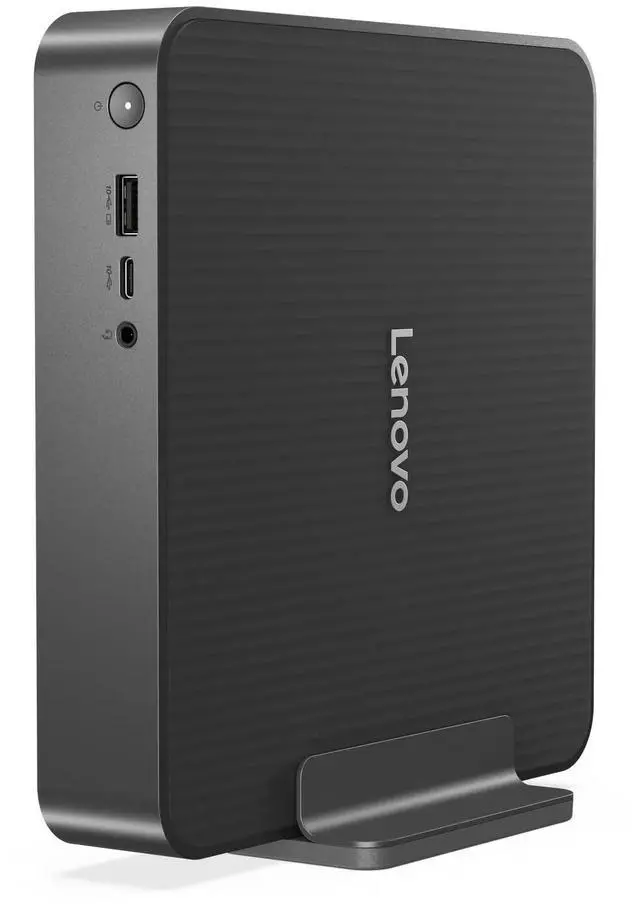
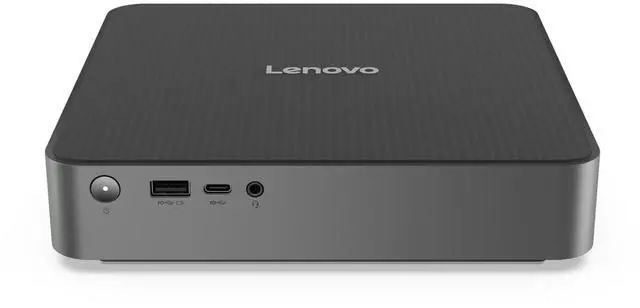
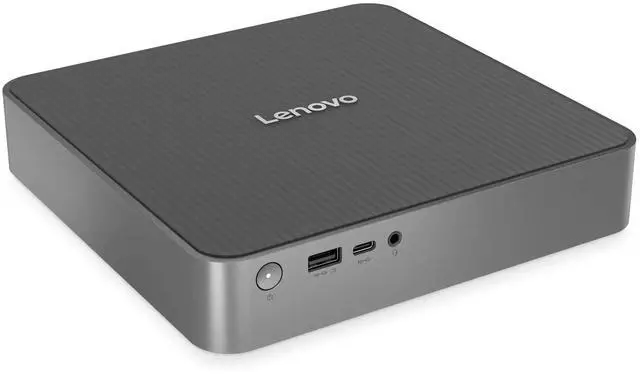
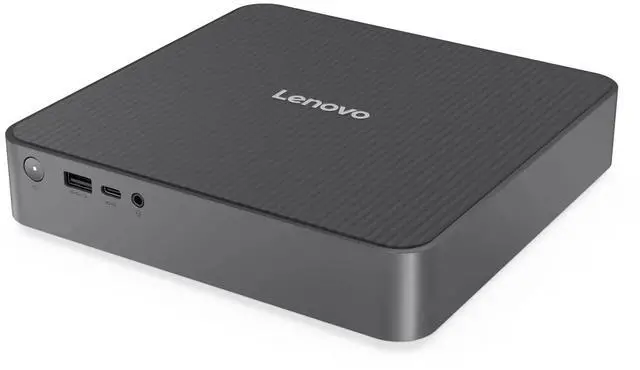
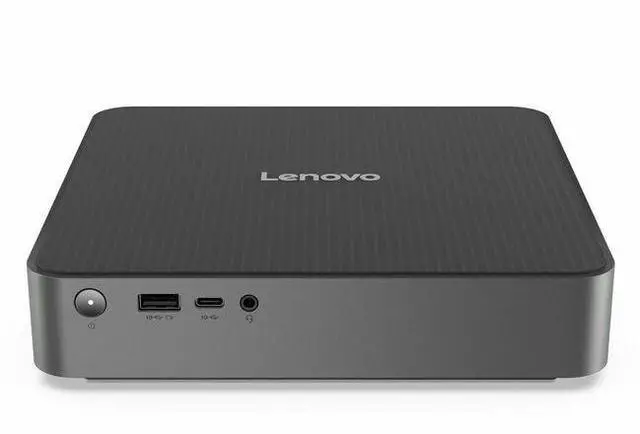
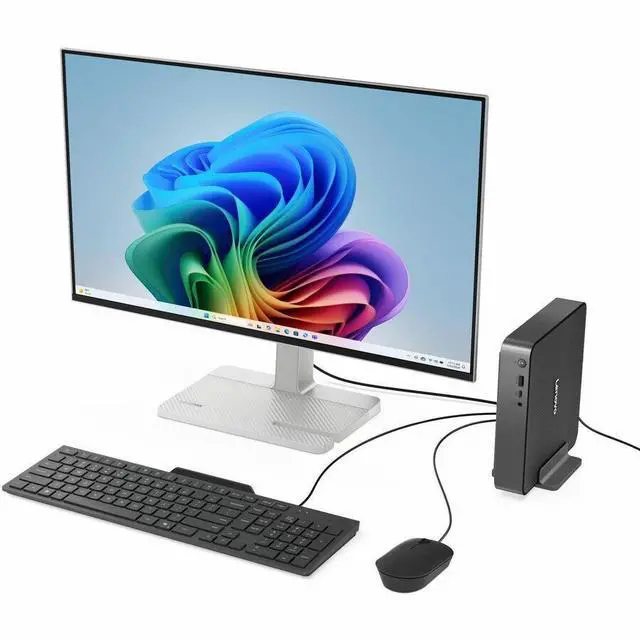
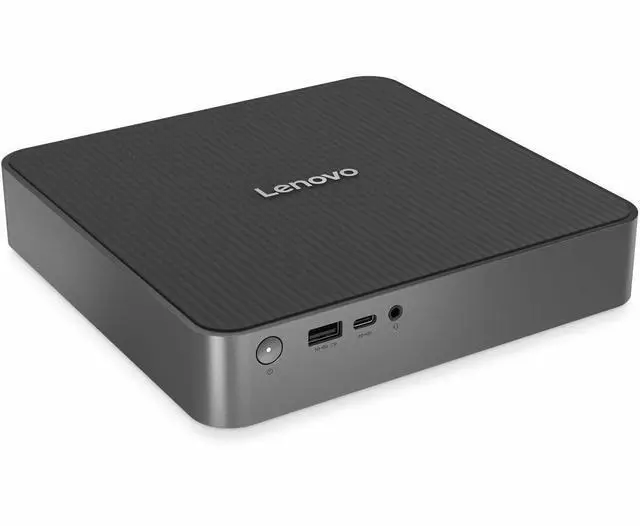
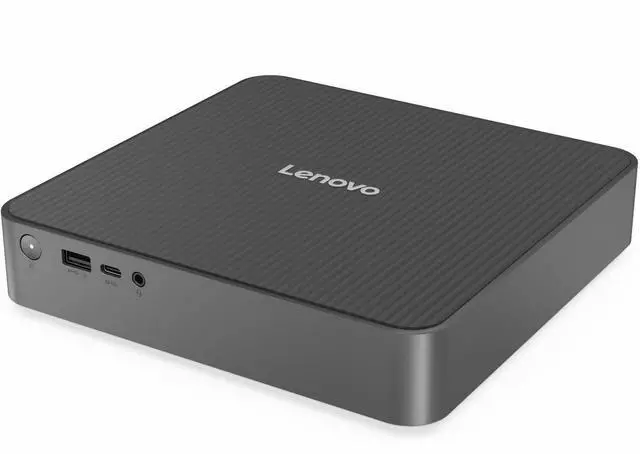
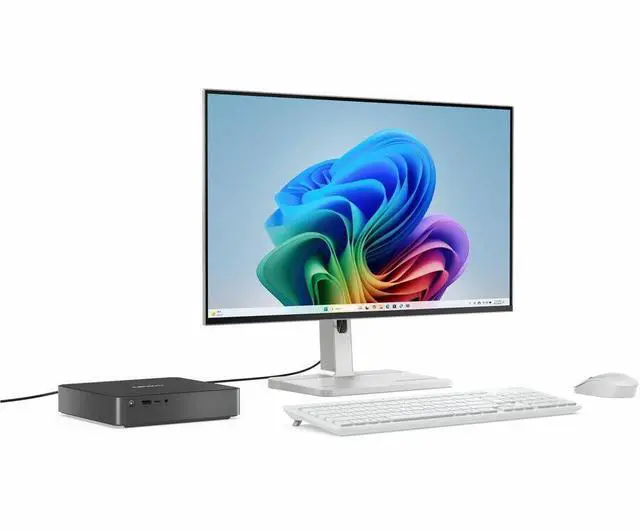
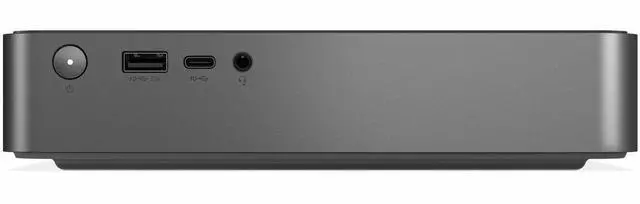
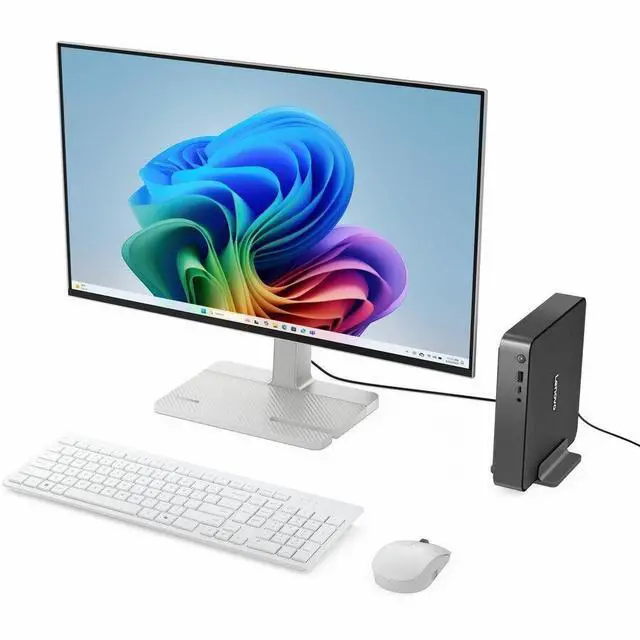
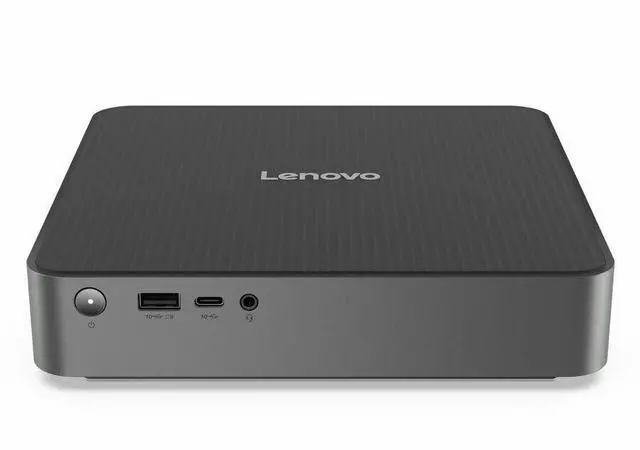
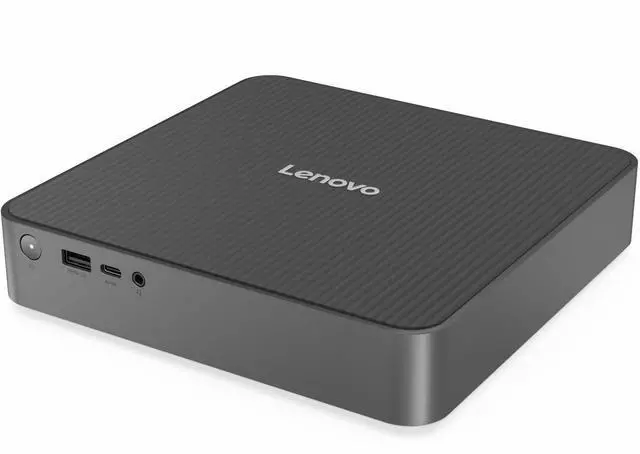
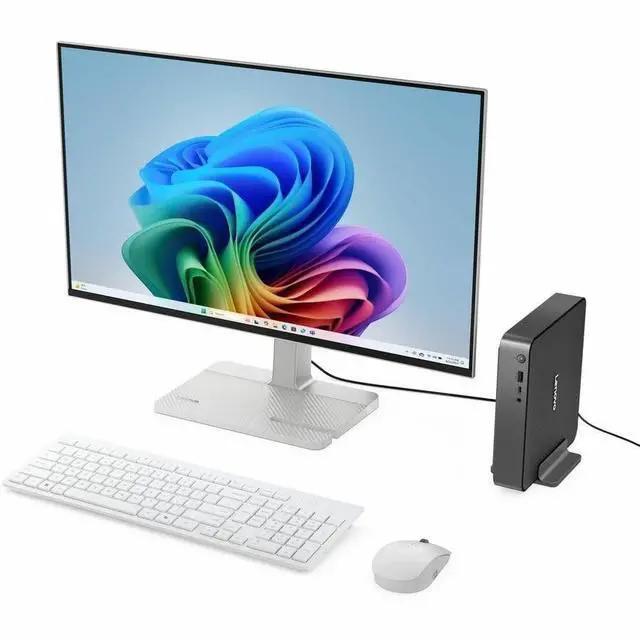
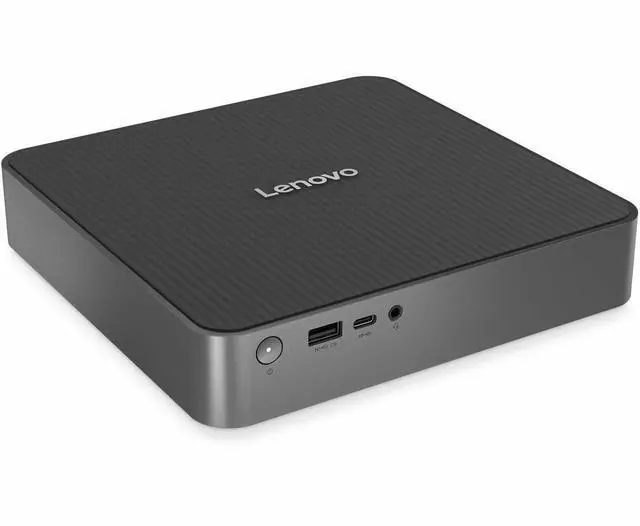
The Lenovo IdeaCentre Mini 01Q8X10 is a compact Windows 11 Home desktop with a Snapdragon X Plus processor, 32GB of memory, and a 512GB SSD, suited to students and home-office users who want a small computer for everyday work.
| Attribute | Value |
|---|---|
| Best For | Student and home-office desktop use, with a Snapdragon X Plus processor, 32 GB of memory, and 512 GB of SSD storage |
| Processor And Graphics | Qualcomm Snapdragon X Plus X1P-64-100 processor with up to 3.40 GHz turbo frequency and Qualcomm Adreno graphics |
| Memory | 32 GB DDR5 memory running at 8448 MHz |
| Storage | 512 GB SSD; no HDD |
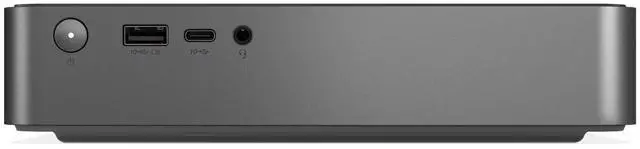
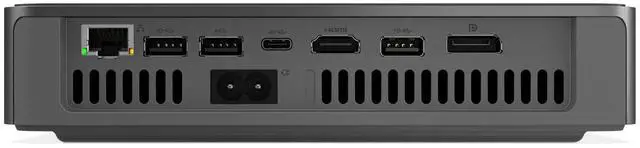
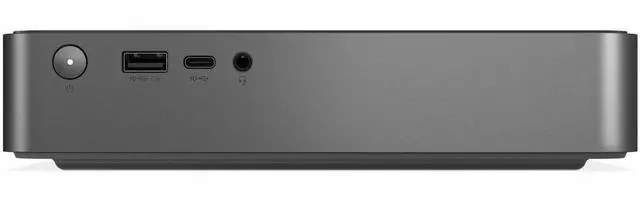
| Ports And Connectivity | Six USB ports, including one USB4 port, three USB 3.2 Gen 2 ports, one rear USB 2.0 port, and front USB-C with 10 Gbps USB 3.2 Gen 2; rear HDMI and DisplayPort outputs |
| Wired And Wireless Networking | Gigabit Ethernet, Wi-Fi 7 (802.11be), and Bluetooth |
| Operating System | Windows 11 Home |
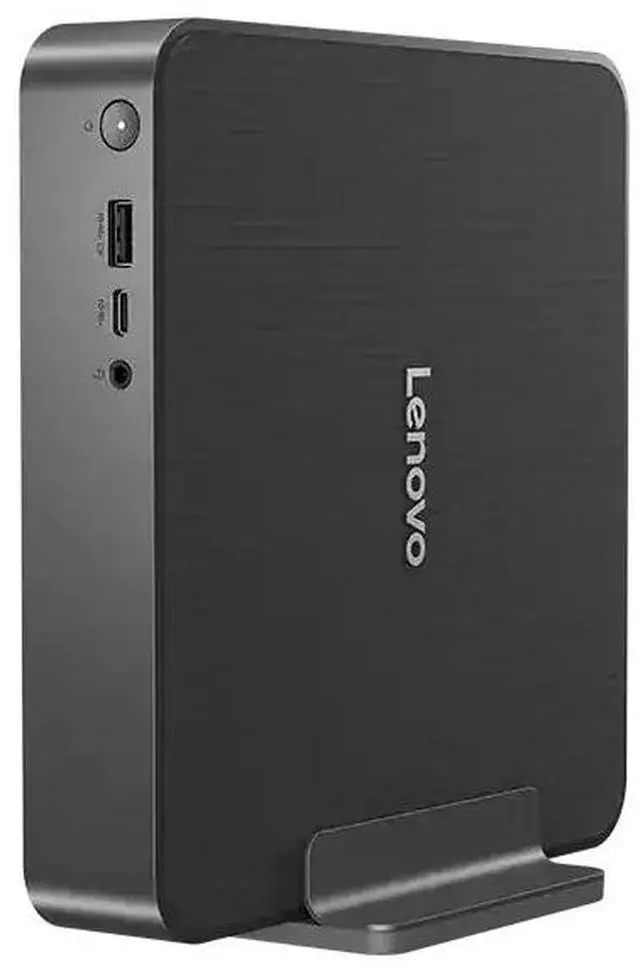
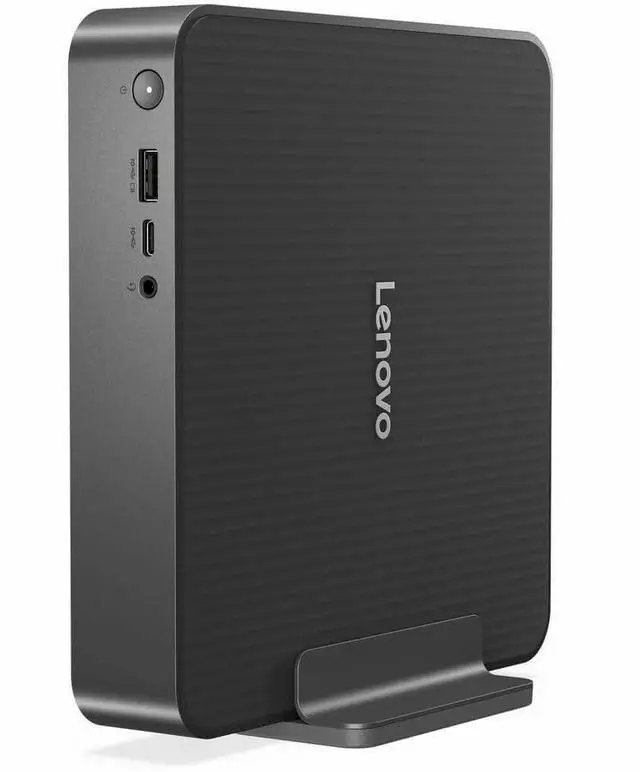
| Display And Included Accessories | No screen or touchscreen included; vertical stand included |
| Physical Specifications | Luna Gray; 1.7 × 7.7 × 7.5 inches (H × W × D); 3.97 lb |
| Model Identifiers | Lenovo IdeaCentre Mini 01Q8X10, model and part number 91B60000UT |
Q: Is the IdeaCentre Mini X with Snapdragon X Plus worth choosing over the base Snapdragon X model?
A: Choose this Snapdragon X Plus configuration when you want the higher-tier processor: Lenovo lists it with 10 CPU cores and boost speeds up to 3.4 GHz, compared with 8 cores and up to 3.0 GHz for the base Snapdragon X model. Both configurations are listed with 32 GB of memory and 512 GB of storage. Windows Central found the base model suitable for everyday productivity, so the X Plus is the more relevant choice when you want additional CPU headroom for heavier or more concurrent workloads.
Q: Should I get this 512 GB IdeaCentre Mini X or a 1 TB configuration?
A: Choose this 512 GB configuration for a standard combination of the Snapdragon X Plus processor and 32 GB of memory. A 1 TB IdeaCentre Mini X configuration is the better fit if you expect to keep a larger library of files and applications on the PC. Windows Central lists 512 GB and 1 TB storage options for the Mini X; check the exact processor and memory on the configuration you are considering.
Q: How does the IdeaCentre Mini X with Snapdragon X Plus compare with the older IdeaCentre Mini 01IRH8?
A: Choose the IdeaCentre Mini X when you want Lenovo’s compact Mini design with a Snapdragon X Plus processor, Windows 11 on ARM, 32 GB of memory, and Wi-Fi 7. The IdeaCentre Mini 01IRH8 is an earlier Mini generation offered with 13th Gen Intel Core processors. The main choice is between the newer Snapdragon-based platform and an Intel-based 01IRH8 configuration.
Q: Will it work for everyday office or school tasks and video meetings?
A: Its Snapdragon X Plus processor, 32GB of memory, 512GB SSD, and Windows 11 Home make it suited to typical productivity tasks such as documents, browsing, and online meetings. It is a desktop, so you’ll need a separate monitor; check that any specialized software or peripherals you rely on support Windows on ARM.
Q: Does it come with a monitor?
A: No. The monitor is not included, so you’ll need to connect a compatible monitor separately.
Q: Can it connect two monitors?
A: It has HDMI and DisplayPort outputs for connecting displays. The provided specifications do not state the maximum supported display count, so confirm your monitor setup and cable requirements before purchase.
Q: Can I upgrade the memory later?
A: No. The 32GB memory is soldered to the system board and is not upgradeable. Choose this configuration only if 32GB will meet your expected needs.
Q: Is the IdeaCentre Mini X quiet enough for everyday desk work?
A: Not necessarily. One owner reported a continuously running, pulsing fan that was distracting during quiet work, while another Reddit commenter described the fan as very quiet. Treat noise as a possible trade-off rather than assuming it will be silent.
Q: Is this a good choice for Linux or an ARM development home lab?
A: It may suit someone comfortable troubleshooting ARM systems, but the discussions flag Linux setup as a limitation: users report that Linux can be made to run, while another describes support as difficult. For a Linux-first machine, verify compatibility with your required hardware and software before buying.
Q: Is it worth choosing over a traditional x86 mini PC or a Mac mini?
A: The discussions do not establish a universal value winner. One owner found the Mini useful for Windows-on-ARM development but reported mixed performance and value compared with Mac minis. This model’s 32 GB RAM and 512 GB SSD are specified, but its price is not; compare the price and confirm your key apps work well on Windows on ARM before deciding.


