




 here!
I’m your shopping assistant for PC builds, upgrades, and everything tech.
Got questions? Ask away!
Start a conversation
here!
I’m your shopping assistant for PC builds, upgrades, and everything tech.
Got questions? Ask away!
Start a conversationShipped by Newegg
 Hot Seller







Any questions? Ask CelesteSM will help you find out quickly.
We want to ensure your holiday shopping this year is hassle-free. That’s why we’re automatically extending our return policies on almost every product! For purchases placed between November 1st, 2026 and December 31, 2026 you will have until January 31, 2027 to return your product.
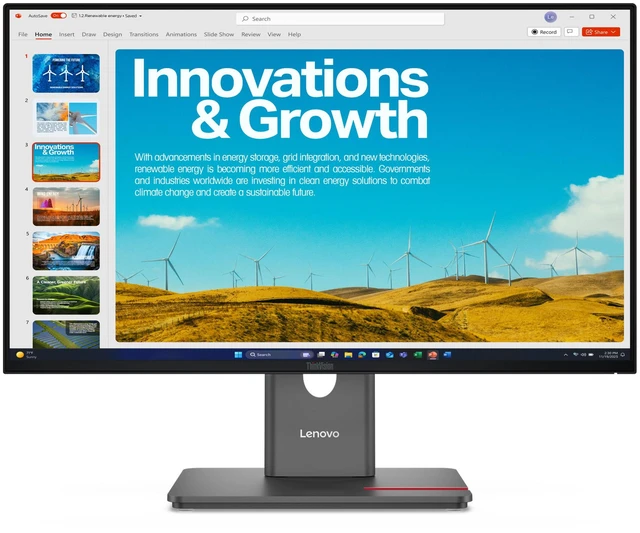
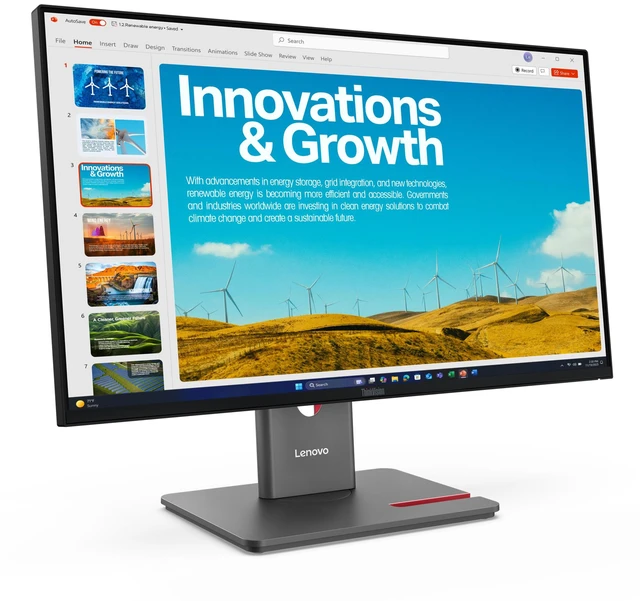
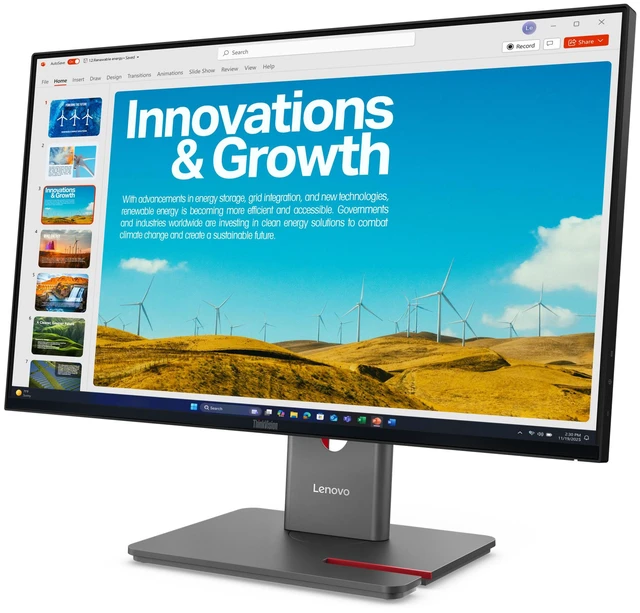
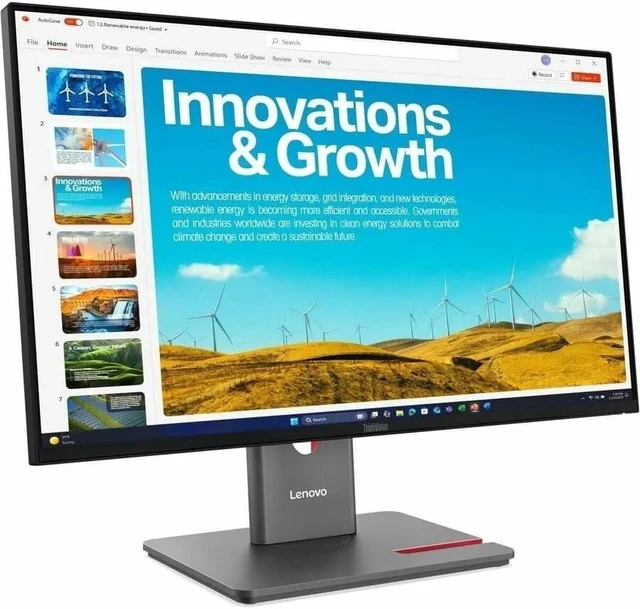
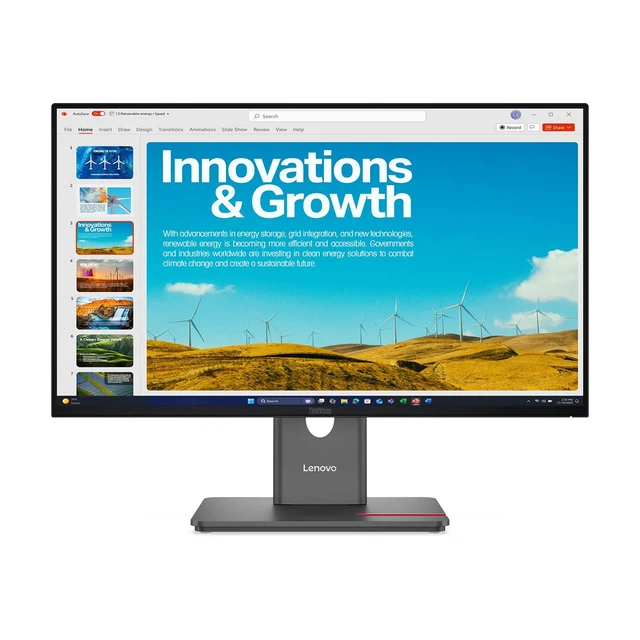
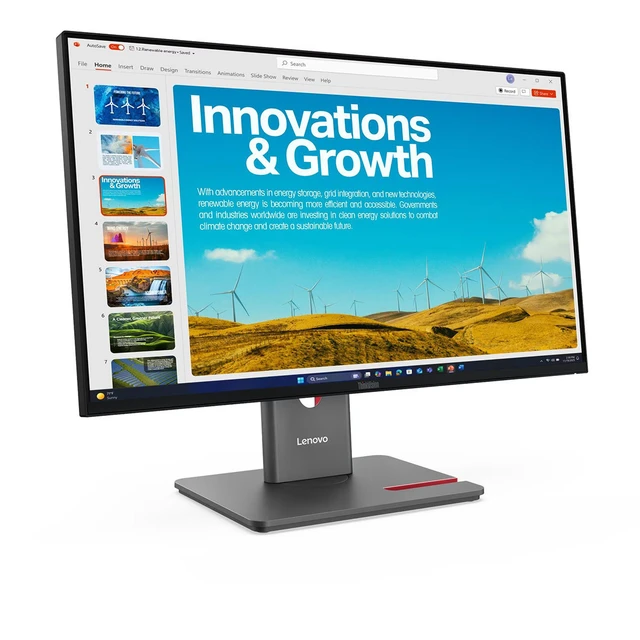
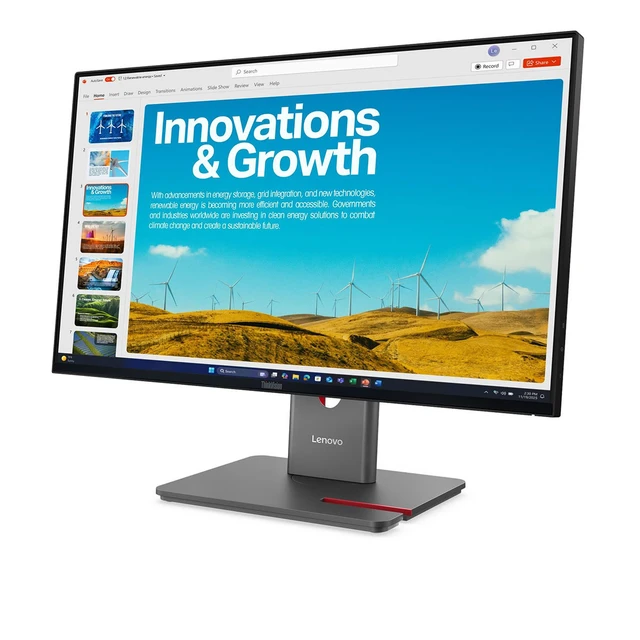
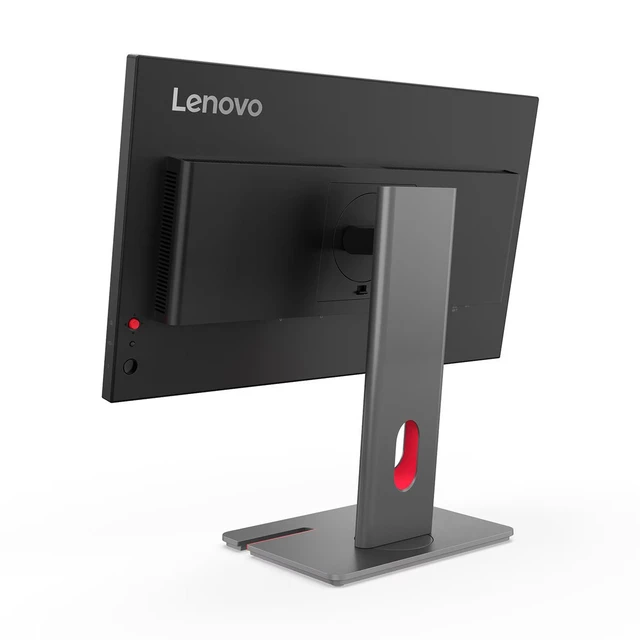
The Lenovo ThinkVision P24QD-40 is a 23.8-inch QHD IPS monitor with a 120Hz refresh rate and USB-C connectivity, suited to professionals who want a sharp, smooth display for everyday work and a more streamlined desk setup.
| Attribute | Value |
|---|---|
| Best For | Desktop use with a 23.8-inch QHD display and HDMI, USB, DisplayPort, and Ethernet connectivity |
| Panel And Resolution | 23.8-inch LED IPS display with a matte finish, 2560 × 1440 QHD resolution, 16:9 aspect ratio, and 99% sRGB color gamut |
| Refresh Rate And Response | 120Hz refresh rate, 4ms response time, and FreeSync adaptive sync |
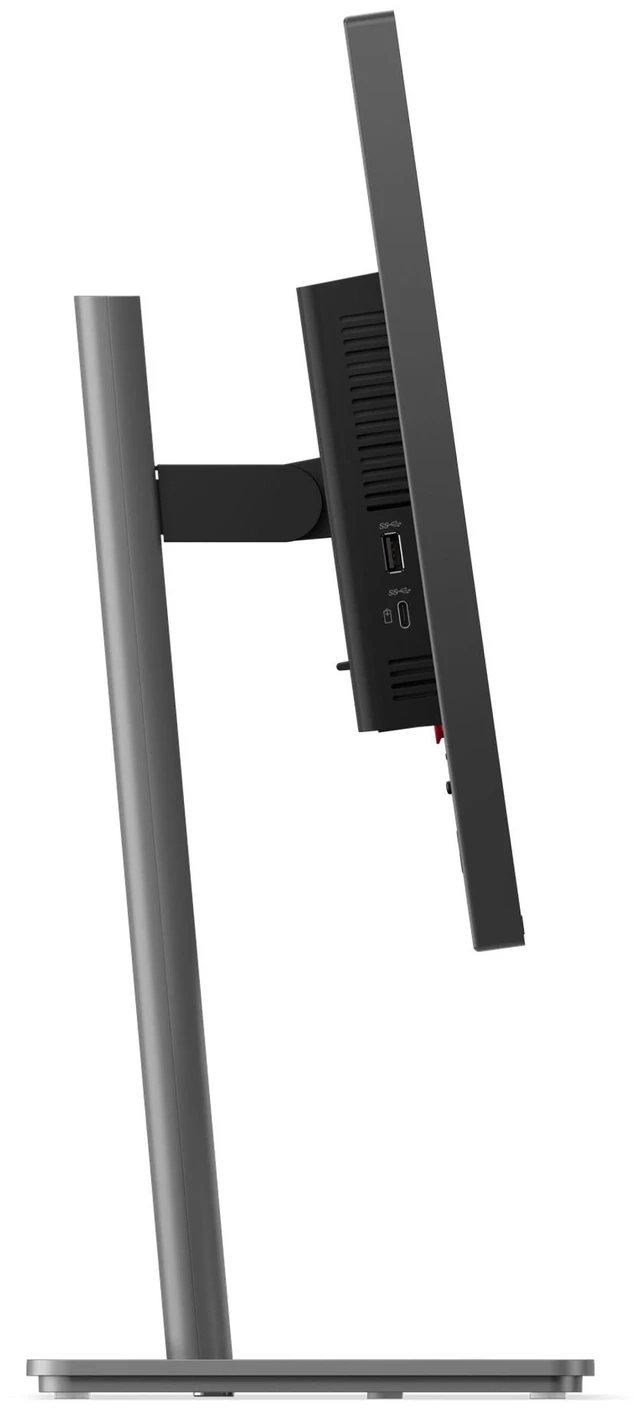
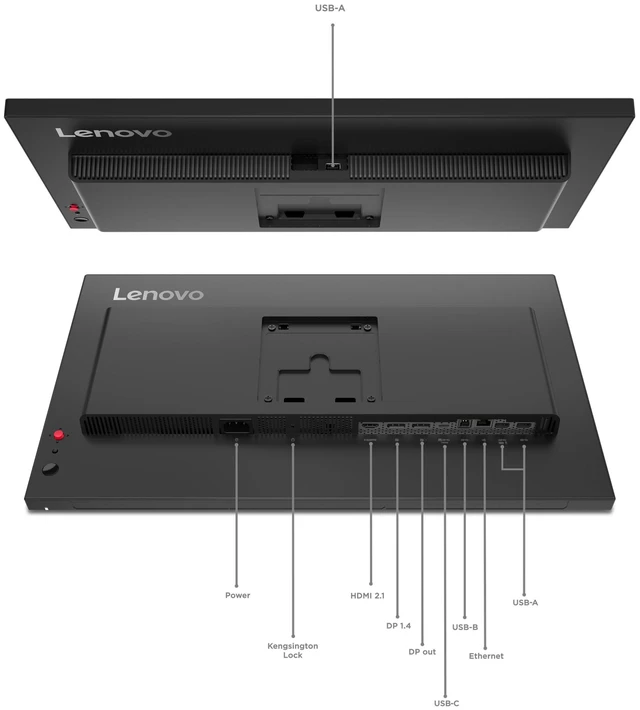
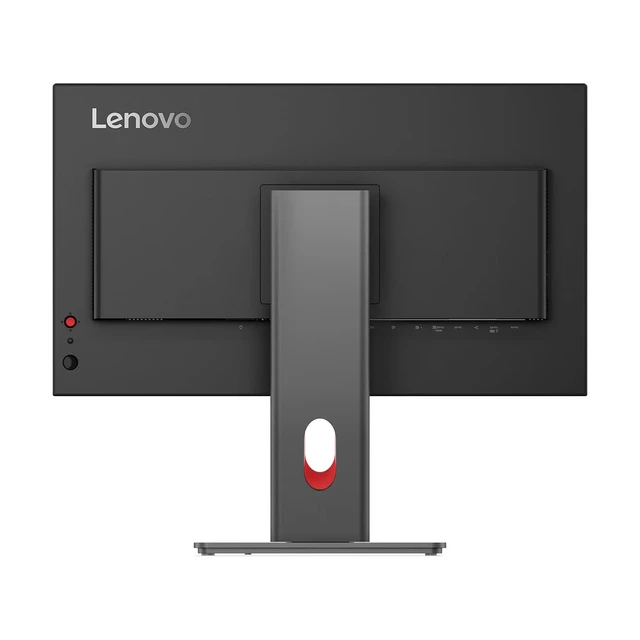
| Ports And Connectivity | HDMI, USB, USB-C, DisplayPort, and Ethernet connectivity; one HDMI port and no Thunderbolt ports |
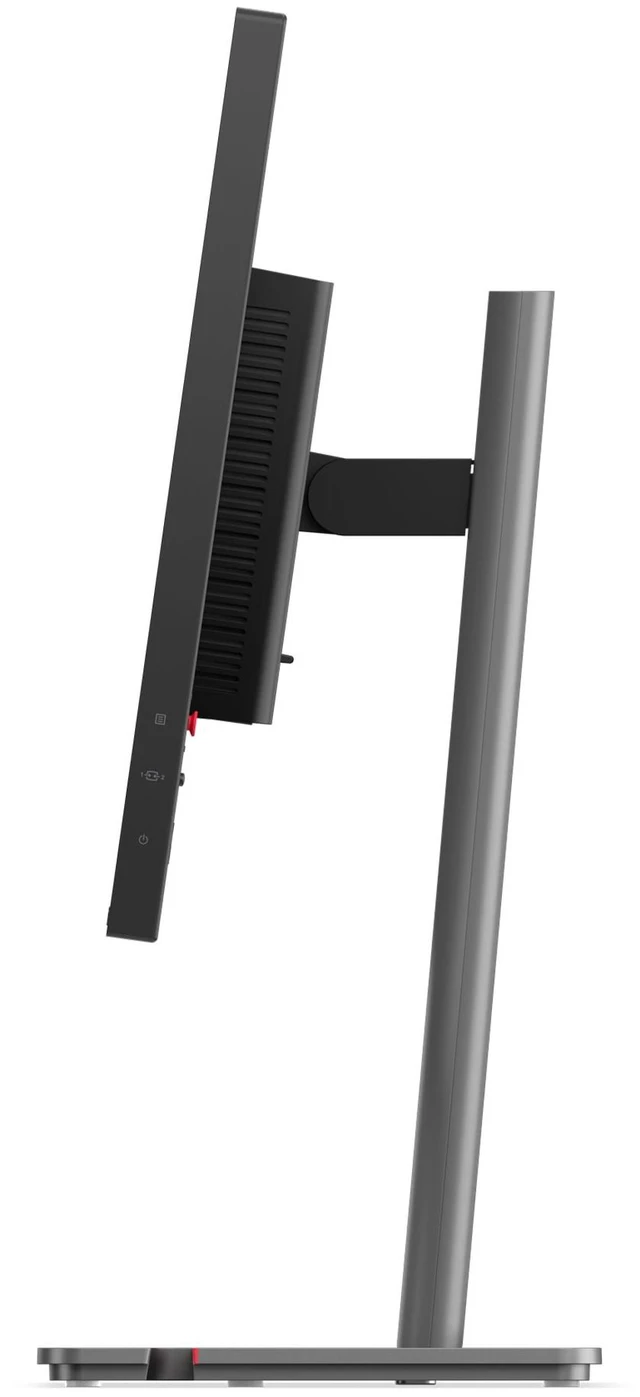
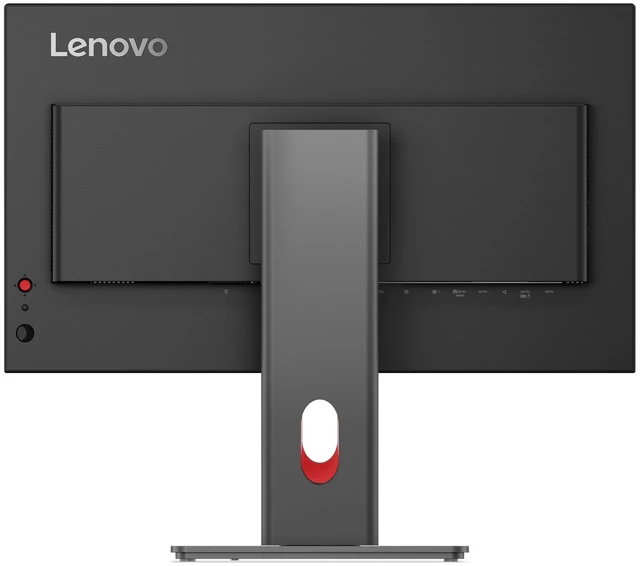
| Stand And Ergonomics | Stand supports height, tilt, and swivel adjustment; compatible with a 100 × 100 mm VESA mount |
| Eye Comfort And Picture Features | Anti-glare screen with Eyesafe Certified 2.0, low blue light, flicker-free technology, eye comfort features, and HDR |
| Included Components | Monitor, stand, DisplayPort 1.4 cable, USB-C to USB-C Gen 2 cable, USB-B to USB-A Gen 1 cable, power cable, factory calibration report, and quick setup guide |
| Power | 16.5W power consumption; supports 100–240V AC |
| Model Identifiers | Lenovo ThinkVision P24QD-40; model and part number 64B1GAR1UZ |
Q: ThinkVision P24QD-40 or P24Q-40 for a USB-C laptop setup?
A: Choose the ThinkVision P24QD-40 if you want the monitor to serve as a one-cable laptop dock: its USB-C upstream connection supports DisplayPort and up to 140W power delivery, and it includes Ethernet and daisy chaining. The P24Q-40 has the same 23.8-inch QHD, 48–120Hz display class, while its USB-C port is a 15W downstream port for connected devices.
Q: ThinkVision P24QD-40 or P24h-30 for a newer QHD work monitor?
A: Choose the P24QD-40 for a newer 23.8-inch QHD setup with 48–120Hz variable refresh, USB-C charging up to 140W, and 2.5GbE Ethernet. The P24h-30 is a 23.8-inch QHD option with a 60Hz refresh rate and up to 100W USB-C power delivery, making the P24QD-40 the more feature-rich fit when higher refresh and docking capacity matter.
Q: ThinkVision P24QD-40 or P27Q-40 for a larger QHD screen?
A: Choose the P27Q-40 when a 27-inch workspace is the priority: it keeps QHD resolution and supports up to 120Hz, with 350 cd/m² typical brightness. Choose the P24QD-40 for a more compact 23.8-inch QHD display paired with a USB-C dock offering up to 140W power delivery and 2.5GbE Ethernet.
Q: Can I connect and charge my laptop through one USB-C cable?
A: Yes, if your laptop’s USB-C port supports video output and USB Power Delivery. The monitor’s USB-C upstream connection supports video, data, and up to 140W power delivery; check your laptop’s charging requirements and port capabilities to confirm compatibility.
Q: Is this monitor suitable for office work and viewing multiple documents?
A: Yes. Its 23.8-inch QHD IPS display provides 2560 × 1440 resolution for office tasks and multitasking. The anti-glare screen and adjustable stand support desk use; the stand can be raised, tilted, swiveled, and pivoted.
Q: Does it have built-in speakers, a webcam, or a microphone for meetings?
A: No built-in speakers, webcam, or microphone are listed for this configuration. It supports modular camera and speaker accessories, so plan to use separate meeting audio and video equipment unless you add compatible modules.
Q: Is this a practical monitor to take between work locations?
A: It is designed as a desk monitor rather than a portable travel display. The monitor with its stand weighs about 12.4 lb, so it is better suited to a fixed home or office workspace than frequent transport.
Q: Is the P24QD-40 a good fit for home-office work with a laptop?
A: It may suit a compact work setup: the product is listed as a 23.8-inch QHD IPS monitor with USB-C and 120Hz refresh. A Reddit buyer considering it for office applications and a laptop specifically valued QHD and USB-C charging. Confirm the charging wattage and compatibility for the exact SKU and laptop before buying.
Q: Can I use two P24QD-40 monitors from one laptop connection?
A: Daisy-chaining was raised in a Reddit discussion, but the poster had not tested a second monitor. The same user reported connecting one monitor by USB-C at 120Hz with VRR enabled. Treat dual-monitor operation and its refresh rate as unverified; check the laptop’s display-output support and the monitor’s connection specifications.
Q: Are there reported issues with the P24QD-40’s USB hub?
A: One Reddit user reported that USB peripherals connected through the monitor were intermittently not detected over USB-C and that power-cycling the monitor restored them. This is an individual report, not evidence that the issue is widespread, but buyers who rely on the hub may want to consider it.


