




 here!
I’m your shopping assistant for PC builds, upgrades, and everything tech.
Got questions? Ask away!
Start a conversation
here!
I’m your shopping assistant for PC builds, upgrades, and everything tech.
Got questions? Ask away!
Start a conversation Top Rated





Any questions? Ask CelesteSM will help you find out quickly.
We want to ensure your holiday shopping this year is hassle-free. That’s why we’re automatically extending our return policies on almost every product! For purchases placed between November 1st, 2026 and December 31, 2026 you will have until January 31, 2027 to return your product.
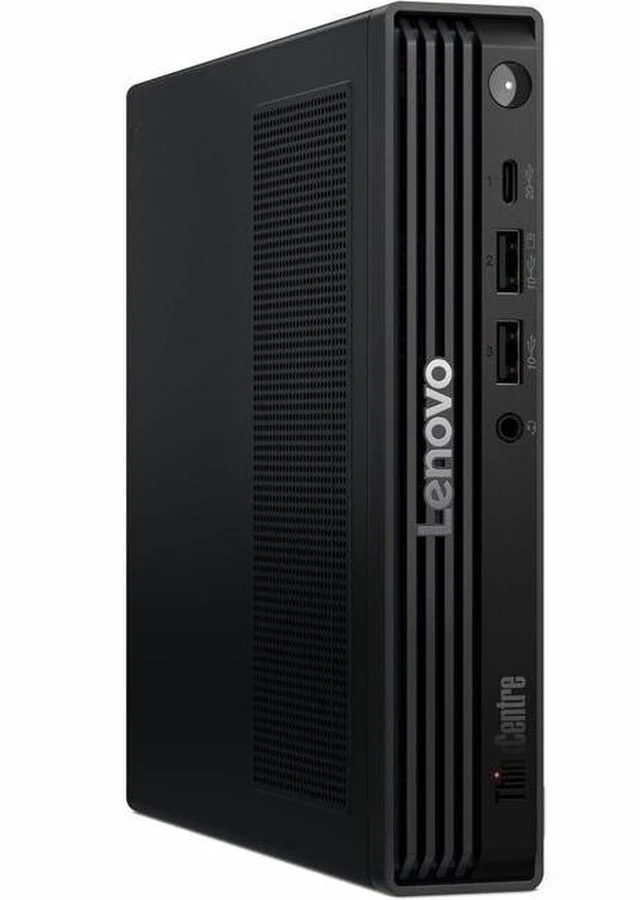
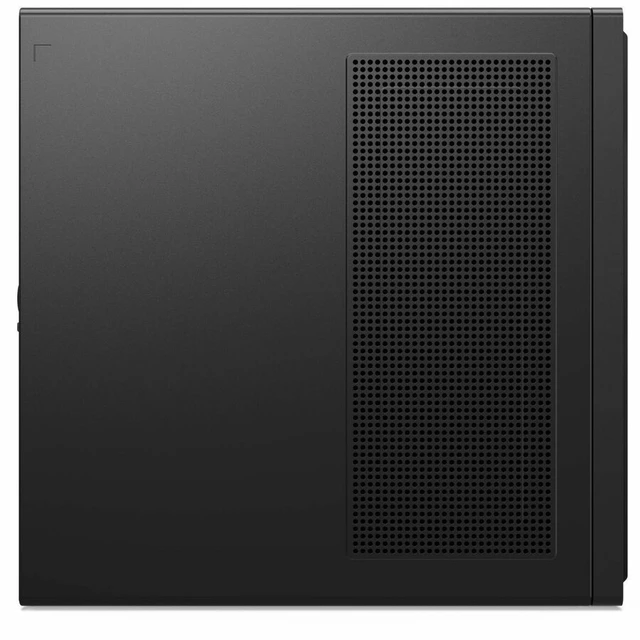
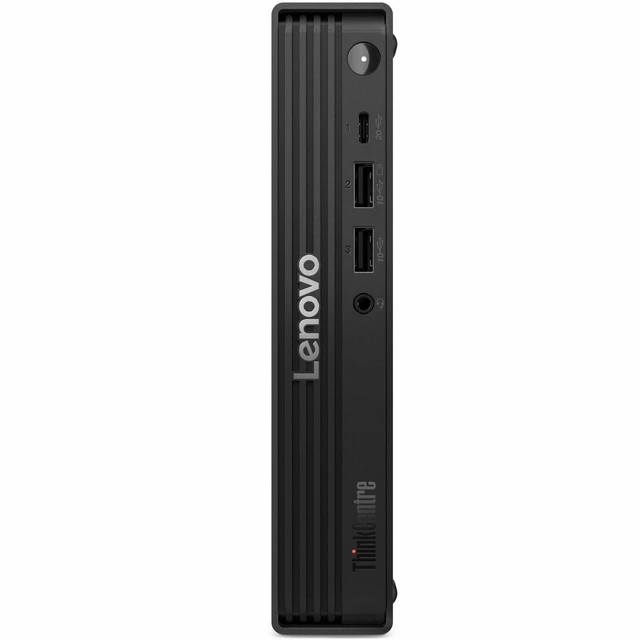
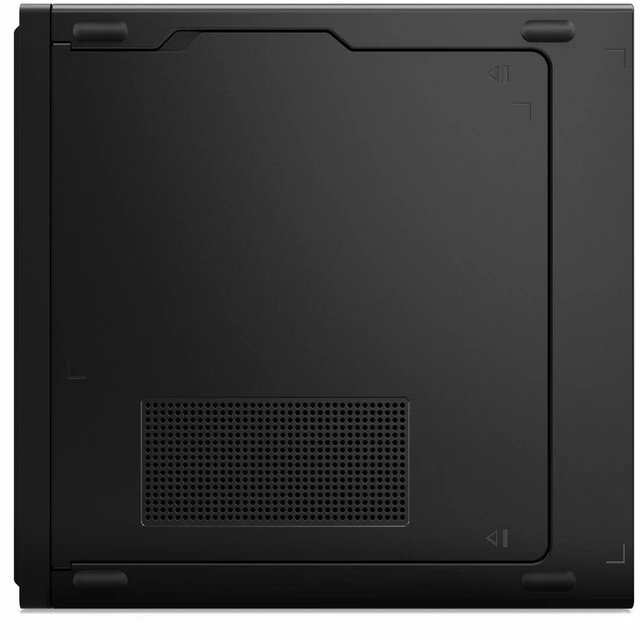
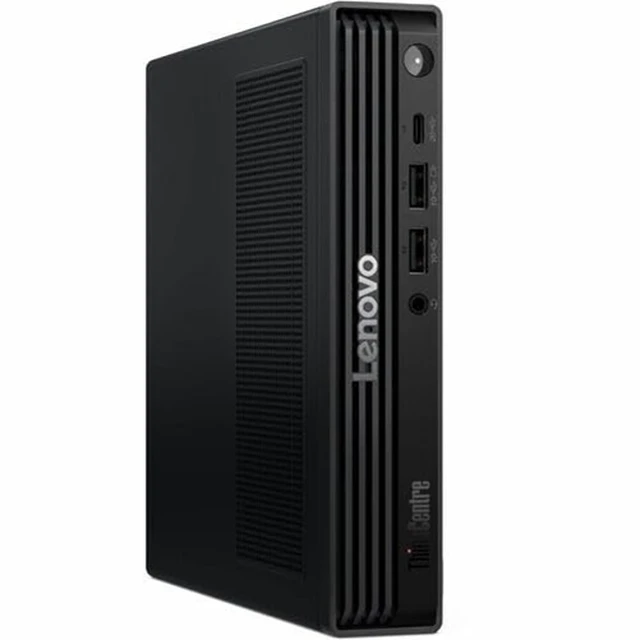
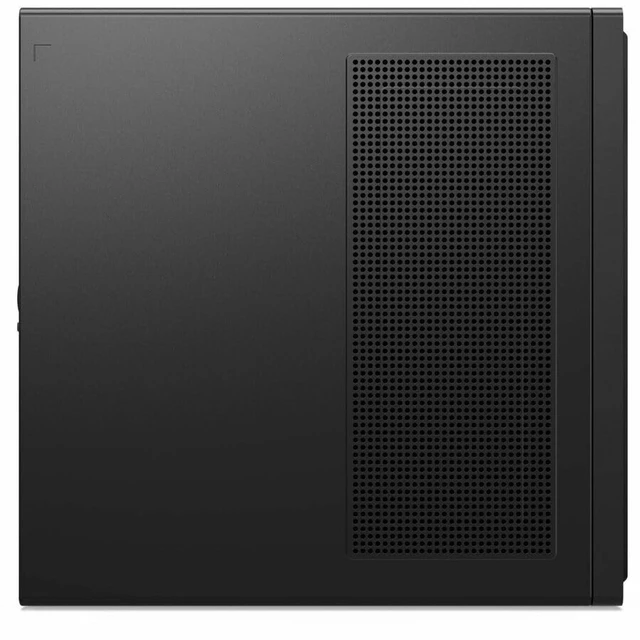
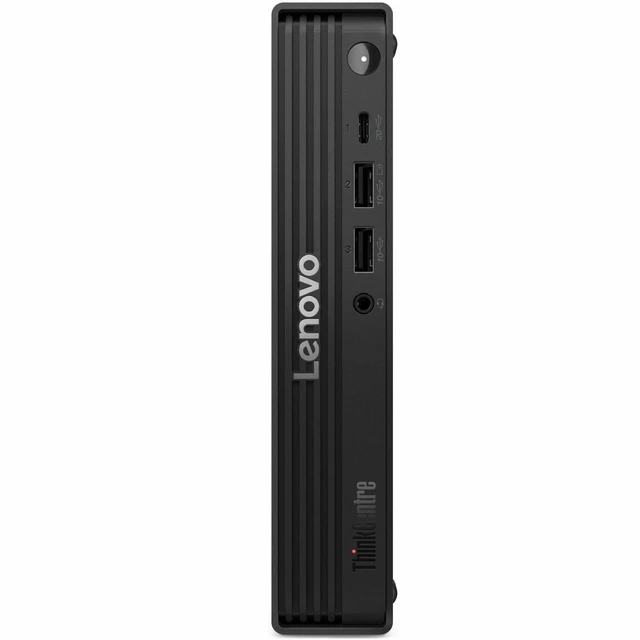
The Lenovo ThinkCentre M90q Gen 6 (13AC001SUS) is a Tiny desktop with an Intel Core Ultra 5 235, 16 GB of DDR5 memory, a 1 TB NVMe SSD, and Windows 11 Pro. It suits business users who want a compact PC for everyday productivity, with vPro Enterprise and tool-less access for managed workplace deployments.
| Attribute | Value |
|---|---|
| Best For | Compact business computing in space-constrained offices, with Windows 11 Pro and Intel vPro Enterprise |
| Processor And Chipset | Intel Core Ultra 5 235 with Intel Q870 chipset; turbo frequency up to 5 GHz |
| Graphics | Intel Integrated Graphics |
| Memory Configuration | 16 GB DDR5 SDRAM, expandable to 64 GB |
| Storage | 1 TB M.2 PCIe NVMe 4.0 x4 SSD |
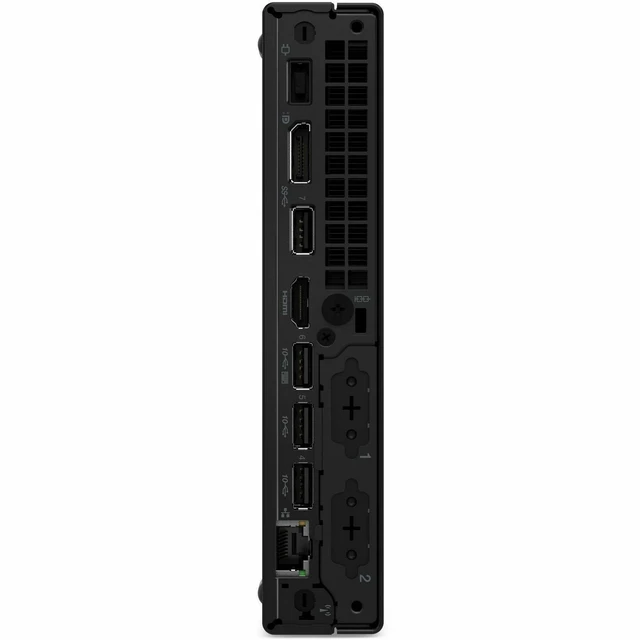
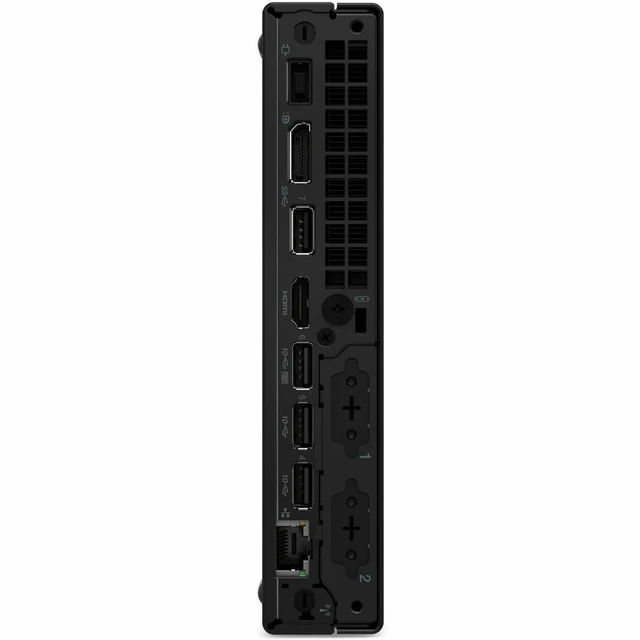
| Ports And Connectivity | 7 USB ports, HDMI, 2 DisplayPort, Gigabit Ethernet, Wi-Fi 6E (802.11ax), and Bluetooth |
| Operating System | Windows 11 Pro |
| Business And Security Features | Intel vPro Enterprise, security slot, tool-less access, and AI features indicated |
| Display | No built-in screen; monitor not included |
| Included Accessories | AC adapter, keyboard, mouse, and vertical stand; keyboard is English |
| Power | 135 W power supply |
| Model Identifiers | Lenovo ThinkCentre M90q Gen 6; model and part number 13AC001SUS; release year 2025 |
Q: ThinkCentre M90q Gen 6 Core Ultra 5 235 vs 225: which configuration should I choose?
A: Choose the M90q Gen 6 with Core Ultra 5 235 for more CPU cores and threads: it has 14 cores and 14 threads, compared with 10 cores and 10 threads in the Core Ultra 5 225 configuration. The 235 is a good fit for heavier multitasking; the 225 is the lower-tier option within the same Tiny desktop family.
Q: Should I get the M90q Gen 6 with Core Ultra 5 235 or upgrade to Core Ultra 7 265?
A: The Core Ultra 5 235 configuration offers 14 cores and 14 threads for general business and productivity workloads. Choose the Core Ultra 7 265 configuration when your work can benefit from its 20 cores and 20 threads, such as running more CPU-intensive tasks in parallel; both are available in the M90q Gen 6 Tiny family.
Q: ThinkCentre M90q Gen 6 vs Gen 5: what does the newer generation add?
A: Choose the M90q Gen 6 for its Core Ultra Series 2 processor options, including the Core Ultra 5 235 with an integrated Intel AI Boost NPU rated up to 13 TOPS. The M90q Gen 5 is an earlier-generation Tiny desktop; compare the specific processor, memory, and storage configuration when choosing between individual systems.
Q: Is the M90q Gen 6 Core Ultra 5 235 a good middle-ground Tiny desktop?
A: Yes. This configuration pairs a 14-core, 14-thread Core Ultra 5 235 with 16 GB of DDR5 memory and a 1 TB PCIe 4.0 NVMe SSD in Lenovo’s Tiny desktop format. It suits buyers seeking a compact business PC with more processor capacity than the Core Ultra 5 225 configuration, without moving to a higher-tier Core Ultra 7 model.
Q: Is this desktop suitable for everyday office work and multitasking?
A: Yes. Its Core Ultra 5 processor, 16 GB of DDR5 memory, 1 TB NVMe SSD, and Windows 11 Pro make it suitable for typical office work, web browsing, video meetings, and running several everyday applications. It uses integrated graphics, so it is less suited to graphics-intensive workloads.
Q: Can I connect more than one monitor?
A: The listed configuration has two DisplayPort outputs and one HDMI output, providing multiple options for connecting displays. The product information provided does not specify the maximum number of monitors that can run simultaneously, so confirm that limit with Lenovo before purchasing for a particular multi-monitor setup.
Q: Does it include a monitor?
A: No. The product information says the monitor is not included. You will need to supply a compatible monitor; the listing identifies an English keyboard, but does not specify whether a mouse is included.
Q: Can the memory be upgraded later?
A: The supplied product information lists 16 GB of memory and a maximum supported capacity of 64 GB. It does not specify the memory-slot layout or upgrade procedure, so check Lenovo’s service information or confirm compatibility before buying memory.
Q: Is the ThinkCentre M90q Gen 6 a good fit for office or accounting work?
A: It is a reasonable fit for typical office and accounting tasks: this configuration has a Core Ultra 5 235, 16 GB of DDR5 memory, a 1 TB SSD, and Windows 11 Pro. A Reddit buyer considered the M90q Gen 6 for a similar accounting-work use case, but the discussion is not a performance test. A monitor is not included.
Q: Can I use this M90q Gen 6 for gaming by adding a graphics card?
A: The listed configuration has integrated graphics and does not include a discrete graphics card. Reddit users have discussed custom Gen 6 builds with added GPUs, but those projects involve extra components and compatibility considerations. Treat GPU gaming as a modification to investigate, not a ready-to-use feature of this configuration.
Q: Should I choose the M90q Gen 6 or a ThinkStation P3 Tiny?
A: The Reddit comparison frames the choice around expansion needs: the discussion favors the M90q when a discrete GPU is not needed, while noting that the ThinkStation offers GPU options. Compare the exact configurations and prices before deciding; this product listing specifies integrated graphics only.


