here!
I’m your shopping assistant for PC builds, upgrades, and everything tech.
Got questions? Ask away!
Start a conversation
here!
I’m your shopping assistant for PC builds, upgrades, and everything tech.
Got questions? Ask away!
Start a conversation




Any questions? Ask CelesteSM will help you find out quickly.
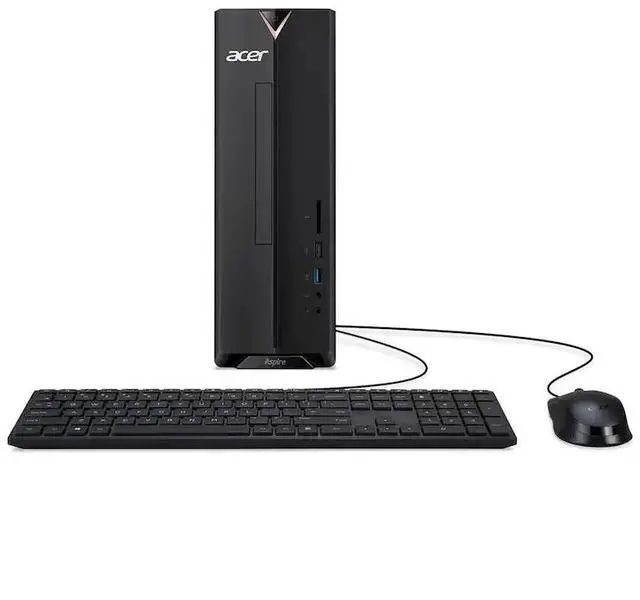
We sell new,unused computers,the original Seal is opened for upgrade ONLY. If you've selected a custom-configured computer, our professional technicians will carefully open the original manufacturer's box and professionally install the upgrades to achieve the advertised specifications.
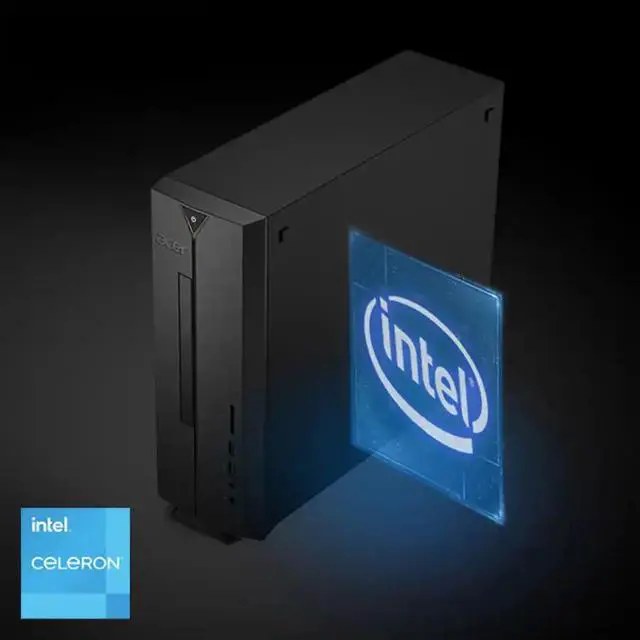
CPU:Intel Celeron N4505
Display:NO
Memory:up to 32 GB RAM
Hard Drive:up to 1 TB PCIe NVMe M.2 SSD
Operating System:Windows 11 Home/Pro
Graphics:Intel UHD Graphics
Keyboard and mouse:Wired Keyboard & Mouse Combo
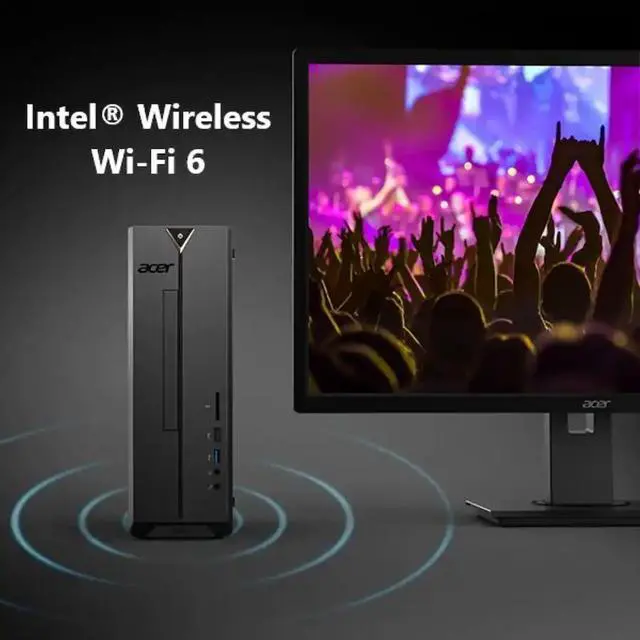
Wireless Connectivity:Intel Wi-Fi 6 (2x2) Gig and Bluetooth 5.3
Battery:65 watts Power Supply
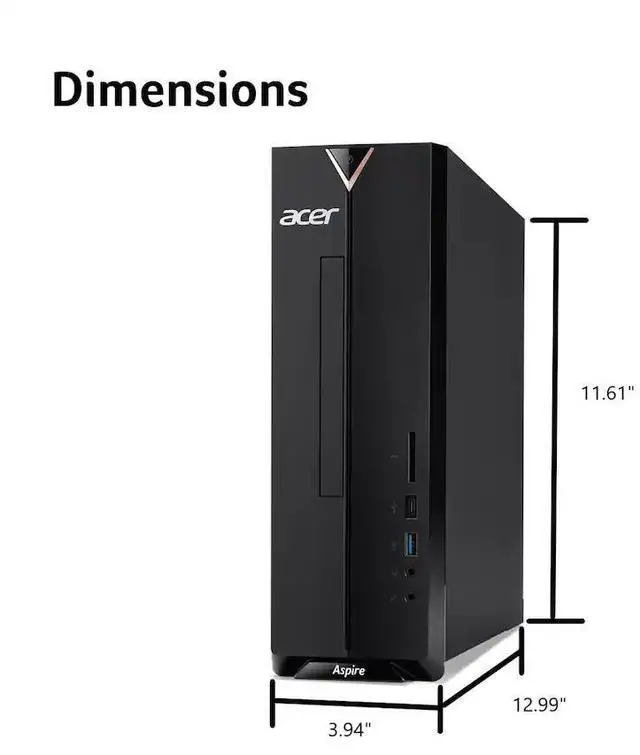
Dimensions:12.99" x 3.94" x 11.61"in,9.26 lb
The Acer Aspire XC-840-UB11 is a Windows 11 Pro desktop with an Intel Celeron N4505, 16GB RAM, and a 512GB SSD, suited to everyday browsing, documents, and other light home or office tasks.
| Attribute | Value |
|---|---|
| Best For | A Windows 11 Pro desktop setup for general home or office computing, with 16GB of memory and a 512GB SSD |
| Processor | Intel Celeron N4505 |
| Graphics | Intel UHD Graphics |
| Memory Configuration | 16GB DDR4 |
| Storage And Expansion | 512GB SSD |
| Operating System | Windows 11 Pro |
| Wired And Wireless Networking | Wi-Fi 6 and Bluetooth 5.3 |
| Keyboard And Mouse | Wired keyboard and wired mouse |
| Model Identifiers | Acer Aspire XC-840-UB11 desktop PC |
Q: Acer Aspire XC-840 with 16GB RAM or 4GB RAM: which configuration should I choose?
A: Choose this Newegg configuration if you want 16GB of RAM included with its 512GB SSD and Windows 11 Pro. Acer also lists an XC-840 configuration with the same Celeron N4505 and a 512GB SSD but 4GB of RAM, making that version the lower-memory option.
Q: Acer Aspire XC-840 or XC-1780 with Core i3: which should I get?
A: Choose the XC-840 if the listed configuration’s 16GB RAM and Windows 11 Pro are priorities. Choose the XC-1780 configuration if you prefer its four-core Intel Core i3-13100 processor; Acer lists that model with 8GB RAM and a 512GB SSD.
Q: Acer Aspire XC-840 or XC-1780 with Core i5: which offers the higher-tier configuration?
A: Choose the XC-840 if its 16GB RAM, 512GB SSD, and Windows 11 Pro match your priorities. Choose the XC-1780 configuration if you want its 10-core Core i5-13400 processor and 1TB SSD; Acer lists it with 16GB RAM and Windows 11 Home.
Q: Is this desktop suitable for everyday office work?
A: Yes. Its 16 GB of RAM and 512 GB SSD are suited to basic tasks such as web browsing, email, document editing, and streaming. The Celeron processor is a better fit for light use than demanding workloads.
Q: Can this desktop run modern games well?
A: It is not designed for demanding modern games. Its Intel Celeron N4505 processor and integrated Intel UHD Graphics are better suited to basic computing than graphics-intensive gaming.
Q: Does it come with a monitor?
A: No. The product information says a display is not included, so you will need a separate monitor.
Q: Is the Acer Aspire XC-840 suitable for gaming?
A: It is not a good choice for demanding games. This configuration has an Intel Celeron N4505 processor and integrated Intel UHD Graphics, with no discrete graphics card listed. A Reddit discussion about the XC-840 also raises gaming as a concern; the exact performance will depend on the game.
Q: Do I need to buy a monitor, keyboard, or mouse separately?
A: A monitor is not included. The provided specifications list a wired keyboard and wired mouse, so those should not need to be purchased separately.
Q: Can I upgrade the memory or storage later?
A: This configuration is listed with 16 GB of RAM and a 512 GB SSD, but the provided specifications do not confirm whether either is user-upgradeable. An XC-840 upgrade video exists, but check that its details apply to the exact XC-840-UB11 before relying on them.