




 here!
I’m your shopping assistant for PC builds, upgrades, and everything tech.
Got questions? Ask away!
Start a conversation
here!
I’m your shopping assistant for PC builds, upgrades, and everything tech.
Got questions? Ask away!
Start a conversation

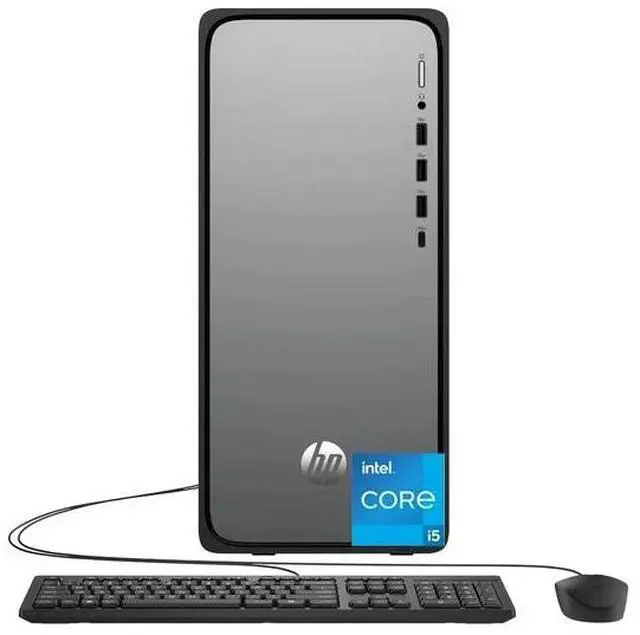
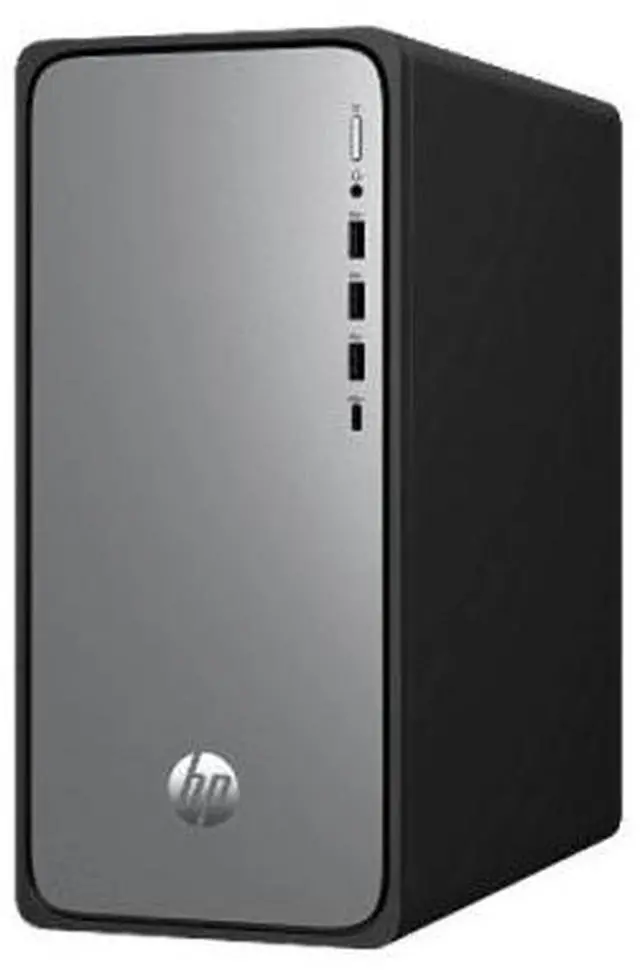
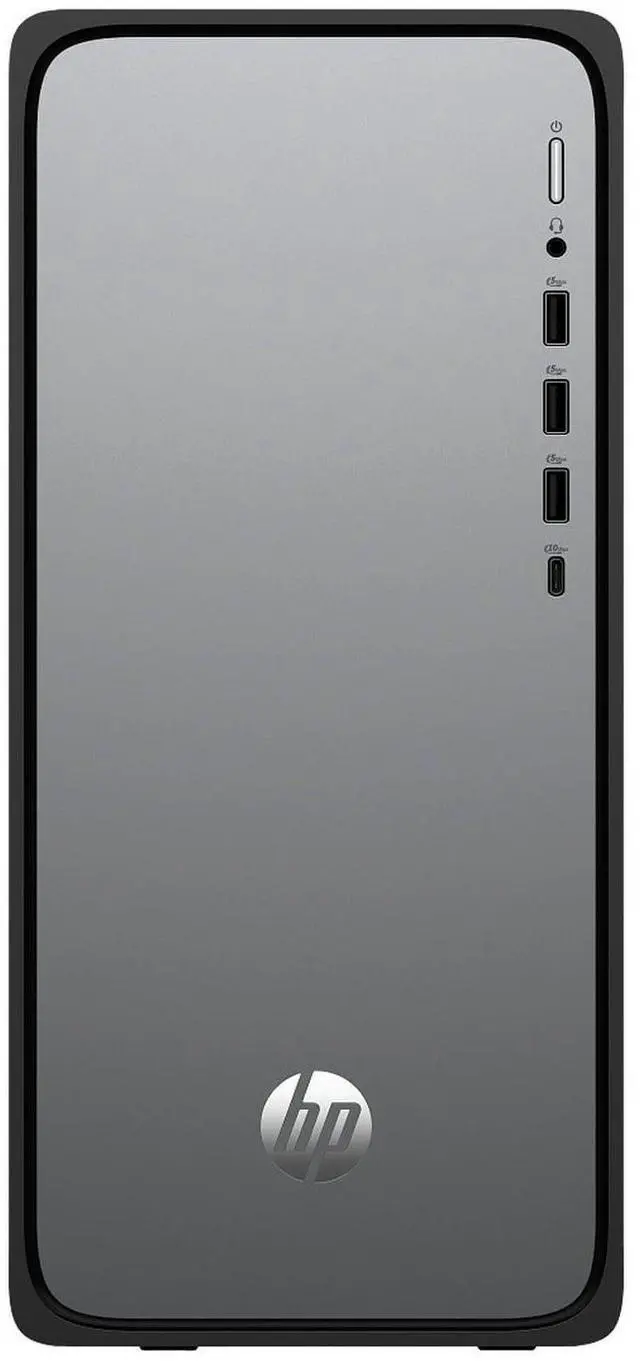




Any questions? Ask CelesteSM will help you find out quickly.
CPU:Intel Core i5-14400 (up to 4.7 GHz with Intel Turbo Boost Technology, 20 MB L3 cache, 10 cores, 16 threads)
Display: Not Included
Memory:up to 64 GB DDR5 RAM
Hard Drive:up to 2 TB PCIe NVMe M.2 SSD
Operating System:Windows 11 Home/Pro
Graphics:Intel UHD Graphics
Ports:
Front : 1 USB Type-C 10Gbps signaling rate; 3 USB Type-A 5Gbps signaling rate; 1 headphone/microphone combo
Rear : 4 USB 2.0 Type-A; 1 3.5 mm audio jack; 1 RJ-45
Keyboard and mouse:HP 125 USB Black Wired Keyboard and Mouse
Wireless Connectivity:Intel Wi-Fi 6 (2x2) Gig+ and Bluetooth 5.4
AC Adapter / Power Supply:180 W 80 Plus Gold certified power supply
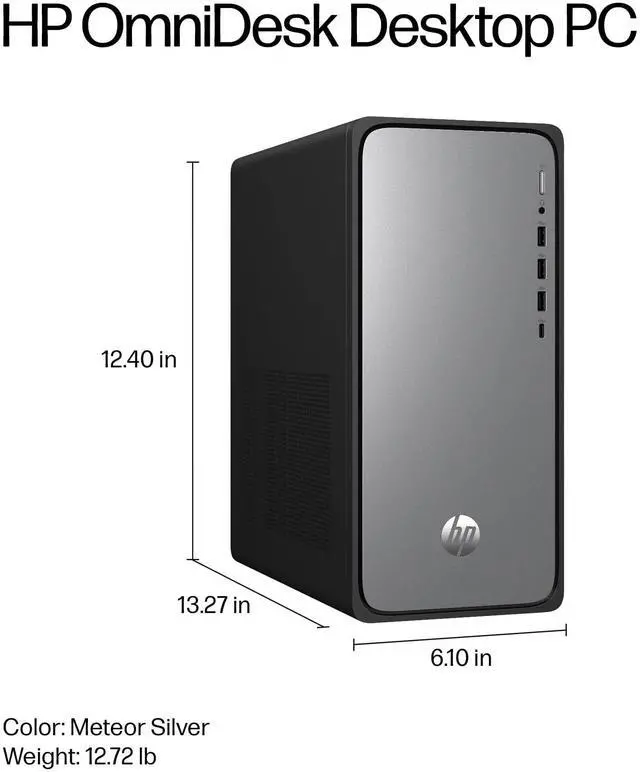
Dimensions:24.06" L x 7.56" W x 18.54" H,15.65 lbs.
Color:Meteor Silver
The HP OmniDesk M02-0000t is a Windows 11 Pro desktop with an Intel Core i5-14400, 32 GB DDR5 memory, and a 1 TB NVMe SSD, suited to home-office and business users who need responsive everyday computing and multitasking. Its monitor is sold separately.
| Attribute | Value |
|---|---|
| Best For | Desktop computing and multitasking, with integrated Intel UHD Graphics for display output |
| Processor | Intel Core i5-14400, 14th-generation Core i5 |
| Graphics | Integrated Intel UHD Graphics |
| Memory | 32GB DDR5 at 4800 |
| Storage | 1TB SSD; no HDD |
| Connectivity | Wi-Fi 6 and Bluetooth 5.4 |
| Operating System | Windows 11 Pro |
| Chassis And Peripherals | Silver desktop PC with USB keyboard and USB mouse |
| Display | Monitor not included |
Q: Should I get this HP OmniDesk M02 with Core i5 and 32GB RAM, or the Core i3 version?
A: Choose the Core i5-14400, 32GB configuration for heavier multitasking and more memory headroom: it combines a 10-core, 16-thread processor with 32GB DDR5 and a 1TB SSD. The Core i3-14100 option has 4 cores and 8 threads, making it a lower-tier configuration for everyday desktop tasks.
Q: Is the HP OmniDesk M02 with Core i5 or Core i7 the better configuration?
A: The Core i5-14400 configuration is a balanced choice for everyday productivity and multitasking, with 10 cores and 16 threads, 32GB DDR5, and a 1TB SSD. Choose the Core i7-14700 configuration when your work benefits from more processor cores and threads; HP lists it with 20 cores, 28 threads, 32GB DDR5, and a 2TB SSD.
Q: Is 32GB RAM worth choosing over 16GB in the HP OmniDesk M02?
A: Choose this 32GB configuration if you often keep many applications or browser tabs open or work with larger projects at once. The 16GB M02 configuration keeps the same Core i5-14400 and 1TB SSD, making it a fit for more routine productivity workloads.
Q: Should I choose the HP OmniDesk M02 tower or the OmniDesk Slim?
A: Choose the M02 standard tower if you prefer HP’s 16-liter tower format, which HP positions for multitasking, creative workloads, and room to upgrade and expand. Choose the OmniDesk Slim if a smaller desktop footprint is the priority; HP lists it as a 9-liter slim tower for everyday productivity and home-office use.
Q: Is this desktop suitable for office work, multitasking, and video meetings?
A: Yes. Its 10-core, 16-thread Core i5 processor, 32 GB of DDR5 memory, and 1 TB SSD make it suitable for typical office apps, many browser tabs, and general multitasking. A monitor is not included, and the listed specifications do not identify a webcam, so plan to provide those for video meetings.
Q: Is this desktop good for gaming?
A: It is better suited to everyday computing and lighter games than demanding modern games. The listed graphics are Intel UHD integrated graphics, and no discrete graphics card is specified; gaming performance will vary by title and settings.
Q: Does it come with a monitor, keyboard, and mouse?
A: A monitor is not included. The product information lists a USB keyboard and mouse as included, so you will need to provide a monitor to complete the setup.
Q: Does it have Wi-Fi and Bluetooth?
A: Yes. The listed specifications include Wi-Fi 6 and Bluetooth 5.4 for wireless networking and compatible Bluetooth accessories.
Q: Is this OmniDesk suitable for everyday home or office use?
A: It appears well suited to typical tasks such as browsing, documents, spreadsheets, and photo storage: the listed configuration has an Intel Core i5-14400, 32 GB of DDR5 memory, and a 1 TB SSD. A Reddit discussion about choosing a desktop describes similar everyday tasks, though it concerns a different OmniDesk configuration.
Q: Is this a good choice for gaming?
A: Not as listed for graphics-intensive gaming: it has Intel UHD integrated graphics and no dedicated GPU. Reddit discussions of other OmniDesk M02 systems describe adding low-profile graphics cards, but the options depend on the exact model’s space, power supply, and connectors.
Q: Can I add or upgrade a graphics card later?
A: Possibly, but don’t assume a graphics-card upgrade will fit or be supported. Reddit users discuss GPU upgrades for other M02 configurations, and a teardown of a different M02 variant describes upgrade limitations. Confirm this exact unit’s expansion slots, card clearance, power supply, and connectors before buying a card.


