here!
I’m your shopping assistant for PC builds, upgrades, and everything tech.
Got questions? Ask away!
Start a conversation
here!
I’m your shopping assistant for PC builds, upgrades, and everything tech.
Got questions? Ask away!
Start a conversation

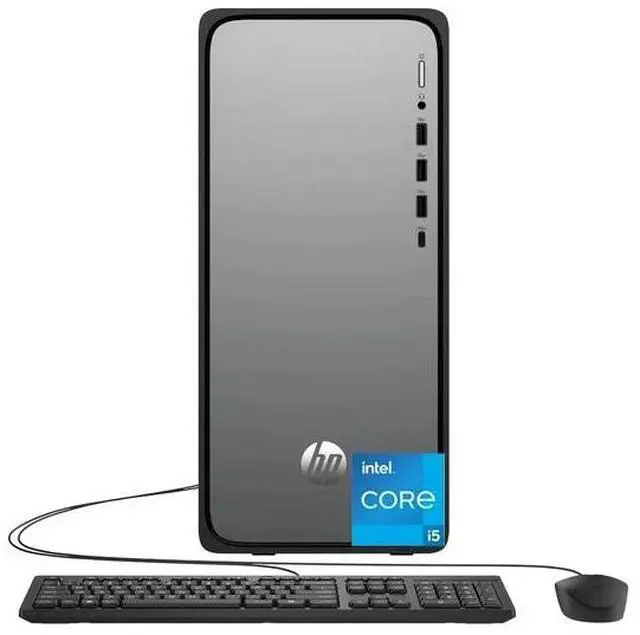
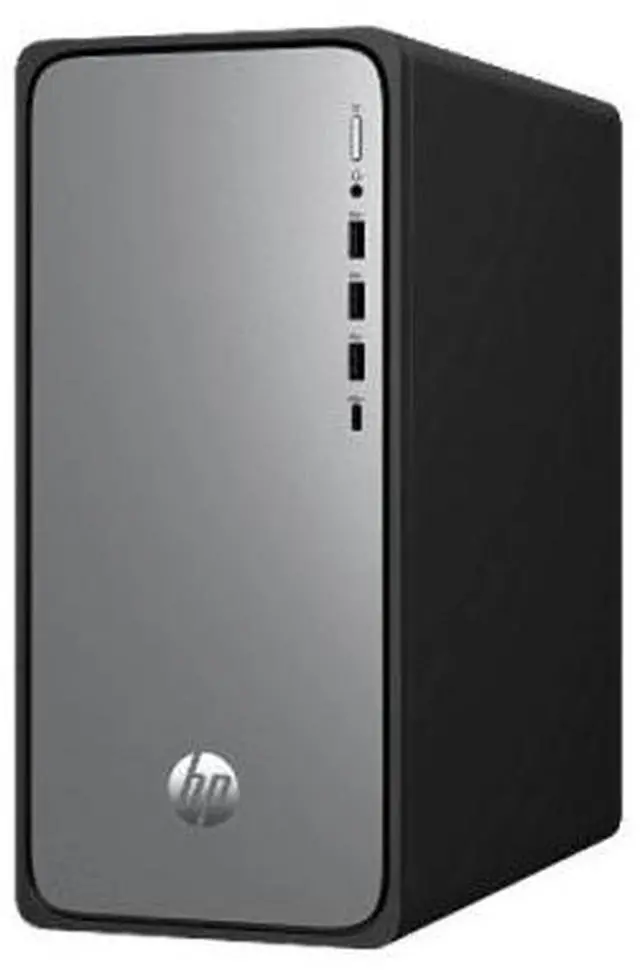
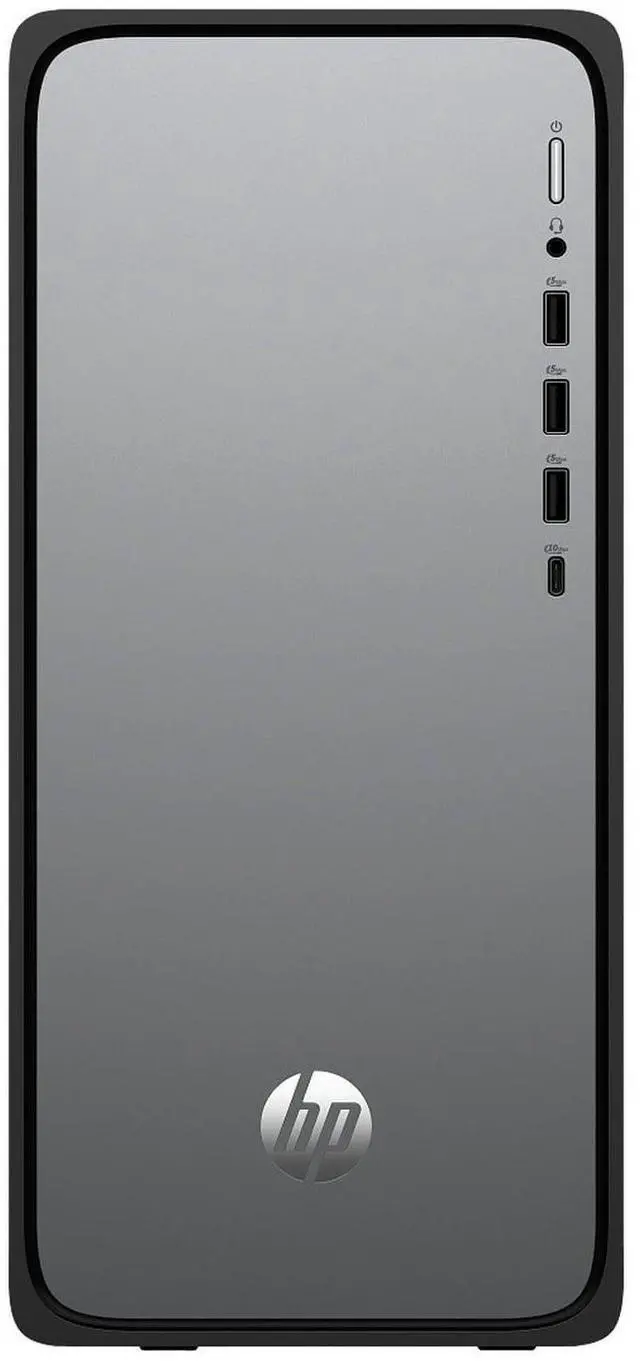




Any questions? Ask CelesteSM will help you find out quickly.
CPU:Intel Core i5-14400 (up to 4.7 GHz with Intel Turbo Boost Technology, 20 MB L3 cache, 10 cores, 16 threads)
Display: Not Included
Memory:up to 64 GB DDR5 RAM
Hard Drive:up to 2 TB PCIe NVMe M.2 SSD
Operating System:Windows 11 Home/Pro
Graphics:Intel UHD Graphics
Ports:
Front : 1 USB Type-C 10Gbps signaling rate; 3 USB Type-A 5Gbps signaling rate; 1 headphone/microphone combo
Rear : 4 USB 2.0 Type-A; 1 3.5 mm audio jack; 1 RJ-45
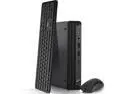
Keyboard and mouse:HP 125 USB Black Wired Keyboard and Mouse
Wireless Connectivity:Intel Wi-Fi 6 (2x2) Gig+ and Bluetooth 5.4
AC Adapter / Power Supply:180 W 80 Plus Gold certified power supply
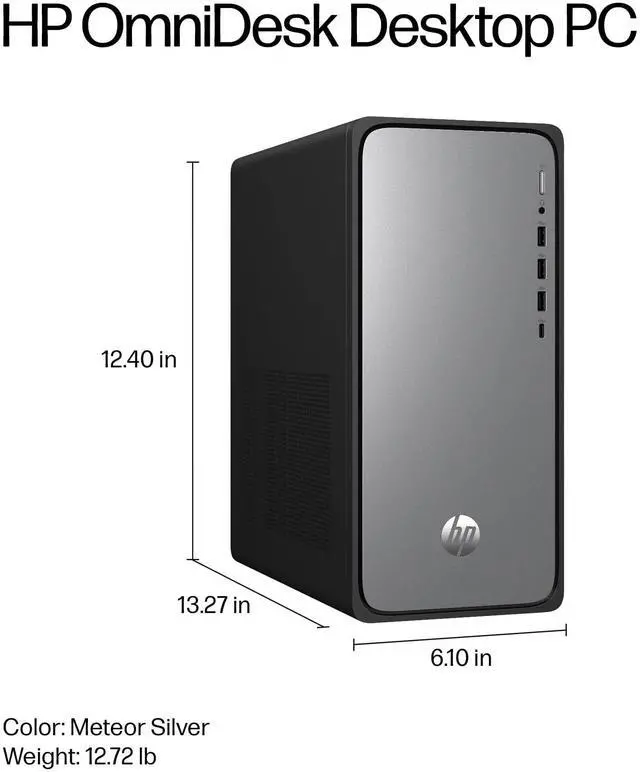
Dimensions:24.06" L x 7.56" W x 18.54" H,15.65 lbs.
Color:Meteor Silver
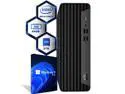
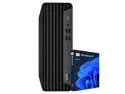
The HP OmniDesk M02-0000t is a Windows 11 desktop with a 10-core Intel Core i5-14400, 8 GB DDR5 memory and a 512 GB NVMe SSD, suited to home and office users handling everyday productivity, web browsing and general multitasking.
| Attribute | Value |
|---|---|
| Best For | General desktop computing with integrated graphics, wireless connectivity, and included USB keyboard and mouse |
| Processor | Intel Core i5-14400, 14th Gen Intel Core i5 |
| Graphics | Intel UHD Graphics |
| Memory | 8GB DDR5 at 4800 |
| Storage | 512GB SSD; no HDD |
| Display | Monitor not included |
| Operating System | Windows 11 Home |
| Connectivity | Wi-Fi 6 and Bluetooth 5.4 |
| Included Peripherals | USB keyboard and USB mouse |
| Form Factor And Color | Desktop PC in silver |
Q: Should I choose the HP OmniDesk M02 with an i5-14400 or an i7-14700?
A: Choose this i5-14400 configuration for a desktop with 10 processor cores and 16 threads. The M02-0000t can also be configured with an i7-14700, which has 20 cores and 28 threads; that option suits buyers prioritizing higher processor capacity. Both are configurations of HP’s OmniDesk M02-0000t.
Q: Is the HP OmniDesk M02-0000t i5 a step up from the i3 version?
A: Yes. This configuration uses a 10-core, 16-thread Intel Core i5-14400, while HP lists a 4-core, 8-thread Core i3-14100 option for the M02-0000t. Choose the i5 version when you want the higher-core-count processor for multitasking and general desktop work.
Q: Should I get this HP OmniDesk with 8GB RAM or the 16GB configuration?
A: Choose this 8GB RAM, 512GB SSD configuration if you want its listed memory and storage setup. HP also offers the OmniDesk M02-0000t with 16GB of DDR5 memory; choose that configuration if you want more installed memory for running several applications at once.
Q: Is a monitor included?
A: No. The HP OmniDesk M02-0000t includes a wired USB keyboard and mouse, but no monitor. You will need to supply a compatible display.
Q: Is this desktop suitable for everyday home and office work?
A: Yes. Its Core i5-14400 processor, 8 GB of DDR5 memory, and 512 GB SSD suit common tasks such as web browsing, documents, email, and video calls. The 8 GB of memory may be limiting with many demanding apps open at once. A monitor and webcam are not listed as included.
Q: Can it handle gaming?
A: It may suit casual or less graphics-intensive games, but it is not configured for demanding gaming: it uses integrated Intel UHD Graphics rather than a dedicated graphics card. Game performance depends on the title and settings.
Q: Does it come with a keyboard and mouse?
A: Yes. The listed package includes an HP 125 USB black wired keyboard and mouse.
Q: Is this OmniDesk suitable for everyday home or office work?
A: The Core i5-14400 and 512GB SSD make it a reasonable fit for typical tasks such as browsing, documents, and spreadsheets. The 8GB of RAM is the main trade-off: a Reddit discussion about everyday desktop use favored 16GB, so consider a higher-memory configuration if you multitask heavily or want more headroom.
Q: Is this a good desktop to buy for gaming?
A: It is not configured as a gaming PC: it uses integrated Intel UHD Graphics rather than a dedicated graphics card. OmniDesk discussions about gaming and graphics upgrades also raise upgrade limitations on some models. Choose it for gaming only if the games are modest and you have confirmed that the exact unit supports any graphics upgrade you plan to make.
Q: Can I upgrade this OmniDesk later?
A: Do not assume that a graphics-card upgrade will be straightforward. YouTube teardown discussions of other M02 OmniDesk configurations describe power-supply limits, while Reddit users also ask about adding graphics cards. Those are not confirmed details for this exact SKU, so check its power supply, case clearance, and motherboard compatibility before buying upgrade parts.
Q: Is 8GB of RAM enough, or should I choose a model with more?
A: The listed 8GB may be adequate for lighter use, but it is the configuration’s clearest limitation for multitasking. In a Reddit discussion about a home-use desktop, a user considered 16GB appropriate and noted that 8GB felt slow on their existing computer. If you keep many apps or browser tabs open, consider a 16GB configuration or verify upgrade options first.