here!
I’m your shopping assistant for PC builds, upgrades, and everything tech.
Got questions? Ask away!
Start a conversation
here!
I’m your shopping assistant for PC builds, upgrades, and everything tech.
Got questions? Ask away!
Start a conversation





Any questions? Ask CelesteSM will help you find out quickly.
CPU:Intel Core i5-14400 (up to 4.7 GHz with Intel Turbo Boost Technology, 20 MB L3 cache, 10 cores, 16 threads)
Display: Not Included
Memory:up to 64 GB DDR5 RAM
Hard Drive:up to 2 TB PCIe NVMe M.2 SSD
Operating System:Windows 11 Home/Pro
Graphics:Intel UHD Graphics
Ports:
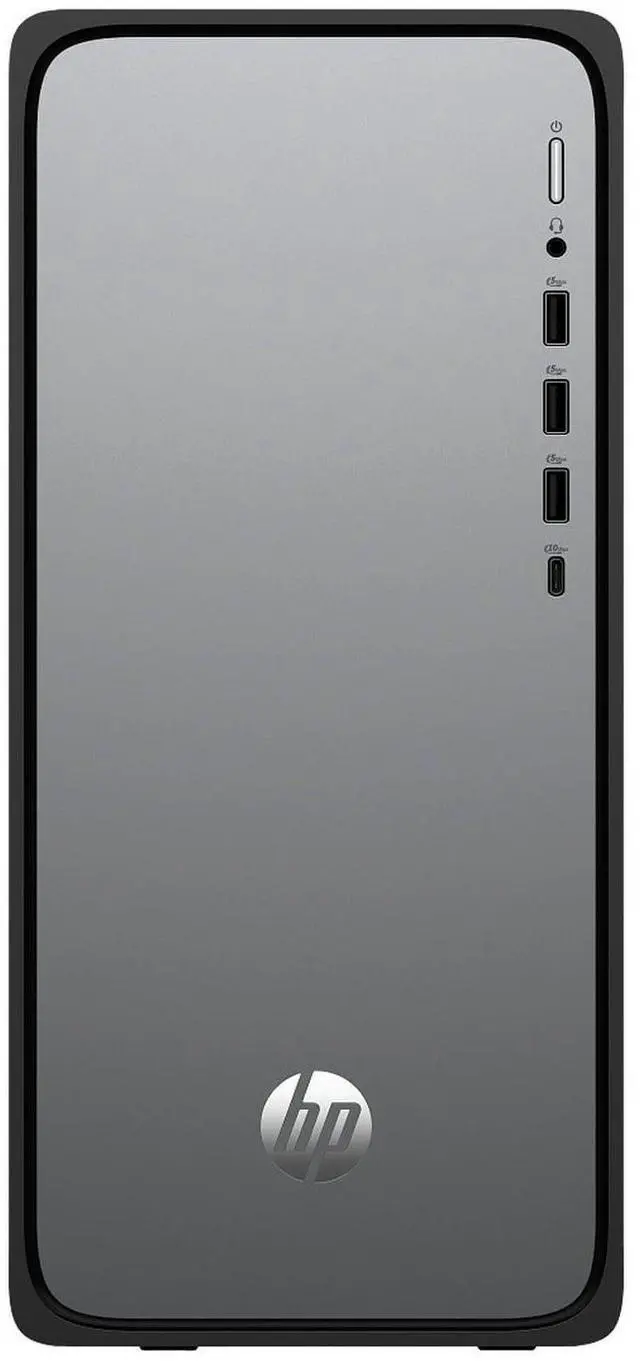
Front : 1 USB Type-C 10Gbps signaling rate; 3 USB Type-A 5Gbps signaling rate; 1 headphone/microphone combo
Rear : 4 USB 2.0 Type-A; 1 3.5 mm audio jack; 1 RJ-45
Keyboard and mouse:HP 125 USB Black Wired Keyboard and Mouse
Wireless Connectivity:Intel Wi-Fi 6 (2x2) Gig+ and Bluetooth 5.4
AC Adapter / Power Supply:180 W 80 Plus Gold certified power supply
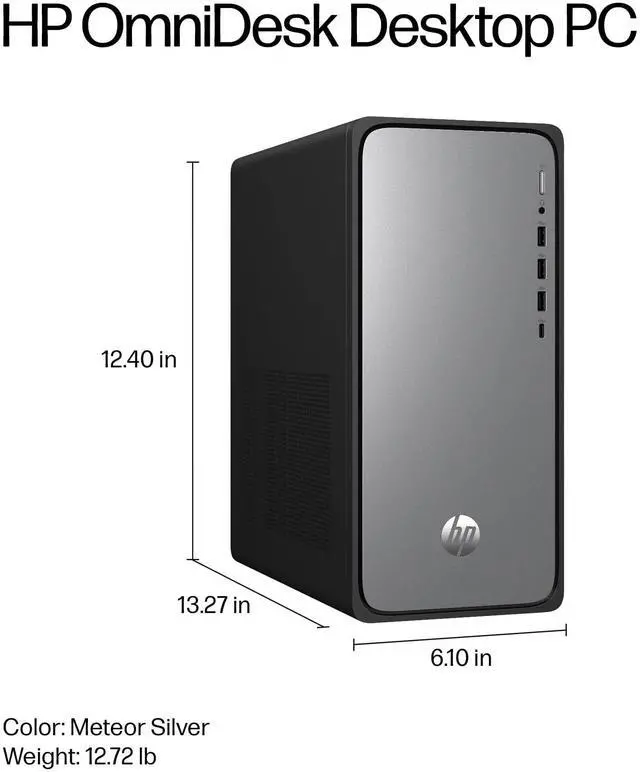
Dimensions:24.06" L x 7.56" W x 18.54" H,15.65 lbs.
Color:Meteor Silver
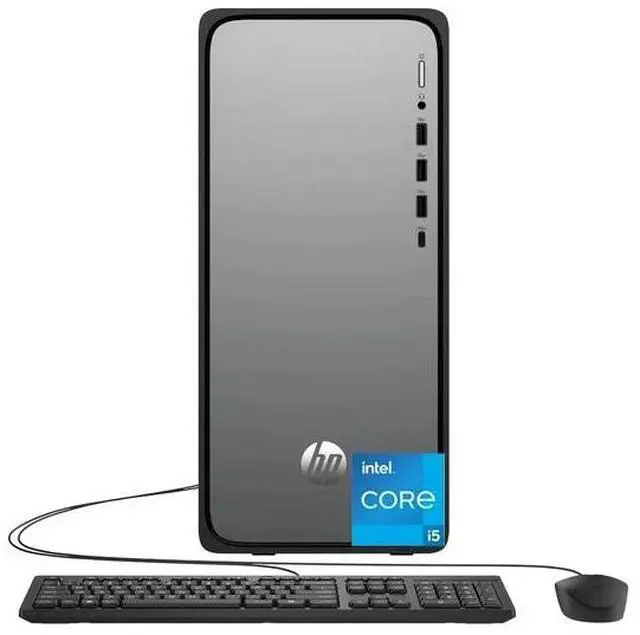
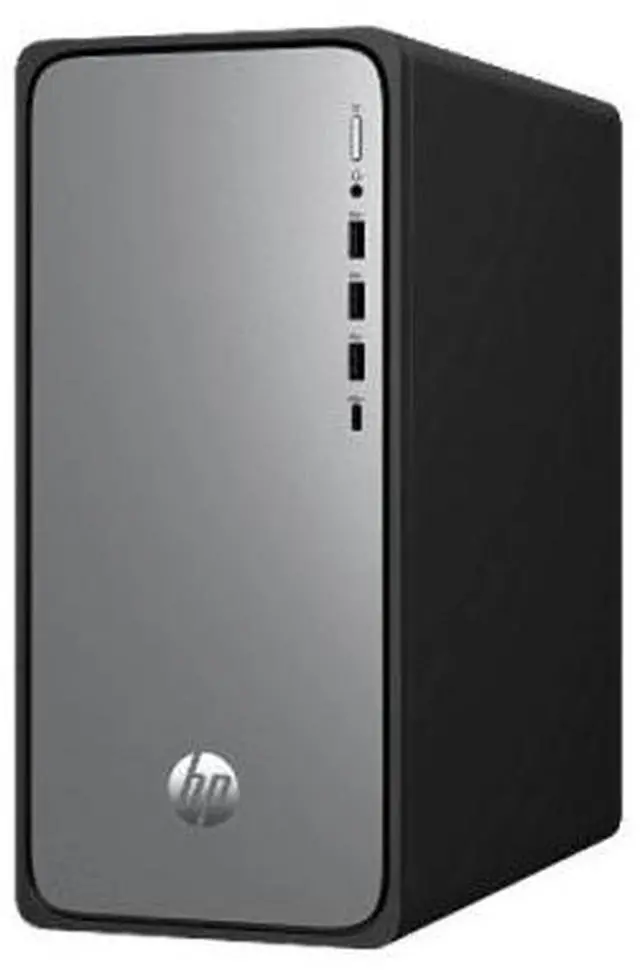
The HP OmniDesk M02-0000t is a Windows 11 Pro desktop with an Intel Core i5-14400, 8GB DDR5 memory, and a 512GB NVMe SSD, suited to everyday office work, web browsing, and home productivity; a monitor is not included.
| Attribute | Value |
|---|---|
| Best For | Personal and multimedia desktop use; a separate monitor is required |
| Processor | Intel Core i5-14400, 14th Gen |
| Graphics | Integrated Intel UHD Graphics |
| Memory | 8 GB DDR5-4800 |
| Storage | 512 GB SSD; no HDD |
| Connectivity | Wi-Fi 6, Bluetooth 5.4, HDMI video output, and 3 USB ports |
| Keyboard And Mouse | USB keyboard and USB mouse |
| Operating System | Windows 11 Pro |
| Physical Design | Silver desktop form factor |
Q: Should I choose the HP OmniDesk M02 with Core i5-14400 or Core i3-14100?
A: Choose this Core i5-14400 configuration when you want more CPU cores and threads for multitasking: it has 10 cores and 16 threads, compared with 4 cores and 8 threads in HP’s M02 Core i3-14100 configuration. The Core i3 version is a fit for buyers prioritizing the lower-tier processor configuration for everyday desktop tasks.
Q: Is the HP OmniDesk M02 with 8GB or 16GB RAM the better configuration?
A: Choose the 8GB M02-0000t for the listed Core i5-14400, 512GB SSD configuration. Choose the M02-0055t if you prefer the same Core i5-14400 processor and 512GB SSD paired with 16GB of memory, which provides more memory capacity for running multiple applications at once.
Q: What do I gain by choosing the HP OmniDesk M02 Core i7 instead of this Core i5 model?
A: The M02-0075t pairs a Core i7-14700 with 16GB RAM and a 2TB SSD. Choose it if you want the higher processor tier and more built-in storage; choose this Core i5-14400 model for its 512GB SSD configuration and 10-core, 16-thread processor.
Q: Is this desktop suitable for everyday office or home use?
A: Yes. Its Core i5-14400 processor and 512 GB SSD suit everyday tasks such as email, web browsing, documents, and general office work. The 8 GB of RAM is a modest amount, so frequent heavy multitasking may feel constrained.
Q: Does it come with a monitor?
A: No. The monitor is not included. The listed package includes a wired USB keyboard and mouse, so you will need a separate monitor to use the desktop.
Q: Can it run PC games?
A: It may suit light or less demanding games, but it is not designed for graphics-intensive gaming. It uses integrated Intel UHD Graphics rather than a discrete graphics card, so demanding games may require low settings or may not run well.
Q: Is this a good desktop to take to work or travel with?
A: It is better suited to a fixed desk than regular travel. This is a desktop tower, not a portable computer, and it weighs about 11.49 lb; it also needs a separate monitor and a power connection.
Q: Is this OmniDesk suitable for everyday home or office use?
A: It is a reasonable fit for routine office and home tasks: it has a 10-core, 16-thread Core i5-14400 and a 512GB SSD. Its 8GB of RAM is the main limitation to consider for heavier multitasking; a Reddit discussion about an i5-14400 OmniDesk describes the platform as suitable for general use but discusses higher-memory configurations.
Q: Is 8GB of RAM enough, or should I look for a higher-memory version?
A: The 8GB in this configuration is a modest starting amount. Reddit discussions of OmniDesk desktops compare 8GB and 16GB configurations and raise memory capacity as a buying consideration. If you expect to multitask heavily, compare the cost of a higher-memory version or check upgrade compatibility for this exact model before buying.
Q: Is it worth choosing over another i5-14400 desktop?
A: It depends on the price and the competing configuration. A Reddit comparison of i5-14400 desktops weighed memory, storage, and power-supply differences; this model offers 8GB RAM and a 512GB SSD, so compare those details and the total price rather than choosing by processor alone.