here!
I’m your shopping assistant for PC builds, upgrades, and everything tech.
Got questions? Ask away!
Start a conversation
here!
I’m your shopping assistant for PC builds, upgrades, and everything tech.
Got questions? Ask away!
Start a conversation





Any questions? Ask CelesteSM will help you find out quickly.
Key Features and Benefits:
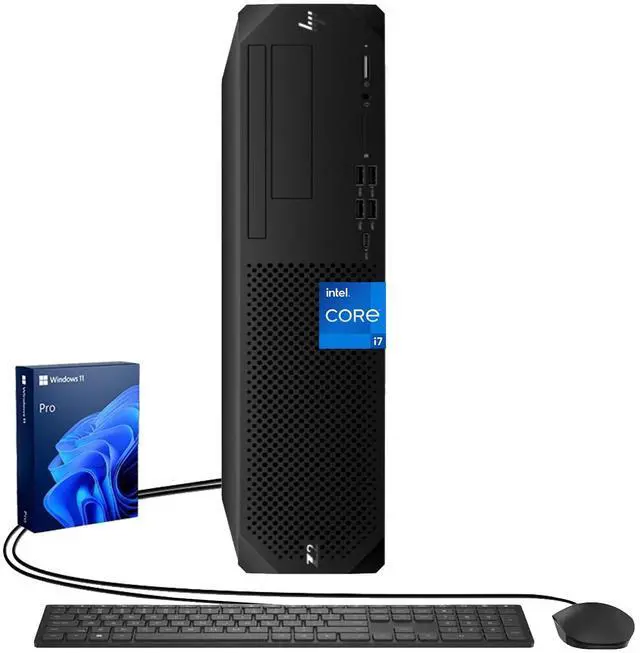
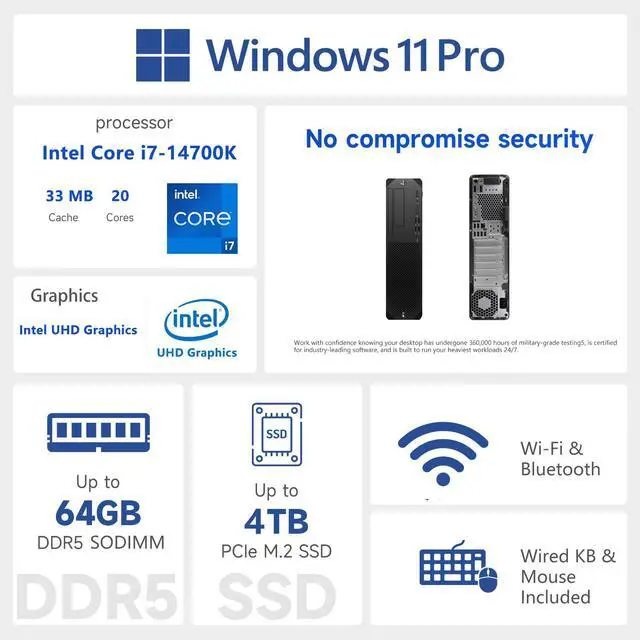
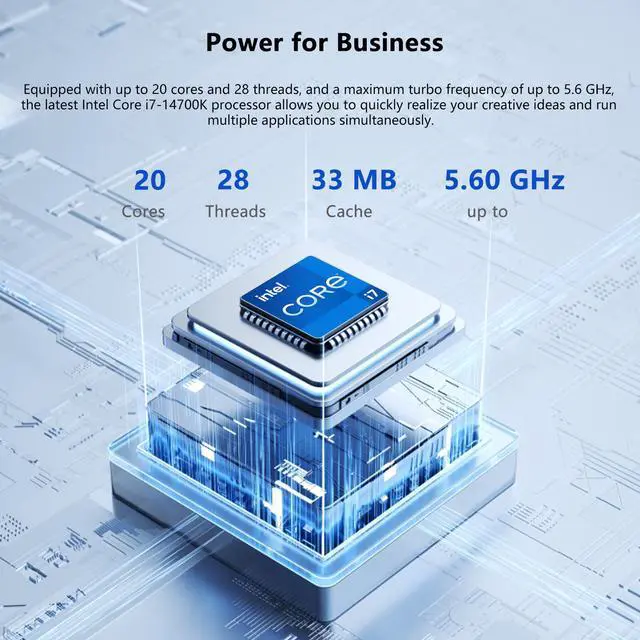
CPU: Intel Core i7-14700K Processor (20 Cores, 28 Threads, 33 MB L3 Cache, Max Frequency to 5.6 GHz with Turbo Boost)
Memory: Up to 64GB DDR5-4800MHz RAM
Drive: Up to 4TB PCIe M.2 SSD
Operating System: Windows 11 Pro
Graphics: Intel UHD Graphics
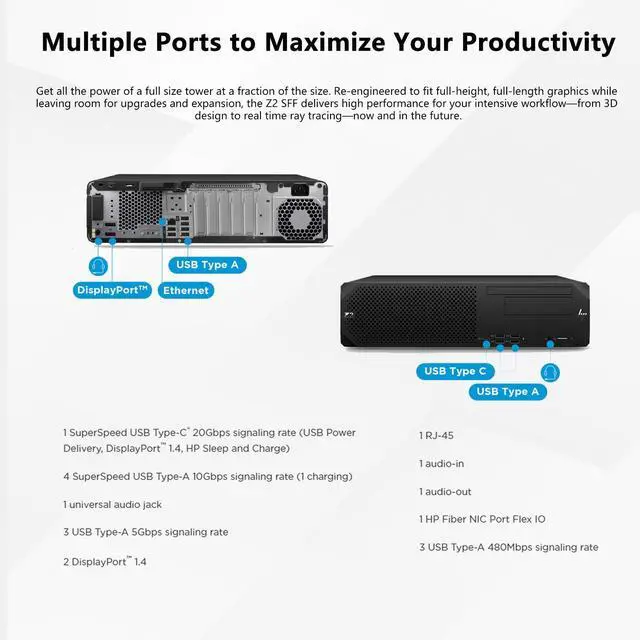
Ports:
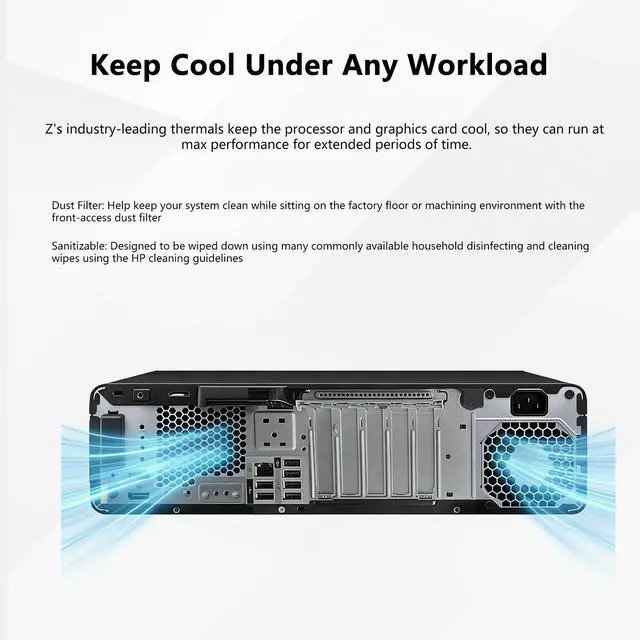
1 x SuperSpeed USB Type-C
4 x SuperSpeed USB Type-A 10Gbps signaling rate (1 charging)
1 x universal audio jack
3 x USB Type-A 5Gbps signaling rate
2 x DisplayPort 1.4
1 x RJ-45
1 x audio-in
1 x audio-out
1 x HP Fiber NIC Port Flex IO
3 x USB Type-A 480Mbps signaling rate
Wireless Connectivity: Wi-Fi and Bluetooth
Keyboard Mouse: Wired keyboard and mouse combo
Height: 14 inch
Width: 6.7 inch
Depth: 15.2 inch
Weight: 11 lbs
Color: Black
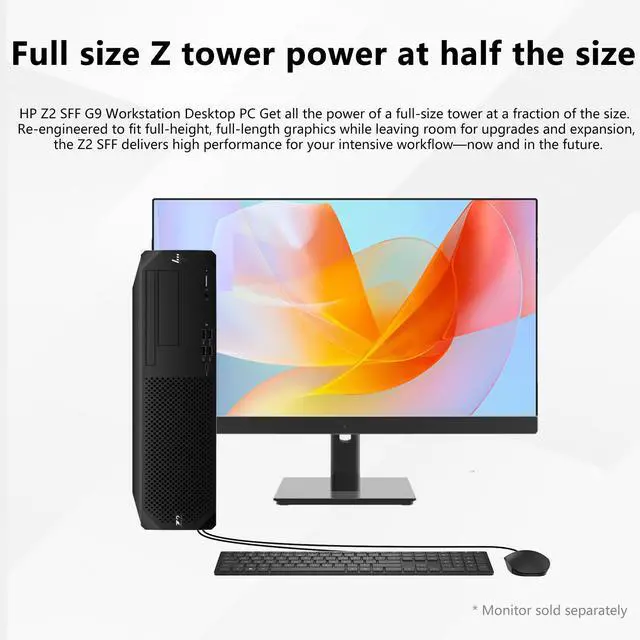
The HP Z2 G9 SFF is a compact business workstation desktop with an Intel Core i7-14700K, 16GB DDR5 memory, and a 512GB NVMe SSD, suited to professionals who need responsive multitasking and Windows 11 Pro for office and business workflows.
| Attribute | Value |
|---|---|
| Best For | Business use in a desktop PC setup |
| Processor | Intel Core i7-14700K, 64-bit, with a 2.50 GHz base frequency and 33 MB L3 cache |
| Graphics | Integrated Intel UHD Graphics |
| Memory And Storage | 16GB DDR5-4800 memory and a 512GB SSD |
| Networking | 802.11ax Wi-Fi, Bluetooth, and wired Ethernet via one RJ-45 port |
| Ports And Audio | 11 rear USB ports, 2 DisplayPort outputs, and 3 rear audio ports; integrated audio chipset |
| Included Peripherals | Wired keyboard and wired mouse |
| System And Appearance | Desktop form factor, Windows 11 Pro, black |
| Model Identifiers | HP; release year 2026 |
Q: HP Z2 G9 SFF with Core i7-14700K or Core i5— which should I choose?
A: Choose this i7-14700K configuration when your work benefits from more CPU cores and threads: it has 20 cores and 28 threads, compared with 14 cores and 20 threads in HP’s listed Core i5-14500 option. The i5 configuration is an alternative for workflows that fit its lower core and thread count.
Q: Should I get this 16GB HP Z2 G9 SFF or a 32GB configuration?
A: Choose this 16GB configuration for a workstation setup where the listed memory capacity fits your applications. Choose a 32GB configuration if your workflow regularly keeps more applications or larger project data in memory. HP lists four DDR5 memory slots and support for up to 192GB, so the platform also allows memory expansion.
Q: HP Z2 G9 SFF or Z2 G9 Tower—which fits a workstation desk better?
A: Choose the Z2 G9 SFF when a compact desktop footprint is the priority; HP says it can sit horizontally or vertically with an optional stand. Choose the Z2 G9 Tower when your planned workstation configuration prioritizes room for expansion, including larger professional graphics options and higher-wattage power supplies.
Q: Should I choose this Core i7-14700K HP Z2 G9 SFF or a Core i9-14900K version?
A: Choose this i7-14700K configuration for a 20-core, 28-thread workstation processor. Choose the supported i9-14900K configuration when your software benefits from the added CPU capacity: HP lists it with 24 cores and 32 threads. The practical difference depends on how well your applications use additional cores.
Q: Does this desktop come with a monitor?
A: No. The HP Z2 G9 SFF includes a wired keyboard and mouse, but no monitor is listed as included. You’ll need a separate display.
Q: Can I connect two monitors to this desktop?
A: Yes. It has two DisplayPort 1.4 outputs, so it can connect to two compatible monitors. Check that your monitors have DisplayPort inputs or use suitable adapters.
Q: Is this desktop suitable for office work and multitasking?
A: Yes. Its 20-core, 28-thread Intel Core i7-14700K, 16GB of DDR5 memory, 512GB NVMe SSD, and Windows 11 Pro make it suited to typical business work, including using office applications and multiple browser tabs. Workloads with unusually high memory needs may benefit from more RAM.
Q: Does it have Wi-Fi and Bluetooth?
A: Yes. The listing specifies Wi-Fi 6 (802.11ax) and Bluetooth, as well as a wired Ethernet port.
Q: Is this a good choice for gaming or graphics-heavy work?
A: It uses Intel UHD integrated graphics and does not list a discrete graphics card. It may suit basic display and everyday graphics needs, but graphics-intensive gaming or professional workloads may require a system with a suitable dedicated GPU.
Q: Is the Z2 G9 SFF a good choice if I plan to upgrade its graphics card?
A: It may suit users who do not need a powerful discrete GPU, but the listed configuration includes Intel UHD Graphics and does not specify a discrete card. Reddit discussions flag SFF GPU upgrades as constrained by card size and power; check the exact chassis, power supply, and supported card before buying for GPU-heavy work.
Q: Can this HP Z2 G9 SFF work as a home-lab or media-server PC?
A: It is a plausible starting point for light home-lab services: this configuration has a 20-core i7-14700K, 16GB of DDR5 memory, and a 512GB SSD. The listed memory and storage may be limiting for many virtual machines or a large media library, so consider your capacity needs before choosing it.
Q: Can I add another drive to the Z2 G9 SFF?
A: The product listing specifies one 512GB SSD. Reddit users discuss adding a second drive to the Z2 G9 SFF, but note that mounting and connecting it can require the correct brackets and cables. Check the included hardware and the exact system configuration before assuming an additional drive is ready to install.