here!
I’m your shopping assistant for PC builds, upgrades, and everything tech.
Got questions? Ask away!
Start a conversation
here!
I’m your shopping assistant for PC builds, upgrades, and everything tech.
Got questions? Ask away!
Start a conversation




Any questions? Ask CelesteSM will help you find out quickly.
We sell new,unused computers,the original Seal is opened for upgrade ONLY. If you've selected a custom-configured computer, our professional technicians will carefully open the original manufacturer's box and professionally install the upgrades to achieve the advertised specifications.
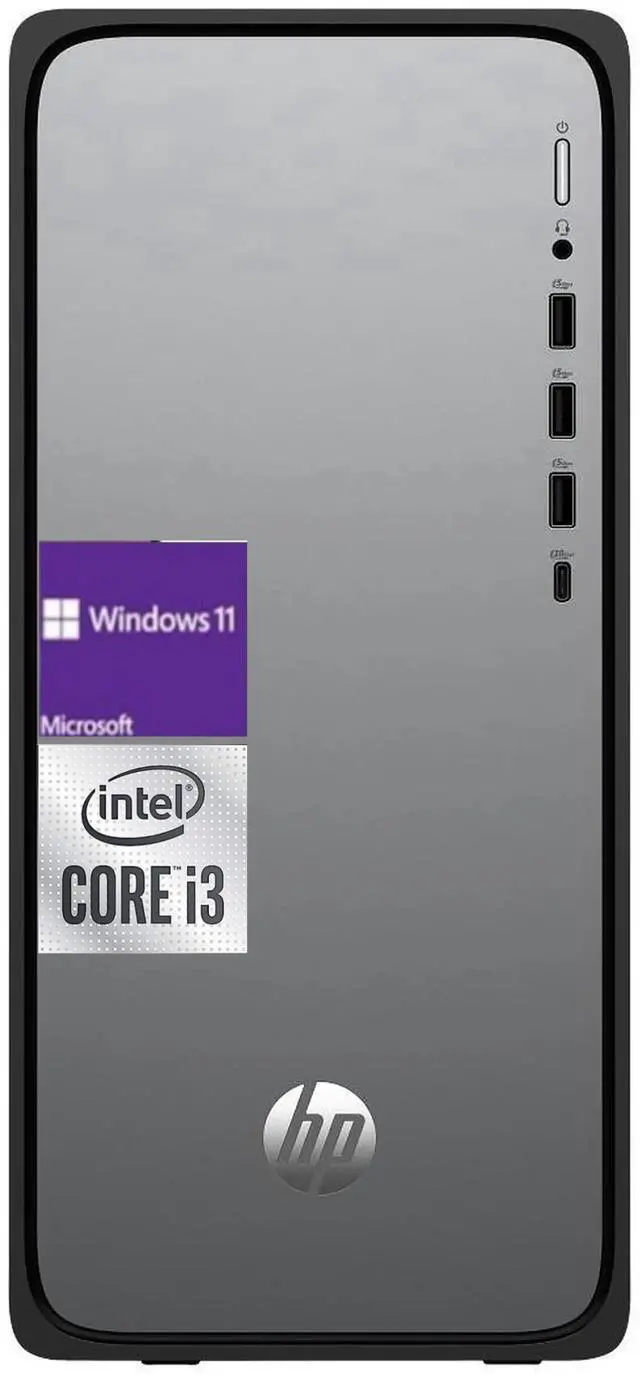
CPU:Intel Core i3-14100 Processor(up to 4.7 GHz with Intel Turbo Boost Technology, 12 MB L3 cache, 4 cores, 8 threads)
Display:NO
Memory:up to 32 GB DDR5 RAM
Hard Drive:up to 1 TB PCIe NVMe M.2 SSD
Operating System:Windows 11 Home/Pro
Graphics:Intel UHD Graphics
Keyboard and mouse: HP USB Black Wireless Keyboard Mouse Combo
Wireless Connectivity:Intel Wi-Fi 6 (2x2) Gig and Bluetooth 5.4
Dimensions:12.4" x 6.1" x 13.27"in,12.72 lb
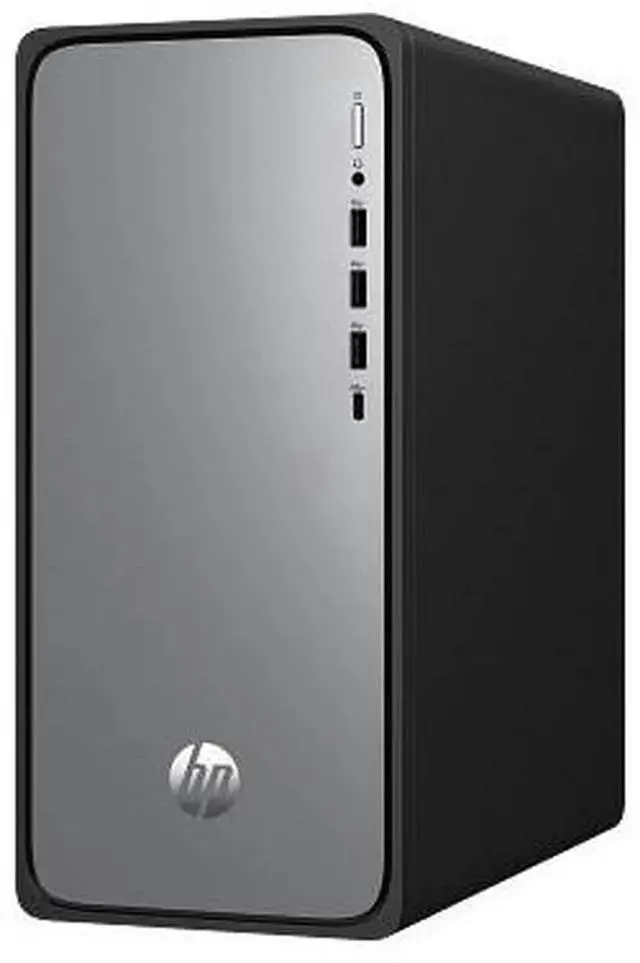
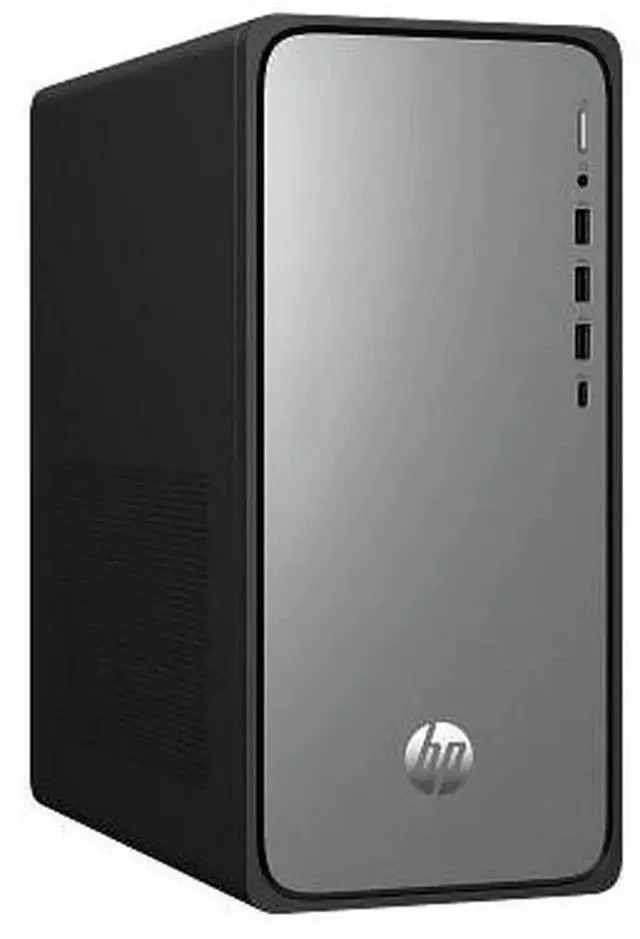
The HP OmniDesk is a Windows 11 desktop with an Intel Core i3-14100, 16GB DDR5 memory, and a 256GB PCIe NVMe SSD, suited to everyday home, school, and office tasks; a monitor is not included.
| Attribute | Value |
|---|---|
| Best For | Desktop PC use for everyday computing |
| Processor | Intel Core i3-14100, 14th Gen |
| Graphics | Integrated Intel UHD Graphics |
| Memory And Storage | 16GB DDR5 memory and 256GB SSD storage |
| Operating System | Windows 11 Home |
| Wireless Connectivity | Wi-Fi 6 and Bluetooth 5.4 |
| Keyboard And Mouse | Wired keyboard and wired mouse |
| Form Factor | Desktop |
| Model Identifiers | HP Omni series |
Q: HP OmniDesk i3-14100 with 16GB RAM or the 8GB version—which should I choose?
A: Choose this 16GB configuration if you want more memory for multitasking while keeping the same Intel Core i3-14100 processor and 256GB SSD. The 8GB configuration is the more basic memory option; this model doubles the RAM for everyday home and office use.
Q: Should I get this HP OmniDesk or the Core i5-14400 version?
A: Choose this Core i3-14100 model for everyday computing with 16GB RAM. The HP OmniDesk Core i5-14400 configuration has a 10-core, 16-thread processor, 16GB RAM, and 512GB SSD, making it the higher-spec option for heavier multitasking and more storage headroom.
Q: How does this HP OmniDesk compare with the Core i7-14700 version?
A: This Core i3-14100 configuration pairs its processor with 16GB RAM and a 256GB SSD for everyday home and office tasks. The HP OmniDesk Core i7-14700 configuration offers a 20-core, 28-thread processor and 2TB SSD, providing a higher-tier option for processor-intensive workloads and larger storage needs.
Q: Does this desktop come with a monitor?
A: No. The monitor is not included. The listed accessories are a wired keyboard and mouse, so you will need a separate display to use the desktop.
Q: Is this desktop suitable for everyday office work?
A: Yes. Its Intel Core i3-14100 processor, 16 GB of DDR5 memory, and 256 GB SSD are suited to routine tasks such as web browsing, email, documents, and typical office applications. A monitor is not included, and no webcam is listed, so plan for those separately if you need video meetings.
Q: Is this desktop good for gaming?
A: It has Intel UHD integrated graphics and no dedicated graphics card is listed. It may suit light or less graphics-intensive games, but the specifications do not establish performance for specific games or demanding gaming.
Q: Is 256 GB of storage enough, and can I add more?
A: The desktop comes with a 256 GB M.2 PCIe NVMe SSD. That may be sufficient for common applications and documents, but a large collection of games, photos, or videos can use the space quickly. The supplied specifications do not confirm whether the storage can be upgraded, so check the exact model’s expansion options before buying if you expect to need more.
Q: Is this OmniDesk worth buying for home or office use?
A: It may suit everyday home or office computing: it has an Intel Core i3-14100, 16 GB of RAM, and Windows 11 Home. The display is not included, and whether it is worth the price depends on the price and your workload.
Q: Can I add a graphics card later?
A: The listed configuration has Intel UHD integrated graphics and does not specify a dedicated graphics card or upgrade compatibility. Check the exact model’s expansion slots, case clearance, and power supply before counting on a graphics-card upgrade.