here!
here!
I’m your shopping assistant for PC builds, upgrades, and everything tech.
Got questions? Ask away!
Start a conversation
here!
I’m your shopping assistant for PC builds, upgrades, and everything tech.
Got questions? Ask away!
Start a conversation



Any questions? Ask CelesteSM will help you find out quickly.
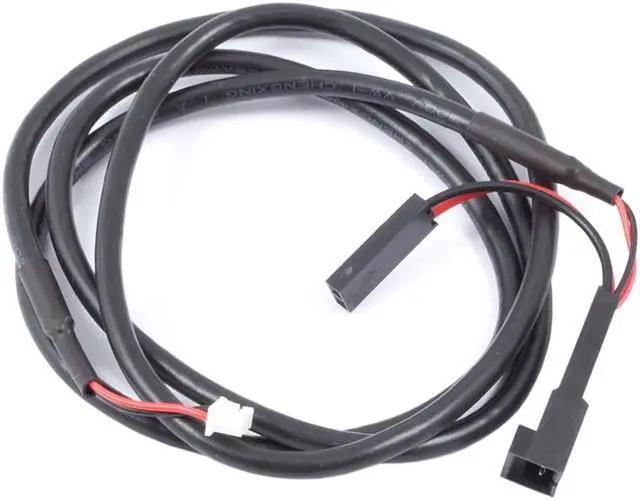
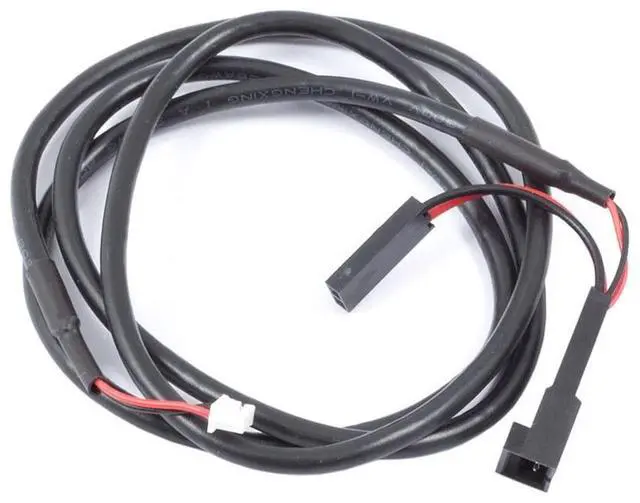
This cable from Aquacomputer, is used for emergency shutdown of the computer in case of alarm. It is compatible with the Vision series and connects to the power button input of the main board without affecting the power button.
Compatible with the following devices:
Note: Before connecting the cable, please make sure that the alarm output/tacho signal output of the corresponding device is configured correctly!
Brief instructions:
Settings for VISION devices (in aquasuite software):
Tab "Alarm settings": Selection item "Power button (53216)" must be activated.
Only then connect the alarm cable to the mainboard. Then check the correct function by provoking an alarm. If the PC does not switch off, turn the plug on the mainboard 180 degrees and repeat the test. During the emergency shutdown data can be lost because the operating system and open programs are not closed properly!