• $71.73
  • Free 30-day Returns
  • Price alert
    Shop it at NeweggBusiness.

    Meet Your Seller

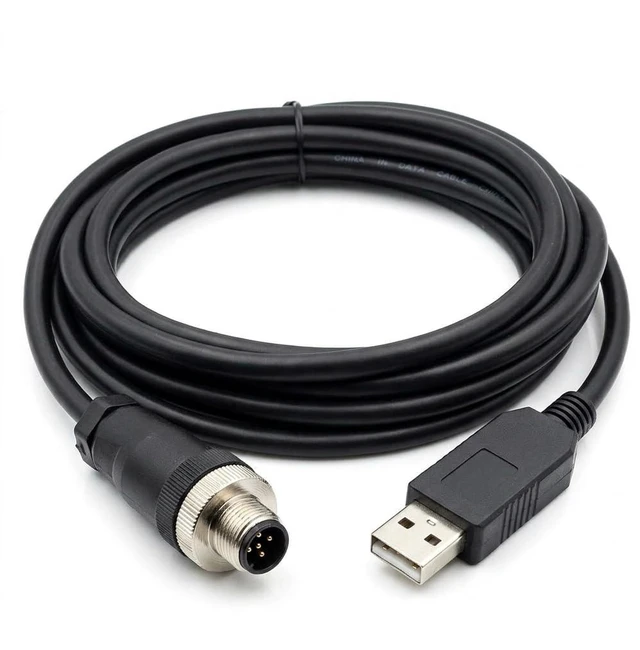
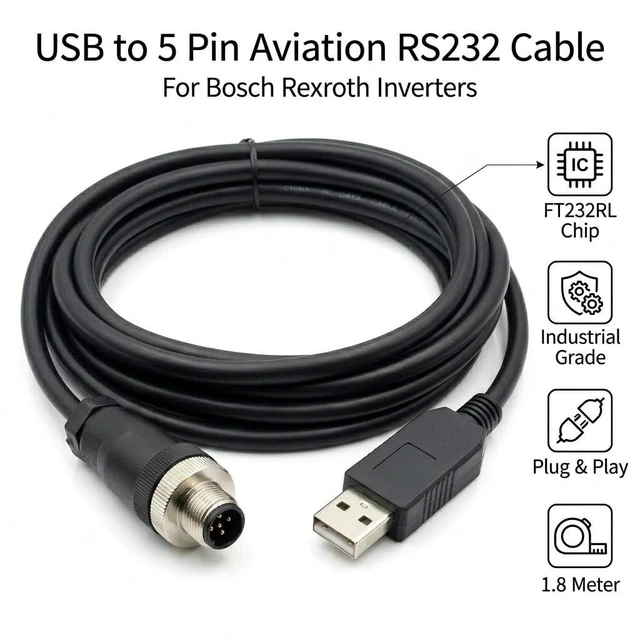
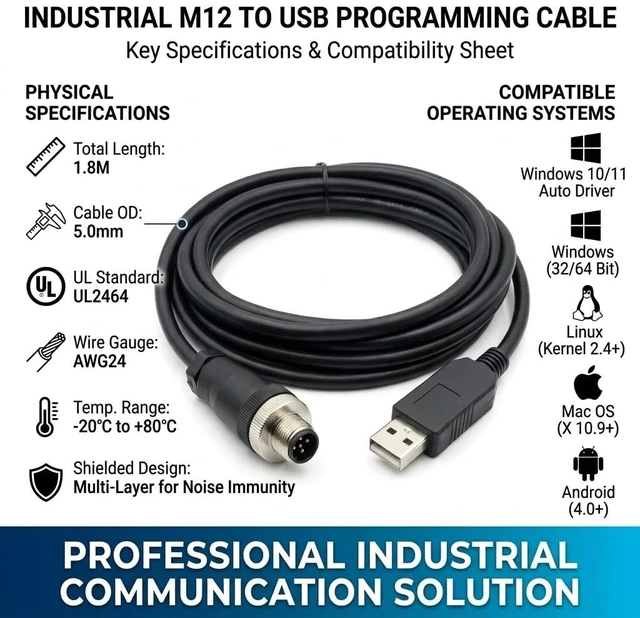
    Pidwaok USB to 5-Pin Aviation Cable for Bosch REXROTH Controller, 1.8m RS232 PC Communication Cable

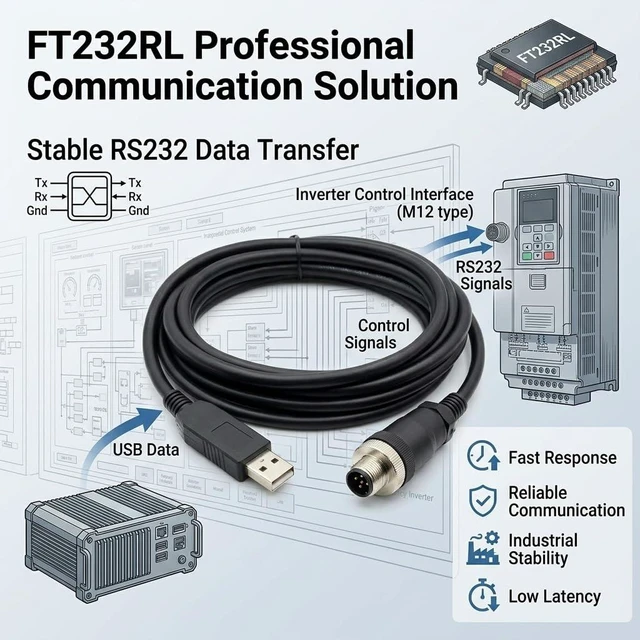
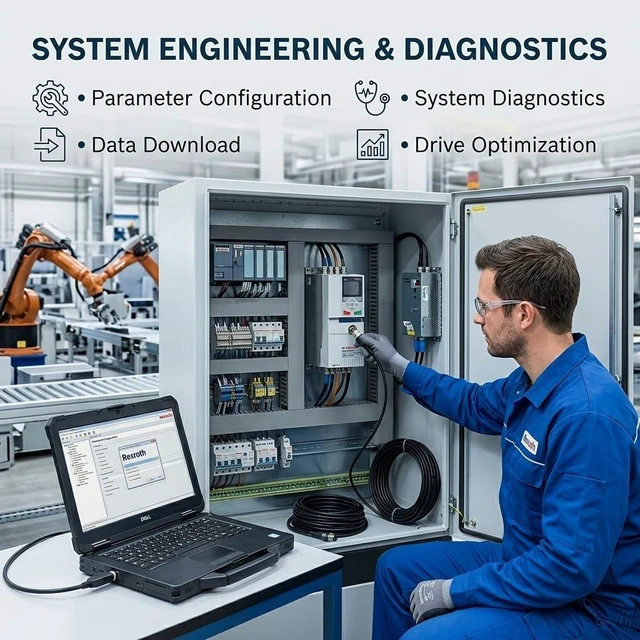
    • Dedicated Communication Cable for BOSCH REXROTH Automation Components: This USB to 5-pin aviation (male) cable is specifically designed to connect a standard computer to compatible BOSCH REXROTH industrial controllers, drives, or motion control systems. It establishes a reliable communication link for device configuration, parameterization, and debugging.
    • Standard RS232 Serial Communication for Device Setup: Utilizing the standard RS232 serial communication protocol, this cable ensures stable and reliable point-to-point data transmission. It is designed for sending configuration commands, downloading motion programs or parameters, and reading diagnostic information from the BOSCH REXROTH device to a connected PC.
    • Robust 5-Pin Aviation Male Connector with Threaded Lock: The cable is terminated with a durable, threaded 5-pin male aviation connector, engineered to mate securely with the serial service port on compatible BOSCH REXROTH units. This industrial-grade locking design provides a vibration-resistant and reliable connection, suitable for demanding factory floor or machinery environments.
    • Enables PC-Based Configuration with BOSCH REXROTH Software: This cable facilitates direct communication with the device using BOSCH REXROTH's configuration and programming software (such as IndraWorks). It allows engineers to set up drive/controller parameters, commission motion sequences, perform system diagnostics, and update firmware from a computer.
    +
    +
    Overview
    Specs
    Reviews

    Any questions? Ask CelesteSM will help you find out quickly.

    Package includes: 1pcs

    Kindly reminder:

    1. Before placing an order, please ensure the device model matches the product title. If unsure, contact us. While these serial cables carry identical signals, their pinout sequences differ across devices and are not universally compatible.

    2. Upon use, immediately check your computer's Device Manager to verify if the port requires driver installation. A yellow exclamation mark indicates driver installation is needed.

    Note:

    Windows 10 and later systems include drivers that install automatically upon USB insertion. If automatic installation fails, contact us for a driver link.

    Warranty & Returns

    Warranty, Returns, And Additional Information

    Warranty

    • Please contact the Seller directly for warranty information. Warranty information may also be found on the Manufacturer's website.
    • CONTACT

    Return Policies

    Manufacturer Contact Info

    LOADING...
    LOADING...