




 here!
I’m your shopping assistant for PC builds, upgrades, and everything tech.
Got questions? Ask away!
Start a conversation
here!
I’m your shopping assistant for PC builds, upgrades, and everything tech.
Got questions? Ask away!
Start a conversation




Any questions? Ask CelesteSM will help you find out quickly.
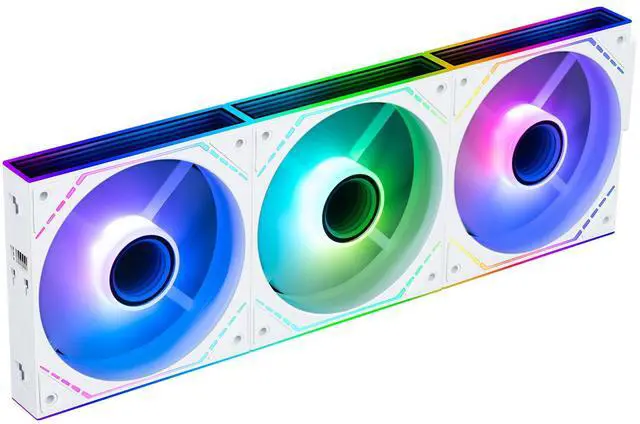
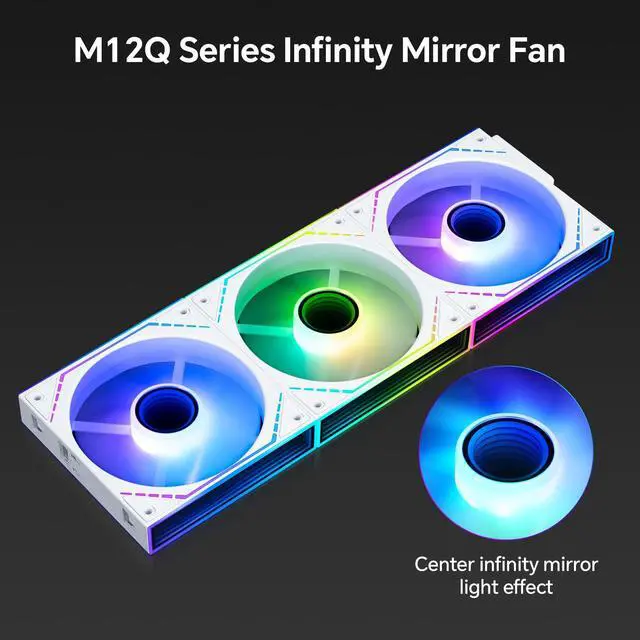
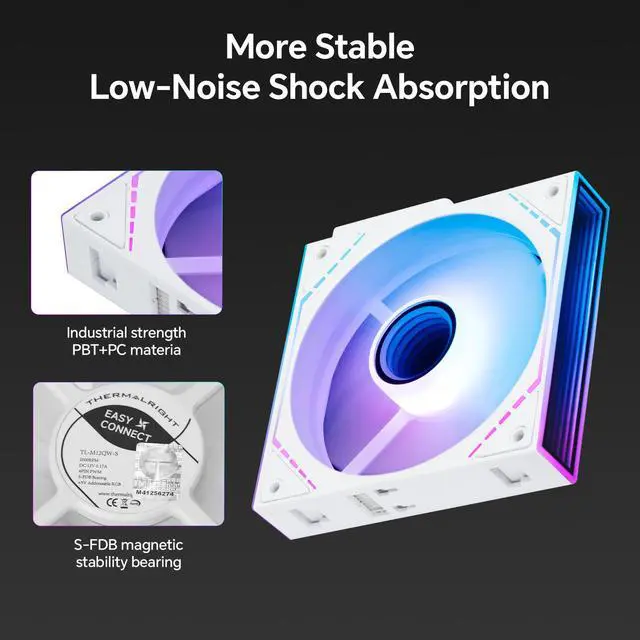
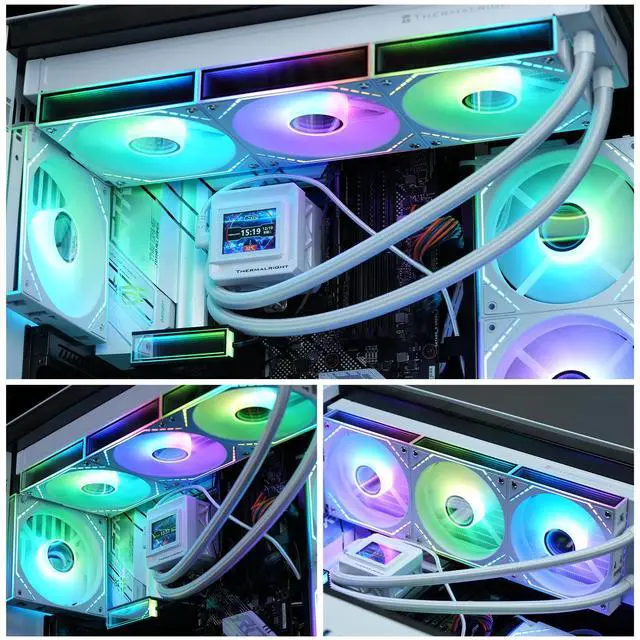
The Thermalright TL-M12QW-S X3 is a three-pack of white 120mm PC case fans designed for high-airflow cooling and customizable builds. With speeds up to 2000 RPM, 68.9 CFM airflow, 4-pin PWM control, ARGB daisy-chaining, and infinity-mirror lighting, it suits gaming PCs, liquid coolers, air coolers, and RGB-focused setups.
| Attribute | Value |
|---|---|
| Best For | PC case cooling in installations that support a 120 mm fan footprint |
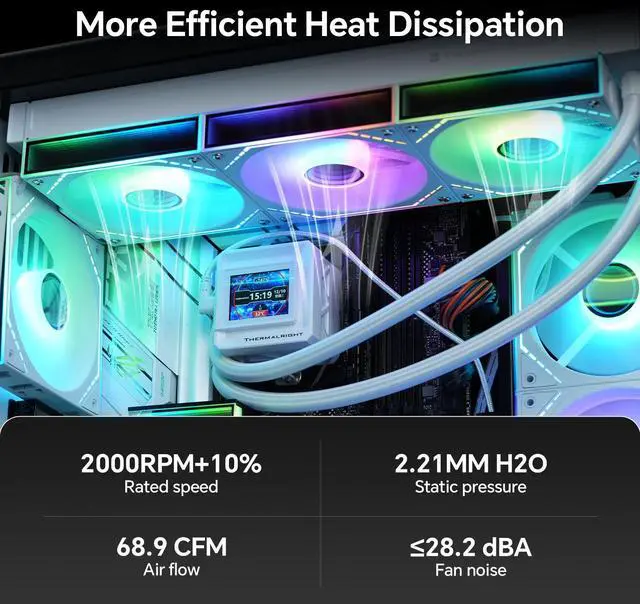
| Cooling Performance | Up to 2000 RPM ±10% with 68.9 CFM maximum airflow, 2.21 mm H2O maximum air pressure, and 28.2 dBA maximum noise |
| Fan Construction | 120 mm wide, 124 mm long, and 25 mm thick, with an S-FDB bearing |
| Power And Control | Uses a 4-pin power connector |
| Model Identifiers | Thermalright TL-M12Q series case fan, part number TL-M12Q |
Q: Thermalright TL-M12QW-S X3 vs Arctic P12 PWM PST: which should I buy?
A: Choose the TL-M12QW-S X3 for a white ARGB build that benefits from infinity-mirror lighting, 3-fan cluster connectivity, and higher rated maximum airflow of 68.9 CFM. Choose the Arctic P12 PWM PST for a performance-focused build using standard non-RGB fans, where its 2.20 mm H2O static-pressure rating, PWM sharing connector, and long warranty are more important. The two products use different noise-rating methods, so their published noise figures should not be treated as a direct apples-to-apples comparison. ([thermalright.com](https://www.thermalright.com/product/tl-m12qw-s-x3/?utm_source=openai))
Q: Is the Thermalright TL-M12QW-S X3 worth choosing over the cheaper TL-C12C-S X3?
A: The TL-M12QW-S X3 is the better choice when you want stronger rated airflow and air pressure together with infinity-mirror lighting and cluster-style cable management. Thermalright rates it at 68.9 CFM and 2.21 mm H2O, compared with 66.17 CFM and 1.53 mm H2O for the TL-C12C-S X3. Choose the TL-C12C-S X3 when lower maximum speed, simpler lighting, and a lower-performance configuration are sufficient. ([thermalright.com](https://www.thermalright.com/product/tl-m12qw-s-x3/?utm_source=openai))
Q: Thermalright TL-M12QW-S X3 vs Lian Li UNI FAN SL-Infinity 120: which is better for a high-end RGB build?
A: Choose the Lian Li UNI FAN SL-Infinity 120 when you want its dedicated controller, L-Connect software, and more configurable multi-zone infinity-mirror lighting. Choose the TL-M12QW-S X3 when you prefer conventional 4-pin PWM and 3-pin 5V ARGB motherboard connections, while still getting cluster cable management and a 2000 RPM, 68.9 CFM fan. The Lian Li model offers a higher published static-pressure rating of 2.66 mm H2O, while the Thermalright model uses a simpler motherboard-based control setup. ([thermalright.com](https://www.thermalright.com/product/tl-m12qw-s-x3/?utm_source=openai))
Q: Thermalright TL-M12QW-S X3 vs TL-M12QW X3: is the newer S version faster?
A: No clear cooling-performance upgrade is established from the official specifications. Thermalright lists both models at 2000 RPM, 68.9 CFM, 2.21 mm H2O, and 28.2 dBA maximum. Choose the TL-M12QW-S X3 based on its specific lighting design or availability rather than expecting a measurable speed increase over the TL-M12QW X3. ([thermalright.com](https://www.thermalright.com/product/tl-m12qw-x3/?utm_source=openai))
Q: Can I use the Thermalright TL-M12QW-S X3 on a CPU cooler or radiator?
A: Yes. The TL-M12QW-S X3 uses a standard 120 x 120 x 25 mm fan format, 4-pin PWM control, and a published 2.21 mm H2O maximum air-pressure rating, so it can be used as a case fan or as a replacement fan on compatible 120 mm CPU coolers and radiators. For dense radiators, compare independent pressure and noise testing before replacing a fan specifically for lower temperatures. ([thermalright.com](https://www.thermalright.com/product/tl-m12qw-s-x3/?utm_source=openai))
Q: Can these fans be controlled from one motherboard header?
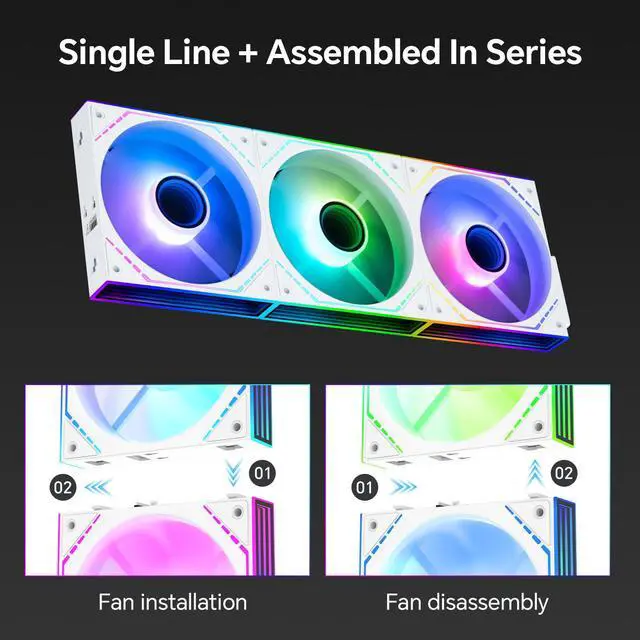
A: The three fans support PWM speed control and ARGB daisy-chaining, which can reduce cable clutter. The exact number of fans that can safely share one motherboard header depends on the motherboard's fan-header current limit, so check the motherboard manual before installation.
Q: Will these fans work in my PC case?
A: They are standard 120mm case fans with a 25mm thickness, so they require a compatible 120mm mounting position and sufficient clearance inside the case. They use a 4-pin PWM power connector; lighting control also requires a compatible ARGB header or controller.
Q: Are these fans suitable for cooling a CPU radiator or air cooler?
A: They can be used with PC cases, CPU water-cooling radiators, and CPU air coolers. Their rated maximum airflow is 68.9 CFM and maximum static pressure is 2.21 mm H2O, making them suitable for general airflow and many radiator or heatsink applications, although case and cooler compatibility should still be checked.
Q: Will these fans be quiet enough for everyday use?
A: The rated maximum noise level is 28.2 dBA, but actual noise depends on fan speed, case airflow, mounting, and motherboard fan settings. PWM control allows the motherboard to reduce speed during lighter workloads, while maximum-speed operation may be more noticeable.
Q: Who should buy this 3-pack of fans?
A: This kit is best suited to desktop PC builders who need three 120mm case, radiator, or cooler fans and want PWM speed control with synchronized ARGB lighting. It is less suitable for laptops, cases without 120mm mounts, or systems that lack compatible fan and ARGB connections.
Q: Are the Thermalright TL-M12QW-S X3 a good alternative to Lian Li-style infinity fans?
A: They are a reasonable alternative for buyers who want infinity-mirror lighting, fan-blade ARGB, and modular daisy-chain installation at a lower-cost positioning. The trade-off is that software control and LED behavior may require more setup than with a fully integrated ecosystem.
Q: Are these fans suitable for a CPU cooler or radiator?
A: They can be used on compatible 120 mm CPU coolers or radiators, but they are primarily case fans. Their listed maximum static pressure is 2.21 mm H2O, so buyers seeking the strongest heatsink or radiator performance should compare them with fans specifically optimized for high static pressure.
Q: Who should choose the standard TL-M12QW-S fans instead of reverse-blade fans?
A: Choose the standard-blade version when the fan’s support-strut side will face away from the visible side, such as many rear or exhaust positions. Reverse-blade models are generally preferred when you want the illuminated side visible while using the fan as an intake. This product is the standard-blade version.
Q: Does daisy-chaining these fans make each fan independently controllable?
A: Do not assume independent control. The fans are designed to reduce cabling by connecting as a cluster, but community reports describe differences in how connected fans appear to RGB software and how lighting effects are represented. Buyers who need per-fan or per-LED control should confirm compatibility with their controller and software before purchase.
Q: Are the TL-M12QW-S fans appropriate for a quiet-focused PC build?
A: They are a reasonable option for a quiet-focused build when controlled below maximum speed. The product is rated at up to 28.2 dBA and 2,000 RPM, so noise will increase as the motherboard raises fan speed under load. Community reports describe them as quiet, but those reports are subjective and system-dependent.


