


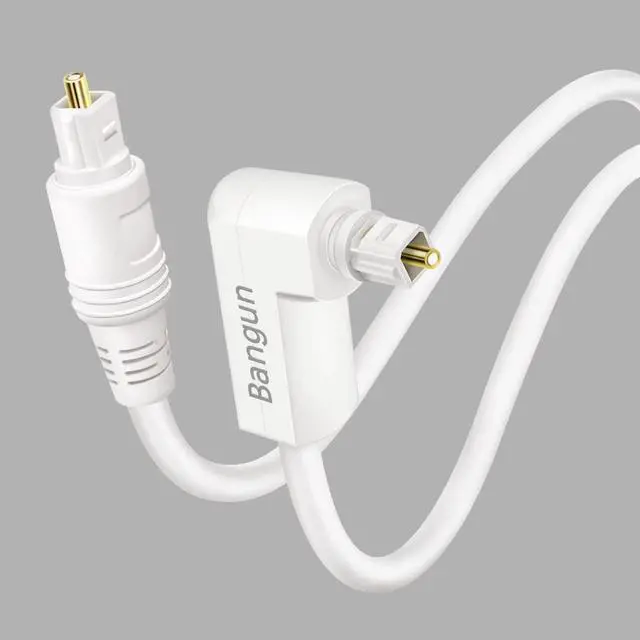
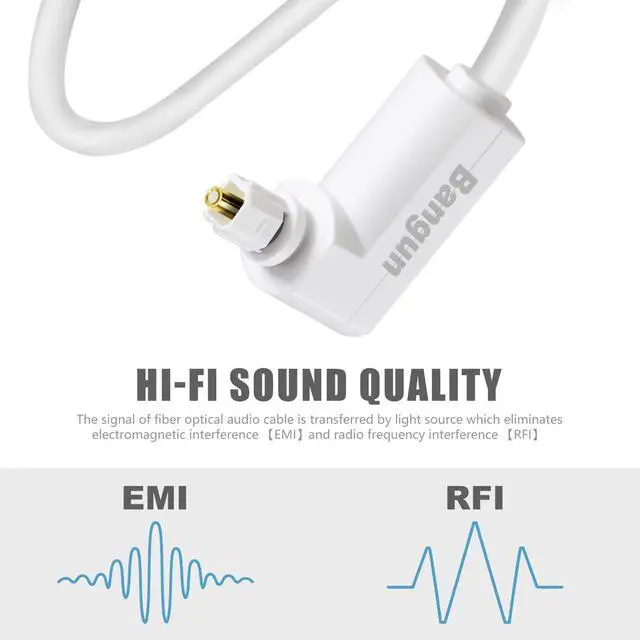


Experience superb sonic clarity and accurate musical reproduction with this 90 Degree S/PDIF (Toslink) Digital Optical Audio Sound Bar TV Cable
Use the 90 degree toslink optical cable to quickly connects a CD/DVD player, Blu-Ray player, gaming console, or other audio component to a preamplifier, receiver, audio processor, audio system, home theater systems or Dolby Digital systems.
Putting strain on an optical cable will damage it over time.
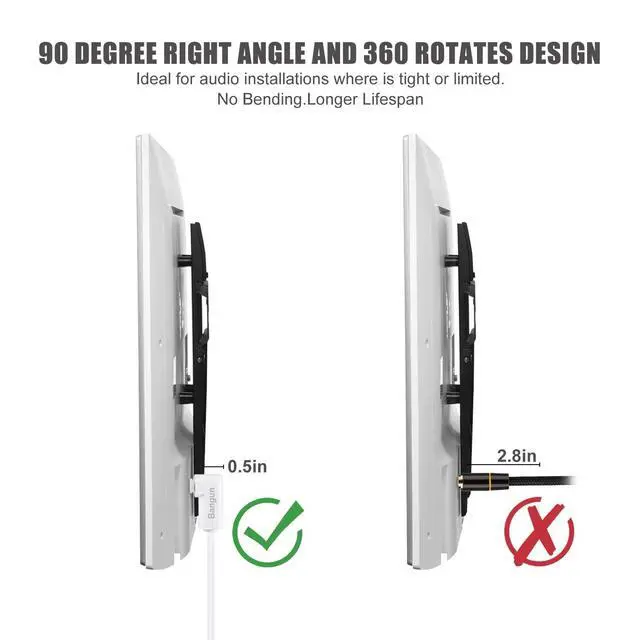
Stop struggling with Toslink cables being too close to the wall or the back of your cabinet.
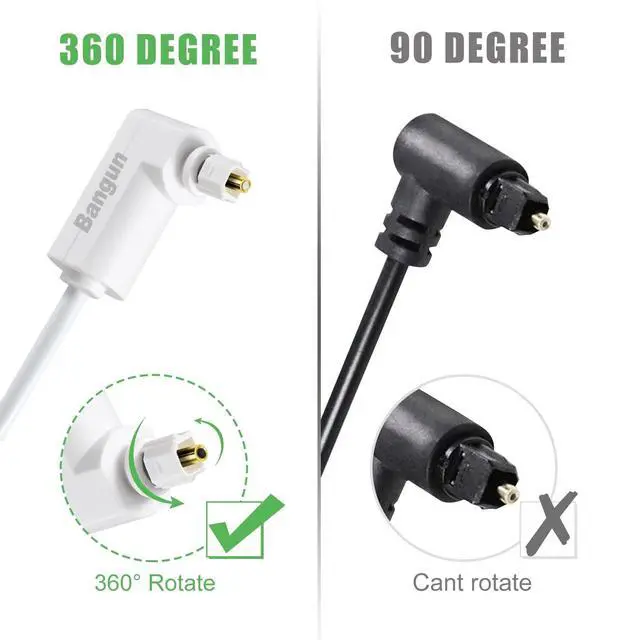
Bangun right angle digital optical audio cable with 360 Degree swivel Head aids in connecting cables in tight and congested spaces.
The 90 degree spdif optical audio cable enables you to correctly orient your cable so less strain occurs on the connector.
White Optical Cable Meet Your Needs of White Application
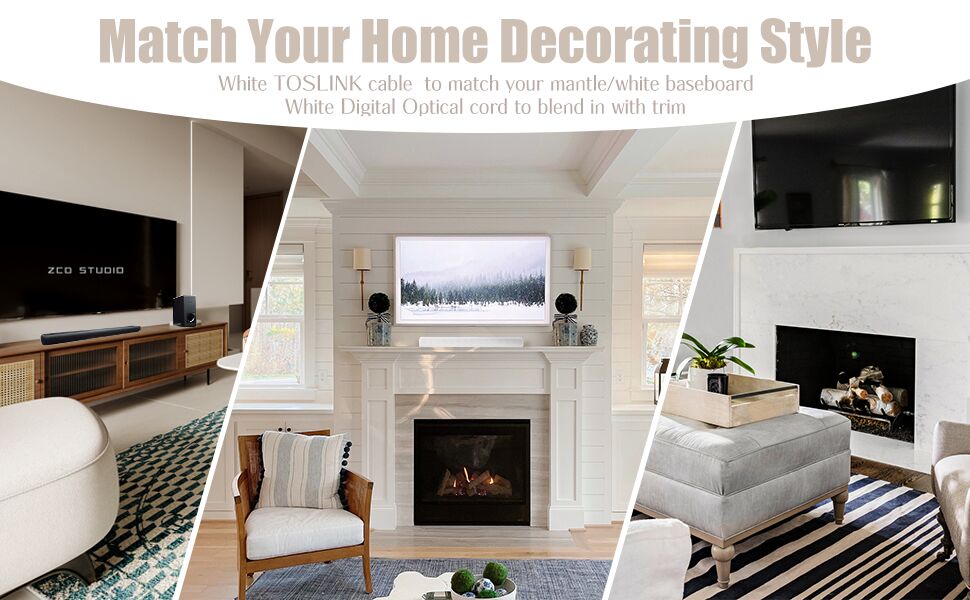
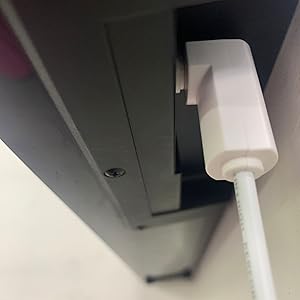
Perfect solution for audio installations where space is tight or limited
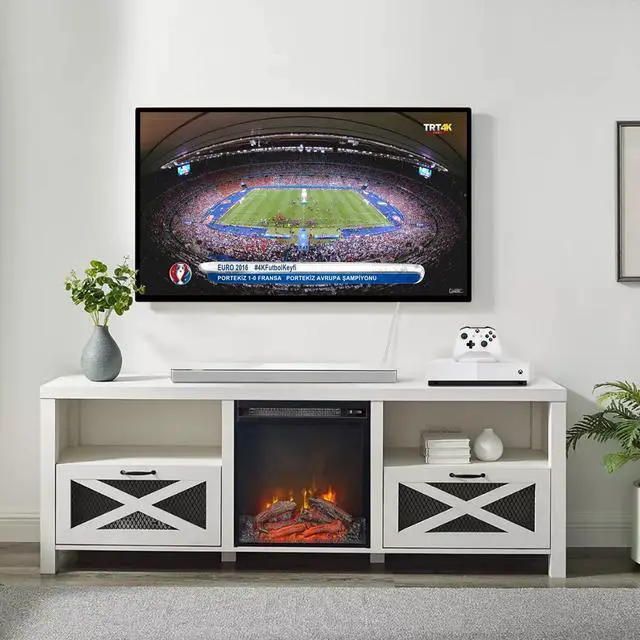
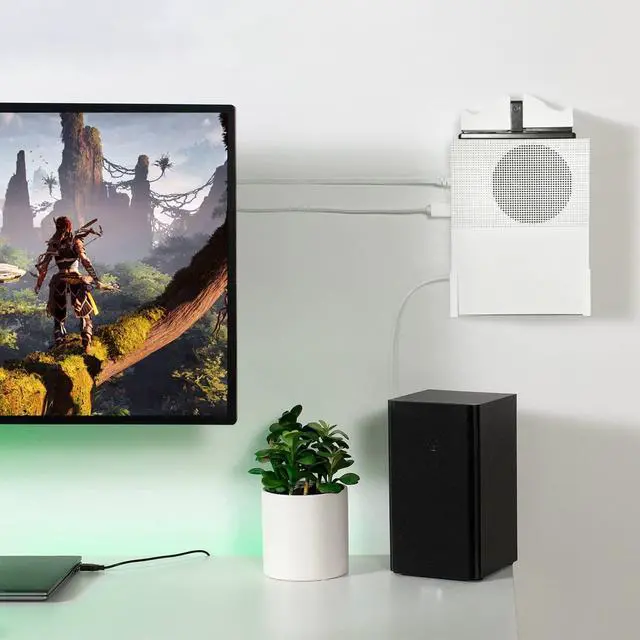
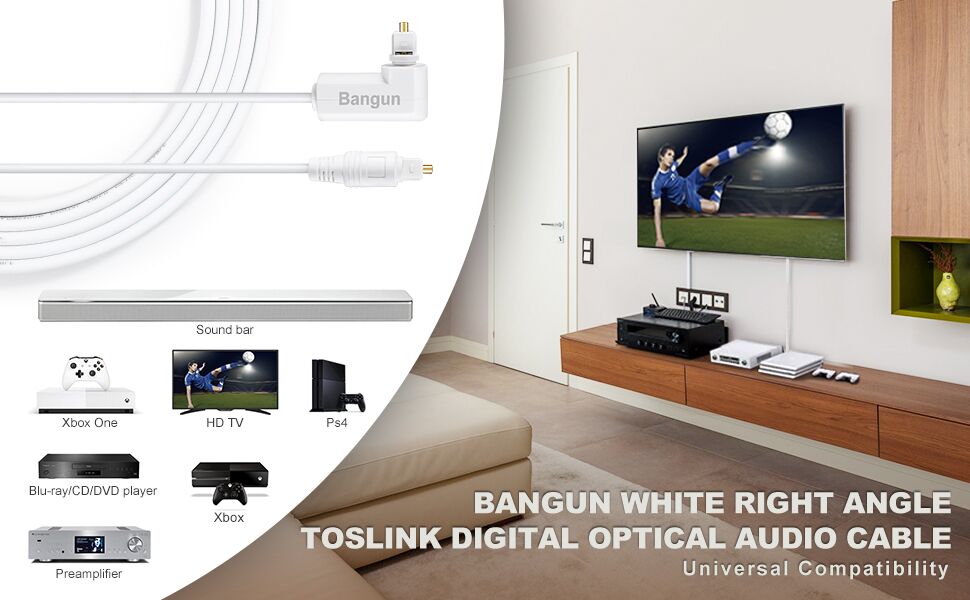
Bangun White Digital Optical Audio Cable build with 360 Degree swivel adjustable right angle, Ideal for audio installations where space is tight or limited. The rotating head works better for small spaces between wall and devices, like connecting a close wall mounted tv to your soundbar. Space saving.
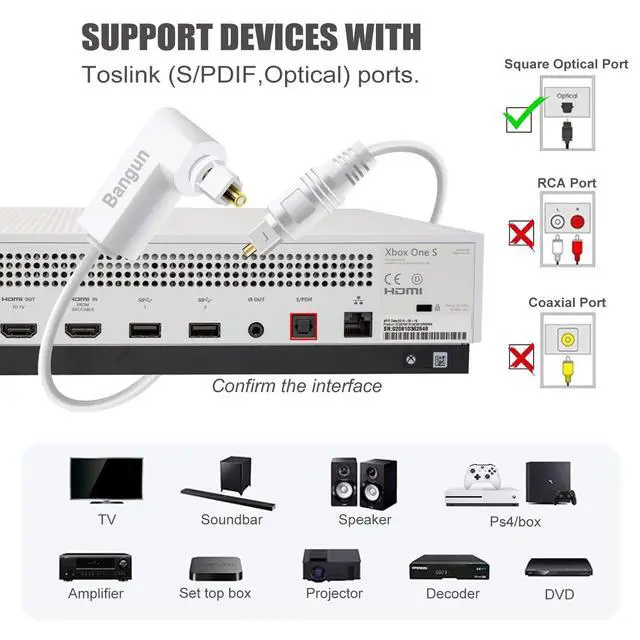
Widely Compatible: Devices with a Toslink (S/PDIF,Optical,Digital) port
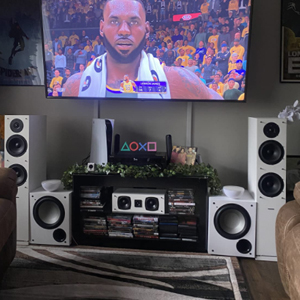
Compatible with sound bars(Vizio, Sony, Samsung, LG, Bose, Sharp, Philips, Polk), TV(Vizio, Samsung, Apple, LG, Sharp, Sony).etc with Toslink (S/PDIF, optical) ports
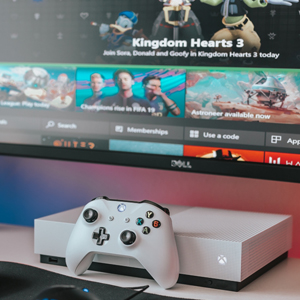
Compatible with Game consoles(PS3, PS4, XBox), etc with Toslink (S/PDIF, optical) ports
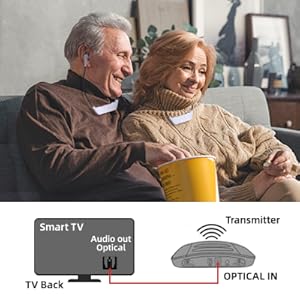
Compatible for your Digital TV Headphones System
Compatible for CD/DVD/Blu-Ray players, home/audio theater receivers, preamplifiers,digital satellites, audio processors or digital-to-analog converters (DACs), etc with Toslink (S/PDIF, optical) ports
How to Connect a Soundbar to TV with an Optical Audio Cable
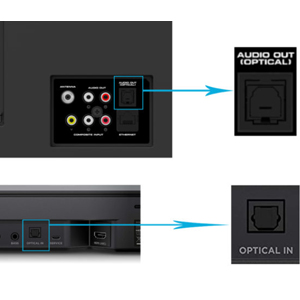
Find optical audio OUT on your TV and optical audio IN on your soundbar. Insert one end of the optical cable to the TV (optical OUT) and the other into the soundbar (Optical IN). Note: Remove the protective cover on the ends of the cord before use.

Select the DIGITAL AUDIO OUT (OPTICAL) output.
Different TVs may display different setting words. Choose Digital or Optical or similar words in the sound setting.
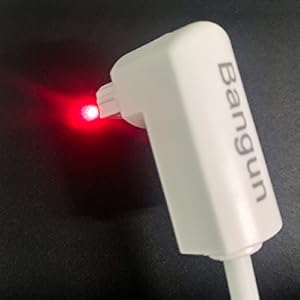
Optical cables have a red light at both ends that ensure the connectivity and if you are seeing the red light, that means you have the connection at both end and the cable should be working fine.
Experience superb sonic clarity and accurate musical reproduction with this 90 Degree S/PDIF (Toslink) Digital Optical Audio Sound Bar TV Cable
Use the 90 degree toslink optical cable to quickly connects a CD/DVD player, Blu-Ray player, gaming console, or other audio component to a preamplifier, receiver, audio processor, audio system, home theater systems or Dolby Digital systems.
Putting strain on an optical cable will damage it over time.
Stop struggling with Toslink cables being too close to the wall or the back of your cabinet.
Bangun right angle digital optical audio cable with 360 Degree swivel Head aids in connecting cables in tight and congested spaces.
The 90 degree spdif optical audio cable enables you to correctly orient your cable so less strain occurs on the connector.
White Optical Cable Meet Your Needs of White Application
Perfect solution for audio installations where space is tight or limited
Bangun White Digital Optical Audio Cable build with 360 Degree swivel adjustable right angle, Ideal for audio installations where space is tight or limited. The rotating head works better for small spaces between wall and devices, like connecting a close wall mounted tv to your soundbar. Space saving.
Widely Compatible: Devices with a Toslink (S/PDIF,Optical,Digital) port
Compatible with sound bars(Vizio, Sony, Samsung, LG, Bose, Sharp, Philips, Polk), TV(Vizio, Samsung, Apple, LG, Sharp, Sony).etc with Toslink (S/PDIF, optical) ports
Compatible with Game consoles(PS3, PS4, XBox), etc with Toslink (S/PDIF, optical) ports
Compatible for your Digital TV Headphones System
Compatible for CD/DVD/Blu-Ray players, home/audio theater receivers, preamplifiers,digital satellites, audio processors or digital-to-analog converters (DACs), etc with Toslink (S/PDIF, optical) ports
How to Connect a Soundbar to TV with an Optical Audio Cable
Find optical audio OUT on your TV and optical audio IN on your soundbar. Insert one end of the optical cable to the TV (optical OUT) and the other into the soundbar (Optical IN). Note: Remove the protective cover on the ends of the cord before use.
Select the DIGITAL AUDIO OUT (OPTICAL) output.
Different TVs may display different setting words. Choose Digital or Optical or similar words in the sound setting.
Optical cables have a red light at both ends that ensure the connectivity and if you are seeing the red light, that means you have the connection at both end and the cable should be working fine.