Your Browsing History
- Free 30-day Returns
$151.98
Ships from China.
Meet Your Seller
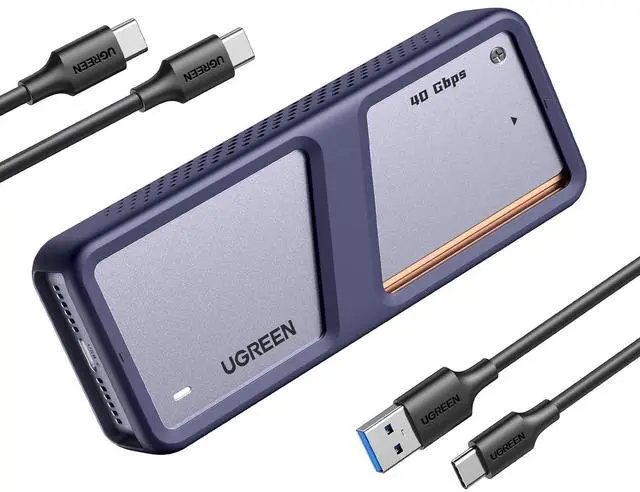
40Gbps M.2 NVMe Enclosure with Cooling Fan, Aluminum
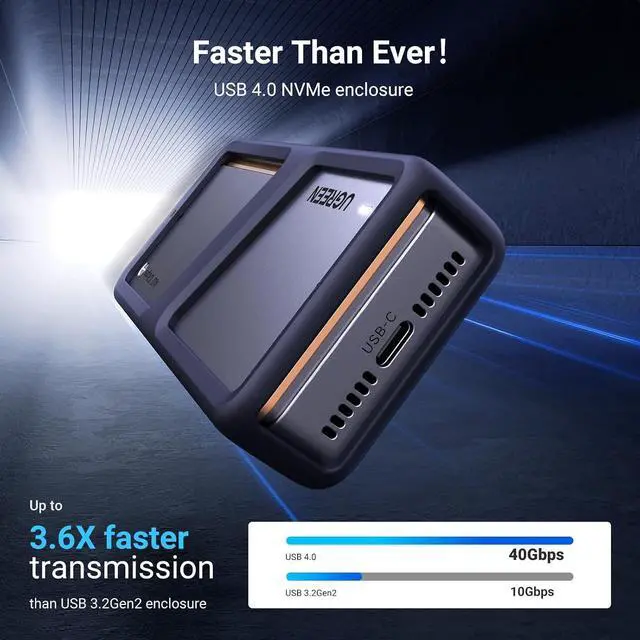
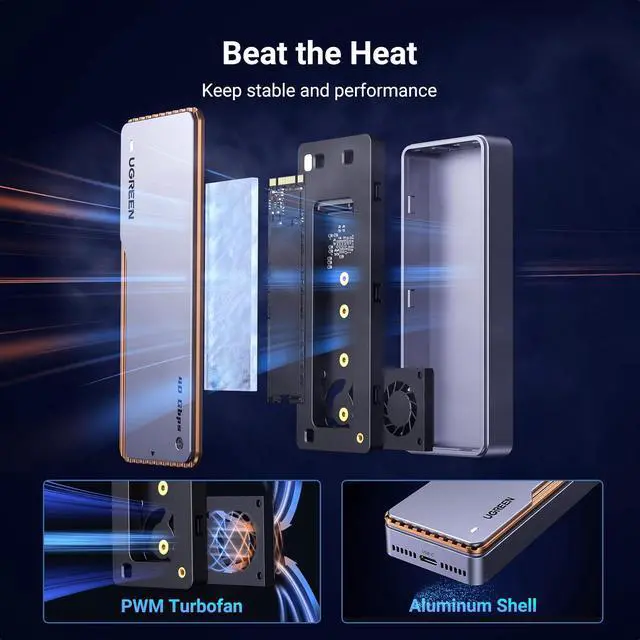
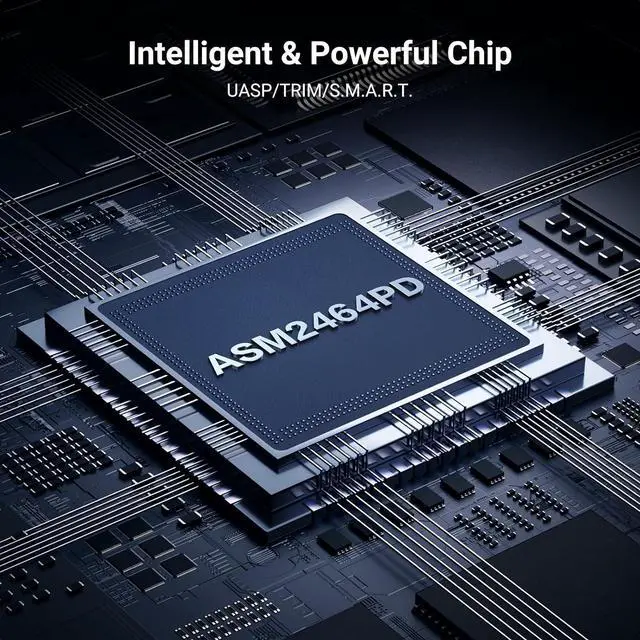
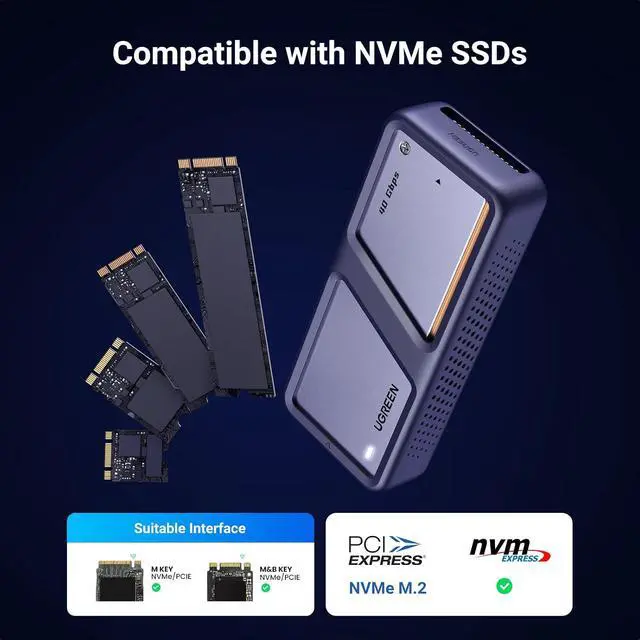
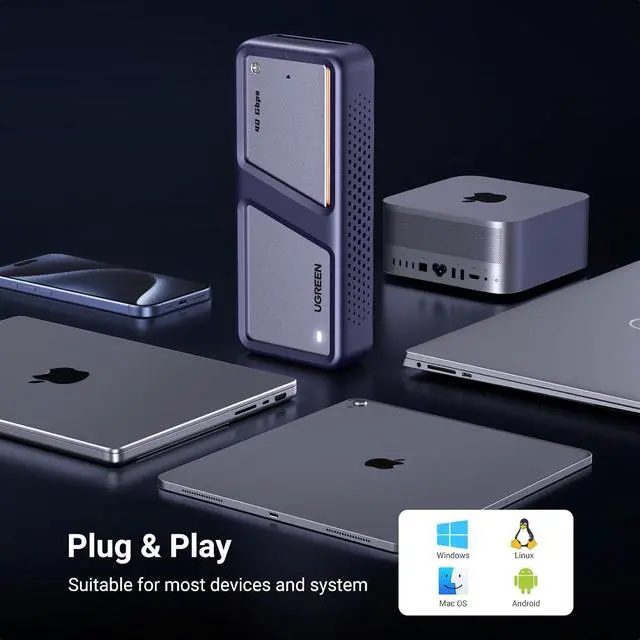
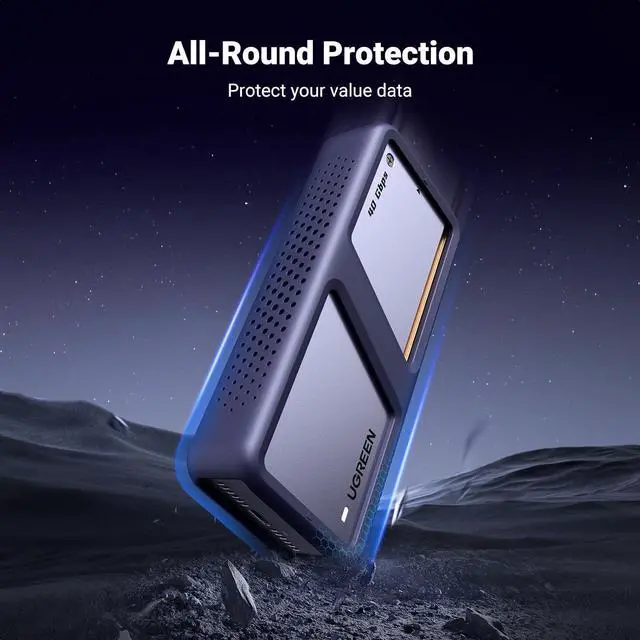
- Superior Heat Dissipation, Keeping Cool at All Times: This NVME Enclosure features UGREEN Exclusive Triple Heat Dissipation Mechanism. The pure aluminum alloy casing provides excellent heat conductivity, while the silicone thermal pad absorbs and disperses the heat generated by the hard drive. The high-speed cooling fan accelerates the heat dissipation process, effectively reducing the hard drive temperature and improving its stability and reliability; Intelligent Cooling, Peace of Mind in Use: This M.2 SSD Enclosure is equipped with a PWM turbo high-speed fan, which can precisely control the fan speed and automatically adjust it to maintain normal temperatures. This not only protects the hard drive but also extends its lifespan. Additionally, the fan operates at a relatively low noise level, providing you with a comfortable user experience; Lightning Fast Transfers, Enjoy Efficient Living: With the built-in ASM2464PD chip, support for UASP acceleration protocol, and equipped with a USB4-compatible Type-C interface, this 40Gbps M.2 NVME SSD Enclosure is compatible with USB4/3.2/3.1/3.0/2.0 & Thunderbolt 3/4. NoteThunderbolt 4 speeds require Thunderbolt 4 cables and interfaces. Other interfaces can only reach the highest speed of the corresponding interface; Widely Compatible, Explore More Possibilities: The 40Gbps Macbook SSD Enclosure is the preferred choice for gamers, video editors, photographers, and office workers. It supports M/B+M key NVMe solid-state drives with a ma
+
+
Overview
Specs
Reviews
Any questions? Ask CelesteSM will help you find out quickly.
Try me now
Product description UGREEN 40Gbps M. 2 NVMe Enclosure with Cooling Fan Function Brief 40Gbps Data Transfer NVMe Compatible Installation Guide Exclusive Triple Heat Dissipation Mechanism 1 Aluminum Shell 2 Thermal Pad 3 Cooling Fan Export your 4K videos Reborn Your Computer Enjoy Leisure Time Gaming Time Why can't my computer recognize my SSD? 1. Verify that the product, hard drive, and computer are properly connected and that the hard drive is correctly installed. 2. A new hard drive must be partitioned and formatted for the first time; otherwise, the computer will not recognize the drive letter.
3. Verify that the system supports large-capacity hard drives. 32-bit Windows XP does not support hard drives larger than 2TB. 4. Verify that the hard drive format matches the system's supported format. If not, format the hard drive to a supported format: Windows supports NTFS/exFAT/FAT32, while Linux and macOS support exFAT. 5. Test by connecting the product to another USB port on the computer. For a desktop computer, connect the product to the USB port on the back of the unit. 6. Replace the product cable and test again. 7. Replace the hard drive and test again. 8. Test again by connecting the product and hard drive to another computer. Why does the enclosure heat up during using? The enclosure uses an aluminum alloy shell with a PWM turbo cooling fan to help transfer heat from the hard drive to the outside to prevent the internal temperature from heating up. The maximum operating te
Warranty & Returns
Warranty, Returns, And Additional Information
Warranty
- Please contact the Seller directly for warranty information. Warranty information may also be found on the Manufacturer's website.
- CONTACT
Return Policies
- Return for refund within: 30 days
- Return for replacement within: 30 days
- This item is covered by Wire Hub Return Policy
Manufacturer Contact Info
- For a directory of all our manufacturers, please click below.
- Manufacturers Directory
LOADING...