Your Browsing History






Any questions? Our AI beta will help you find out quickly.
"This item is professionally refurbished by Dell through their official Dell Refurbished channel. Fully tested, cleaned, and certified to be 100% functional"
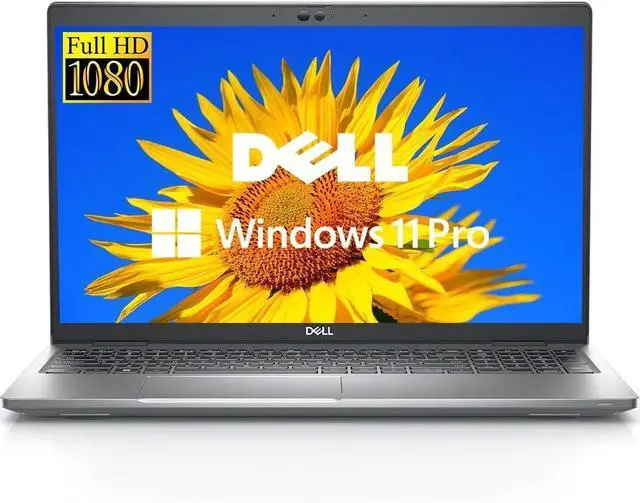
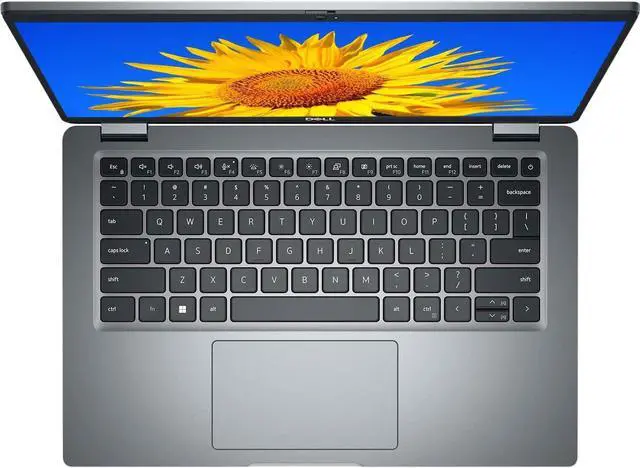
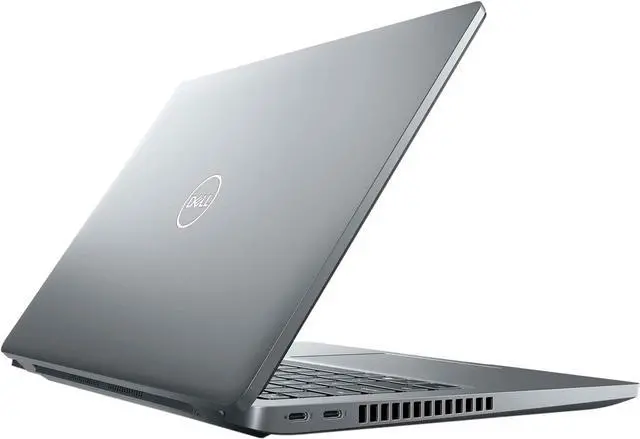
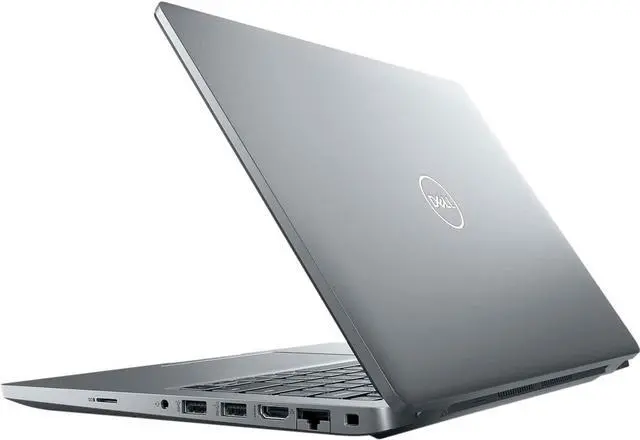
The Dell Latitude 5430 - 14 Inch FHD Laptop is a masterfully engineered high-performance professional workstation designed for the elite user who demands an uncompromising combination of extreme power, sophisticated style, and ultimate reliability. This 12th Gen Intel-powered powerhouse represents the absolute cutting edge of enterprise-grade mobile computing, offering a sleek and ultra-modern design that fits perfectly into the fast-paced world of digital entrepreneurship and corporate leadership. The chassis features a minimalist aesthetic and a high-end professional look that commands attention in any setting, from a creative studio to an executive boardroom. As an online marketplace top-rated selection, this Dell Latitude model is crafted for those who value both aesthetic perfection and technical excellence, providing a professional mobile office experience that is as visually stunning as it is functional, making it a definitive icon of the latest 2025 tech trends. At the heart of this multitasking beast is the robust Intel Core i7-1255U 12th Gen processor, a high-efficiency chip specifically engineered to deliver smooth and responsive performance for the most intensive professional applications. What truly sets this configuration apart is the massive 32GB of high-speed RAM, which provides an unprecedented level of multitasking capability, allowing you to run dozens of resource-heavy programs, virtual machines, and hundreds of browser tabs simultaneously without a hint of latency. The 256GB SSD provides rapid boot times and secure, high-speed storage for your most critical professional documents and digital assets. This combination of hardware, complemented by Intel Iris Xe Integrated Graphics, makes it a formidable reliable professional tool and a home office essential for those who need a dependable machine for their daily high-stakes journey. The visual experience is anchored by a brilliant 14-inch FHD display with a resolution of 1920x1080, offering crystal-clear clarity and vibrant visuals for an immersive viewing experience. The non-touch screen is optimized for maximum clarity and reduced glare, making it perfect for long hours of focused work and detailed presentations. The integrated backlit keyboard ensures that you can stay productive in any lighting condition, from a late-night flight to a dimly lit café, while the ergonomic build of the device ensures it remains a highly portable business computer and a travel-ready workstation for those who are always on the move. Despite its massive memory and powerful internal specifications, the Dell Latitude 5430 maintains a remarkably slim and lightweight profile, ensuring it slides easily into a designer briefcase or a modern tech backpack, solidifying its status as a versatile professional computer. Running on the secure and intuitive Windows 11 Pro operating system, this modern business laptop is fully optimized for the newest security protocols, advanced enterprise management tools, and seamless cloud integration. The Pro version of Windows provides the enhanced data protection and remote collaboration features required by today's leading organizations, making it a true secure business system for the modern era. If you are searching for a top-tier professional laptop that balances a chic, durable design with the most robust internal specifications, the Dell Latitude 5430 is the ultimate choice for any savvy shopper. Its trendy professional design and reliable hardware make it a leader in the world of business-class computing, ensuring you stay connected and productive wherever your career takes you. Elevate your professional lifestyle with this exceptional mobile workstation and discover the freedom of a versatile business device that perfectly adapts to your unique routine. Experience the perfect blend of performance and portability with this exceptional 14-inch computer designed for the ultimate modern professional.
Dell Latitude 5430! Experience extreme multitasking power and professional-grade reliability with the Dell Latitude 5430 - 14 Inch FHD (1920x1080) Non-Touchscreen Laptop. Driven by the high-performance Intel Core i7-1255U 12th Gen Processor and a massive 32GB RAM, this Dell business laptop is engineered for the most demanding workloads, complex data analysis, and seamless enterprise productivity. Whether you are searching for a Dell Latitude i7 laptop, 32GB RAM business notebook, Latitude 5430 i7 specs, or a high-capacity Dell workstation, this model with a 256GB NVMe SSD and Windows 11 Pro is the ultimate choice for power users, developers, and executives seeking a durable Dell Latitude for superior daily performance. This Latitude 5430 is designed for clarity and efficiency, featuring a crisp 14" FHD 1920x1080 Non-Touchscreen display and Intel Iris Xe Integrated Graphics for sharp, professional visuals. It is the premier laptop for high-end productivity, offering a premium backlit keyboard for comfortable typing in any lighting environment and a robust chassis built to withstand the rigors of mobile work. With its extraordinary 32GB of memory, this machine eliminates bottlenecks, allowing you to run dozens of applications, virtual machines, and browser tabs simultaneously without slowing down. Customers specifically searching for Dell 32GB RAM laptop, Latitude 5430 i7-1255U specs, Dell laptop Windows 11 Pro, and secure enterprise notebooks will find this model offers the perfect synergy of massive memory, processing power, and professional features.
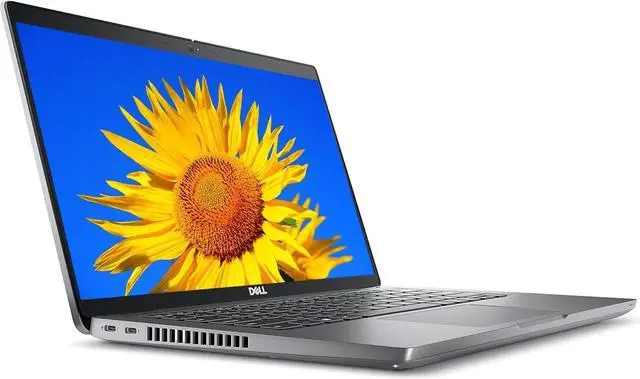
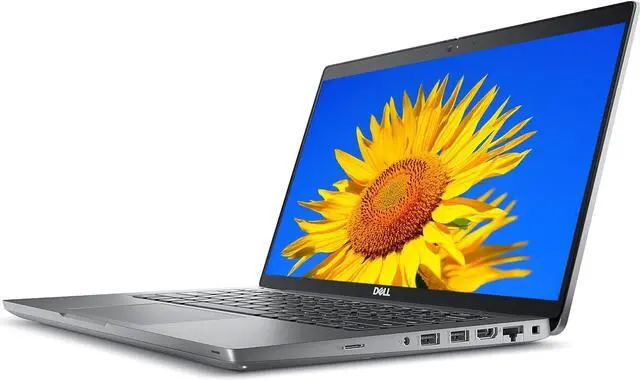
The Dell Latitude 5430 14 inch laptop features advanced connectivity, including Wi-Fi 6E and versatile ports for high-speed peripherals, making it exceptionally reliable for modern docking solutions and video conferencing. With its top-tier 12th Gen Intel Core i7 processing and fast SSD storage, this Dell laptop provides rapid boot times and responsive performance for all your mission-critical applications, data management, and multitasking needs. This makes it the premier choice for users seeking a Dell Latitude 5000 series, professional i7 notebook, and a modern Dell business solution that delivers consistent, high-end performance in a sophisticated form factor.