



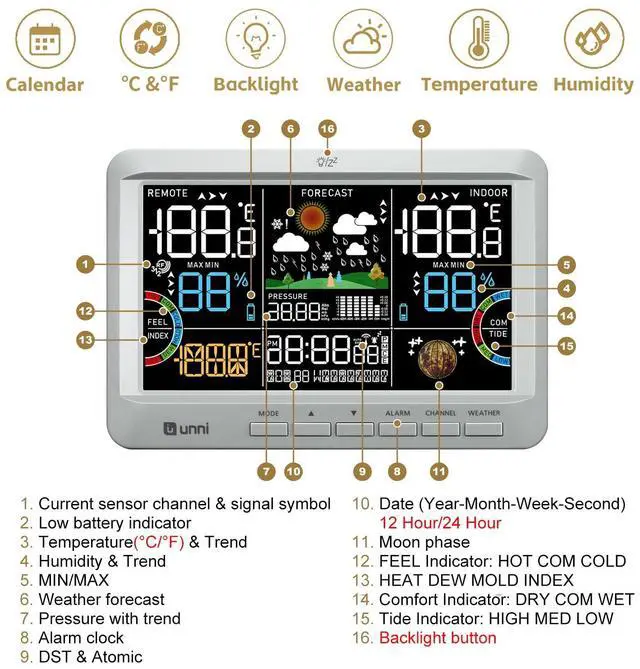






FEEL - HOT COMFORT COLD
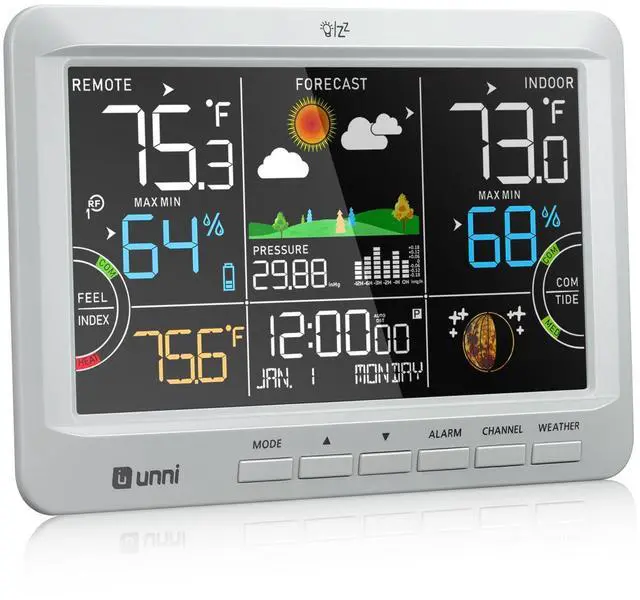
3 levels of outdoor temperature for your activity plans.

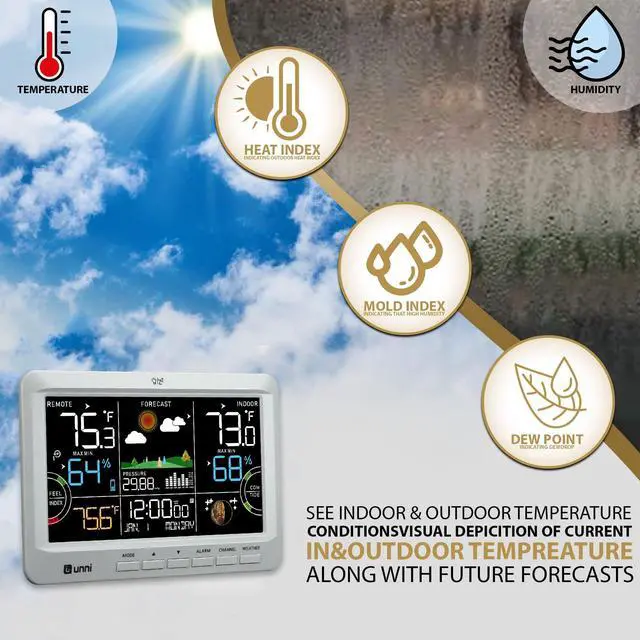
HEAT DEW MOLD INDEX
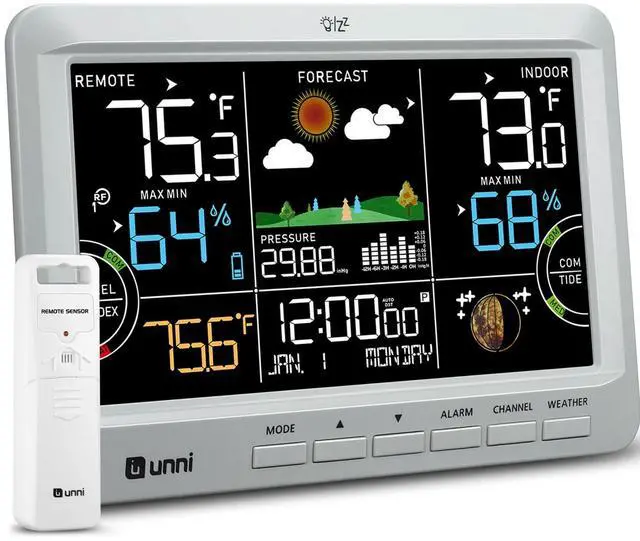
See indoor outdoor conditionsvisual depicition of current temperature with future forecasts.

COMFORT - DRY COMFORT WET
It depends on the indoor humidity, and indicates the comfort degree you would feel.

TIDE - Updated by date
HIGH MEDIUM LOW 3 levels of tide will automatically update with the date.
It doesn`t give daily tide times.
U UNNI Thermometer Hygrometer
 0512 Weather Station |  Replacement B0DM7SQC4M |  0581 |  0582 |  0585CS | 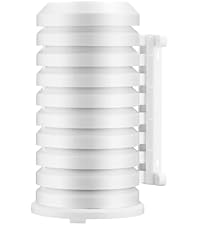 UN03 |  0601 | |
|---|---|---|---|---|---|---|---|
Customer Reviews | — | — | — | — | — | — | — |
Price | — | — | — | — | — | — | — |
Match with B0DM7SQC4M | ? | Replacement B0DM7SQC4M | ? | ? | ? | ? | ? |
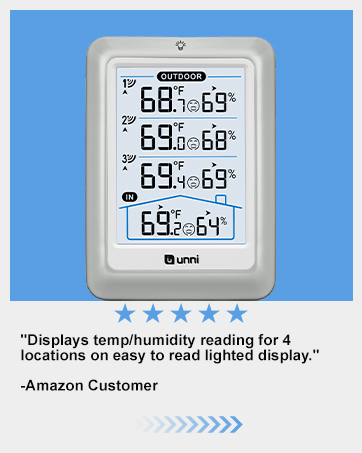
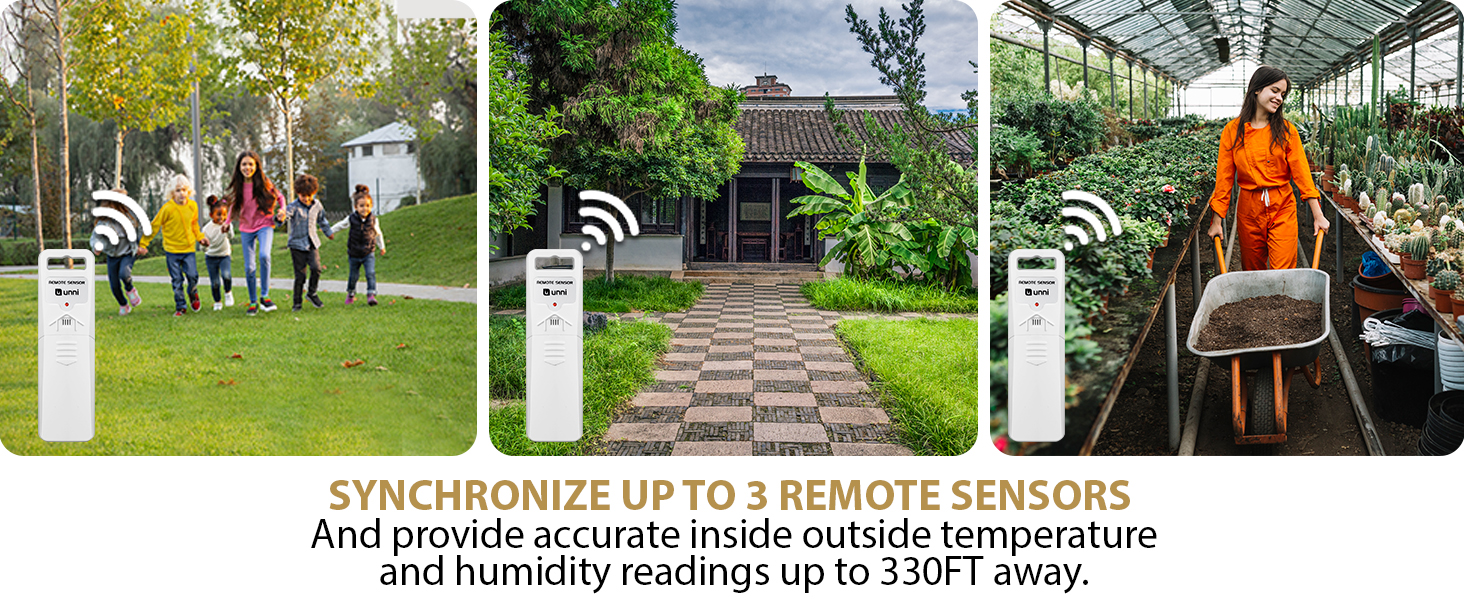
Package Included | 1*Main Unit, 1*Sensor | 1*Sensor | 1*Main Unit, 1*Sensor | 1*Main Unit, 3*Sensor | 1*Main Unit, 1*Sensor | ?1*Sensor Protection Shield | ?1*CO2 Monitor |
Backlight | Always on or 10 Seconds | No | 10 Seconds | Always on or 10 Seconds | Always on or 10 Seconds | No | Always on or 10 Seconds |
Weather Forecast | ? | ? | ? | ? | ? | ? | ? |
Brightness(high-low-off) | Yes, AC/DC Powered | No | No | Yes, USB Powered | Yes, USB Powered | No | Yes, USB Powered |
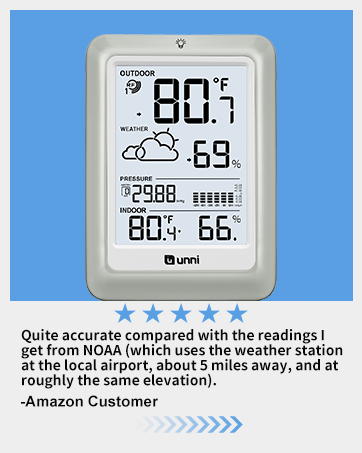
Special | Heat,Mold Index,Dew Point | For 0512 0581 0582 0585 | Heat,Mold Index,Dew Point | 3 SENSORS | PRESSURE | Sensor protection | CO2 Monitor |
Frequently Asked Questions and Recommendations
Q1: Setting up for the first time or if you move it around.
1. First load the sensor battery, then install main unit battery/power supply. Note: When power supply is plugged in main unit, but do not work, ensure power supply is plugged in tightly.
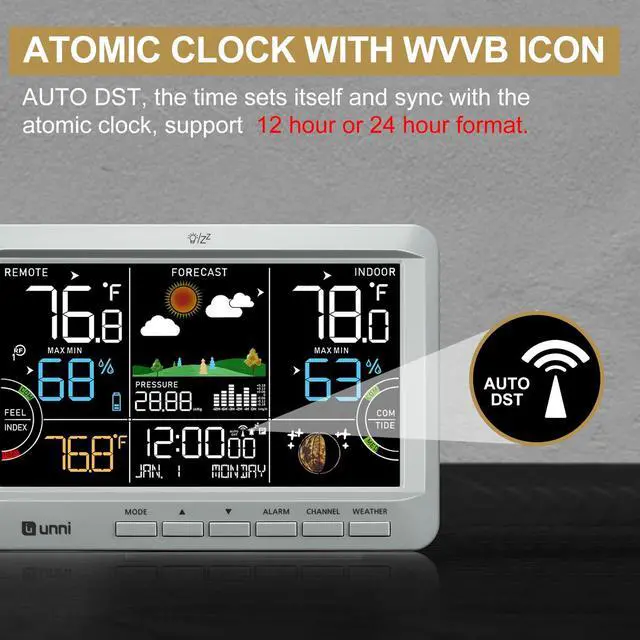
2. Wait for 10 minutes: For 3 minutes after plug-in, sensor will obtain temp humidity data. For next 7 minutes, main unit begins to receive atomic signal. During this 10 minutes, temp humidity data will not be updated.
Q2: How long will atomic synchronize? How is Tide Indicator?
Atomic signal takes 2-5 days to synchronize. If exceeds 5 days, you can set the time and date manually. Tide indicator is updated by the date, doesn`t give daily tide times.
Q3: Why can't the backlight be kept on?
1. Ensure that the power supply is plugged in tightly.
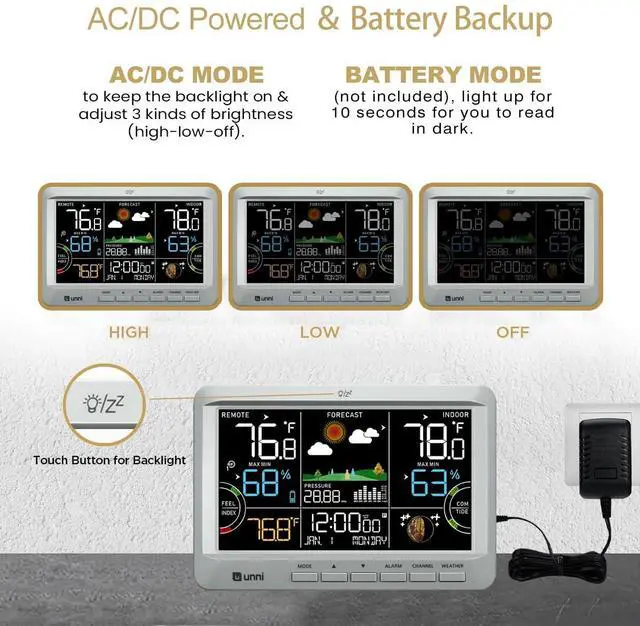
2. Only when the adapter is connected, the backlight can be kept on/adjusted. Battery is only lit for 10s, mainly to back up data.
Q4: How to compare temp humidity data?
1. Wait for 2 hours to balance with current environment. 2. Comparing with other thermometers: placed in same position, wait for 1 hour.
All our means lead to one goal: making your life at home easier.
U UNNI family products blend handy functions into high-quality and well-designed devices, which make them an irreplaceable element of your home.
Explore the options of U UNNI and find yourself the piece that fits your home best.


FEEL - HOT COMFORT COLD
3 levels of outdoor temperature for your activity plans.
HEAT DEW MOLD INDEX
See indoor outdoor conditionsvisual depicition of current temperature with future forecasts.
COMFORT - DRY COMFORT WET
It depends on the indoor humidity, and indicates the comfort degree you would feel.
TIDE - Updated by date
HIGH MEDIUM LOW 3 levels of tide will automatically update with the date.
It doesn`t give daily tide times.
U UNNI Thermometer Hygrometer
0512 Weather Station | Replacement B0DM7SQC4M | 0581 | 0582 | 0585CS | UN03 | 0601 |
|---|---|---|---|---|---|---|
| Customer Reviews | ||||||
| — | — | — | — | — | — | — |
| Price | ||||||
| — | — | — | — | — | — | — |
| Match with B0DM7SQC4M | ||||||
| ? | Replacement B0DM7SQC4M | ? | ? | ? | ? | ? |
| Package Included | ||||||
| 1*Main Unit, 1*Sensor | 1*Sensor | 1*Main Unit, 1*Sensor | 1*Main Unit, 3*Sensor | 1*Main Unit, 1*Sensor | ?1*Sensor Protection Shield | ?1*CO2 Monitor |
| Backlight | ||||||
| Always on or 10 Seconds | No | 10 Seconds | Always on or 10 Seconds | Always on or 10 Seconds | No | Always on or 10 Seconds |
| Weather Forecast | ||||||
| ? | ? | ? | ? | ? | ? | ? |
| Brightness(high-low-off) | ||||||
| Yes, AC/DC Powered | No | No | Yes, USB Powered | Yes, USB Powered | No | Yes, USB Powered |
| Special | ||||||
| Heat,Mold Index,Dew Point | For 0512 0581 0582 0585 | Heat,Mold Index,Dew Point | 3 SENSORS | PRESSURE | Sensor protection | CO2 Monitor |
Frequently Asked Questions and Recommendations
Q1: Setting up for the first time or if you move it around.
1. First load the sensor battery, then install main unit battery/power supply. Note: When power supply is plugged in main unit, but do not work, ensure power supply is plugged in tightly.
2. Wait for 10 minutes: For 3 minutes after plug-in, sensor will obtain temp humidity data. For next 7 minutes, main unit begins to receive atomic signal. During this 10 minutes, temp humidity data will not be updated.
Q2: How long will atomic synchronize? How is Tide Indicator?
Atomic signal takes 2-5 days to synchronize. If exceeds 5 days, you can set the time and date manually. Tide indicator is updated by the date, doesn`t give daily tide times.
Q3: Why can't the backlight be kept on?
1. Ensure that the power supply is plugged in tightly.
2. Only when the adapter is connected, the backlight can be kept on/adjusted. Battery is only lit for 10s, mainly to back up data.
Q4: How to compare temp humidity data?
1. Wait for 2 hours to balance with current environment. 2. Comparing with other thermometers: placed in same position, wait for 1 hour.