




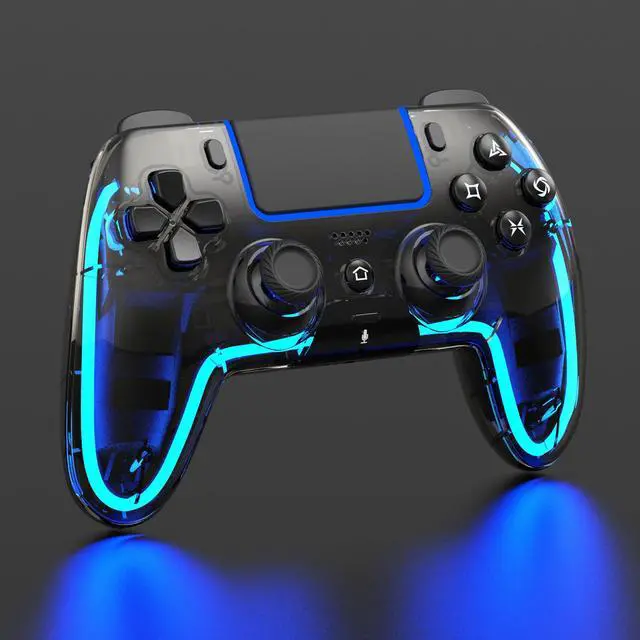
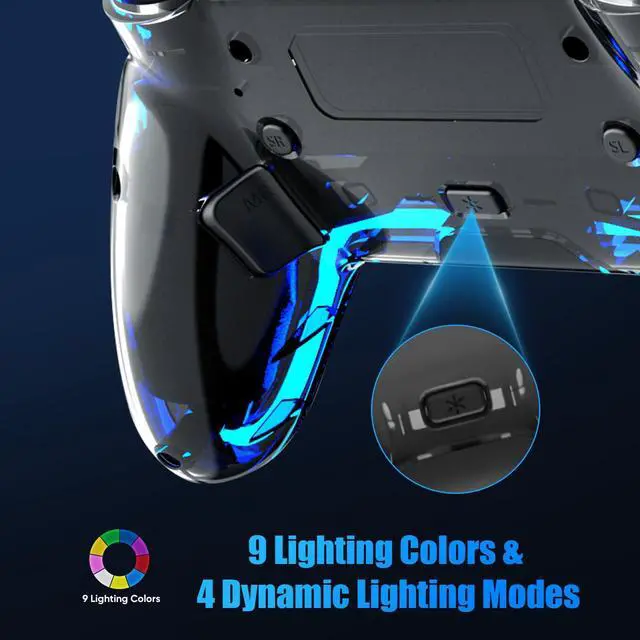
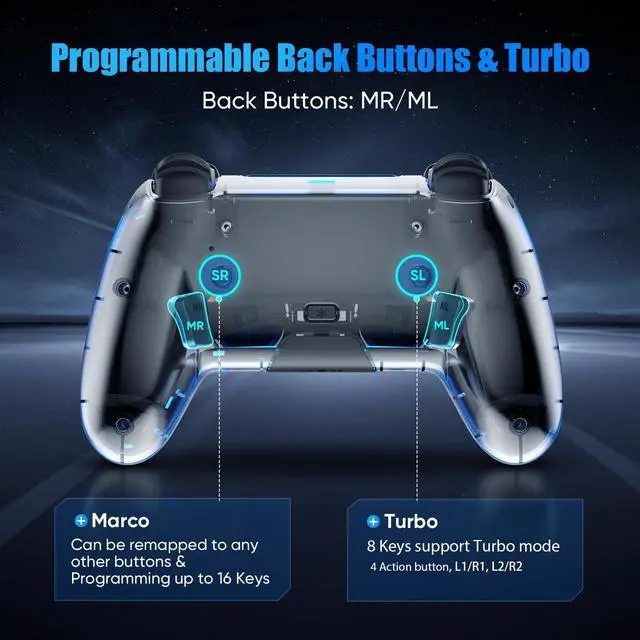
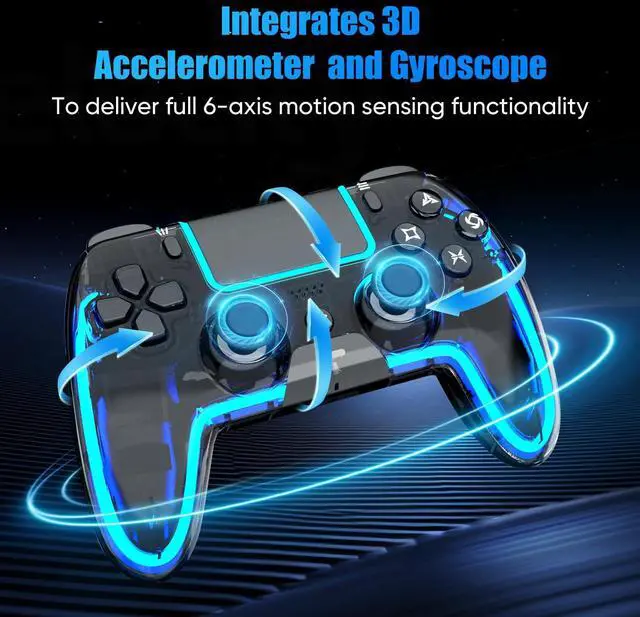
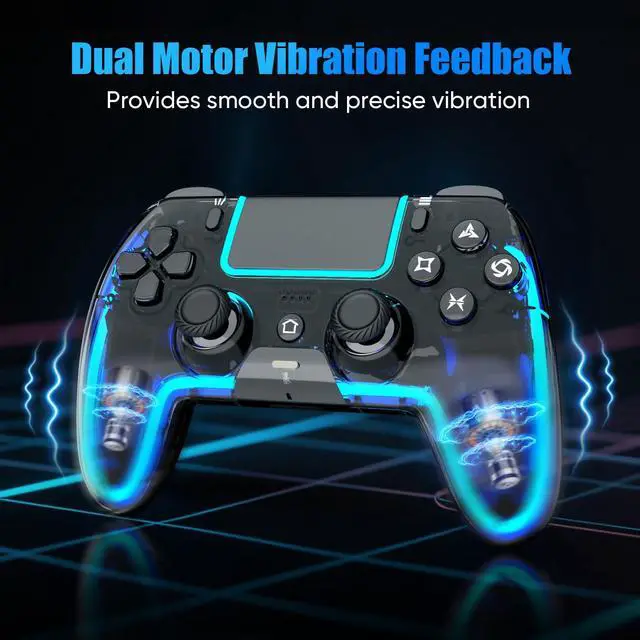


The colored lighting shown in the controller images is for illustration purposes only. The actual product features nine single-color lights and four lighting modes: Breathing – Fast Flash – Slow Flash – Gradient.

Controller with Speaker
Sound effects and music come to life right in your palms

Xinput Mode
Wired connection to a PC: Press Share and Menu buttons to switch XInput mode

3.5mm TRRS Stereo Jack
Please insert the 3.5 mm plug gently to prevent long-term stress that may cause audio or microphone failure.
no built-in mic

800mAh Battery
Two ways to charge: Charging Dock / USB-C Cable

Built for Sharing: Grab a second controller and jump into the fun! Perfect for couch co-op, it lets you easily team up or face off in your favorite multiplayer games.
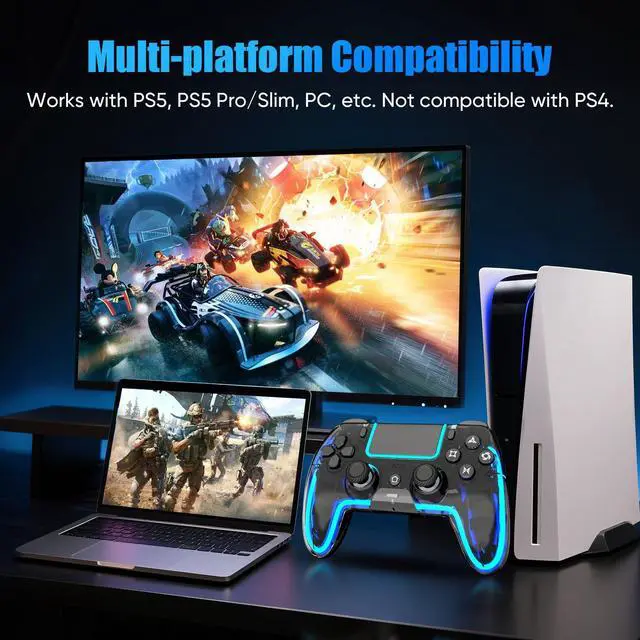
How to connect the controller to PS5?
Plug it into the PS5 with a USB data cable, wait a few seconds, then press the Home button.
Controller only remembers the last device it was paired with. If you used it on other device, reconnect it to the PS5 with a USB data cable and pair it again.
Does the controller support dock charging?
Yes, you can charge it with the charging dock or a USB-C cable.
The touchpad lights keep flashing. What should I do?
Restart the controller first.
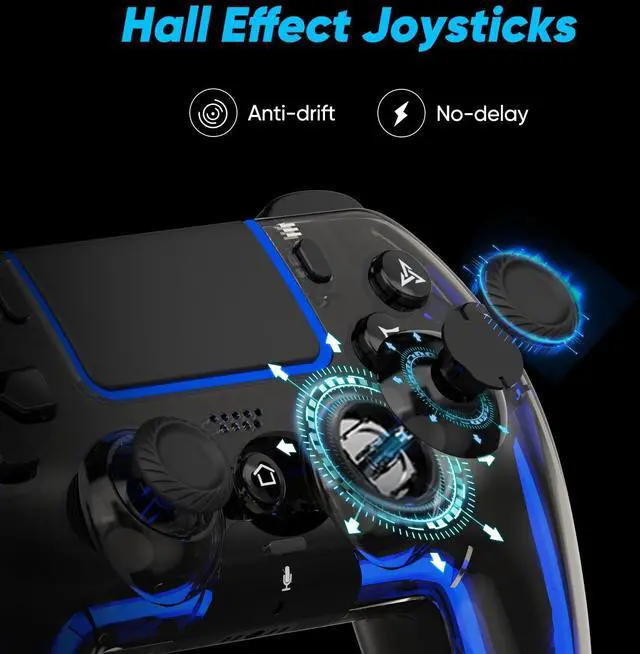
My joystick is drifting. How can I fix it?
Recalibrate the controller in Calibration Mode.
My PS5 says "Connect this device using a USB cable, or register it again."
Use a USB data cable (not charge-only), then pair the controller again. The included cable is recommended.


The colored lighting shown in the controller images is for illustration purposes only. The actual product features nine single-color lights and four lighting modes: Breathing – Fast Flash – Slow Flash – Gradient.
Controller with Speaker
Sound effects and music come to life right in your palms
Xinput Mode
Wired connection to a PC: Press Share and Menu buttons to switch XInput mode
3.5mm TRRS Stereo Jack
Please insert the 3.5 mm plug gently to prevent long-term stress that may cause audio or microphone failure.
no built-in mic
800mAh Battery
Two ways to charge: Charging Dock / USB-C Cable

Built for Sharing: Grab a second controller and jump into the fun! Perfect for couch co-op, it lets you easily team up or face off in your favorite multiplayer games.
How to connect the controller to PS5?
Plug it into the PS5 with a USB data cable, wait a few seconds, then press the Home button.
Controller only remembers the last device it was paired with. If you used it on other device, reconnect it to the PS5 with a USB data cable and pair it again.
Does the controller support dock charging?
Yes, you can charge it with the charging dock or a USB-C cable.
The touchpad lights keep flashing. What should I do?
Restart the controller first.
My joystick is drifting. How can I fix it?
Recalibrate the controller in Calibration Mode.
My PS5 says "Connect this device using a USB cable, or register it again."
Use a USB data cable (not charge-only), then pair the controller again. The included cable is recommended.