

Your Browsing History






Any questions? Our AI beta will help you find out quickly.
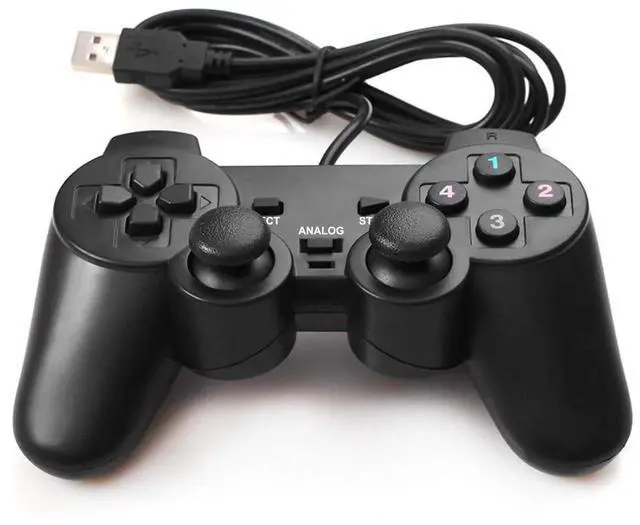
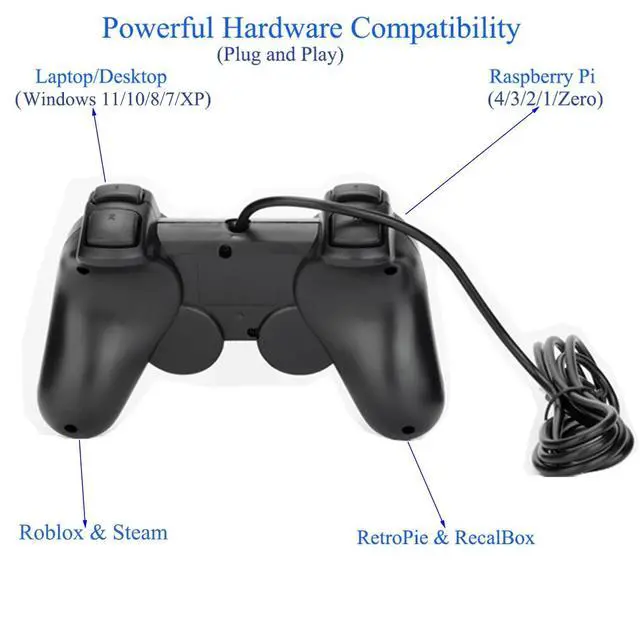
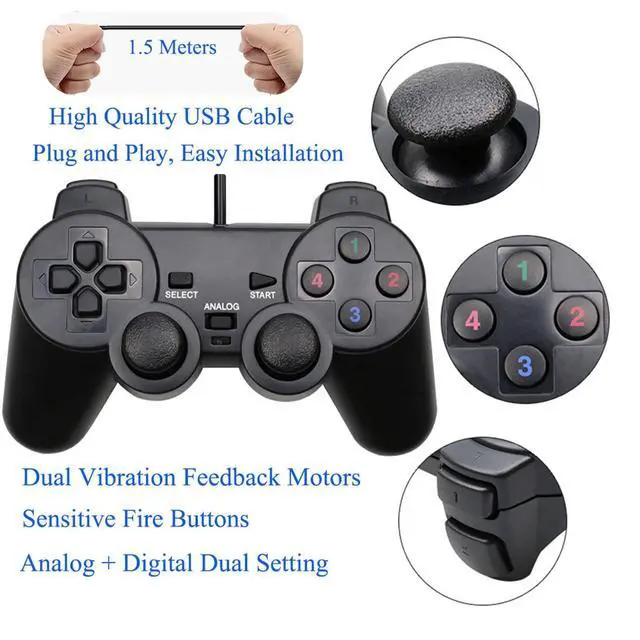
· JAYSUING USB wired game controller: powerful hardware compatibility, ultimate game experience, bring you a comfortable gaming experience you never had!
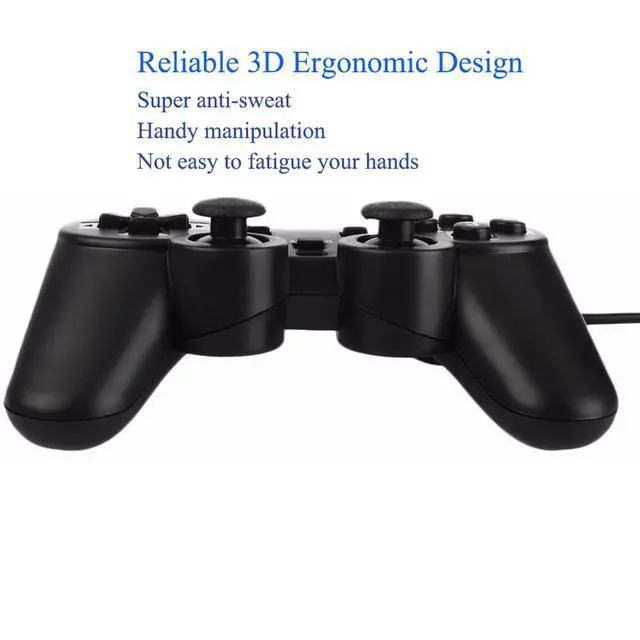
· Not only satisfy your desire for games, but also make you enjoy the maximum gaming comfort in your spare time.
Notes:
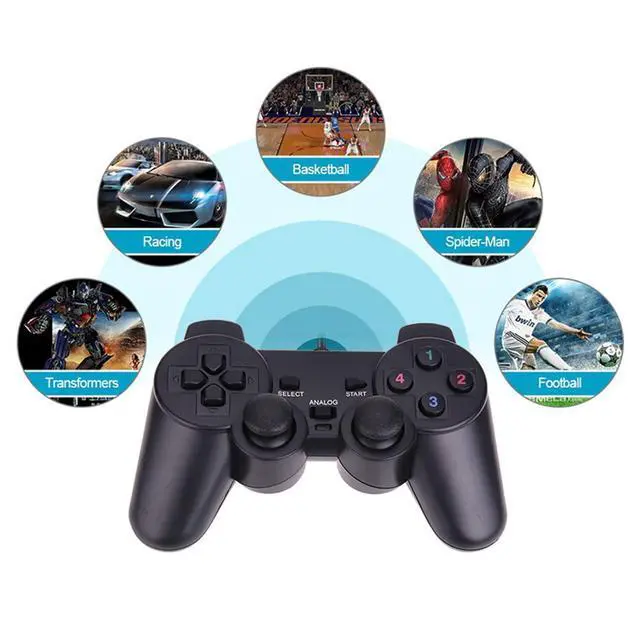
· The USB wired controller is D-input mode, compatible with computer, micro-computer, many game console emulator systems.
· DirectX 7.0 or above should be installed before installing driver, if controller is to be used in Windows 10 or above.
· If the controller is unable to be used in Windows Systems, please try to install the latest version of Microsoft Xbox 360 Controller gamepad driver.
· The vibration-feedback function can only be used in PC games supporting "X-input" mode and the function may need to be enabled in games.
· For PC(Windows 11/10/8/7/XP) & Roblox & Steam: Games should support "X-input/ D-input" mode, and some games may need to set the buttons before use.
About the CD Disc(Optional):
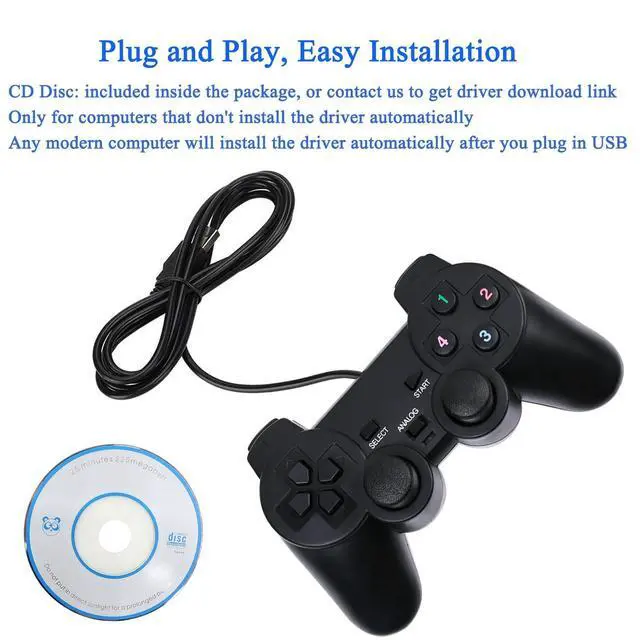
· It comes with the gamepad, inside the cardboard.
· The software on the CD Disc is a driver for computer to recognise the gamepad.
· It's only for computers which don't install the driver automatically, at this point, you need to install the CD Disc.
· Any modern computer will install the driver automatically after you plug in USB, at this point, you don't need the CD Disc.
When do I need to install the CD Disc or driver?
· After you plug in USB, wait for a few minutes, the gamepad isn't displayed in the computer's device management page.
· At this point, you will need to install the gamepad's driver software(CD Disc).
· If your computer does not have a CD-ROM drive, you can get driver download link from Amazon Messaging Assistant.
The gamepad is displayed in the computer's device management page, but the gamepad is still not controlled in the game?
· It means you're playing an "X-input" mode game, you need to set the buttons before playing.
· This is a "D-input" PC controller, in this case, you need to download Button Mapping Program: "Xpadder" or "JoyToKey".
· Before you play the game, you map the buttons through the program you downloaded, then you could play now.
Package Include:
· 1* CD Disc for Driver
· 1* Wired Controller from JAYSUING
| Brand | JAYSUING |
| Model Name | USB Wired Controller |
| Compatible Devices | For Emulator, Steam, Roblox, RetroPie, RecalBox, For PC(Windows 11/10/8/7/XP), For Raspberry Pi(4/3/2/1/Zero), For Windows Laptop/Desktop Computer |
| Controller Type | Controller, Gamepad, Joypad, Joystick, Remote |
| Connectivity Technology | USB |
| Additional Features | Anti-Sweat, Comfortable Feeling, Dual Vibration, Ergonomic, Analog + Digital, Multiuse, Plug and Play |
| Button Quantity | 16 |
| Hardware Platform | For Emulator, Steam, Roblox, RetroPie, RecalBox, For PC(Windows 11/10/8/7/XP), For Raspberry Pi(4/3/2/1/Zero), |
| Power Source | Corded Electric |
| Item Weight | 0.2 Kilograms |
| Package Quantity | 1 |