





How to watch Netflix, Prime Video, Disney+, Apple TV+, YouTube, HBO Max, Hulu and more on this projector?
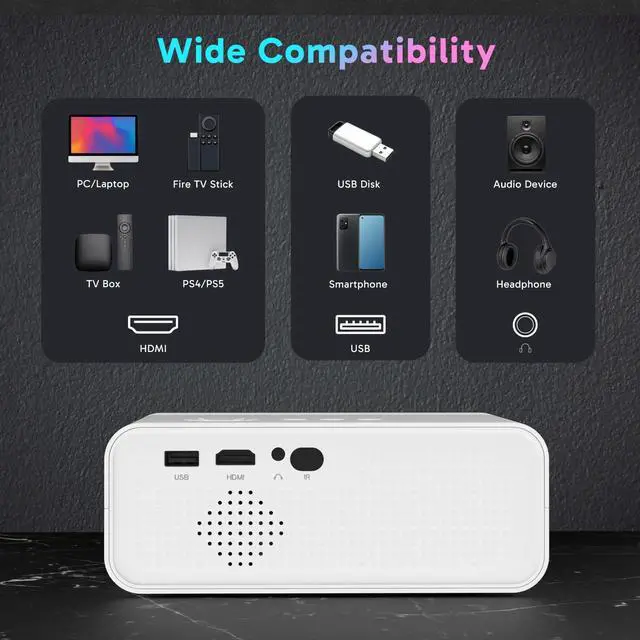
A1:Since these platforms require copyright agreements to play, if you want to watch videos from these platforms, you will need to use a Fire Stick or connect computer to the projector with an HDMI cable to play the videos! ( Fire Stick NOT INCLUDED).
Why can't my phone project via Bluetooth connection?
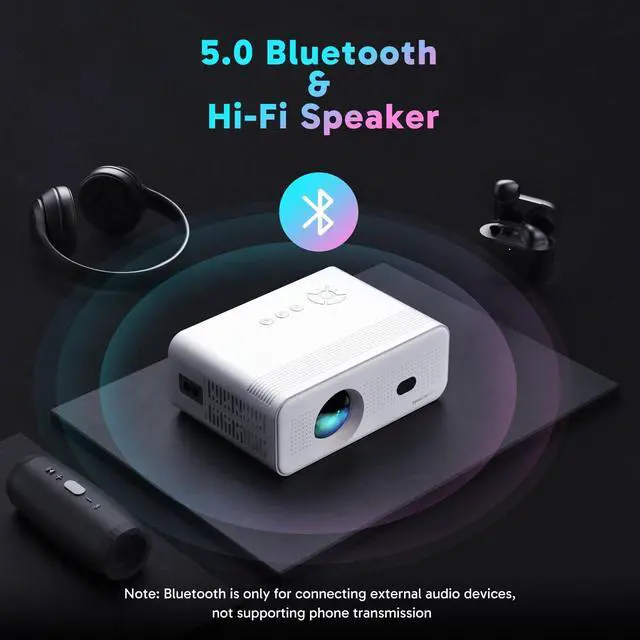
The Bluetooth function of the projector can only connect to Bluetooth devices (such as Bluetooth speakers, Bluetooth headsets, etc.). The Bluetooth function of most projectors currently on the market cannot connect to the Bluetooth of mobile phones.
Why is there no sound when playing videos?
Projector does NOT SUPPORT Dolby Audio, if it is Dolby Audio, please turn it off (Settings > Display & Sound > Audio > Dolby Digital Output > Turn off Dolby Digital+). Some AC3/DTS encoded files may not be playable due to copyright issues.
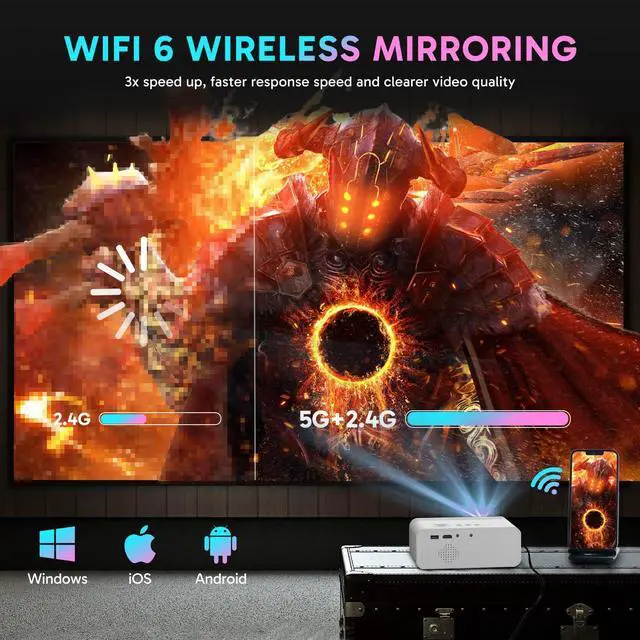
Why the device cannot be searched for wireless screen sharing ?
Screen sharing requires the projector and mobile phone to be connected to the same WiFi network. Enter the WiFi settings of the mobile phone and compare them with the WiFi list of the projector;
Why the projector cannot be turned on by pressing the power button?
1.Check whether the indicator light on the projector is on. 2.Try the power button on the projector. 3.Check the plug end and the end connected to the projector;


How to watch Netflix, Prime Video, Disney+, Apple TV+, YouTube, HBO Max, Hulu and more on this projector?
A1:Since these platforms require copyright agreements to play, if you want to watch videos from these platforms, you will need to use a Fire Stick or connect computer to the projector with an HDMI cable to play the videos! ( Fire Stick NOT INCLUDED).
Why can't my phone project via Bluetooth connection?
The Bluetooth function of the projector can only connect to Bluetooth devices (such as Bluetooth speakers, Bluetooth headsets, etc.). The Bluetooth function of most projectors currently on the market cannot connect to the Bluetooth of mobile phones.
Why is there no sound when playing videos?
Projector does NOT SUPPORT Dolby Audio, if it is Dolby Audio, please turn it off (Settings > Display & Sound > Audio > Dolby Digital Output > Turn off Dolby Digital+). Some AC3/DTS encoded files may not be playable due to copyright issues.
Why the device cannot be searched for wireless screen sharing ?
Screen sharing requires the projector and mobile phone to be connected to the same WiFi network. Enter the WiFi settings of the mobile phone and compare them with the WiFi list of the projector;
Why the projector cannot be turned on by pressing the power button?
1.Check whether the indicator light on the projector is on. 2.Try the power button on the projector. 3.Check the plug end and the end connected to the projector;