
Your Browsing History




Any questions? Our AI beta will help you find out quickly.
1.Newest Upgraded Wifi Projector for you
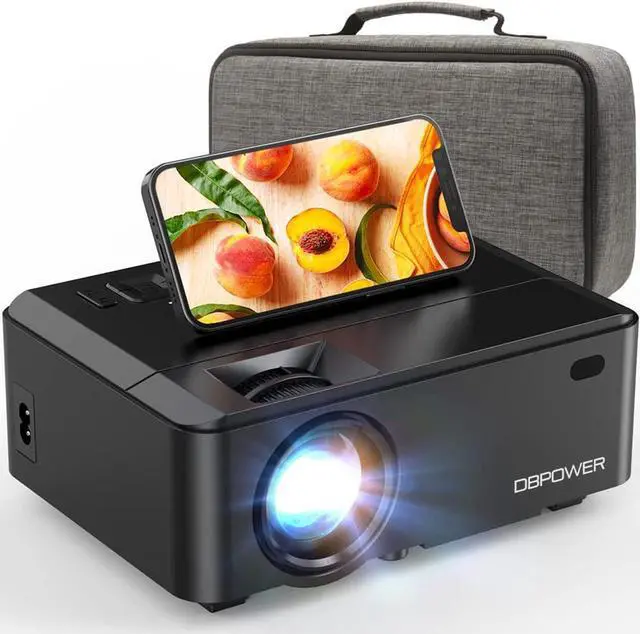
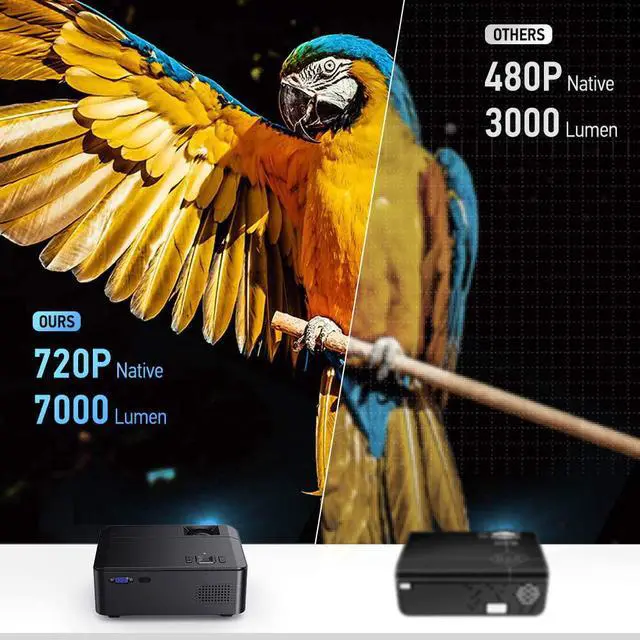
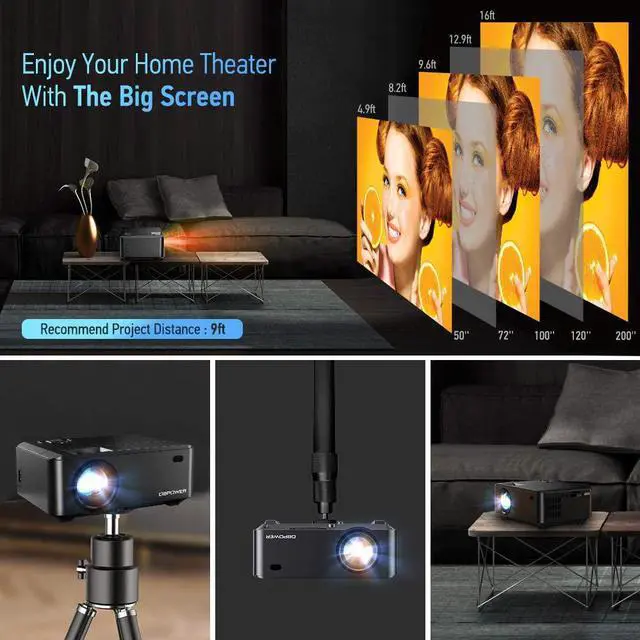
Upgraded High Brightness WIFI Mini Projector offers outstanding sharpness with native resolution 1280*720, with +60% brightness, 200" large screen and high sound quality, also enhanced the projection color contrast to 3000:1 to restore the true color
of the projection display to present the vivid images to customers. Best choice for indoor and outdoor home entertainment!
2.Features:
Higher Brightness:
The wireless projector utilizes the LCD display technology, provides over 60+% brightness than other projector. You can watch movies, take online classes, or play game with this WIFI projector.
Wireless projector connection:
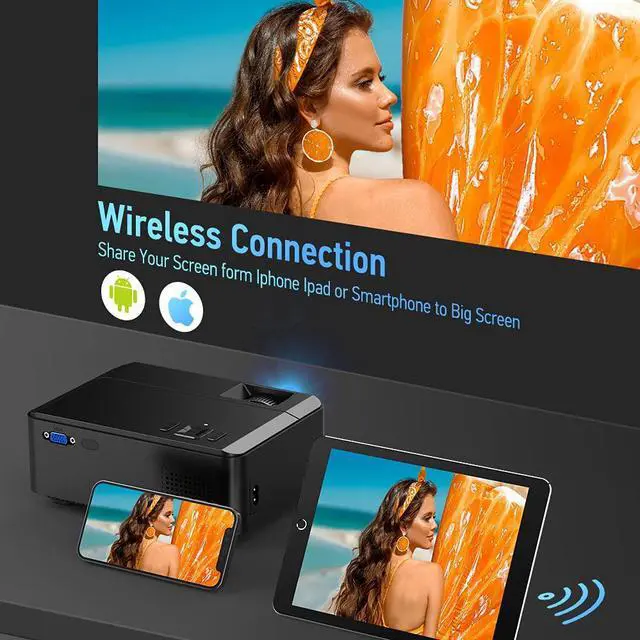
DO NOT need to buy an extra HDMI adapter to connect with smartphones wireless. Even in no WiFi environment, you can mirror you phone with the wifi of the mini projector to share photo or videos in your phone .
Zoom In, Zoom Out:
Use the 50%-100% zoom function of mini projector without worrying about the screen being too small or too large. Adjust the screen size without moving the projector manually. Enjoy this home theater with your family easily.
3000:1 High Contrast:
The video projector with a high contrast ratio allows to enjoying clearly shadow detail and deep black levels, adding a sense of depth and dimension to the picture which presents you a real, dynamic and color vibrant projection image quality.
Portable Projector:
With a customized carrying case included, you can conveniently carry and storage this home projector. You can enjoy your home theater whenever you want.
Build-in Hi-fi Speaker:
The movie projector has built-in 3W dual stereo speakers with SRS sound system provides a great auditory sense experience without external speakers. You can also connect it with a speaker by the av port if you want much better sounds though our speaker
is loud enough.
Multi-Media & Easy Connection:
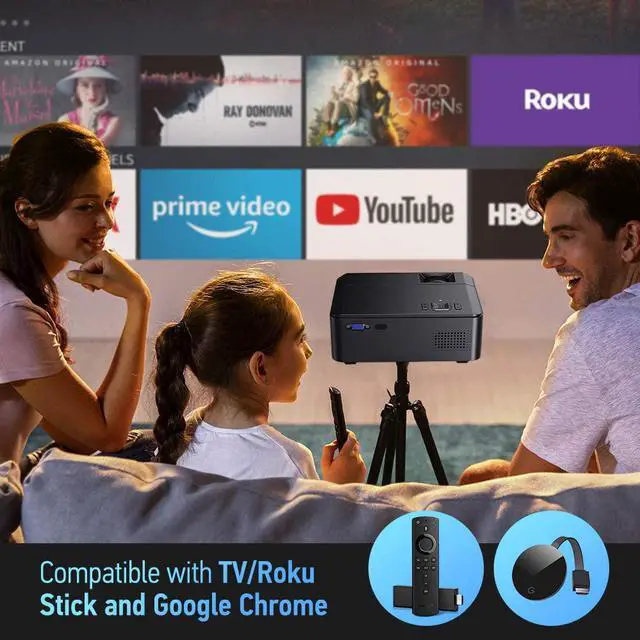
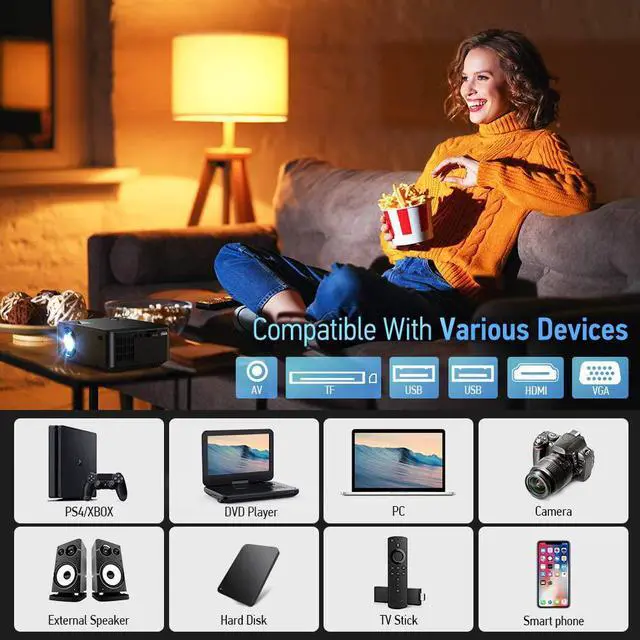
The wifi outdoor projector has HDMI / USBx2 / VGA / AV port. Compatible with Fire TV Stick, DVD Player, Xbox, Laptop, Wii, USB disk, Computer, Headsets, 2.0 External Speaker, iPhone Android smartphones, iPad Tablets, PS3 PS4 game playing console, etc.
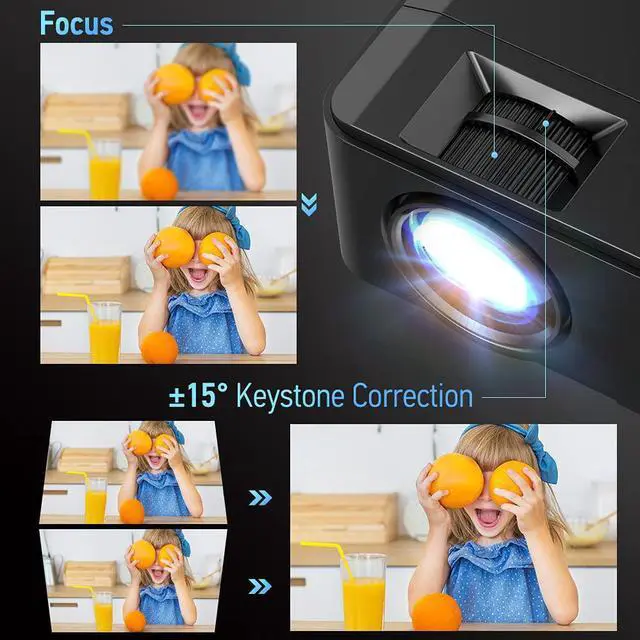
Adjustable Focus and Keystone Correction.
The WiFi mini projector features with adjustable focus and keystone correction. Rolls the zoom lens and wheel until the projection image is sharp and focus. With the screw hole in the bottom, you can install this video projector on the tripod or under
the ceiling.
3.How to Screen Mirror Your iPhone to this Projector?
1. Turn on WIFI on the synscreen setting of the projector;
2. Select iOS Cast from the screen mirror page;
3. Connect your iOS device to the same Wi-Fi router;
4. Turn on Screen Mirroring on your iOS device, select the projector device DBPOWER-XXXX and connect it ;
How to Screen Mirror Your Android phone to this Projector?
1. Select Cast Screen in screen mirror after power on.
2. Turn on the WLAN (WiFi) and the mobile data traffic on your phone.
3. Turn on the wireless projection function in phones status bar or setting page, search DBPOWER-XXXX and click it to connect.
Note:
Our projector adopt the Miracast protocol, please make sure your Andriod phone support Miracast.
Warm Tips
1. Ideal for use in low-light environments. Do not recommend for PPT presentation.
2. Speaker is loud enough, also recommend to add a supplemental speaker (via Aux cable) for larger place.
3. Due to Netflix copyright protection issue, the sound of some Netfilx videos may not work properly, please turn off the Dolby Sound to make the sound work properly.
4. The WiFi function doesn't support protected Apps from smartphone, because of copyright, such as Netflix, Amazon Prime Video and Hulu. But you can play these videos via HDMI connection.