



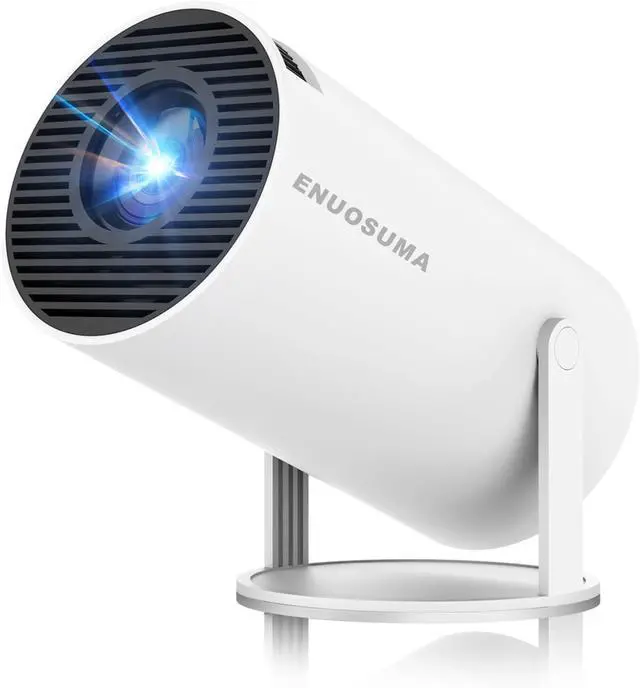
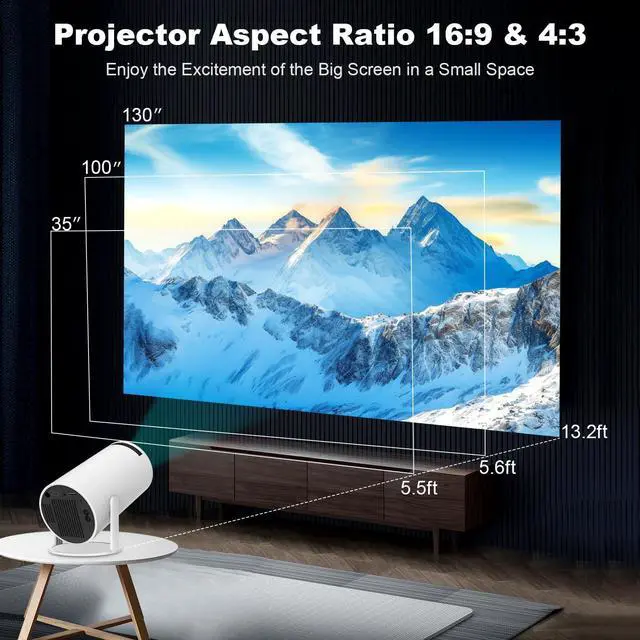


ENUOSUMA Mini Projector
ENUOSUMA Mini Projector Bring You the Ultimate Home Theater Visual Feast!

ENUOSUMA
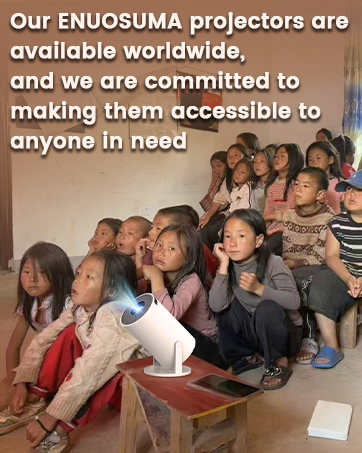
For seventeen years, ENUOSUMA has been enhancing lives with its cutting-edge projectors, setting new paradigms in excellence and innovation. Our commitment to surpassing limits and passion for achieving perfection have made us a trusted leader in the field.
We are unwavering in our obsession with quality. Each ENUOSUMA projector is a thoughtfully engineered masterpiece, designed to bring boundless joy and wonder into every moment of your life.
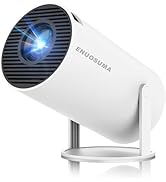
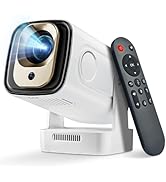
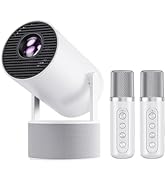
ENUOSUMA Neckband Speaker
How did we get our start?
Quality is our obsession, and we never compromise on it. Each ENUOSUMA projector is a masterpiece, meticulously designed to bring joy and wonder into your life. ENUOSUMA is your partner in creating unforgettable moments.
What makes our products unique?
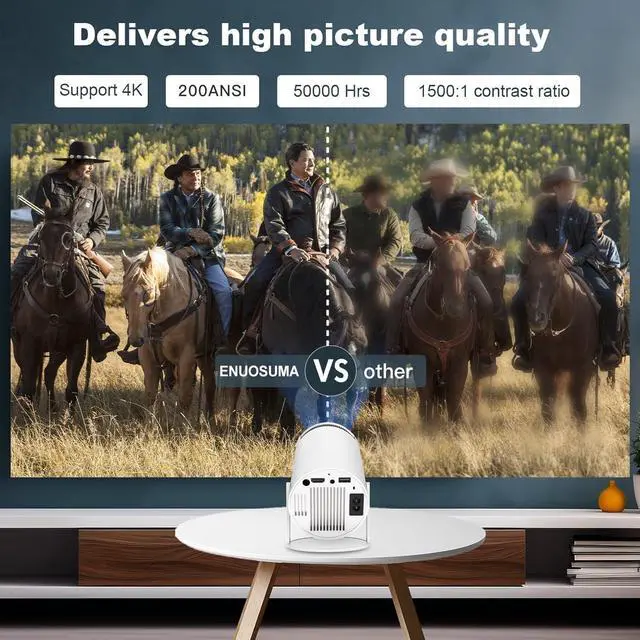
At ENUOSUMA, we don't just manufacture projectors; Our ensure that every ENUOSUMA projector delivers crystal-clear images and immersive sound that transport you to another realm.
Why do we love what we do?
Our Dedicated Team of Dreamers and Craftsmen Work Tirelessly to Provide Quality Service.
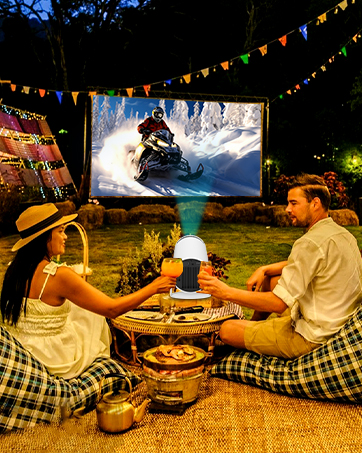
Outdoor Movie Night Time
Enjoy Movie Under Stars with Your Friends and Family!
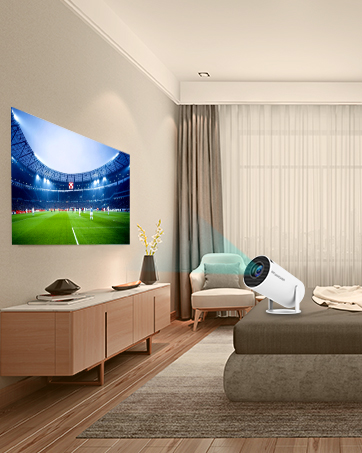
Create Bedroom Movie Theater
Enjoy Movie Theater Experience in your Own Bedroom
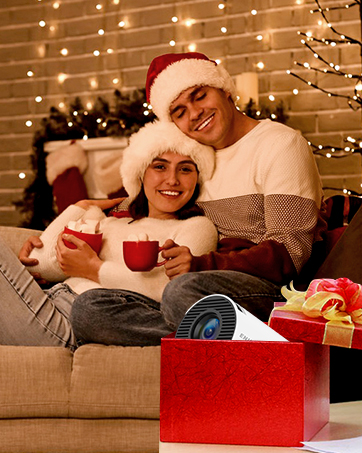
Best Choice for Perfect Gift
Earn Your Family's Applause


How to Connect to an iOS/Android Device?
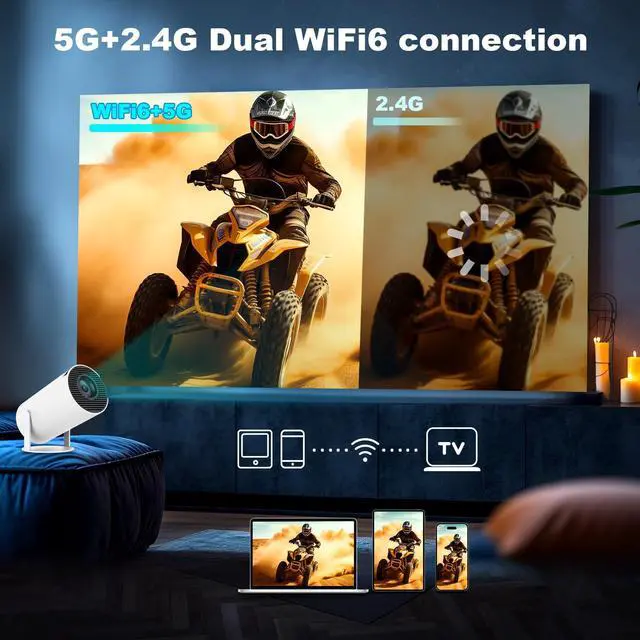
To connect an iOS or Android device, you can use the Screencast feature. Ensure both your mobile device and the projector are connected to the same Wi-Fi network during screen mirroring.
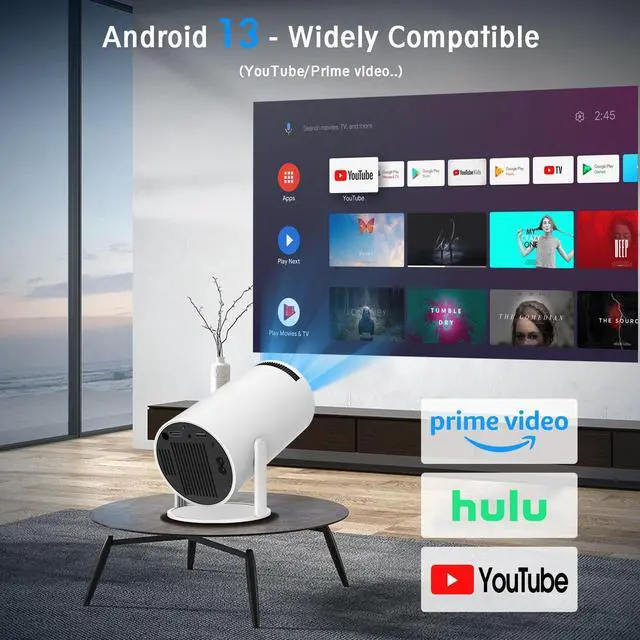
How to Watch Videos from Prime, YouTube, etc?
1. Update Your System: Ensure your device has the latest software update.
2. Download Apps: Install the respective apps from the official App Store.
3. Use a TV stick for wireless streaming (note: TV sticks are not included).
The remote control becomes unresponsive when using certain applications.
1. Locate and press the mouse button on your remote control.
?
2. Switch to mouse mode to navigate these applications properly.
?
What should I do if I'm not satisfied with my ENUOSUMA projector?
ENUOSUMA is a professional projector manufacturer with a complete after-sales service system. Our dedicated team has successfully resolved issues for numerous customers. You can rest assured!
HY300 Series
 HY300 PRO |  HY300 ULTRA |  HY300 PLUS |  HY300 PRO+ |  Projector H5 |  H5 Projector | |
|---|---|---|---|---|---|---|
Customer Reviews | — | — | — | — | — | — |
Price | — | — | — | — | — | — |
Brightness(ANSI) | 160 ANSI | 160 ANSI | 260 ANSI | 160 ANSI | 300 ANSI | 300 ANSI |
Audio System | 3W Built-in Speaker | 5W Speaker Base | 5W Speaker Base | 3W Built-in Speaker | 10W Built-in Speaker | 10W Built-in Speaker |
Smart OS | Android 11 | Android 11 | Android 11 | Android 11 | Android 11 | Android 11 |
4K Support | Yes | Yes | Yes | Yes | Yes | Yes |
Focus Mode | Manual Focus | Manual Focus | Electric Focus | Manual Focus | Manual Focus | Manual Focus |
Bluetooth Version | 5.4 | 5.4 | 5.4 | 5.4 | 5.4 | 5.4 |
Contrast Ratio | 1000:1 | 2000:1 | 2000:1 | 2000:1 | 2000:1 | 2000:1 |


How to Connect to an iOS/Android Device?
To connect an iOS or Android device, you can use the Screencast feature. Ensure both your mobile device and the projector are connected to the same Wi-Fi network during screen mirroring.
How to Watch Videos from Prime, YouTube, etc?
1. Update Your System: Ensure your device has the latest software update.
2. Download Apps: Install the respective apps from the official App Store.
3. Use a TV stick for wireless streaming (note: TV sticks are not included).
The remote control becomes unresponsive when using certain applications.
1. Locate and press the mouse button on your remote control.
?
2. Switch to mouse mode to navigate these applications properly.
?
What should I do if I'm not satisfied with my ENUOSUMA projector?
ENUOSUMA is a professional projector manufacturer with a complete after-sales service system. Our dedicated team has successfully resolved issues for numerous customers. You can rest assured!
HY300 Series
HY300 PRO | HY300 ULTRA | HY300 PLUS | HY300 PRO+ | Projector H5 | H5 Projector |
|---|---|---|---|---|---|
| Customer Reviews | |||||
| — | — | — | — | — | — |
| Price | |||||
| — | — | — | — | — | — |
| Brightness(ANSI) | |||||
| 160 ANSI | 160 ANSI | 260 ANSI | 160 ANSI | 300 ANSI | 300 ANSI |
| Audio System | |||||
| 3W Built-in Speaker | 5W Speaker Base | 5W Speaker Base | 3W Built-in Speaker | 10W Built-in Speaker | 10W Built-in Speaker |
| Smart OS | |||||
| Android 11 | Android 11 | Android 11 | Android 11 | Android 11 | Android 11 |
| 4K Support | |||||
| Yes | Yes | Yes | Yes | Yes | Yes |
| Focus Mode | |||||
| Manual Focus | Manual Focus | Electric Focus | Manual Focus | Manual Focus | Manual Focus |
| Bluetooth Version | |||||
| 5.4 | 5.4 | 5.4 | 5.4 | 5.4 | 5.4 |
| Contrast Ratio | |||||
| 1000:1 | 2000:1 | 2000:1 | 2000:1 | 2000:1 | 2000:1 |
ENUOSUMA Mini Projector
ENUOSUMA Mini Projector Bring You the Ultimate Home Theater Visual Feast!
ENUOSUMA
For seventeen years, ENUOSUMA has been enhancing lives with its cutting-edge projectors, setting new paradigms in excellence and innovation. Our commitment to surpassing limits and passion for achieving perfection have made us a trusted leader in the field.
We are unwavering in our obsession with quality. Each ENUOSUMA projector is a thoughtfully engineered masterpiece, designed to bring boundless joy and wonder into every moment of your life.
ENUOSUMA Neckband Speaker
How did we get our start?
Quality is our obsession, and we never compromise on it. Each ENUOSUMA projector is a masterpiece, meticulously designed to bring joy and wonder into your life. ENUOSUMA is your partner in creating unforgettable moments.
What makes our products unique?
At ENUOSUMA, we don't just manufacture projectors; Our ensure that every ENUOSUMA projector delivers crystal-clear images and immersive sound that transport you to another realm.
Why do we love what we do?
Our Dedicated Team of Dreamers and Craftsmen Work Tirelessly to Provide Quality Service.
Outdoor Movie Night Time
Enjoy Movie Under Stars with Your Friends and Family!
Create Bedroom Movie Theater
Enjoy Movie Theater Experience in your Own Bedroom
Best Choice for Perfect Gift
Earn Your Family's Applause