





How to connect your phone to the projector?
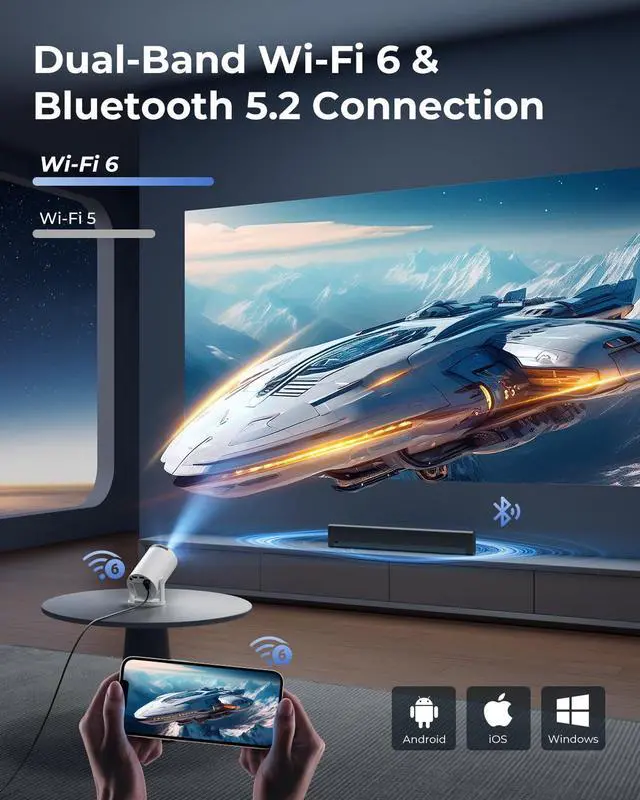
Wireless: Connect phone & projector to same WiFi?Open "ScreenCast" on projector?Enable screen mirroring on phone.
Wired: Use HDMI adapter(Not included)?Select HDMI input on projector?Enable screen mirroring on phone.
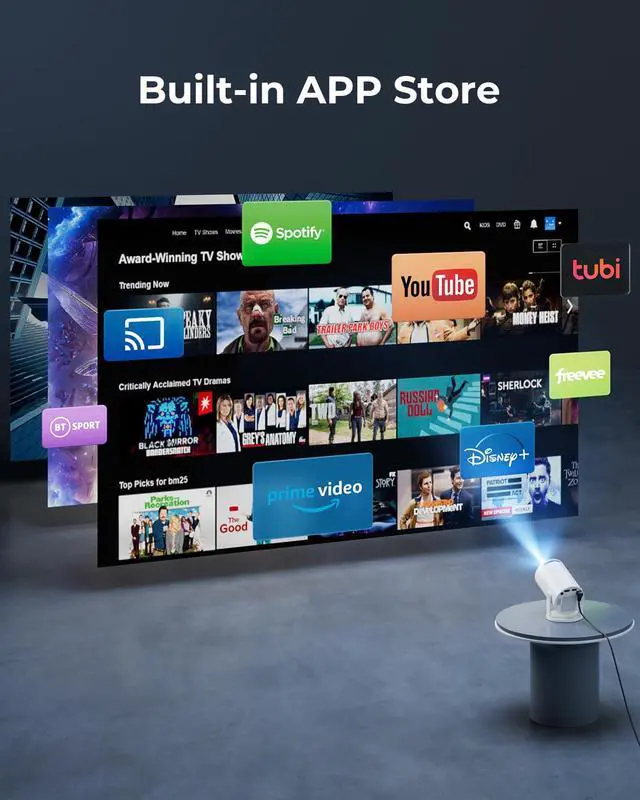
Can the projector stream YouTube, Disney+ or Prime Video via screen mirroring?
Due to HDCP copyright protection, screen mirroring (e.g., Miracast/AirPlay) may fail to display video (black screen/audio-only).
For the best experience, we recommend using a Fire Stick, Roku, or connecting a laptop or computer to play.
How to use the remote?
Aim at the projected image within 30° and 20 ft (6 m). If the remote isn’t working or is damaged, please reach out to our support team for assistance. You can also control the projector using a USB mouse (not included).
Why can't the projector connect to WiFi?
Keep the projector within 5m (16ft) of the router and check if the WiFi is overloaded.Test connectivity using a phone hotspot to rule out network issues. If needed, try to reset the projector.
Built-in app won’t play videos?
1.Restore Factory Settings.
2.Go to Settings > Date & Time and make sure the Time Zone matches your location.
3.Check that the projector is connected to a working Wi-Fi network.
4.Reopen the app.


How to connect your phone to the projector?
Wireless: Connect phone & projector to same WiFi?Open "ScreenCast" on projector?Enable screen mirroring on phone.
Wired: Use HDMI adapter(Not included)?Select HDMI input on projector?Enable screen mirroring on phone.
Can the projector stream YouTube, Disney+ or Prime Video via screen mirroring?
Due to HDCP copyright protection, screen mirroring (e.g., Miracast/AirPlay) may fail to display video (black screen/audio-only).
For the best experience, we recommend using a Fire Stick, Roku, or connecting a laptop or computer to play.
How to use the remote?
Aim at the projected image within 30° and 20 ft (6 m). If the remote isn’t working or is damaged, please reach out to our support team for assistance. You can also control the projector using a USB mouse (not included).
Why can't the projector connect to WiFi?
Keep the projector within 5m (16ft) of the router and check if the WiFi is overloaded.Test connectivity using a phone hotspot to rule out network issues. If needed, try to reset the projector.
Built-in app won’t play videos?
1.Restore Factory Settings.
2.Go to Settings > Date & Time and make sure the Time Zone matches your location.
3.Check that the projector is connected to a working Wi-Fi network.
4.Reopen the app.