

• $91.99
  • Free 30-day Returns
  • Price alert
    Shop it at NeweggBusiness.

    Meet Your Seller

    Mini Projector with Wifi6 and Bluetooth5.4, Android 14 Smart Portable Projector 4K Support, 260 ASIN & Auto Keystone & 5W Speaker, Alwtniet HY300Ultra Small Proyector for Bedroom Movie Home Outdoor

    • Note:For the best viewing experience, we recommend maintaining a 5.2ft distance when using an 80" screen. Ensure your device is updated to the latest firmware for optimal performance.
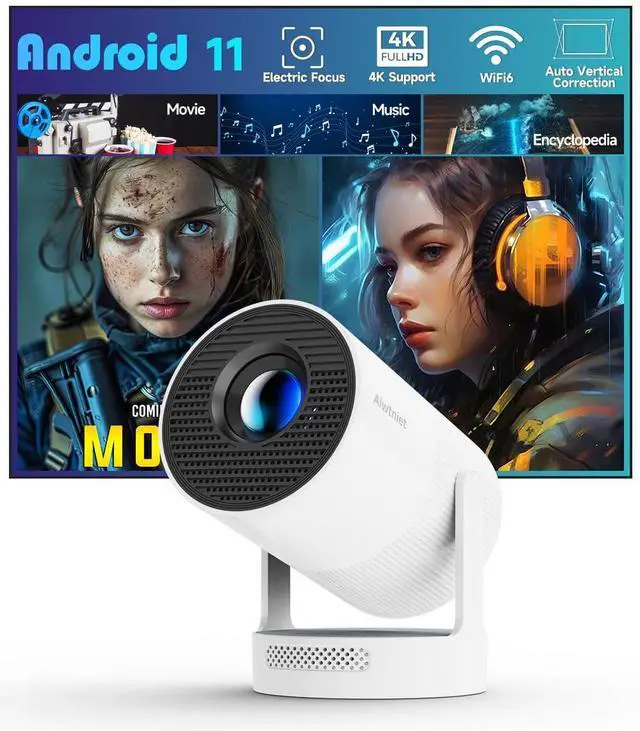
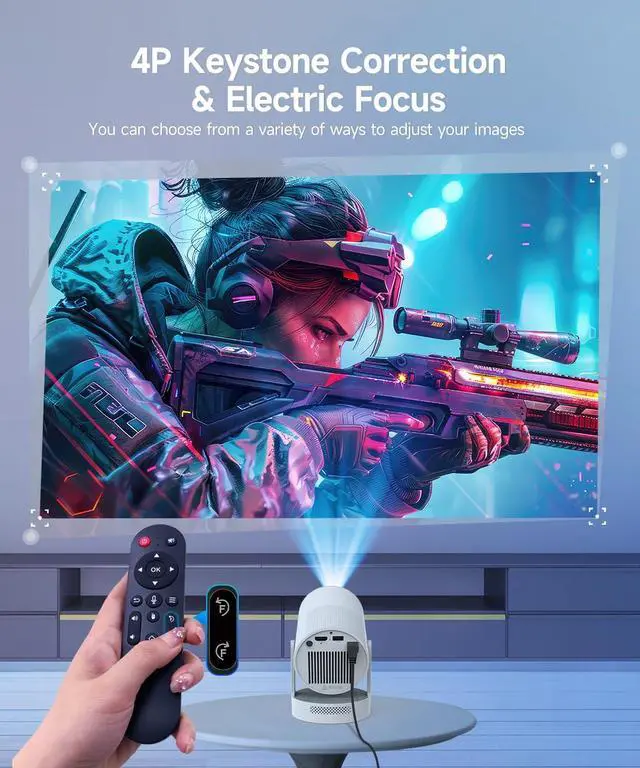
    • Electric-Focus for Instant Clarity: This smart projector features electric-focus technology and automatic vertical keystone correction, delivering crisp, perfectly aligned visuals without manual adjustments. Whether hosting a movie night or streaming cartoons for kids, enjoy effortless clarity in any scenario.
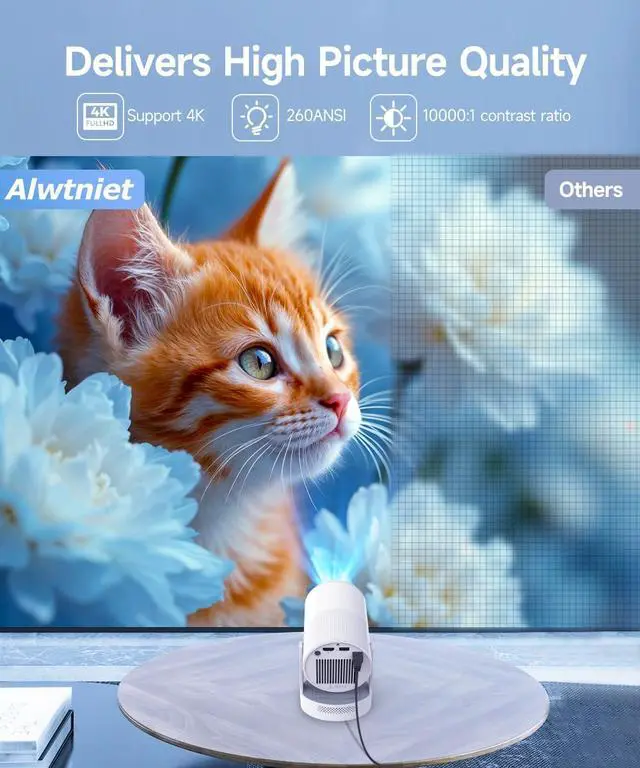
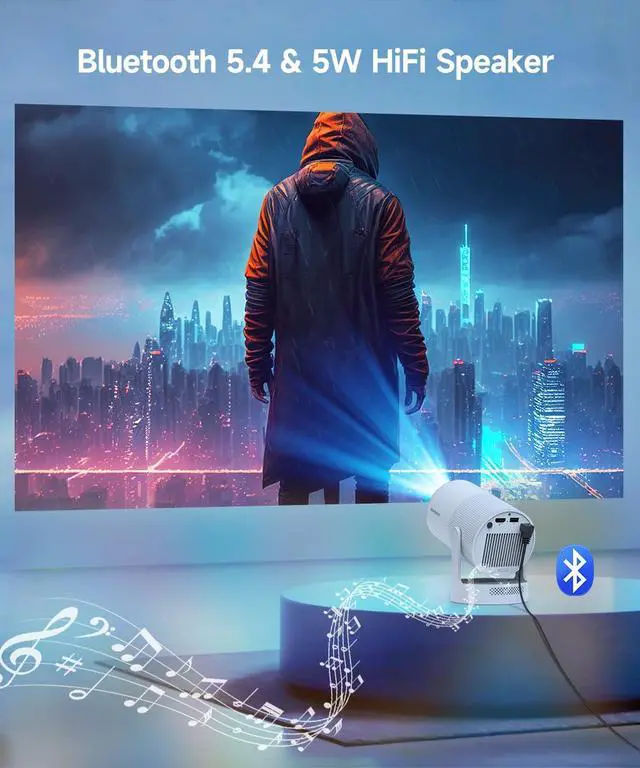
    • Immersive Audio-Visual Experience: Experience 720P resolution with 4K compatibility, 260 ANSI lumens brightness, and a dynamic 8000:1 contrast ratio. Enhanced by an integrated 5W Soundbase Speaker, this smart projector elevates both sound and visuals, making it suitable for casual movie nights, family entertainment in bedrooms, or outdoor gatherings.
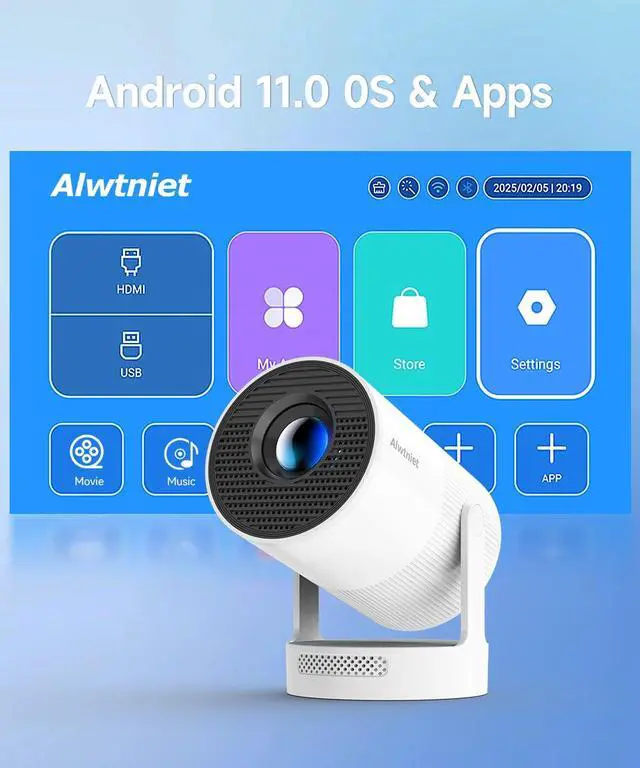
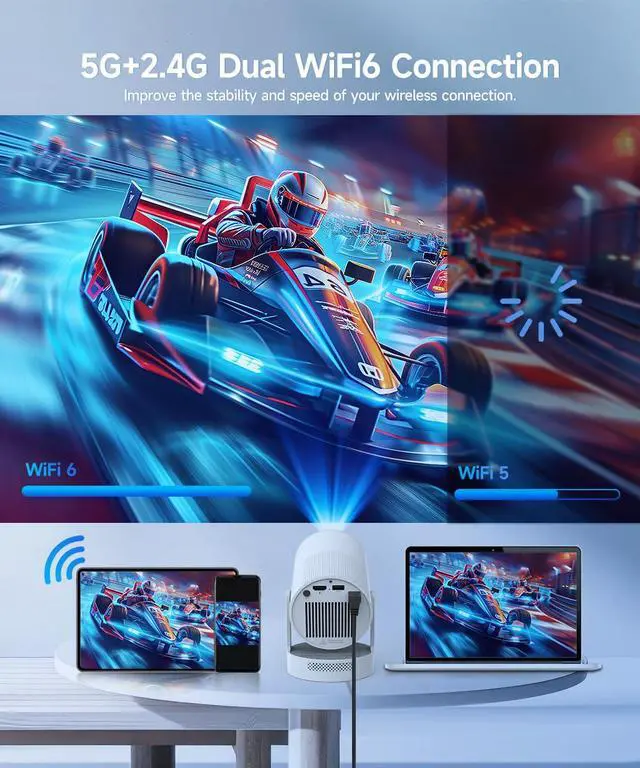
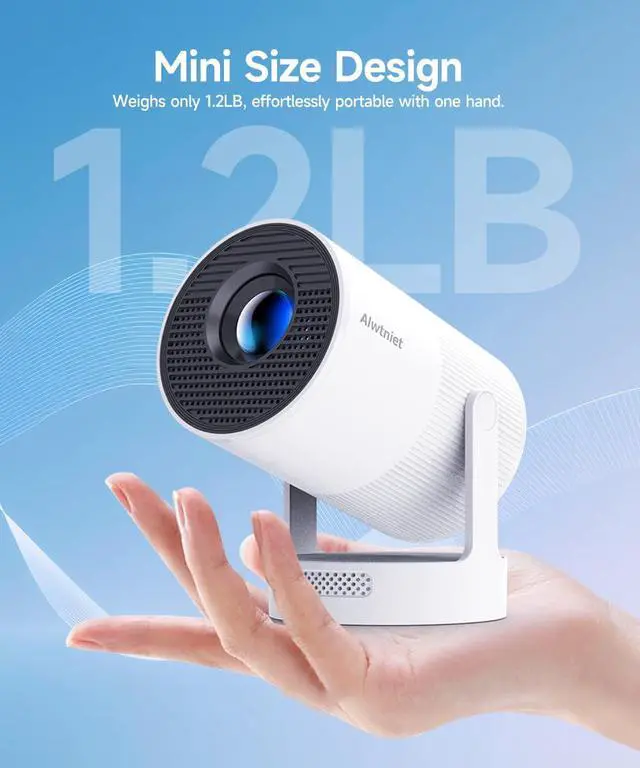
    • Built-in Multiple Apps: This portable projector streams over 1 million videos instantly via WiFi and Bluetooth connectivity, bypassing the need for external streaming devices. Compact and versatile, it serves as an all-in-one entertainment hub for home theaters, outdoor screenings, or on-the-go use.
    • Intuitive and Precise Control: Our projecyor comes with an advanced Air Mouse remote that combines a traditional remote and mouse into one, offering seamless navigation and precise pointer control. Voice command support enables hands-free operation for seamless adjustments.
    +
    +
    Overview
    Specs
    Reviews
    avatar

    Any questions? Our AI beta will help you find out quickly.

    Alwtniet HY300 Ultra

    Merchant Video
    4k

    Portable Cinema Showdown

    https://m.media-amazon.com/images/S/aplus-media-library-service-media/c5a98cf4-aae5-4401-84b2-ac3ce6311042.__AC_SR200,225___.jpg

    Alwtniet HY300 Ultra

    https://m.media-amazon.com/images/S/aplus-media-library-service-media/f4c61858-a9fe-49cd-8a44-b8daa688d842.__AC_SR200,225___.jpg

    Alwtniet HY300 Pro

    https://m.media-amazon.com/images/S/aplus-media-library-service-media/29323c12-080e-43f4-817f-09765fe6bdaf.__AC_SR200,225___.jpg

    Alwtniet HY300 Pro+

    https://m.media-amazon.com/images/S/aplus-media-library-service-media/799c36b0-b947-42a0-a31c-7c2d716e9cda.__AC_SR200,225___.jpg

    Alwtniet HY310

    Customer Reviews
    Price
    Display Resolution
    Native 720P Native 720P Native 720P Native 1080P
    Brightness
    260ANSI 200ANSI 200ANSI 260ANSI
    Speaker
    5W Soundbase Speaker 3W Soundbase Speaker 5W Soundbase Speaker 5W Soundbase Speaker
    Focus Mode
    Electric Focus Manual Focus Manual Focus Auto Focus
    Auto Keystone Correction
    Vertical Vertical Vertical ?
    Bluetooth Connection
    5.4 5.0 5.4 5.4
    Weight
    904g/1.99lb 750g/1.65lb 660g/1.45lb 900g/1.98lb
    Why OTA Update Before Use? To ensure optimal performance and take advantage of our latest features and updates, please upgrade to the most recent software version before first use. You can do this by navigating to Settings > About device > Online upgrade.
    Is It Good for Daytime Use? Due to its brightness limitations, the projector is ideal for dark environments, such as a backyard at night, a campsite after sunset, a living room with closed curtains, or a bedroom with the lights turned off.
    Info on Streaming Services Due to the HDCP (High-bandwidth Digital Content Protection) agreement, screen mirroring may not function properly (no image or sound) when attempting to mirror content from certain apps, such as Prime Video, Hulu, and others. We recommend that you use a streaming device such as a Fire Stick or Roku.
    Activate Manual Focus? If the focus does not produce a clear image, use the 'electronic focus' buttons on the remote control to manually adjust it for optimal clarity.
    How to Get a Square Image? "Automatic vertical keystone correction works best when the projector lens is directly facing the wall. If the results are unsatisfactory, follow these steps: 1. Place the projector on a flat surface and ensure the lens is perpendicular to the wall. 2. Navigate to Settings > Projection Settings > Keystone Correction > Initial Angle Correction. 3. If needed, disable the automatic keystone correction and make manual adjustments for optimal alignment."
    Adjust Picture Settings? If the initial image quality is not to your liking, you can fine-tune the display parameters in user mode. Simply navigate to Settings > Projection Settings > Display Settings to customize and optimize your picture settings.
    Can’t Connect to Wi-Fi? "1.Keep the HY300Ultra/HY300X and router within 16 feet (5 meters). Check if other devices connect to Wi-Fi. 2.Verify time zone accuracy in Settings > Time and Date > Time Zone. 3.Try a different Wi-Fi network or use your phone’s hotspot. 4.Test both 2.4GHz and 5GHz bands on your router. 5.Reset the HY300Ultra/HY300X via Settings > Other Settings > Restore Factory Settings."
    Screen-Mirror iOS? "1.Ensure your device is updated to the latest version. You can do this by navigating to Settings > About device > Online upgrade. 2.Open the ScreenCast app. 3.Use AirPlay on your iOS device, making sure both devices are connected to the same Wi-Fi network."
    How to Use Air Mouse Remote? "Some apps are designed for mobile devices and require the mouse mode to be activated for navigation. Follow these steps to enable the air mouse function: 1. Open the Bluetooth settings on your device. 2. Press and hold both the “Left” and “Right” buttons simultaneously to enter pairing mode. 3. Press the “Mouse” icon on the remote to activate the air mouse function. 4. Move your wrist to control the cursor using the air mouse feature."
    Projection Distance? The distance between the projector and the projection surface must be a minimum of 0.6 m and a maximum of 2.5m. This ensures a projection image between 35" and 135".

    Alwtniet HY300 Ultra

    Merchant Video
    4k

    Portable Cinema Showdown

    https://m.media-amazon.com/images/S/aplus-media-library-service-media/c5a98cf4-aae5-4401-84b2-ac3ce6311042.__AC_SR200,225___.jpg

    Alwtniet HY300 Ultra

    https://m.media-amazon.com/images/S/aplus-media-library-service-media/f4c61858-a9fe-49cd-8a44-b8daa688d842.__AC_SR200,225___.jpg

    Alwtniet HY300 Pro

    https://m.media-amazon.com/images/S/aplus-media-library-service-media/29323c12-080e-43f4-817f-09765fe6bdaf.__AC_SR200,225___.jpg

    Alwtniet HY300 Pro+

    https://m.media-amazon.com/images/S/aplus-media-library-service-media/799c36b0-b947-42a0-a31c-7c2d716e9cda.__AC_SR200,225___.jpg

    Alwtniet HY310

    Customer Reviews
    Price
    Display Resolution
    Native 720P Native 720P Native 720P Native 1080P
    Brightness
    260ANSI 200ANSI 200ANSI 260ANSI
    Speaker
    5W Soundbase Speaker 3W Soundbase Speaker 5W Soundbase Speaker 5W Soundbase Speaker
    Focus Mode
    Electric Focus Manual Focus Manual Focus Auto Focus
    Auto Keystone Correction
    Vertical Vertical Vertical ?
    Bluetooth Connection
    5.4 5.0 5.4 5.4
    Weight
    904g/1.99lb 750g/1.65lb 660g/1.45lb 900g/1.98lb
    Why OTA Update Before Use? To ensure optimal performance and take advantage of our latest features and updates, please upgrade to the most recent software version before first use. You can do this by navigating to Settings > About device > Online upgrade.
    Is It Good for Daytime Use? Due to its brightness limitations, the projector is ideal for dark environments, such as a backyard at night, a campsite after sunset, a living room with closed curtains, or a bedroom with the lights turned off.
    Info on Streaming ServicesDue to the HDCP (High-bandwidth Digital Content Protection) agreement, screen mirroring may not function properly (no image or sound) when attempting to mirror content from certain apps, such as Prime Video, Hulu, and others. We recommend that you use a streaming device such as a Fire Stick or Roku.
    Activate Manual Focus? If the focus does not produce a clear image, use the 'electronic focus' buttons on the remote control to manually adjust it for optimal clarity.
    How to Get a Square Image? "Automatic vertical keystone correction works best when the projector lens is directly facing the wall. If the results are unsatisfactory, follow these steps: 1. Place the projector on a flat surface and ensure the lens is perpendicular to the wall. 2. Navigate to Settings > Projection Settings > Keystone Correction > Initial Angle Correction. 3. If needed, disable the automatic keystone correction and make manual adjustments for optimal alignment."
    Adjust Picture Settings? If the initial image quality is not to your liking, you can fine-tune the display parameters in user mode. Simply navigate to Settings > Projection Settings > Display Settings to customize and optimize your picture settings.
    Can’t Connect to Wi-Fi? "1.Keep the HY300Ultra/HY300X and router within 16 feet (5 meters). Check if other devices connect to Wi-Fi. 2.Verify time zone accuracy in Settings > Time and Date > Time Zone. 3.Try a different Wi-Fi network or use your phone’s hotspot. 4.Test both 2.4GHz and 5GHz bands on your router. 5.Reset the HY300Ultra/HY300X via Settings > Other Settings > Restore Factory Settings."
    Screen-Mirror iOS? "1.Ensure your device is updated to the latest version. You can do this by navigating to Settings > About device > Online upgrade. 2.Open the ScreenCast app. 3.Use AirPlay on your iOS device, making sure both devices are connected to the same Wi-Fi network."
    How to Use Air Mouse Remote? "Some apps are designed for mobile devices and require the mouse mode to be activated for navigation. Follow these steps to enable the air mouse function: 1. Open the Bluetooth settings on your device. 2. Press and hold both the “Left” and “Right” buttons simultaneously to enter pairing mode. 3. Press the “Mouse” icon on the remote to activate the air mouse function. 4. Move your wrist to control the cursor using the air mouse feature."
    Projection Distance? The distance between the projector and the projection surface must be a minimum of 0.6 m and a maximum of 2.5m. This ensures a projection image between 35" and 135".
    Mini Projector with Wifi6 and Bluetooth 5.4, Android 14 Smart Portable Projector 4K Support, 260 ASIN & Auto Keystone & 5W Speaker, Alwtniet HY300Ultra Small Proyector for Bedroom Movie Home Outdoor

    Warranty & Returns

    Warranty, Returns, And Additional Information

    Warranty

    • Please contact the Seller directly for warranty information. Warranty information may also be found on the Manufacturer's website.
    • CONTACT

    Return Policies

    Manufacturer Contact Info

    LOADING...