





About WellSonic — Visual Power
Born from a simple belief—that great entertainment should be effortless and accessible—WellSonic is dedicated to redefining how people enjoy movies, sports, gaming, and family moments.
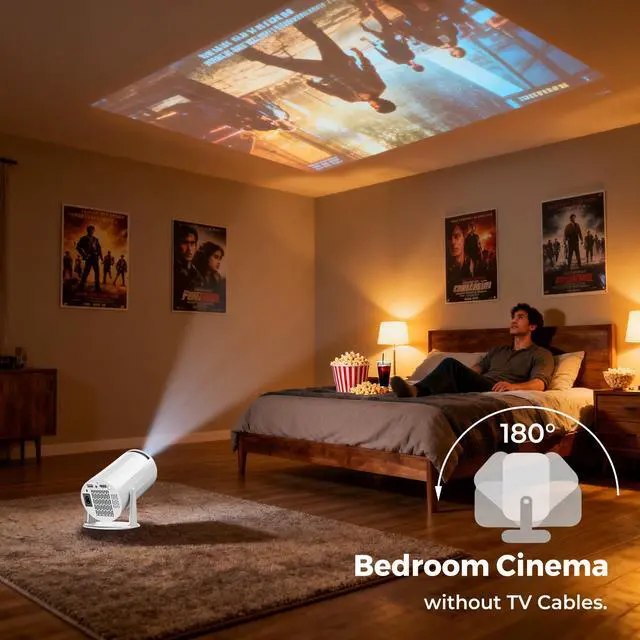
We design projection technology that turns any wall into a vivid, immersive screen, allowing everyone to create their own theater experience, anytime and anywhere.
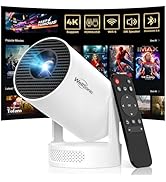
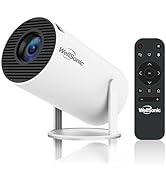
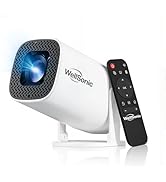
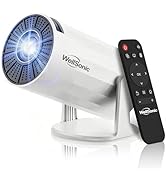
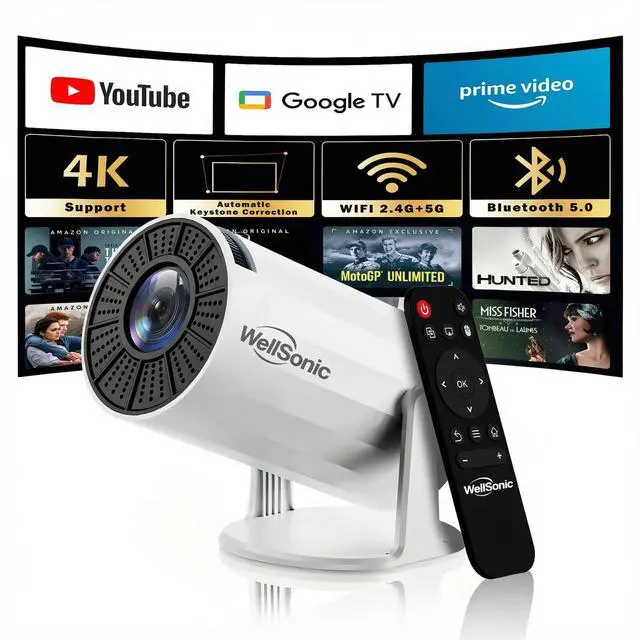
Mini Projector
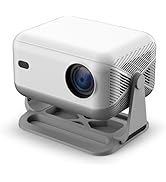
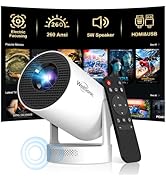
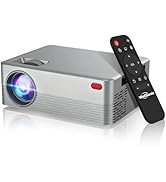
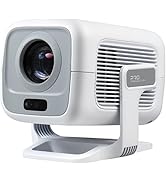
Smart Projector
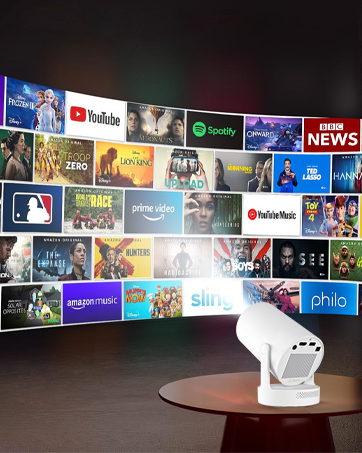
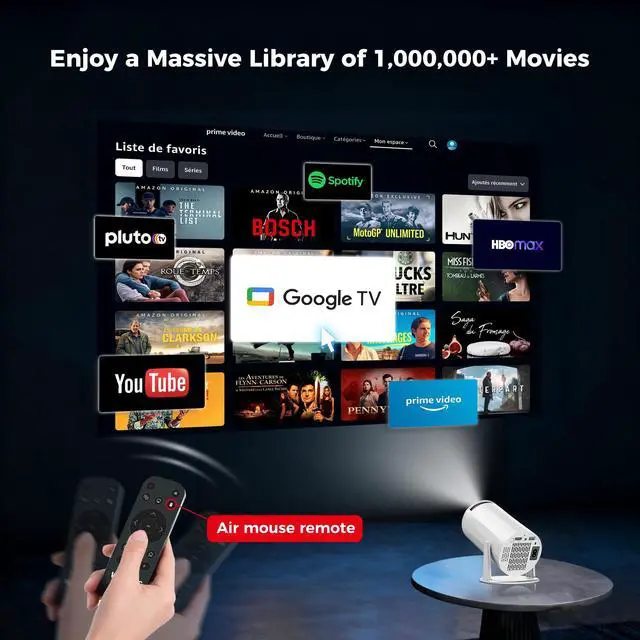
Compatible with Various Apps
Enjoy a vast library of over 1,000,000+ movies and TV shows
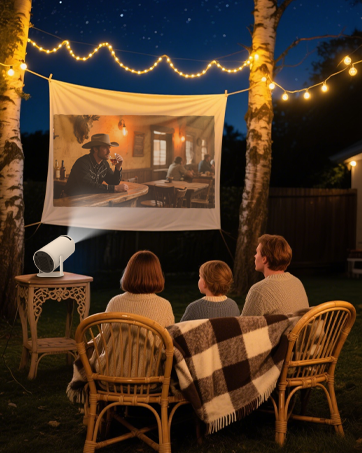
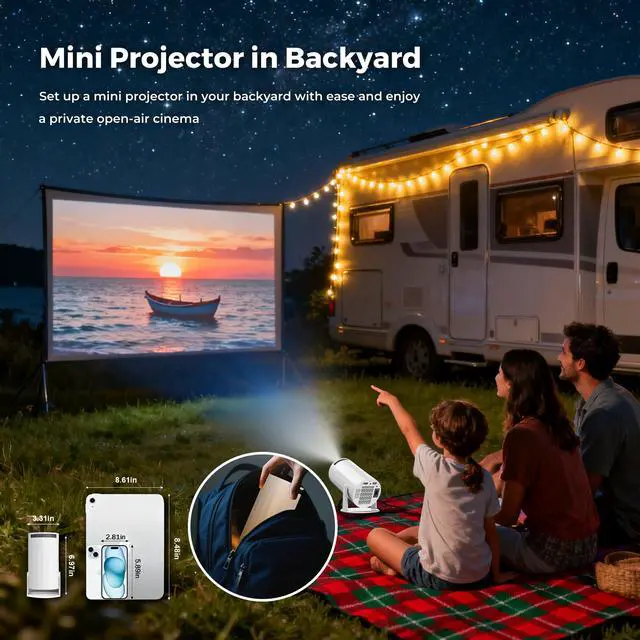
Mini Projector in Backyard
Set up a mini projector in your backyard with ease and enjoy a private open-air cinema


Best Choice for Perfect Gift
Win the affection of family and friends


What should I do if the remote control for the projector doesn't work?
The sensor of the remote control is located on the back of the product (just above the power port). Please align it with the position of the sensor. Keep a distance of 1 to 2 meters, then press it and it will start working!
Does our projector need to be connected to an electrical cord?
Yes, our projector needs to be connected to an electrical power cord for use, not a wireless projector!
How to connect a projector to an iPhone?
1. Ensure that the machine and the mobile phone are connected to the same network. 2. Open airpin-> airplay in the projector. 3. Open the mobile phone image to connect(You can refer to the manual for more information.)
What if Netflix and other streaming services are unavailable?
If you encounter a situation where the projector cannot use apps such as youtube or Netflix, it might be due to software limitations. Please send us a private message, we will solve this problem for you.


What should I do if the remote control for the projector doesn't work?
The sensor of the remote control is located on the back of the product (just above the power port). Please align it with the position of the sensor. Keep a distance of 1 to 2 meters, then press it and it will start working!
Does our projector need to be connected to an electrical cord?
Yes, our projector needs to be connected to an electrical power cord for use, not a wireless projector!
How to connect a projector to an iPhone?
1. Ensure that the machine and the mobile phone are connected to the same network. 2. Open airpin-> airplay in the projector. 3. Open the mobile phone image to connect(You can refer to the manual for more information.)
What if Netflix and other streaming services are unavailable?
If you encounter a situation where the projector cannot use apps such as youtube or Netflix, it might be due to software limitations. Please send us a private message, we will solve this problem for you.
About WellSonic — Visual Power
Born from a simple belief—that great entertainment should be effortless and accessible—WellSonic is dedicated to redefining how people enjoy movies, sports, gaming, and family moments.
We design projection technology that turns any wall into a vivid, immersive screen, allowing everyone to create their own theater experience, anytime and anywhere.
Mini Projector
Smart Projector
Compatible with Various Apps
Enjoy a vast library of over 1,000,000+ movies and TV shows
Mini Projector in Backyard
Set up a mini projector in your backyard with ease and enjoy a private open-air cinema
Best Choice for Perfect Gift
Win the affection of family and friends