




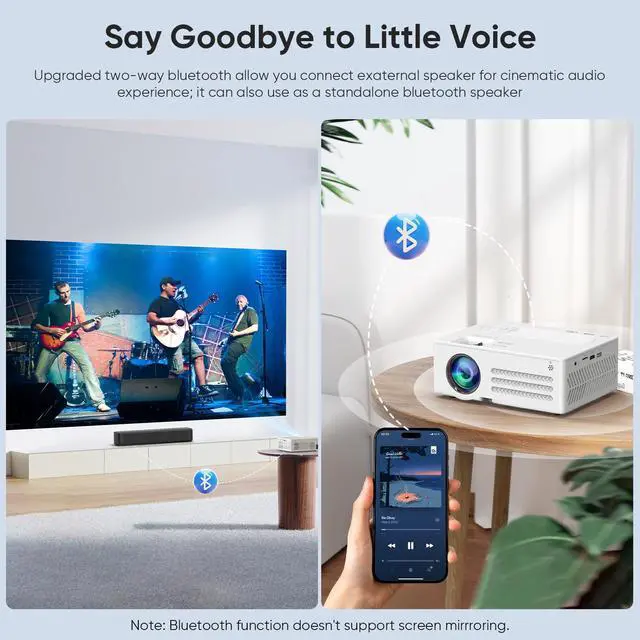


Does the Bluetooth function support screen mirroring with the smartphone?
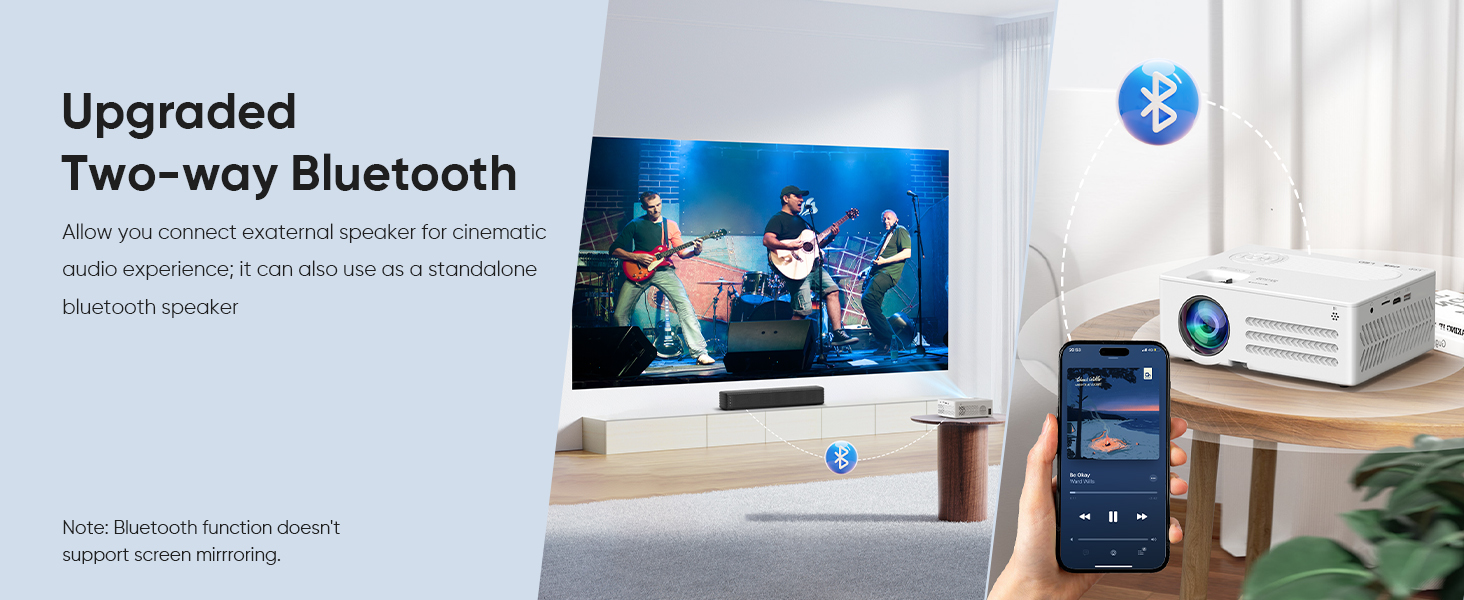
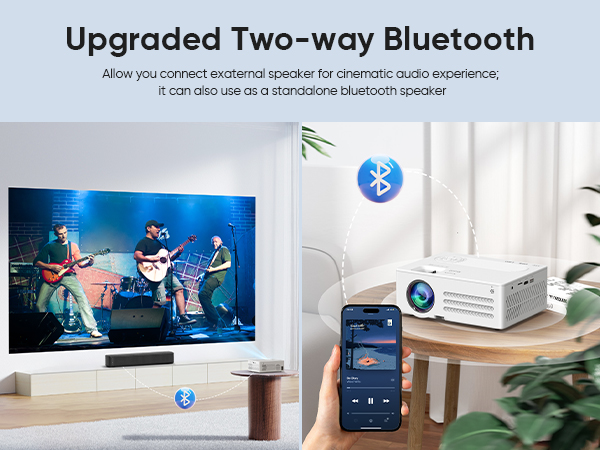
No, the Bluetooth function is ONLY for audio transmision with audio devices (Bluetooth speaker or headphones) and does NOT support screen sharing with smartphones and computers, like all projectors on the market.
How to Watch Copyrighted Videos, Such as Hulu, Prime Videos, etc.?
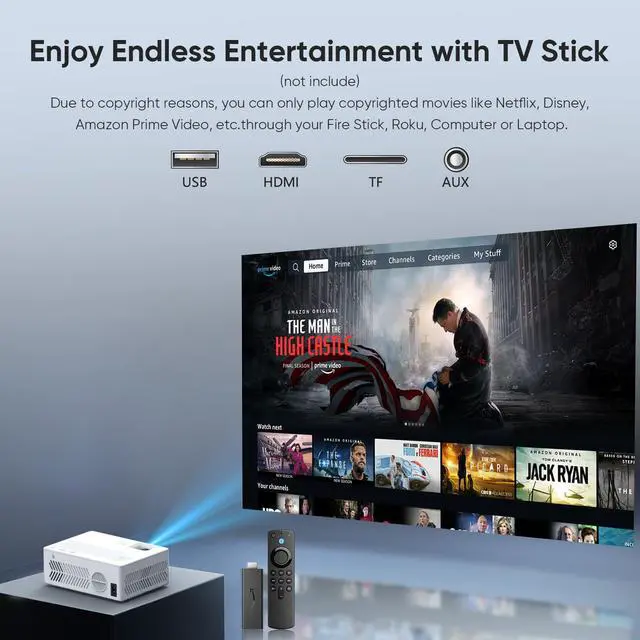
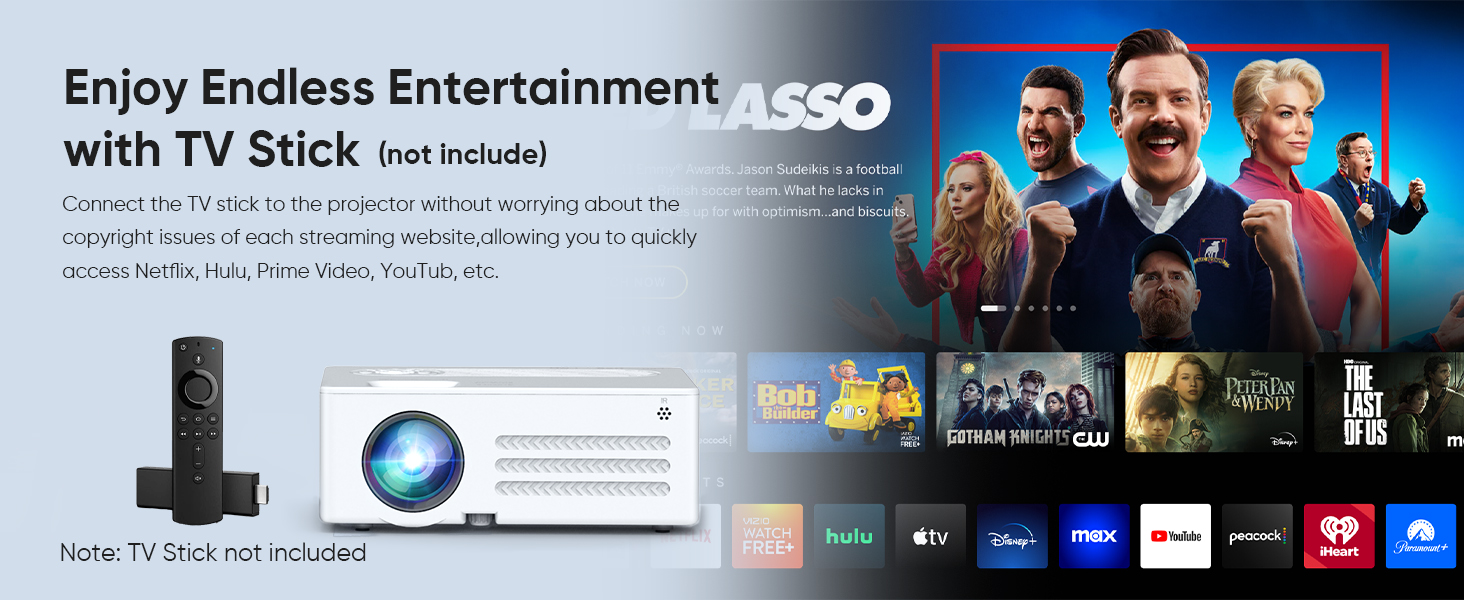
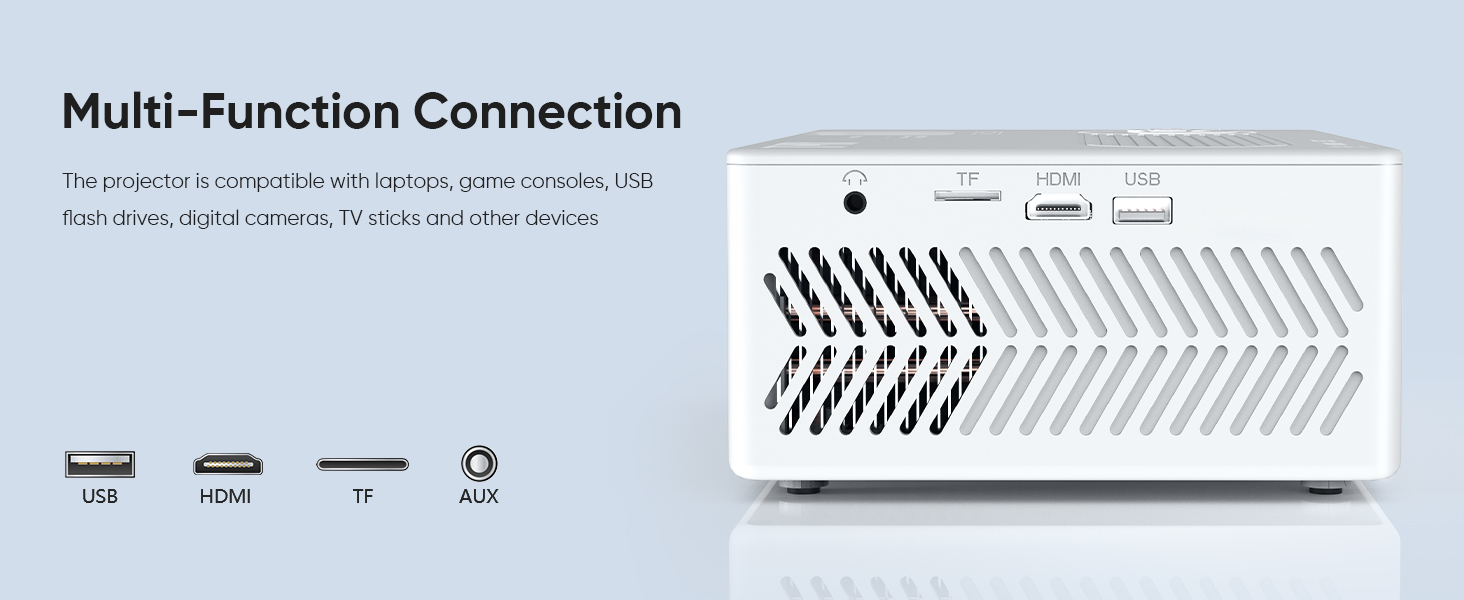
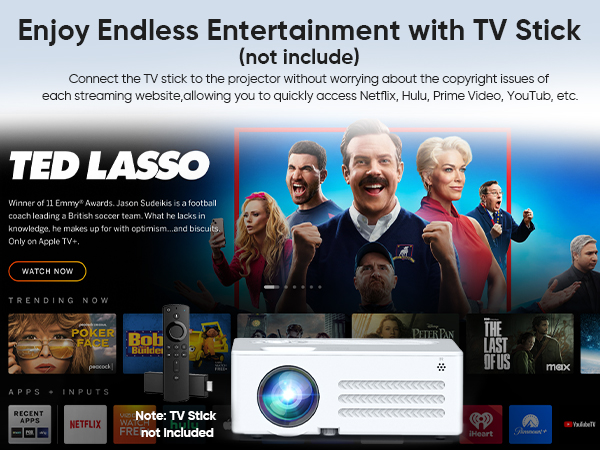
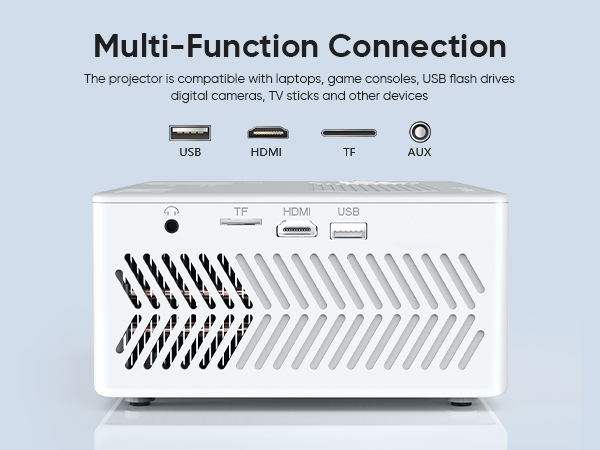
Due to HDCP agreement, screen mirroring doesn't work when you try to mirror the videos from some apps (Prime Video, hulu, etc). Please plug your TV Stick/Ro-ku/Chromecast (not included) into the movie projector via HDMI port.
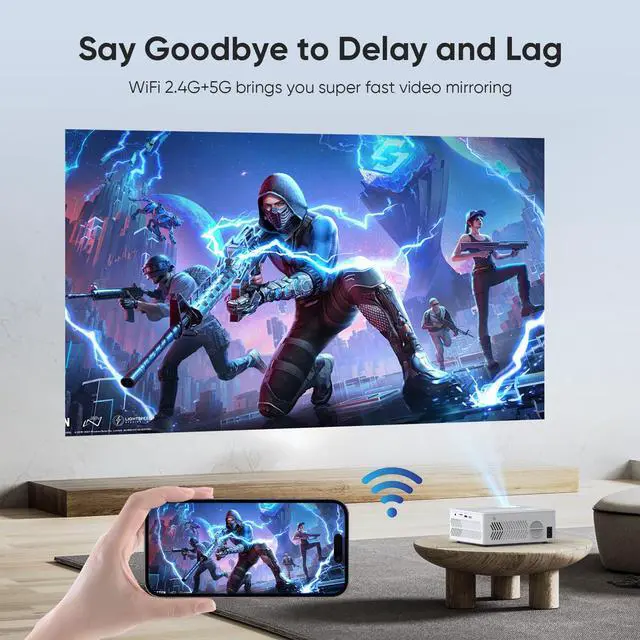
Why my Android devices can not be mirrored?
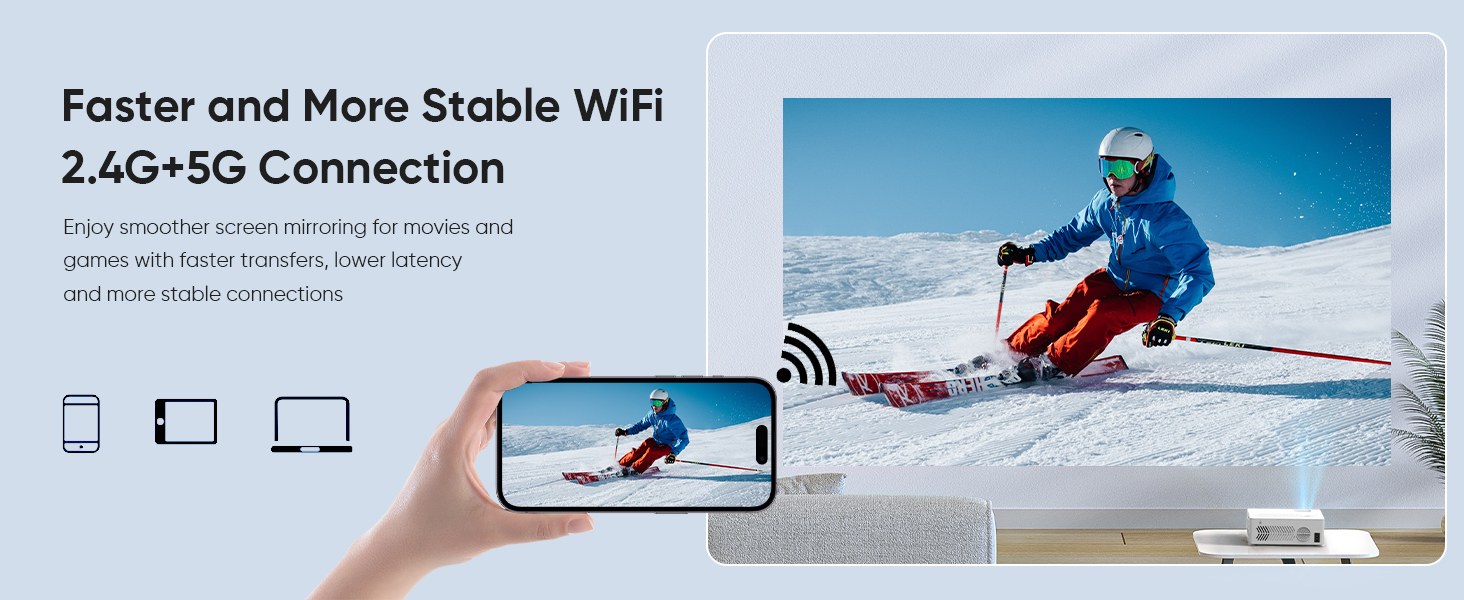
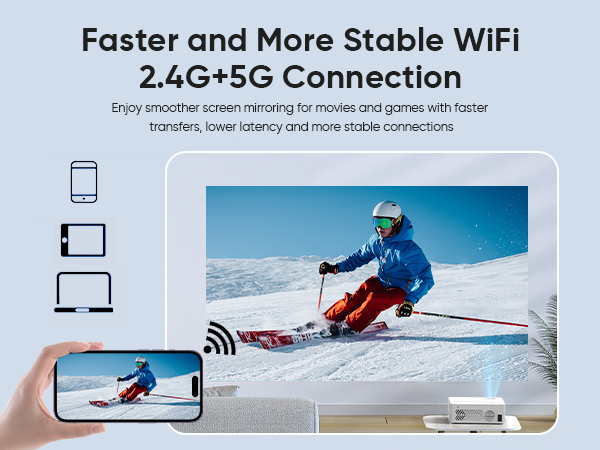
The phones adopt miracast protocol are compatible with WiFi projectors. But some Android devices don't support miracast ( such as Google/Moto/Sony), so you need to prepare a Chrome-cast to screen mirror your phone.
Does the Bluetooth function support screen mirroring with the smartphone?
No, the Bluetooth function is ONLY for audio transmision with audio devices (Bluetooth speaker or headphones) and does NOT support screen sharing with smartphones and computers, like all projectors on the market.
How to Watch Copyrighted Videos, Such as Hulu, Prime Videos, etc.?
Due to HDCP agreement, screen mirroring doesn't work when you try to mirror the videos from some apps (Prime Video, hulu, etc). Please plug your TV Stick/Ro-ku/Chromecast (not included) into the movie projector via HDMI port.
Why my Android devices can not be mirrored?
The phones adopt miracast protocol are compatible with WiFi projectors. But some Android devices don't support miracast ( such as Google/Moto/Sony), so you need to prepare a Chrome-cast to screen mirror your phone.