





Projectors for Optional
Netflix Officially | Apps | - |
1080P | Native Resolution | 1080P |
600 | Brightness | 600 |
20W | Speaker | 20W |
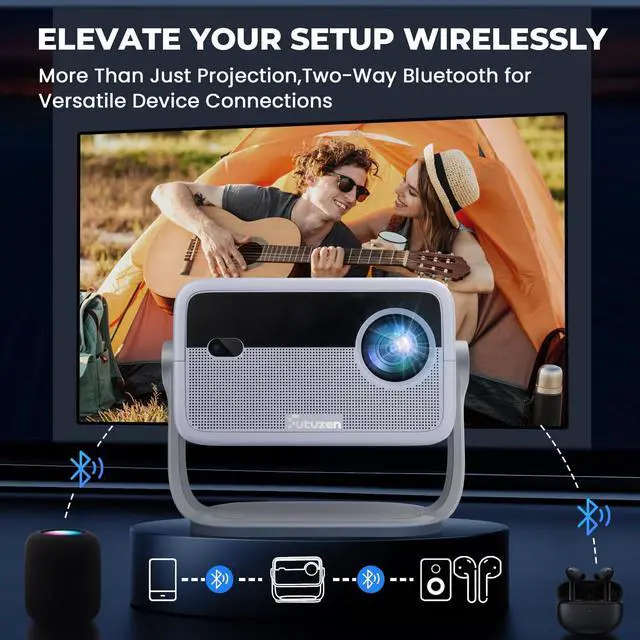
WiFi and Bluetooth | Connectivity Tech | WiFi and Bluetooth |
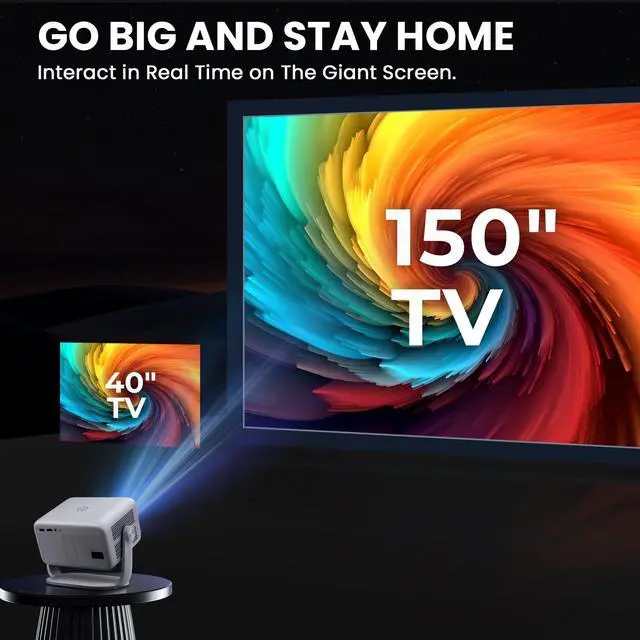
40"-150" | Screen Size | 40"-150" |
- | Battery | - |
Netflix Officially | Apps | - |
1080P | Native Resolution | 720P |
600 | Brightness | 300 |
20W | Speaker | 5W |
WiFi and Bluetooth | Connectivity Tech | WiFi and Bluetooth |
40"-150" | Screen Size | 40"-200" |
- | Battery | - |
Netflix Officially | Apps | - |
1080P | Native Resolution | 720P |
600 | Brightness | 100 |
20W | Speaker | 5W |
WiFi and Bluetooth | Connectivity Tech | WiFi and Bluetooth |
40"-150" | Screen Size | 10"-100" |
- | Battery | 8000mAh |


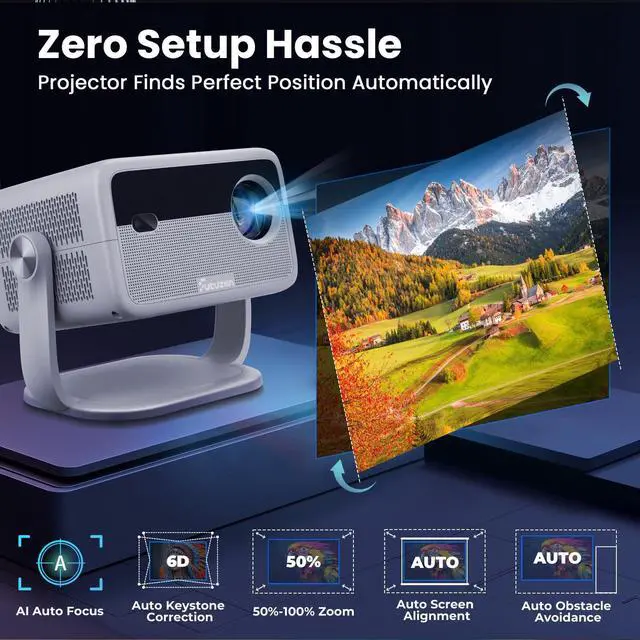
Hassle-free Smart Projector
smart projector
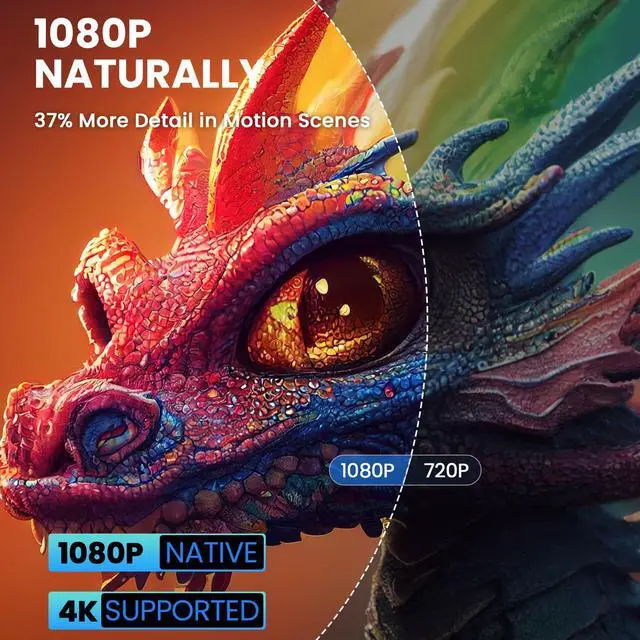
Merchant VideoNative 1080P| 4K Support Projector


Tips & Trouble shoot-
NOTE:
*Please ensure to connect 4K devices, such as a TV stick, utilizing HDMI for video playback. Please note that videos labeled as 4K will be displayed at a native resolution of 1080P, commonly referred to as "4K supported.
*The Bluetooth function can only play audio, not video or images. * Copyrighted contents from Hulu, Disney+, or other similar streaming services CAN NoT be wirelessly mirored or screen cast due to the copyright restrictions.
* When you are using the mobile device's hotspotthe content will be mirrored using cellular data.
* Make sure to connect your i0S device to the same router'sWiFi that your projector is connected to.
* Optimal Viewing Environment Recommended for use in dimmer environments.
* P30 home projector is not battery-powered and needs to to be plugged in during use.
Trouble shoot:
[Only sound | No picture]: due to copyright restrictions,our mini portable projector do not support wireless mirroring of streaming apps like Netflix or Disney directly from your phone , which may result in a black screen while the sound continues. This restrictionon screen mirroring applies to ALL projectors. To watch these streaming apps, you'll need a TV stick or projector with a built-in Android TV system,Even Android TV projectors have limitations with certain streaming apps.For the best experience, we suggest using a TV stick(not included, purchase separately)connected to our projector via HDMl.
[Can't loading picture via Bluetooth]: Bluetooth function is ONLY for audio transfer with audio devices, NOT support video sync with smartphones or tablets.
Quick Start Gide

Projectors for Optional
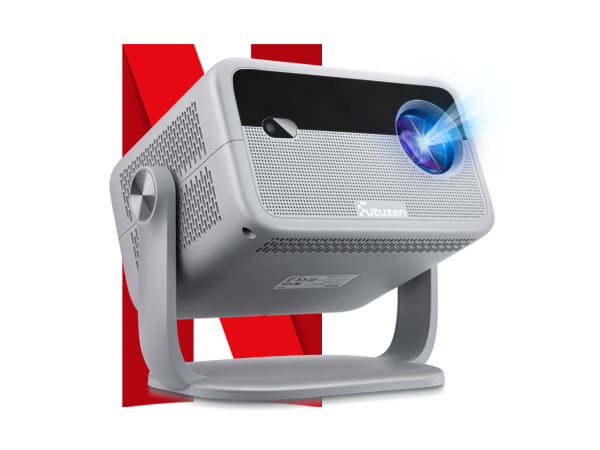
Netflix Projector
Apps
Netflix Officially
Native Resolution
1080P
Brightness
600
Speaker
20W
Connectivity Tech
WiFi and Bluetooth
Screen Size
40"-150"
Battery
-
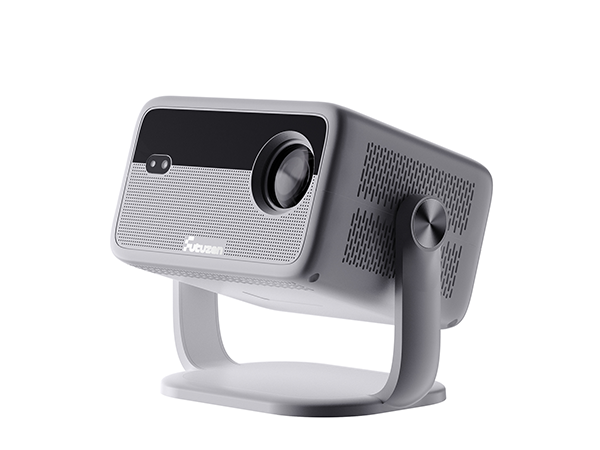
1080P Projector
Apps
-
Native Resolution
1080P
Brightness
600
Speaker
20W
Connectivity Tech
WiFi and Bluetooth
Screen Size
40"-150"
Battery
-
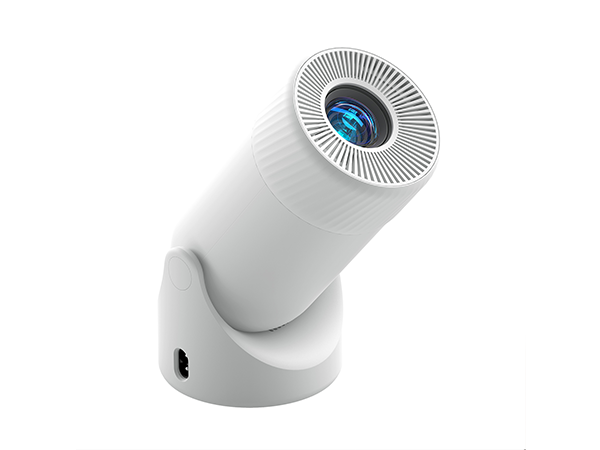
Mini portable projector
Apps
-
Native Resolution
720P
Brightness
300
Speaker
5W
Connectivity Tech
WiFi and Bluetooth
Screen Size
40"-200"
Battery
-
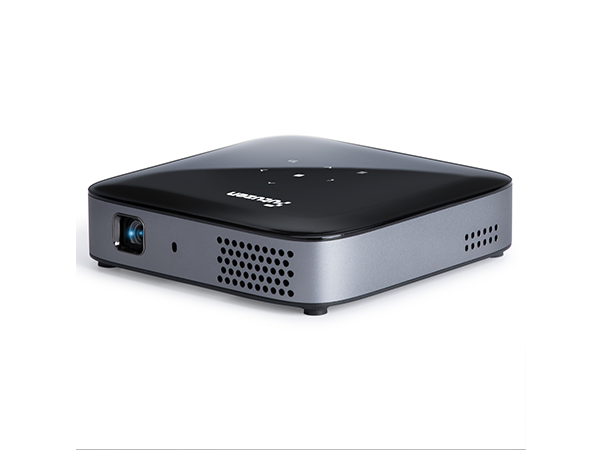
Rechargeable projector
Apps
-
Native Resolution
720P
Brightness
100
Speaker
5W
Connectivity Tech
WiFi and Bluetooth
Screen Size
10"-100"
Battery
8000mAh
Hassle-free Smart Projector
smart projector
Merchant VideoNative 1080P| 4K Support Projector

Mini Portable Projector for Every Space
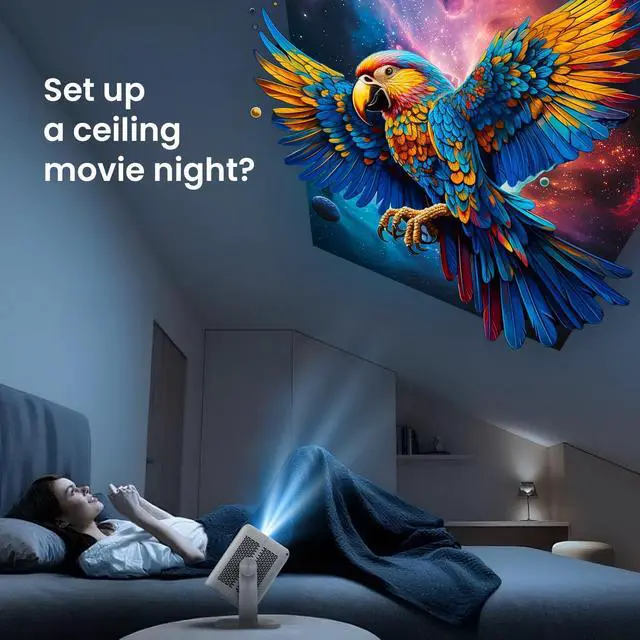
Ceiling Projector
Backyard Projector
Bussiness Projector
Gaming projector
Home Projector


Tips & Trouble shoot-
NOTE:
*Please ensure to connect 4K devices, such as a TV stick, utilizing HDMI for video playback. Please note that videos labeled as 4K will be displayed at a native resolution of 1080P, commonly referred to as "4K supported.
*The Bluetooth function can only play audio, not video or images. * Copyrighted contents from Hulu, Disney+, or other similar streaming services CAN NoT be wirelessly mirored or screen cast due to the copyright restrictions.
* When you are using the mobile device's hotspotthe content will be mirrored using cellular data.
* Make sure to connect your i0S device to the same router'sWiFi that your projector is connected to.
* Optimal Viewing Environment Recommended for use in dimmer environments.
* P30 home projector is not battery-powered and needs to to be plugged in during use.
Trouble shoot:
[Only sound | No picture]: due to copyright restrictions,our mini portable projector do not support wireless mirroring of streaming apps like Netflix or Disney directly from your phone , which may result in a black screen while the sound continues. This restrictionon screen mirroring applies to ALL projectors. To watch these streaming apps, you'll need a TV stick or projector with a built-in Android TV system,Even Android TV projectors have limitations with certain streaming apps.For the best experience, we suggest using a TV stick(not included, purchase separately)connected to our projector via HDMl.
[Can't loading picture via Bluetooth]: Bluetooth function is ONLY for audio transfer with audio devices, NOT support video sync with smartphones or tablets.
Quick Start Gide
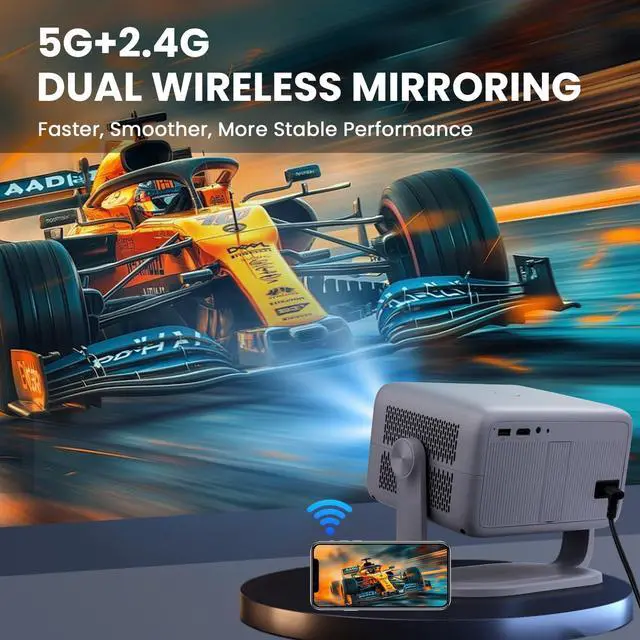
Screen mirroring
Please remove the protective film from the lens before use.
1).Select "Settings" on the Main Page’
2).- Setting Network - Connect the projector and your i0s device to the same router's WiFi ordirectly connect your projector to the ios device's hotspot.
3).Go to the Control center of your ioS device,then tap Screen Mirroring/Air Playing to search for the projector.
4).Choose Whale TV from the list, and once the connection is successfulthe content on your ios device will be mirrored onto the projection screen or wall.
Enjoy crystal clear sound without juggling extra devices!
1 Receive Audio In: >Select "Settings" on the Main Page>Click on Bluetooth>Turn on Bluetooth>Select Bluetooth speakerwaiting for connection
2 Transmit Audio Out :Select"Settings" on the Main Page
Click on Bluetooth>Select the corresponding Bluetooth speaker name>Return to the home page and select files>Correctly insert the USB drive> Select the USB drive >Select downloaded songs
Please remove the protective film from the lens before use.