


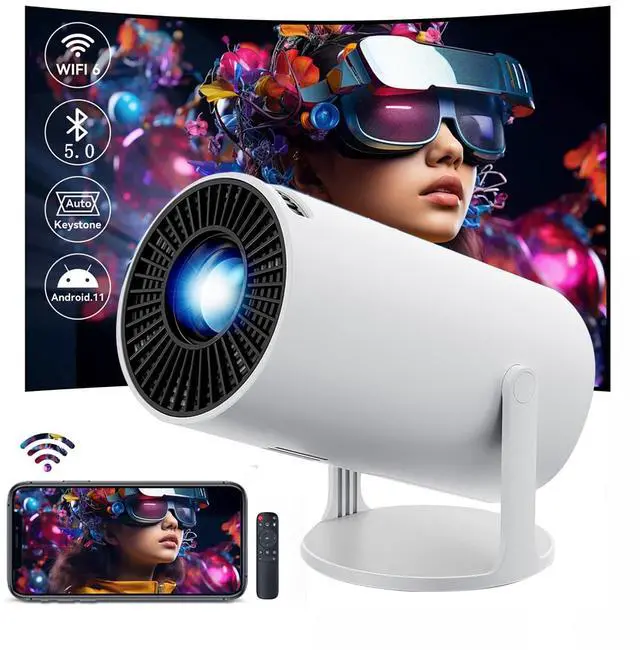



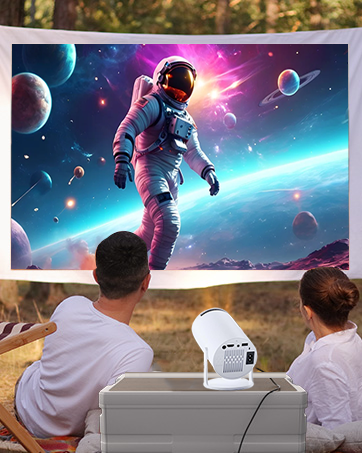
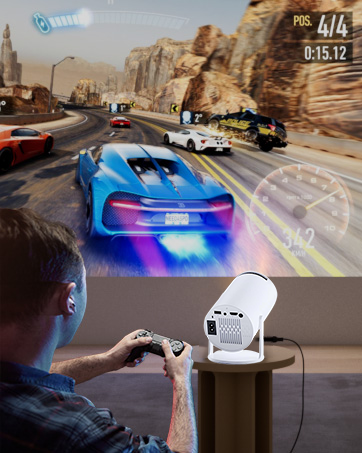
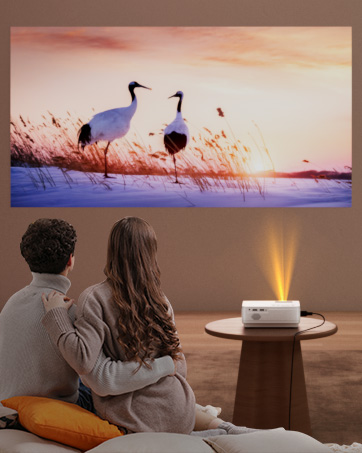

Experience the complete smart TV experience without a streaming stick.
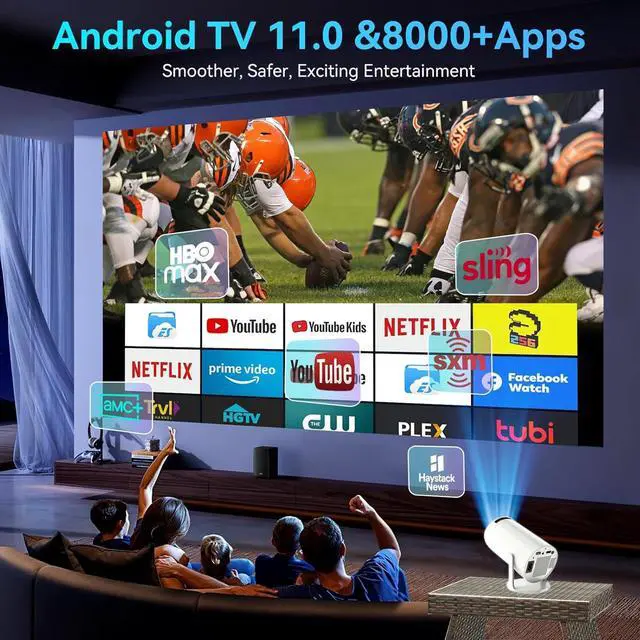
Direct access to the App Store. Download and watch content from Netflix, YouTube, Disney+, and many more – all built-in. Thanks to Android 11's hardware-accelerated decoding (H.265/VP9), enjoy smooth, lag-free, and frame-free 4K video playback. An intuitive interface as user-friendly as a smartphone

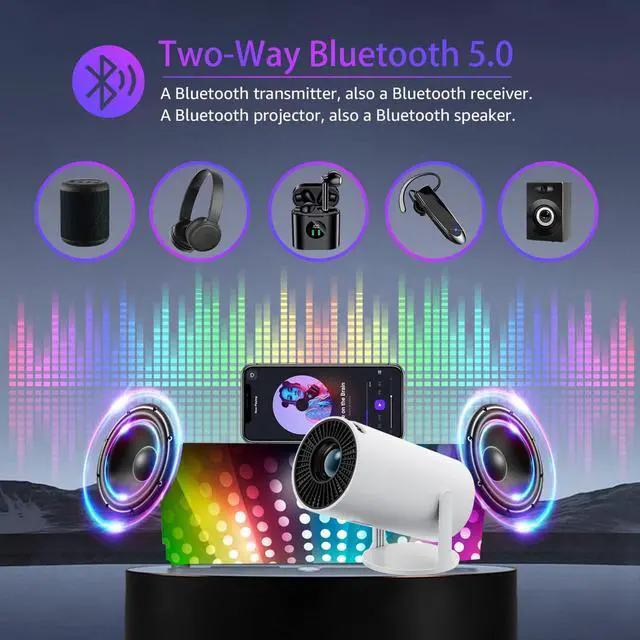
Bluetooth 5.0 – Wireless Audio Freedom
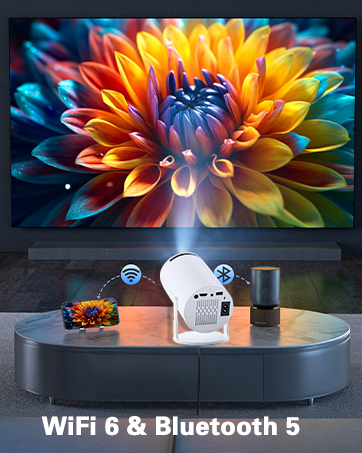
Projector with WIFI6 and Bluetooth
Merchant VideoExperience stunning visuals with immersive sound. Built-in stereo speakers deliver clear, full surround sound, while Bluetooth 5.0 gives you complete freedom. Instantly connect your wireless headphones, Bluetooth soundbar, or portable speaker to the projector for a personalized listening experience.
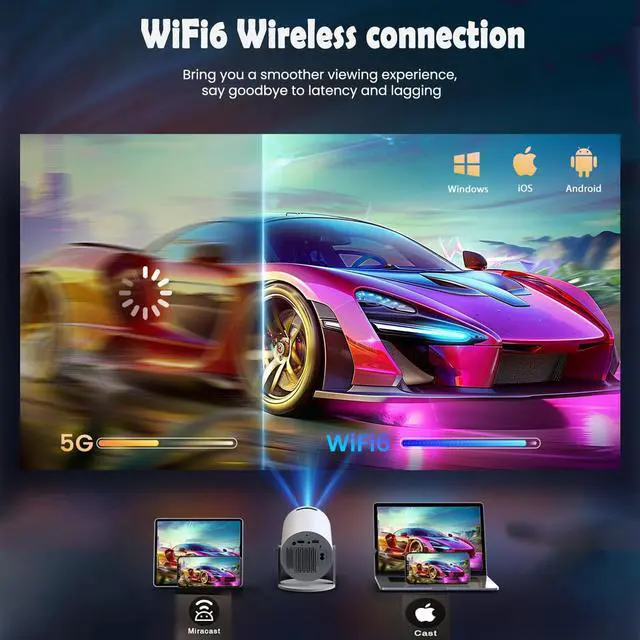
WiFi 6 – Blazing Speed & Lag-Free Mirroring
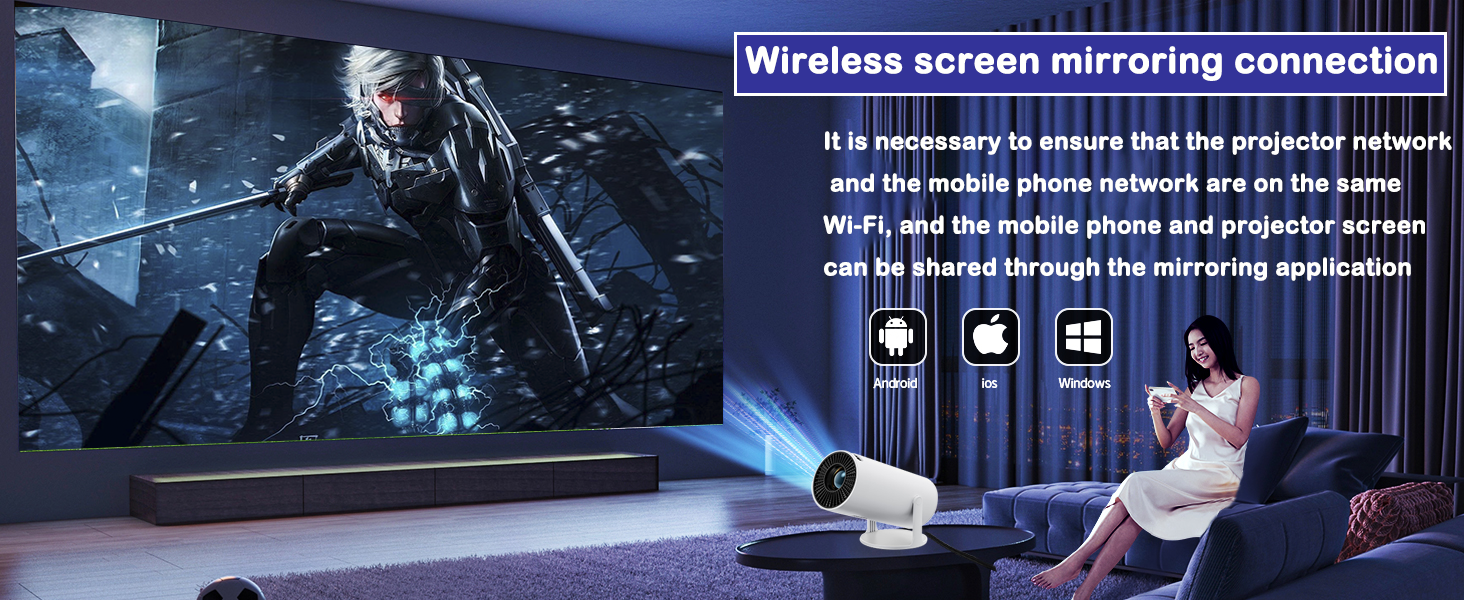
Wi-Fi connection network
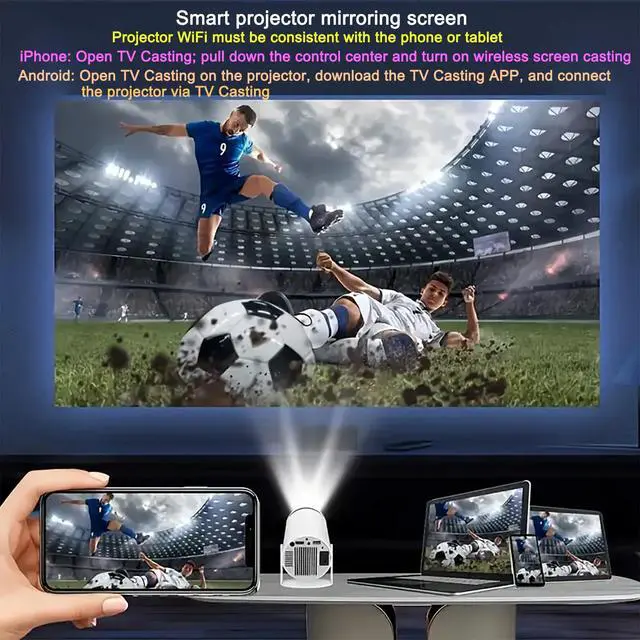
Ensure a compatible Wi-Fi network, open the mirroring software, and your phone screen will be instantly projected onto the mirrored screen (resolution may need adjustment depending on focus).
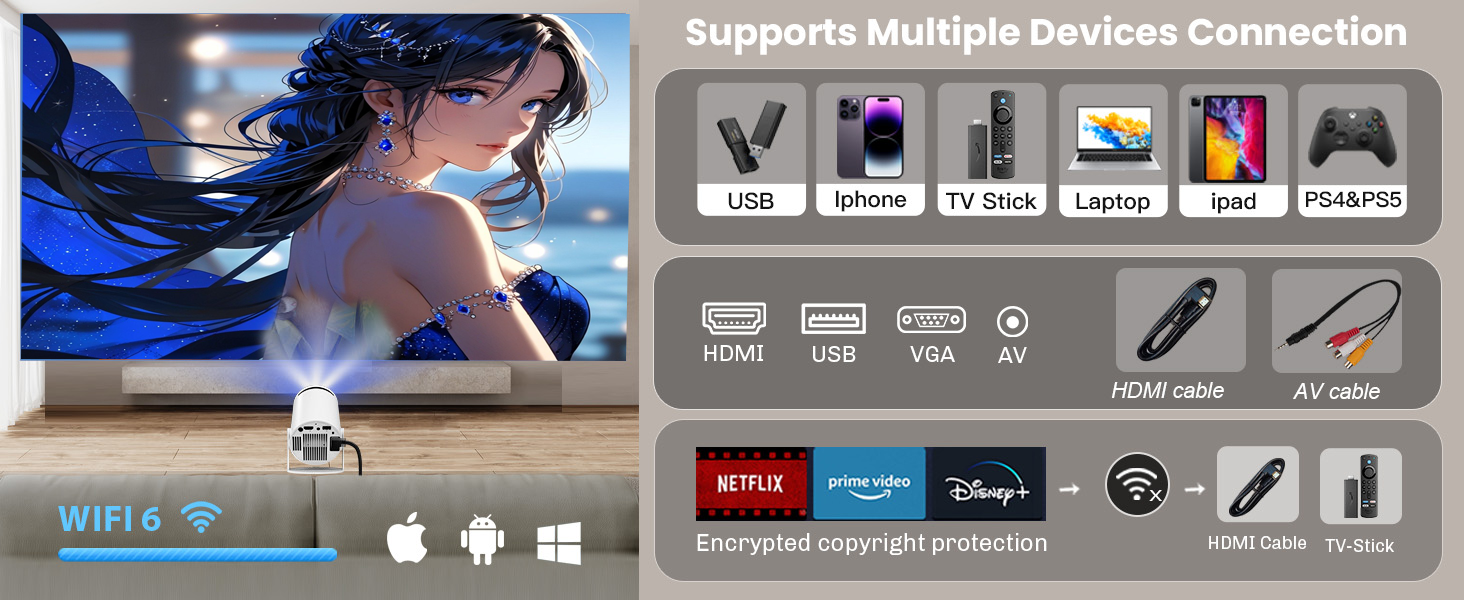
Seamless connection between multiple devices
The projector is versatile. It comes with Android 11 system, wireless mirroring function, HDMI, TV stick, PS5, etc.
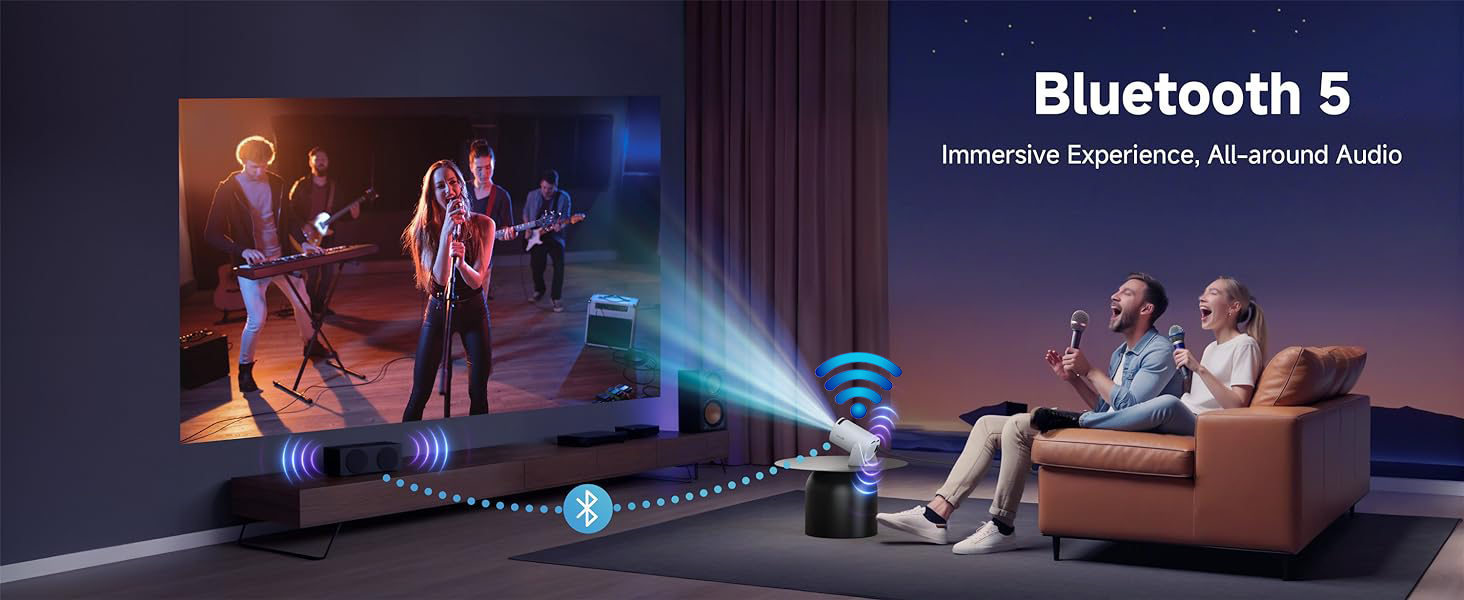
Built-in sound is enough to meet your needs
Projector with wifi and bluetooth makes your projector more functional, frees you from the trouble of connecting the phone with the wire and makes projection easier.
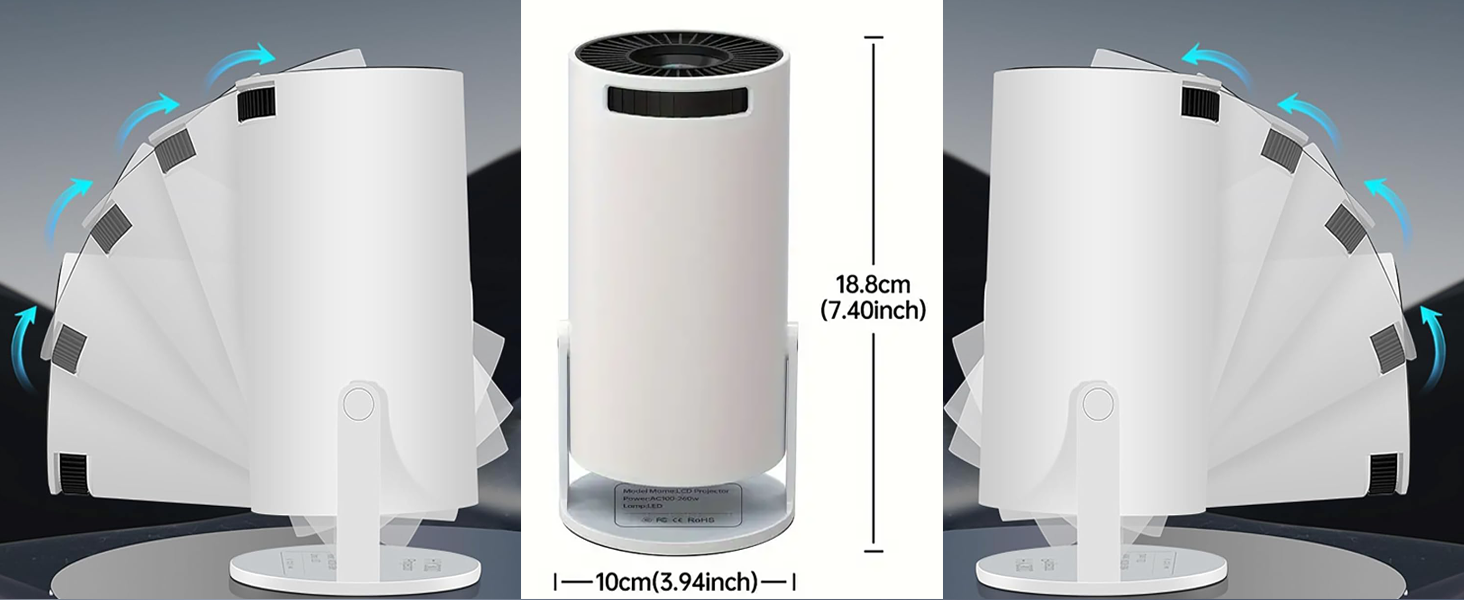
portable projector
It can be adjusted 180 degrees at will, and the power cord will not block your angle adjustment. The bracket is easy to adjust and has a mechanical sound that will not sag loosely.
In less than 5 seconds, wirelessly mirror your phone, tablet, or laptop for smooth 4K movie playback. WiFi 6 performs exceptionally well even in congested network conditions, ensuring a seamless movie-watching night even when all your devices are online.
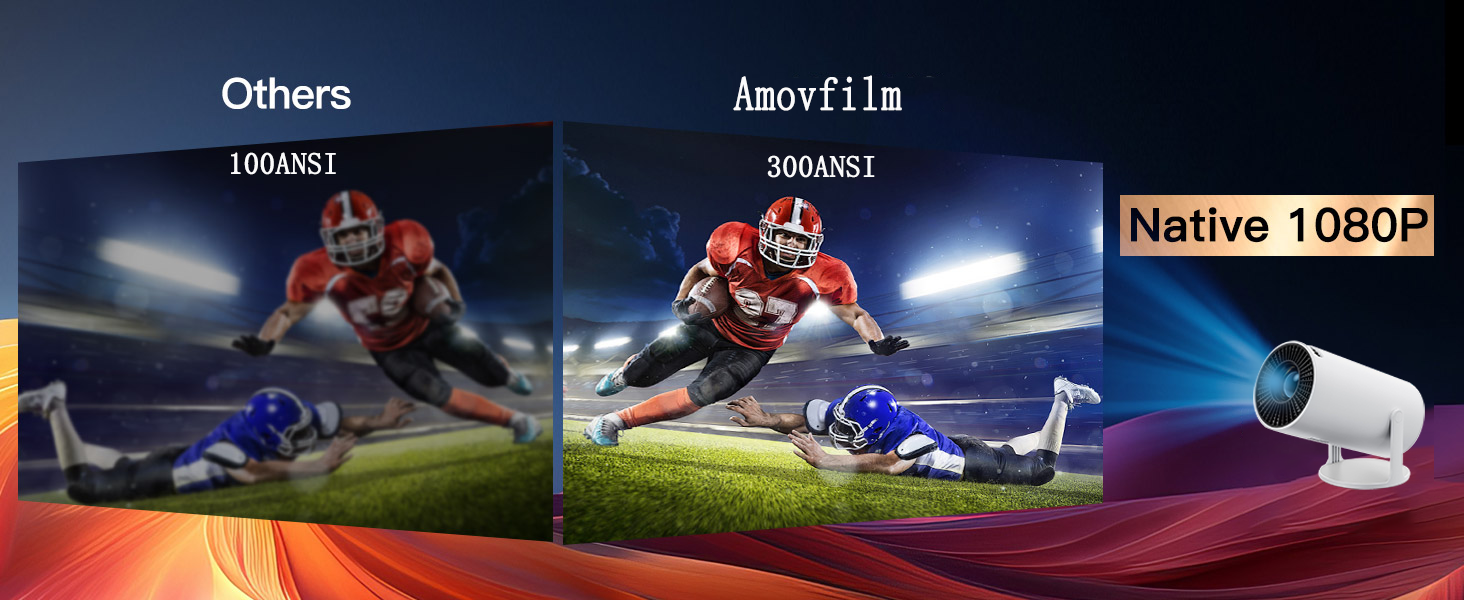
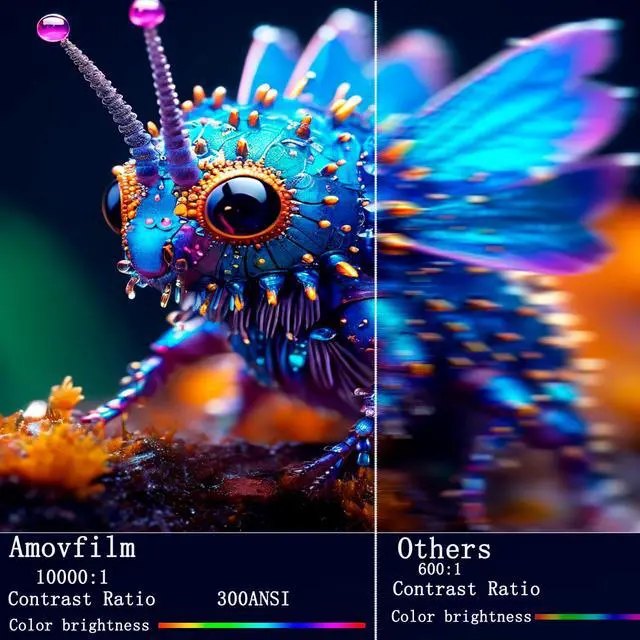
300ANSI
projector has high brightness and can be seen clearly even in daytime.
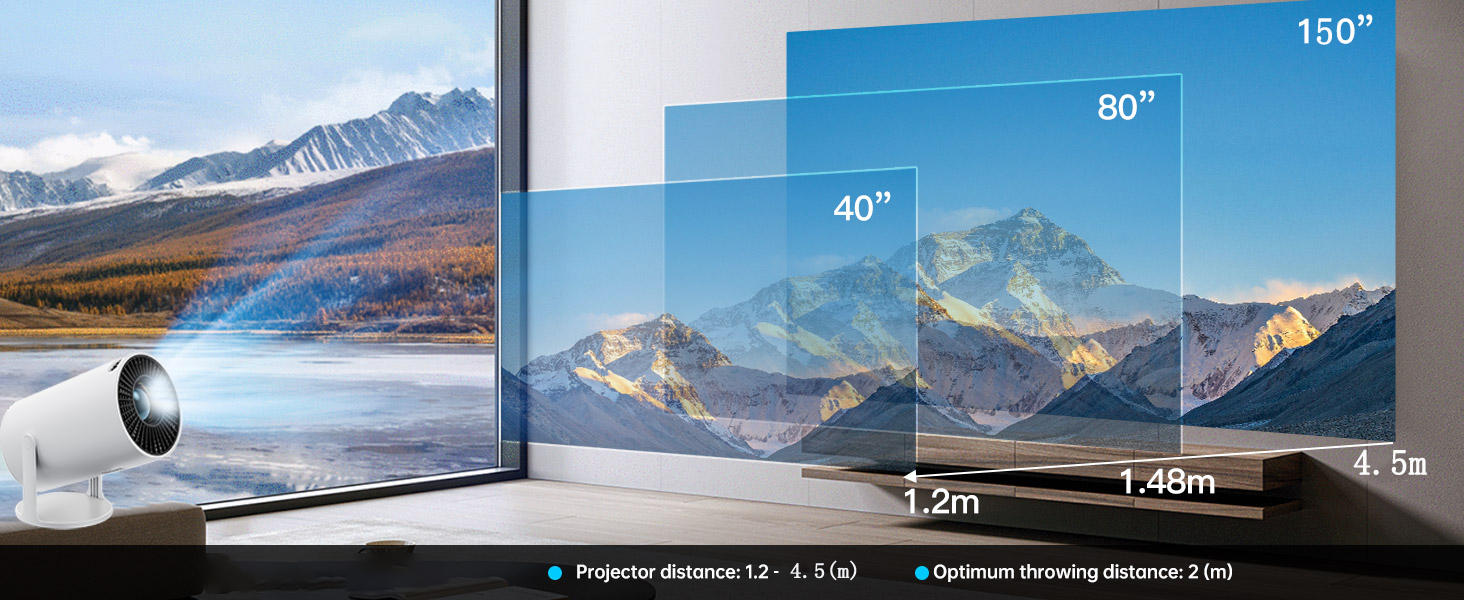
150-inch screen
The minimum screen size is 40 inches and the maximum size can be enlarged to 150 inches
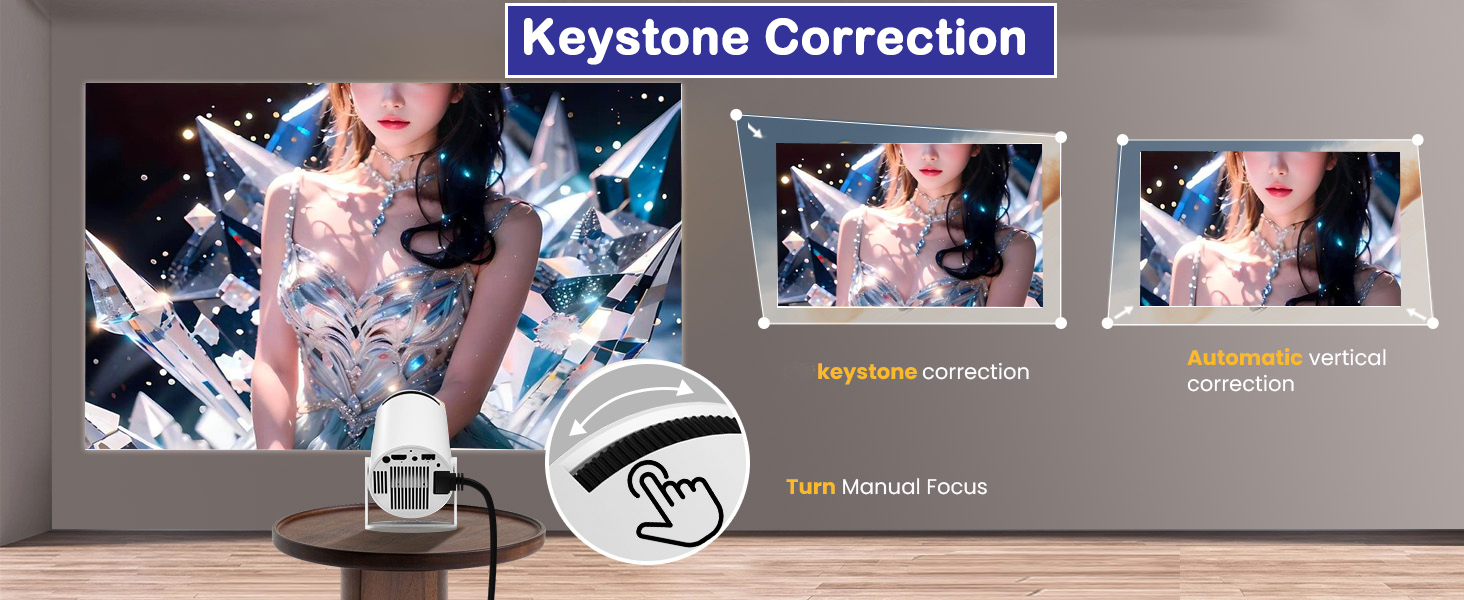
Image Correction
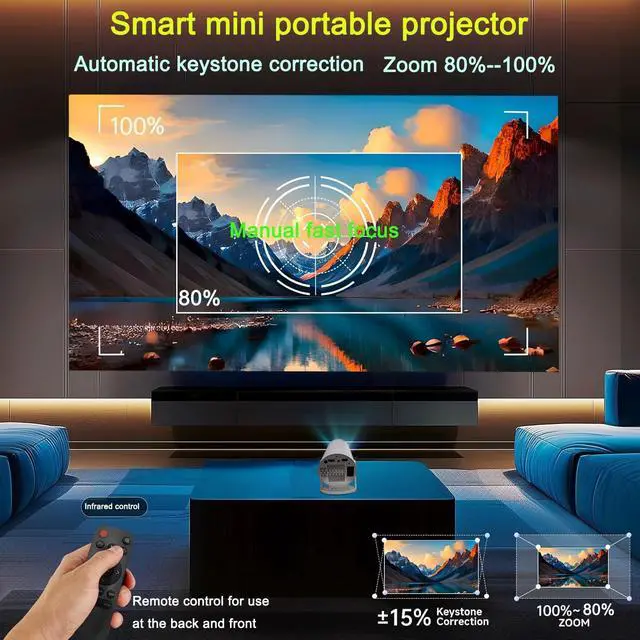
Manual adjustment is simple and practical. The knob can make the screen clearer and more flexible.
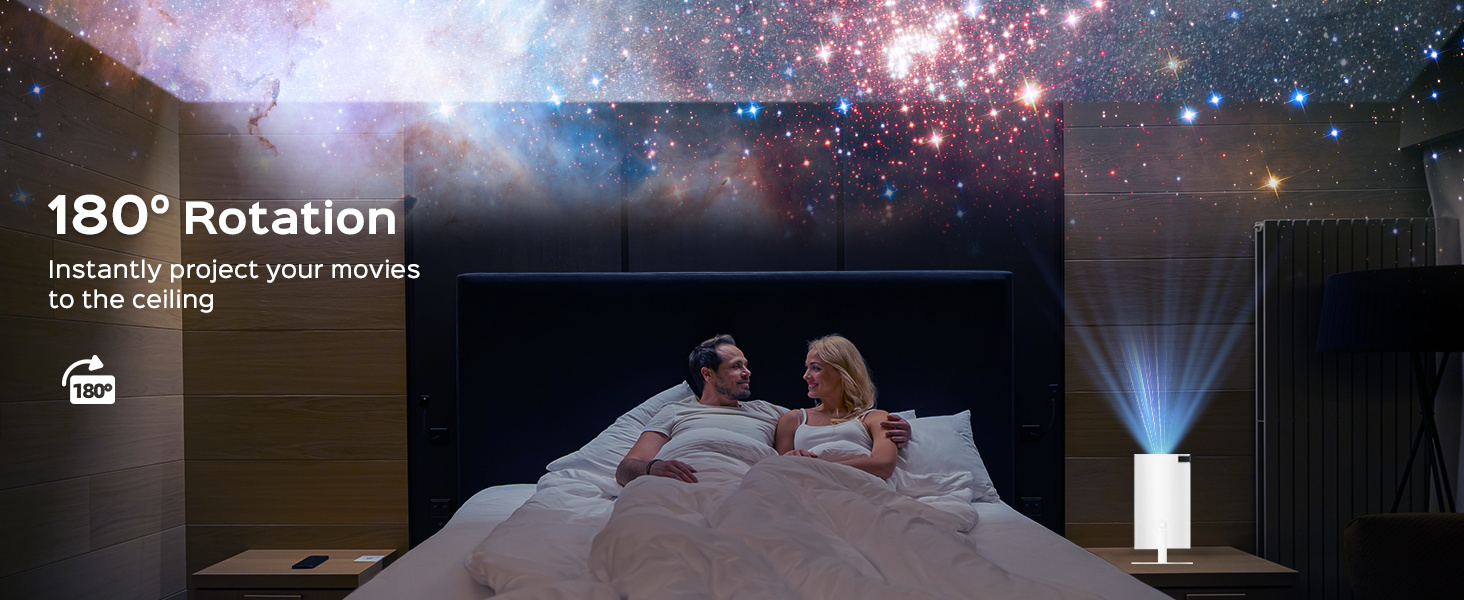
180°Rotation
When you and your wife use a projector in the room, the romantic atmosphere heats up immediately.
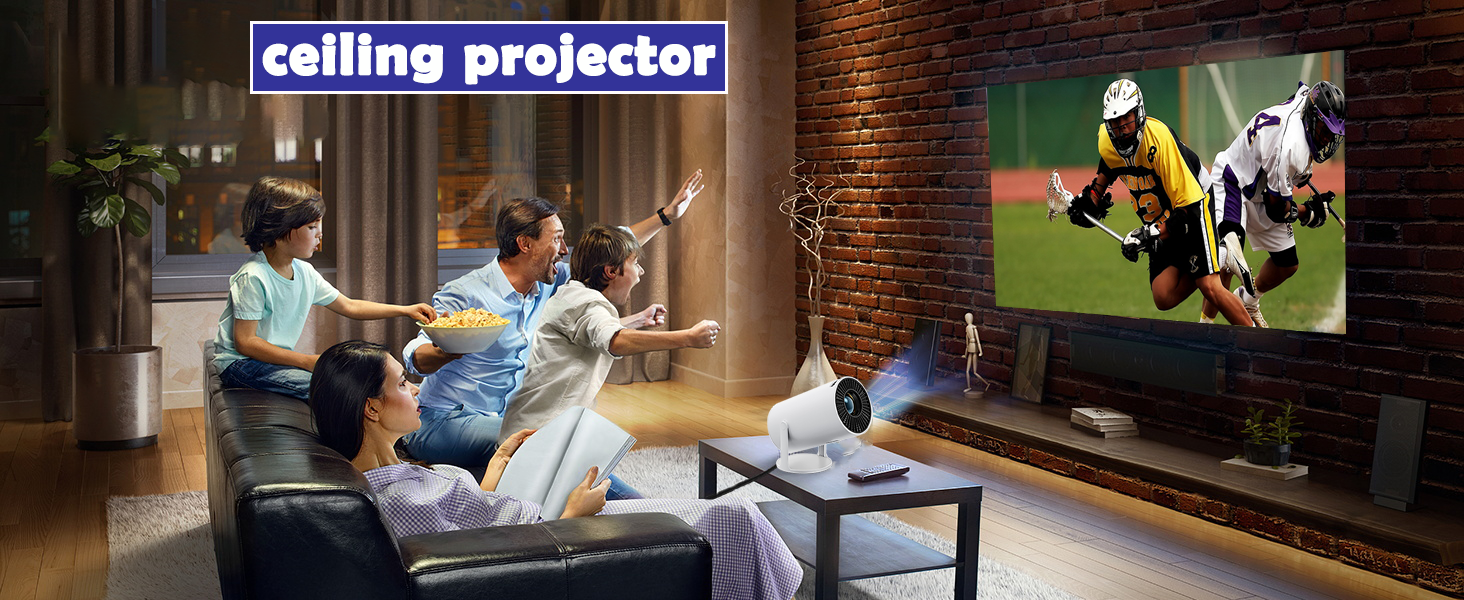
ceiling projector
remote infrared device is installed at the tail, the180° tail has the best reception.
300 Lumens True Brightness – Vivid Images Even in Ambient Light
Color Reproduction – Natural and vibrant colors.
you're watching a thrilling sporting event with friends or enjoying a romantic comedy in dim light
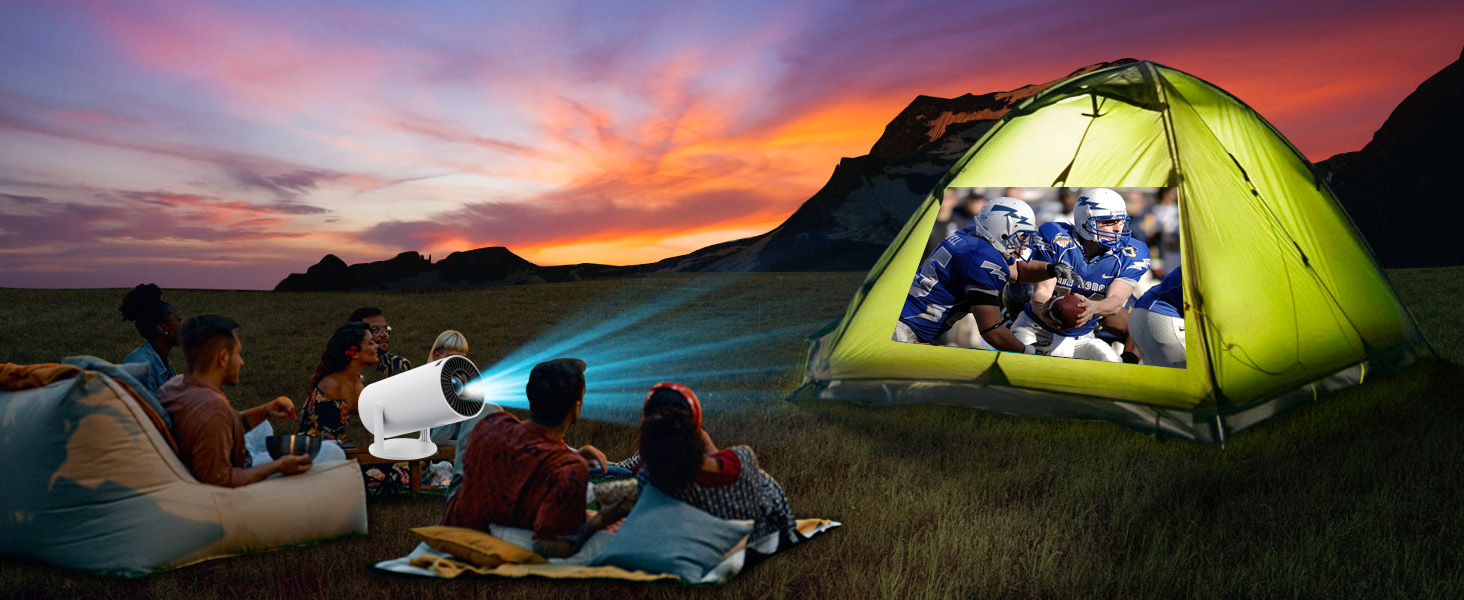
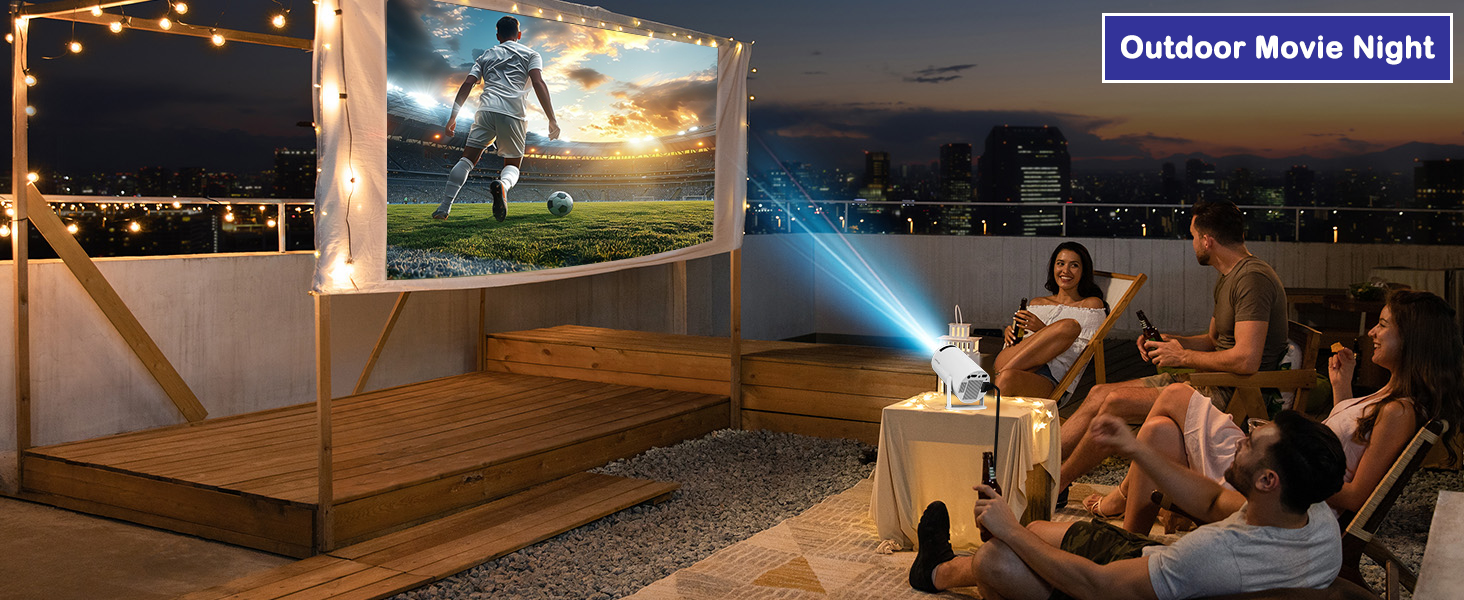
Outdoor Entertainment – Backyard, Camping
Perfect for movie nights in the living room, bedroom, and backyard.
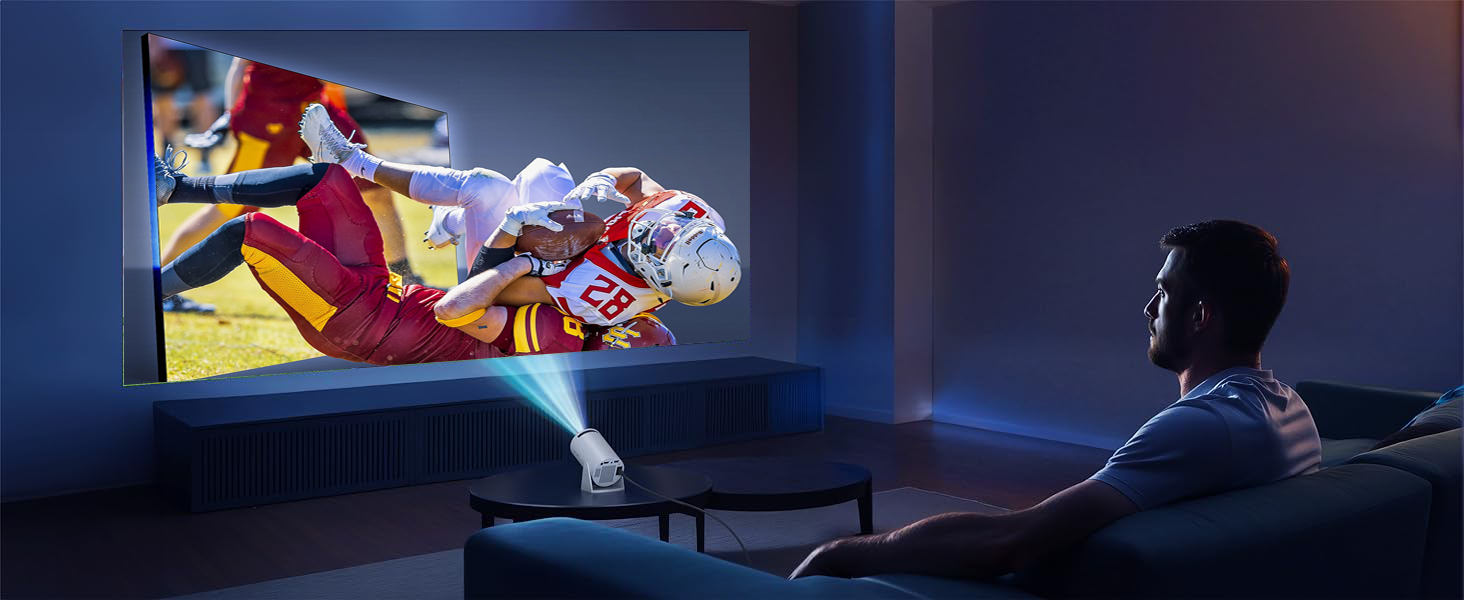
ensuring clear, vivid, and viewable images even in moderately lit rooms.
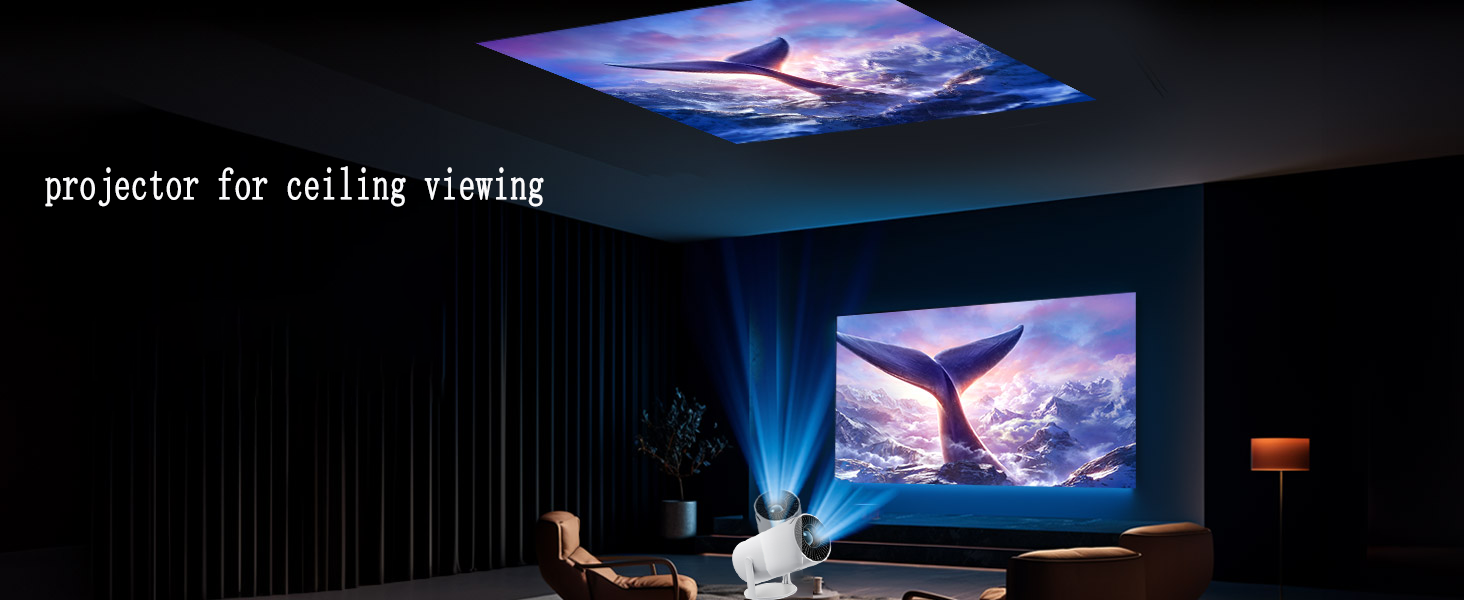
perfect for bedrooms, living rooms, dorms, and outdoor walls.
Looking for a gift for your child, niece, nephew, or best friend's family?

For kids: movie nights & gaming on 150". For relatives: backyard marathons & slideshows. For friends: parties & sports. Easy setup, no tech skills. More than a gadget – an indoor/outdoor wall theater everyone will love.
What should I do if the multimedia app is still not working?
We recommend downloading from App Store to restore. Or update via Settings > System & Equipment > System Update. Alternative: Use TV stick for streaming.
Why is the remote control ineffective in certain locations?
The remote's IR sensor is at the projector's lens and rear. Aim at these spots for smooth control. Use within 3 meters. The remote has a mouse shortcut; use direction keys to move. If lost or damaged, use a mouse temporarily.
Fast and quick wireless sync with mobile phones or other devices?
First, ensure WiFi and devices are on the same network. iOS: swipe down, tap Screen Mirroring, select device. Android: download mirror app (ignore any risk warning) and pair to start wireless screen sync.
Why is it that some software cannot be used with screen mirroring, and there is audio but no display?
Due to the HDCP (High-Bandwidth Digital Content Protection) protocol, copyrighted video content (such as Prime Video and Hulu) can be played on Fire devices.
Experience the complete smart TV experience without a streaming stick.
Direct access to the App Store. Download and watch content from Netflix, YouTube, Disney+, and many more – all built-in. Thanks to Android 11's hardware-accelerated decoding (H.265/VP9), enjoy smooth, lag-free, and frame-free 4K video playback. An intuitive interface as user-friendly as a smartphone

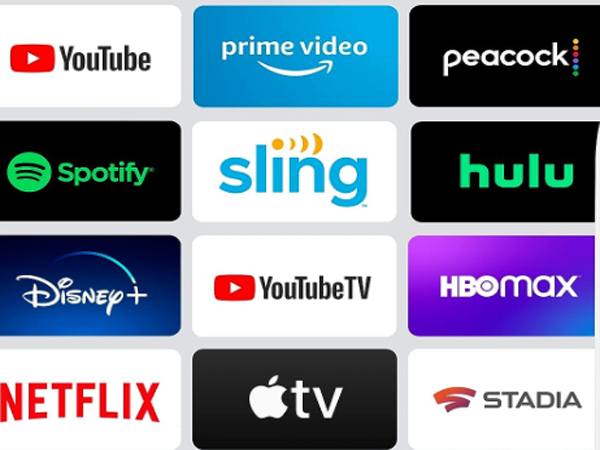
Seamless connection with TV stick
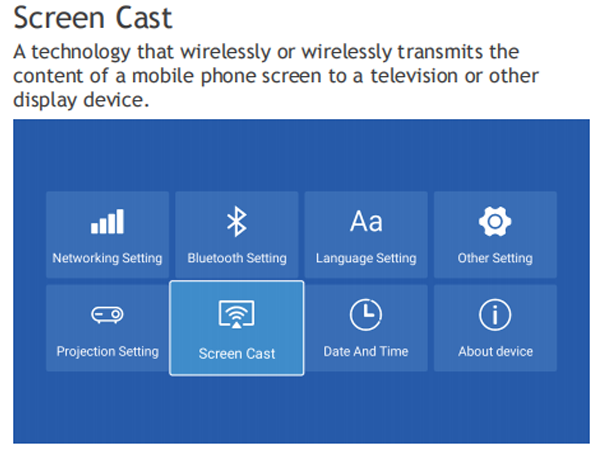
Mobile phone wireless connection screen mirroring
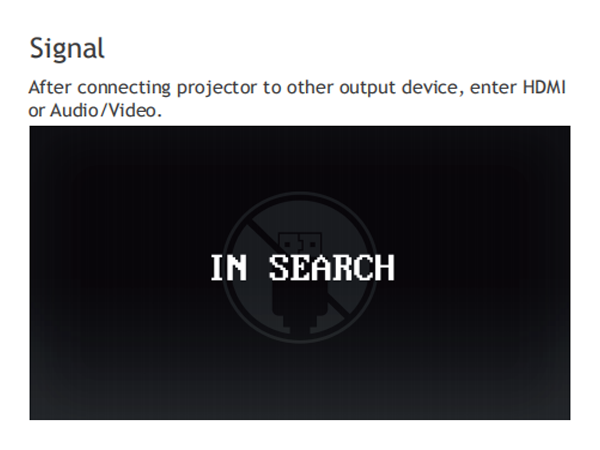
HDMI connection
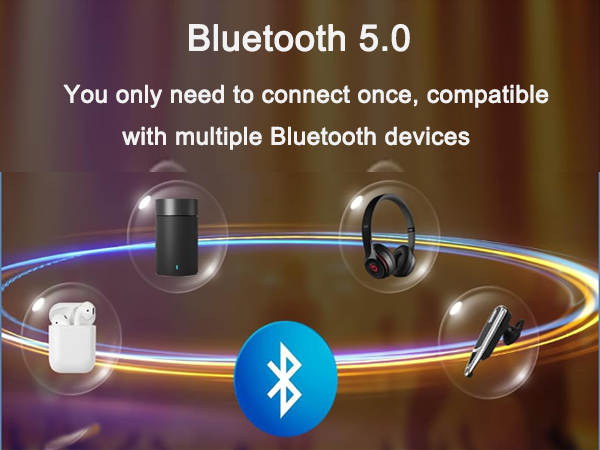
Bluetooth 5.0
Bluetooth 5.0 – Wireless Audio Freedom
Projector with WIFI6 and Bluetooth
Merchant VideoExperience stunning visuals with immersive sound. Built-in stereo speakers deliver clear, full surround sound, while Bluetooth 5.0 gives you complete freedom. Instantly connect your wireless headphones, Bluetooth soundbar, or portable speaker to the projector for a personalized listening experience.
WiFi 6 – Blazing Speed & Lag-Free Mirroring
Wi-Fi connection network
Seamless connection between multiple devices
Built-in sound is enough to meet your needs
portable projector


Ensure a compatible Wi-Fi network, open the mirroring software, and your phone screen will be instantly projected onto the mirrored screen (resolution may need adjustment depending on focus).
The projector is versatile. It comes with Android 11 system, wireless mirroring function, HDMI, TV stick, PS5, etc.
Projector with wifi and bluetooth makes your projector more functional, frees you from the trouble of connecting the phone with the wire and makes projection easier.
It can be adjusted 180 degrees at will, and the power cord will not block your angle adjustment. The bracket is easy to adjust and has a mechanical sound that will not sag loosely.
In less than 5 seconds, wirelessly mirror your phone, tablet, or laptop for smooth 4K movie playback. WiFi 6 performs exceptionally well even in congested network conditions, ensuring a seamless movie-watching night even when all your devices are online.


300 Lumens True Brightness – Vivid Images Even in Ambient Light
300ANSI
projector has high brightness and can be seen clearly even in daytime.
150-inch screen
The minimum screen size is 40 inches and the maximum size can be enlarged to 150 inches
Image Correction
Manual adjustment is simple and practical. The knob can make the screen clearer and more flexible.
180°Rotation
When you and your wife use a projector in the room, the romantic atmosphere heats up immediately.
ceiling projector
remote infrared device is installed at the tail, the180° tail has the best reception.
Color Reproduction – Natural and vibrant colors.
you're watching a thrilling sporting event with friends or enjoying a romantic comedy in dim light
Outdoor Entertainment – Backyard, Camping
Perfect for movie nights in the living room, bedroom, and backyard.
ensuring clear, vivid, and viewable images even in moderately lit rooms.
perfect for bedrooms, living rooms, dorms, and outdoor walls.


Looking for a gift for your child, niece, nephew, or best friend's family?

For kids: movie nights & gaming on 150". For relatives: backyard marathons & slideshows. For friends: parties & sports. Easy setup, no tech skills. More than a gadget – an indoor/outdoor wall theater everyone will love.
What should I do if the multimedia app is still not working?
We recommend downloading from App Store to restore. Or update via Settings > System & Equipment > System Update. Alternative: Use TV stick for streaming.
Why is the remote control ineffective in certain locations?
The remote's IR sensor is at the projector's lens and rear. Aim at these spots for smooth control. Use within 3 meters. The remote has a mouse shortcut; use direction keys to move. If lost or damaged, use a mouse temporarily.
Fast and quick wireless sync with mobile phones or other devices?
First, ensure WiFi and devices are on the same network. iOS: swipe down, tap Screen Mirroring, select device. Android: download mirror app (ignore any risk warning) and pair to start wireless screen sync.
Why is it that some software cannot be used with screen mirroring, and there is audio but no display?
Due to the HDCP (High-Bandwidth Digital Content Protection) protocol, copyrighted video content (such as Prime Video and Hulu) can be played on Fire devices.
Amovfilm Projector
projector with wifi and bluetooth
outdoor movie projector
