






Comparison
 No Backlit for 10th |  Backlit for 10th |  360 Detachable for 10th |  Backlit for 10th | |
|---|---|---|---|---|
Customer Reviews | — | — | — | — |
Price | — | — | — | — |
Main Feature | Long battery /Protective | Backlit / Long battery | Detachable / Backlit | Backlit / Long battery |
Compatibility | For iPad 10th | For iPad 10th | For iPad 10th | For iPad 10th |
7-Color Backlight | ? | ? | ? | ? |
Detachable Case | ? | ? | ? | ? |
Non - falling Keycaps | ? | ? | ? | ? |

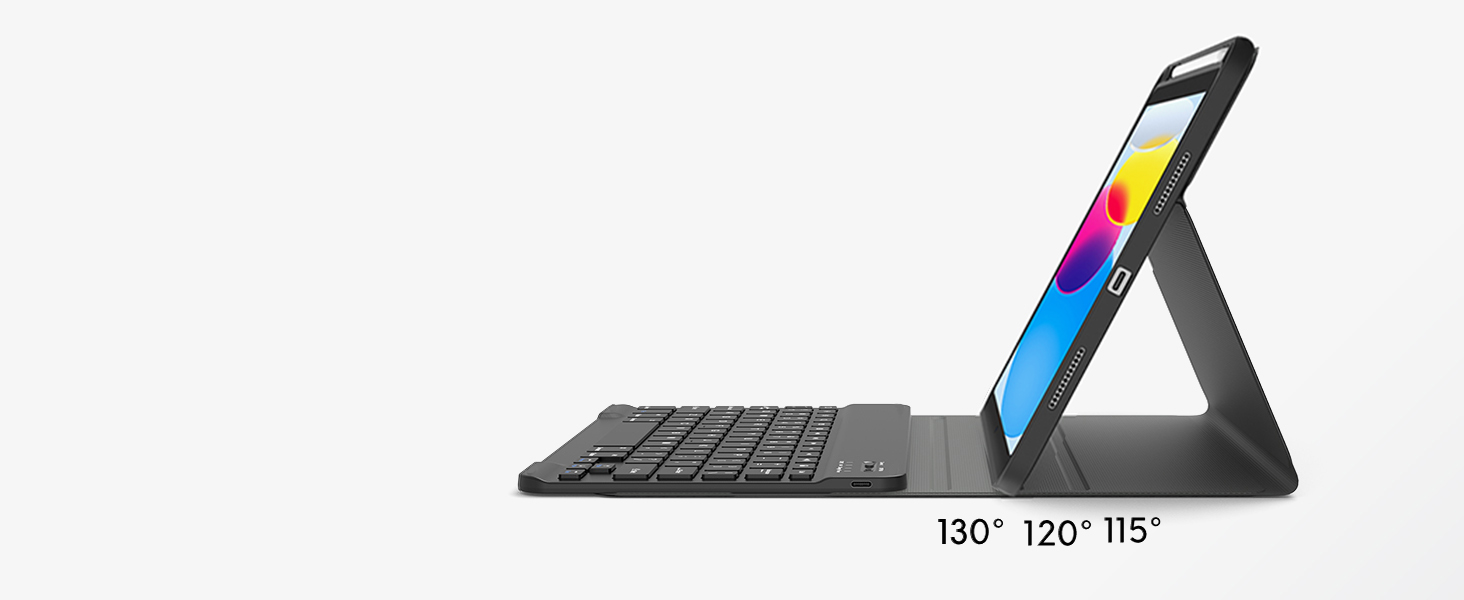
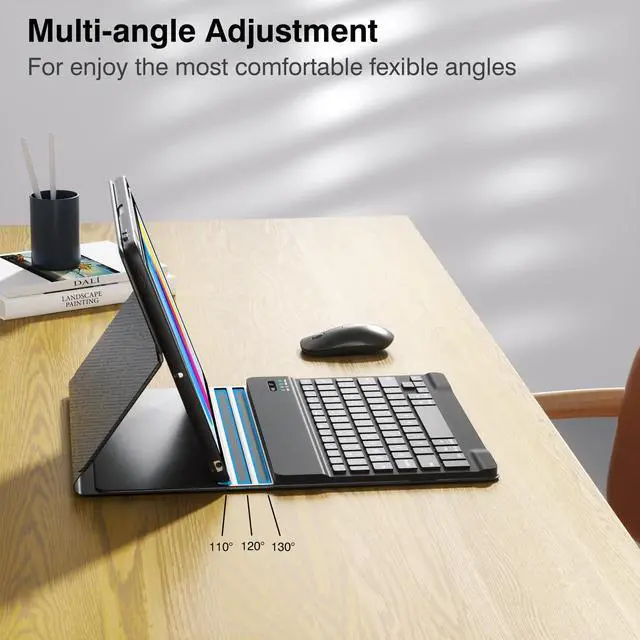
Adjustable stand angles
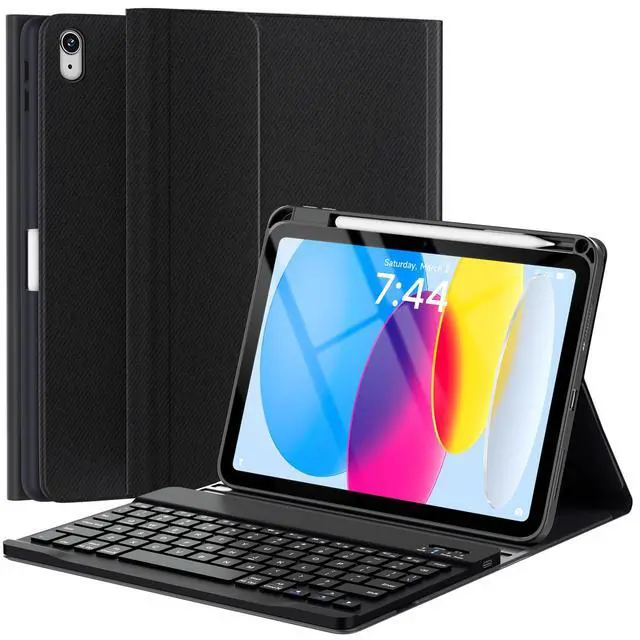
The keyboard case for iPad has three adjustable angles, which can be easily adjusted to a comfortable angle for a pleasant using experience.
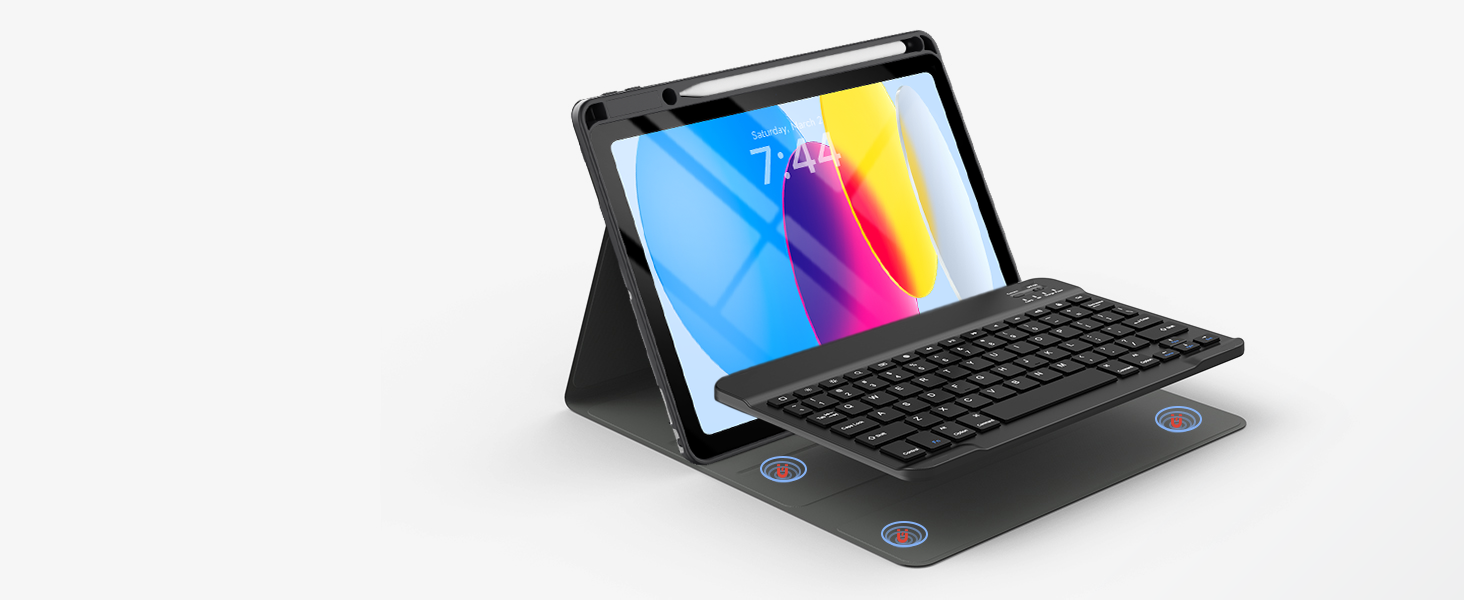
Detachable keyboard
The Bluetooth keyboard is removable and moveable, making it easy to put your tablet and keyboard in a position you feel comfortable with.

Precise cutouts
Allow full access to all features( buttons, speakers, cameras), so you can enjoy using your device to take pictures, make video calls, and more.


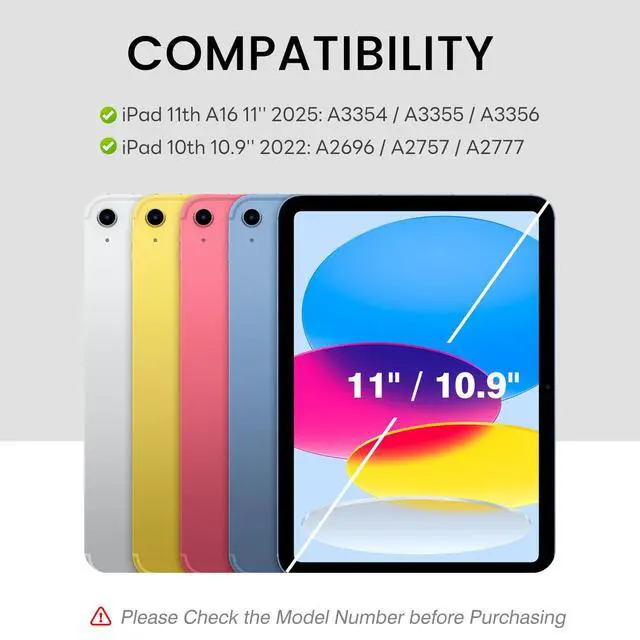
How to Find Your iPad Model Number?
Method 1: Open the Settings app, tap General, and select About. You'll see your model name and you can tap the model number to view it.
Method 2: Check the Back of the iPad.
iPad 10th Generation -- Model number: A2696, A2757, A2777
How to Connect to Your iPad 10th with a Keyboard?
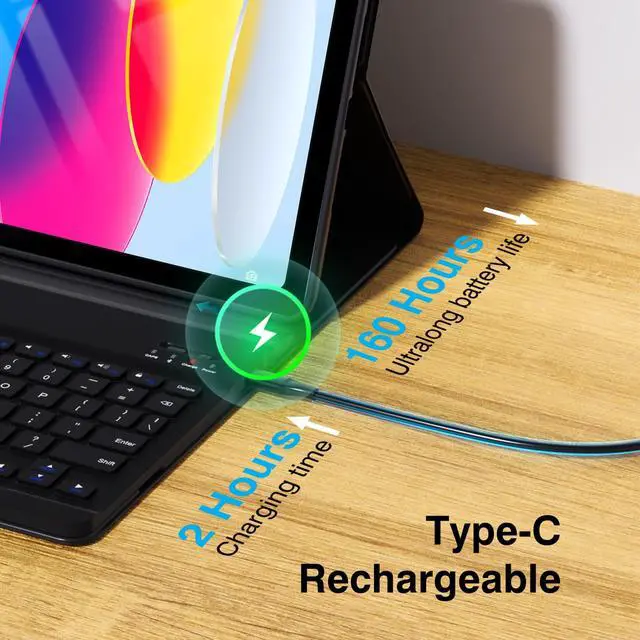
1. Please charge the keyboard fully before first use;
2. Turn the ON/OFF to ON and press the "connect" button for 3s;
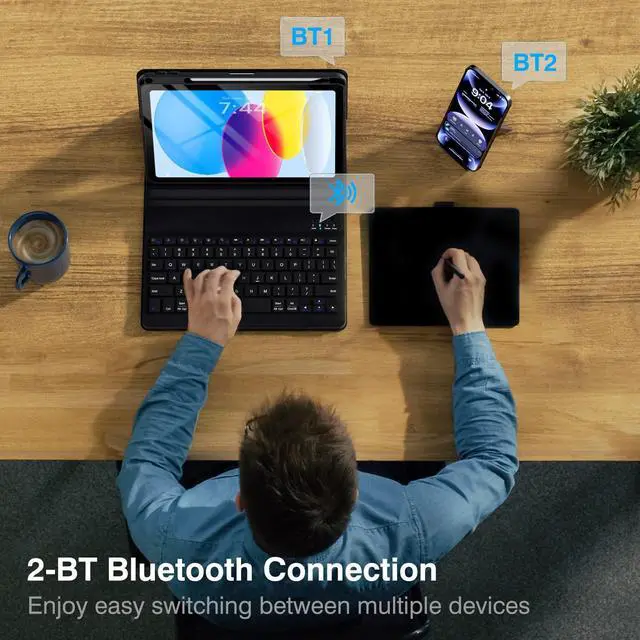
3. Go to your iPad Settings - Bluetooth - On;
4. Search “Bluetooth Keyboard” to connect.
Why do I need to wait for a few seconds to use the keyboard when not typing it for a period of time?
Because the keyboard will enter sleep mode after 30 minutes without using the keyboard.
Press any key and wait for 2-3s to wake it up.
What's in the box?
1 x Case with Pencil Holder
1 x Keyboard for iPad 10th
1 x USB-C Charging Cable
1 x User Manual
Comparison
No Backlit for 10th | Backlit for 10th | 360 Detachable for 10th | Backlit for 10th |
|---|---|---|---|
| Customer Reviews | |||
| — | — | — | — |
| Price | |||
| — | — | — | — |
| Main Feature | |||
| Long battery /Protective | Backlit / Long battery | Detachable / Backlit | Backlit / Long battery |
| Compatibility | |||
| For iPad 10th | For iPad 10th | For iPad 10th | For iPad 10th |
| 7-Color Backlight | |||
| ? | ? | ? | ? |
| Detachable Case | |||
| ? | ? | ? | ? |
| Non - falling Keycaps | |||
| ? | ? | ? | ? |

Adjustable stand angles
Detachable keyboard
Precise cutouts


The keyboard case for iPad has three adjustable angles, which can be easily adjusted to a comfortable angle for a pleasant using experience.
The Bluetooth keyboard is removable and moveable, making it easy to put your tablet and keyboard in a position you feel comfortable with.
Allow full access to all features( buttons, speakers, cameras), so you can enjoy using your device to take pictures, make video calls, and more.


How to Find Your iPad Model Number?
Method 1: Open the Settings app, tap General, and select About. You'll see your model name and you can tap the model number to view it.
Method 2: Check the Back of the iPad.
iPad 10th Generation -- Model number: A2696, A2757, A2777
How to Connect to Your iPad 10th with a Keyboard?
1. Please charge the keyboard fully before first use;
2. Turn the ON/OFF to ON and press the "connect" button for 3s;
3. Go to your iPad Settings - Bluetooth - On;
4. Search “Bluetooth Keyboard” to connect.
Why do I need to wait for a few seconds to use the keyboard when not typing it for a period of time?
Because the keyboard will enter sleep mode after 30 minutes without using the keyboard.
Press any key and wait for 2-3s to wake it up.
What's in the box?
1 x Case with Pencil Holder
1 x Keyboard for iPad 10th
1 x USB-C Charging Cable
1 x User Manual