





Bring Tech to Your Life
Born to power up your tablets, MoKo has every factor you need to live a productive while flexible work-life.
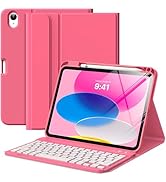
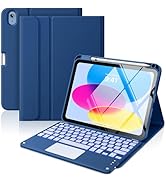
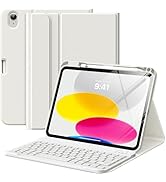
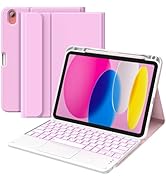

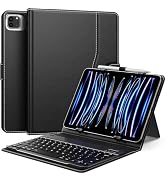
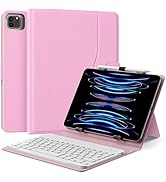
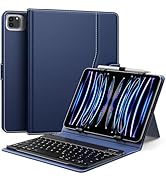
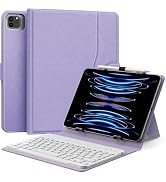
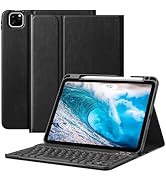
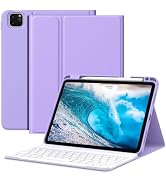
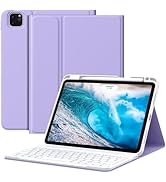
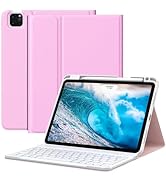
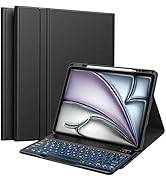
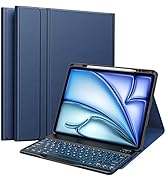
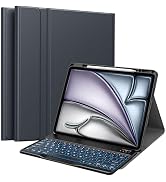
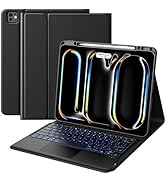
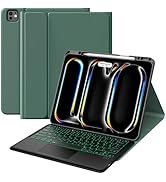
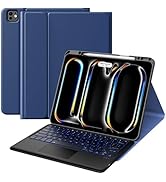
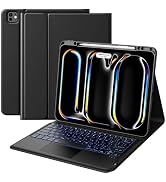
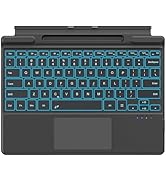
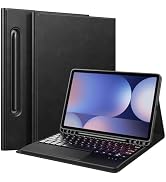
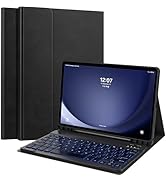
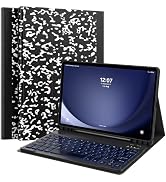

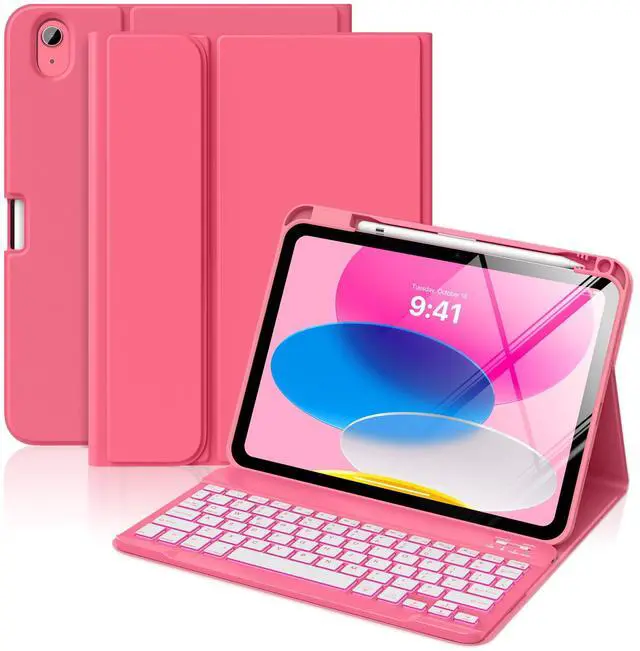
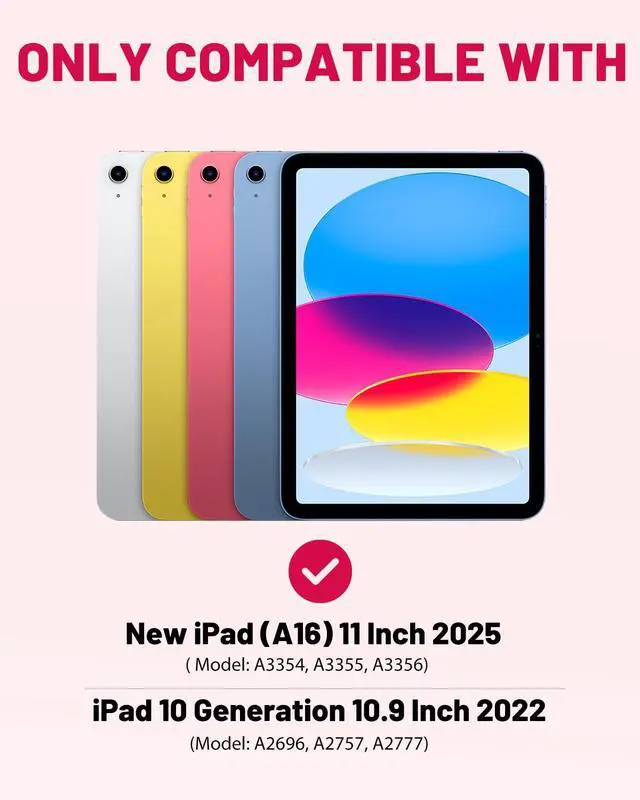
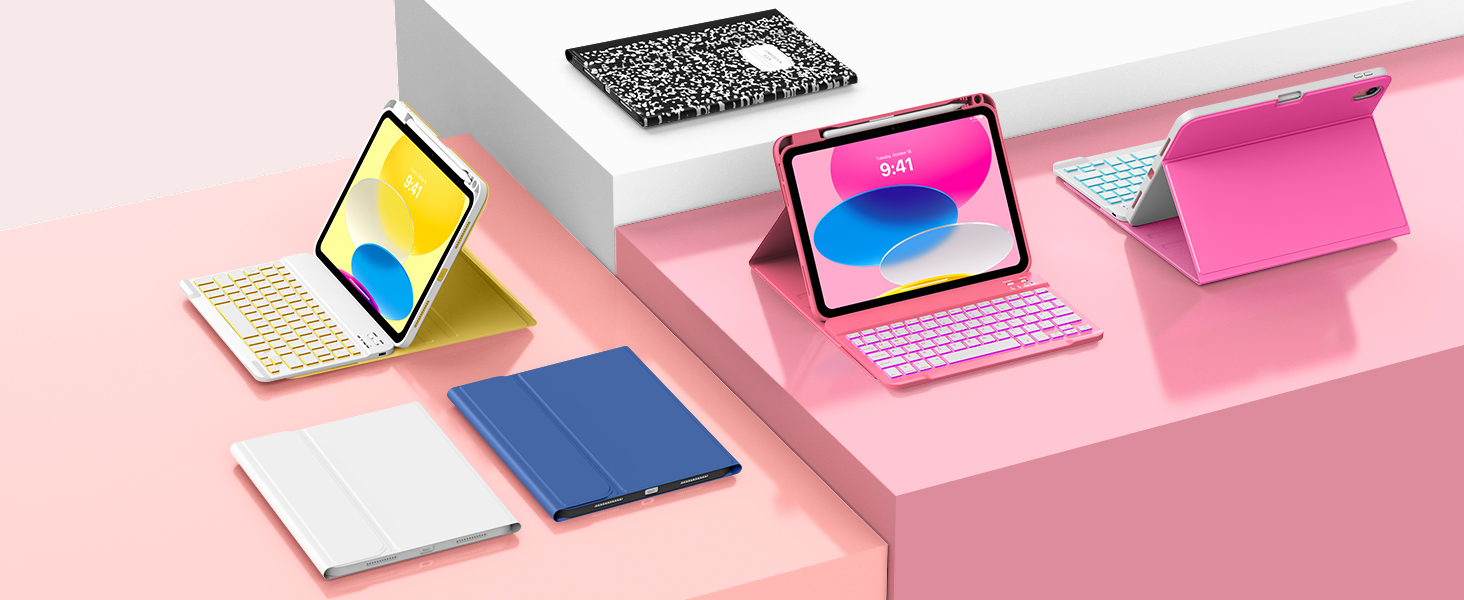
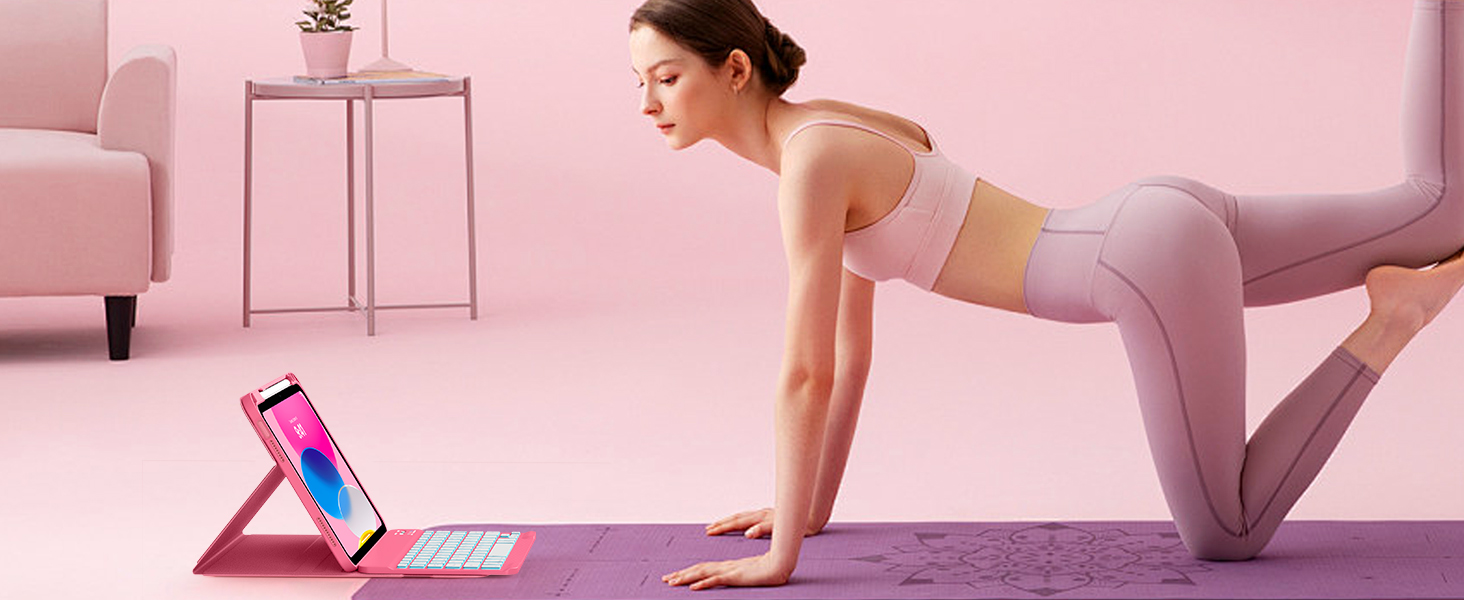
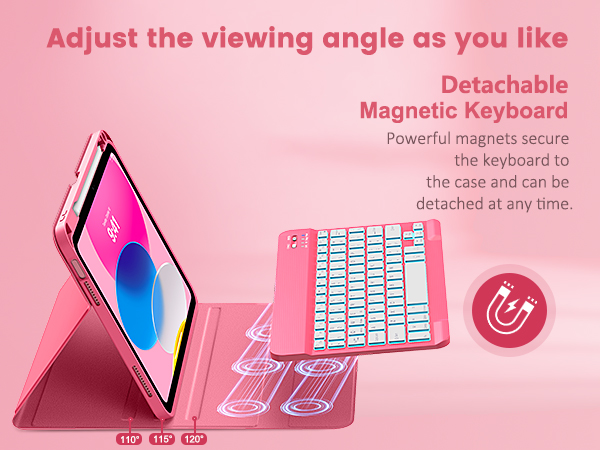
Keyboard Case for iPad 11th/10th Gen 2025/2022
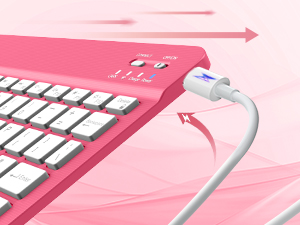
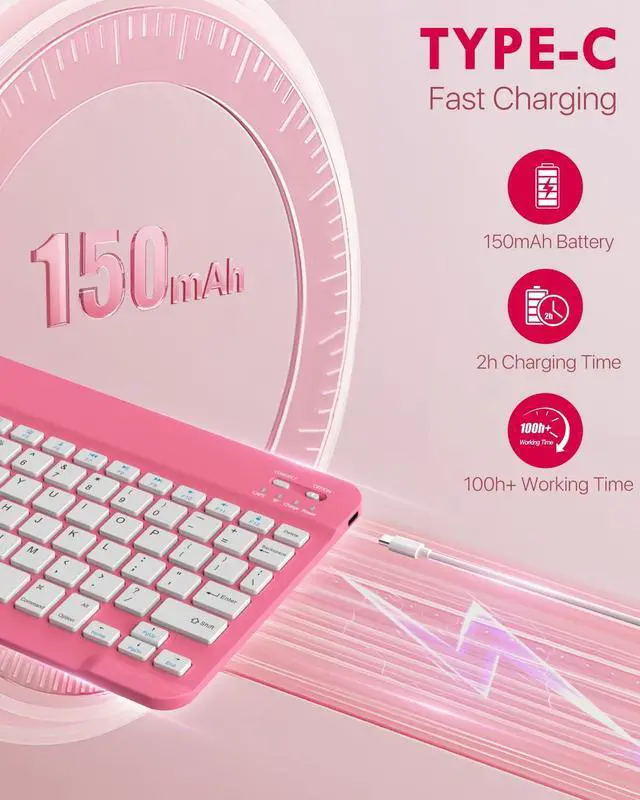
Type-C Fast Charging
Work for longer on a single charge, 2hrs charging time, 100hrs working time, 90 days stand-by time.
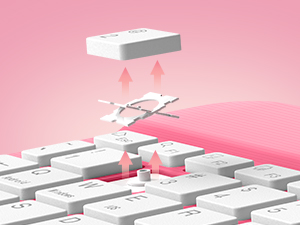
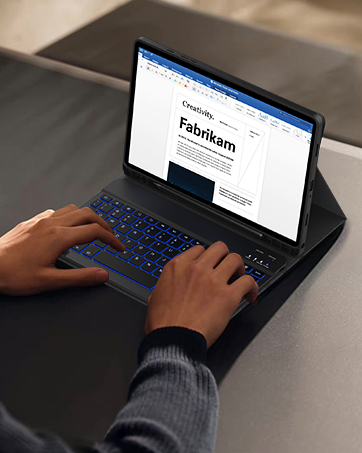
Scissor Keys
Highly responsive scissor mechanism and comfortably spaced keys ensure accuracy with ideal bounce.
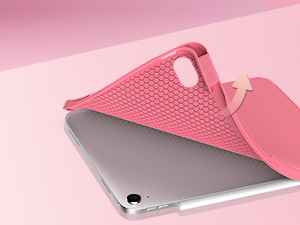
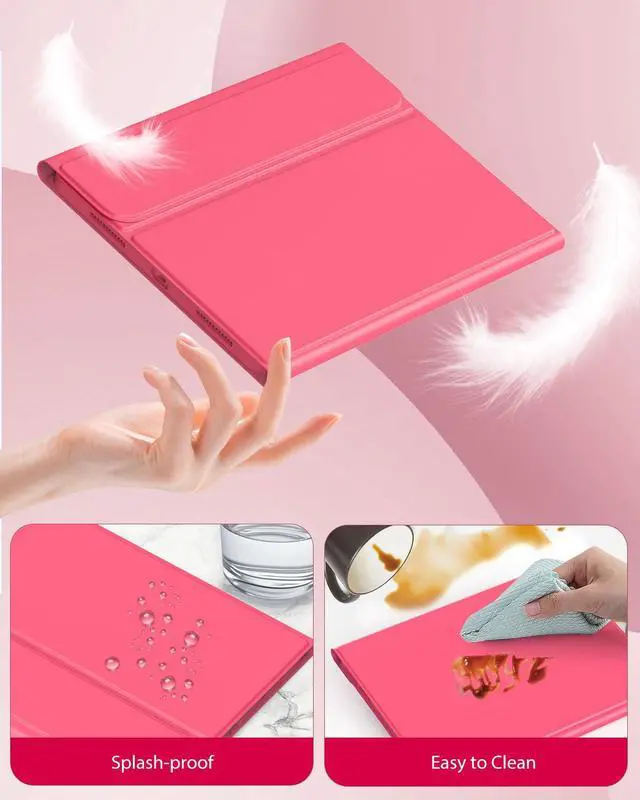
Premium Matreial
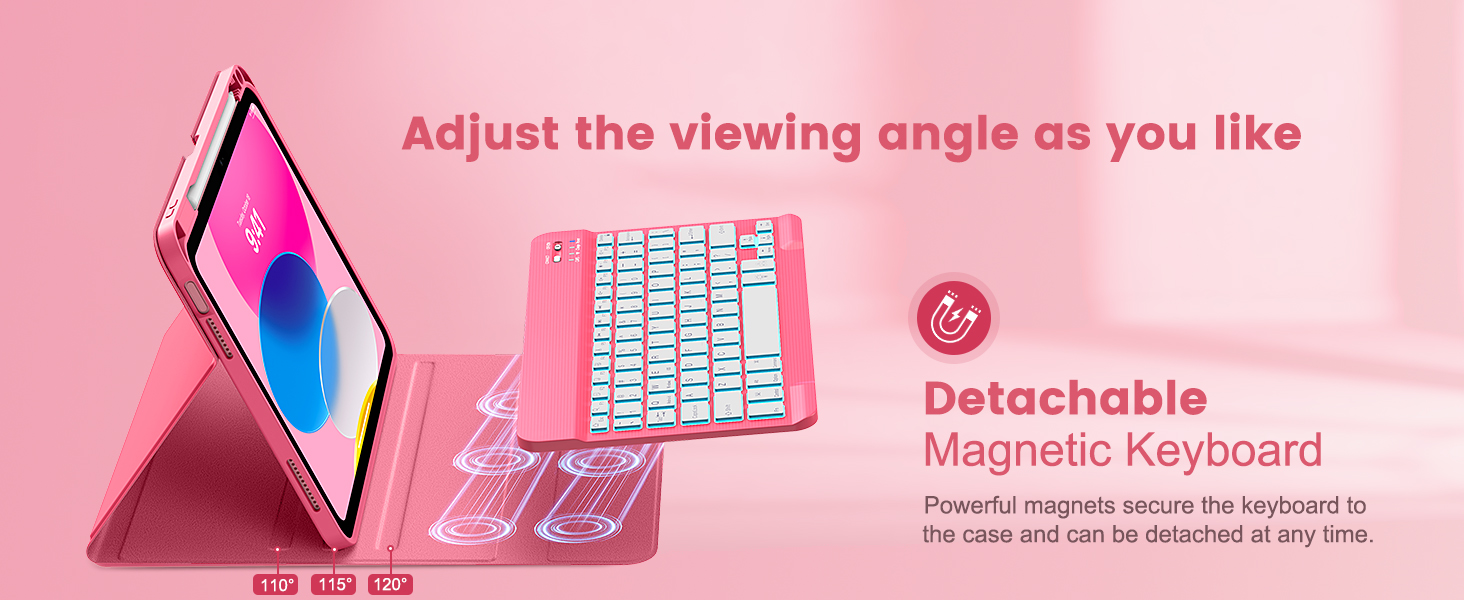
Made from premium PU leather, microfiber lining, and soft TPU with honeycomb cooling design, this case effectively protect your device from scratches.
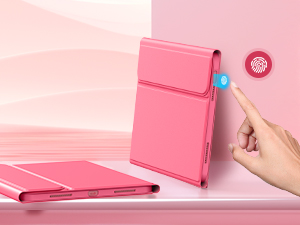
Support Touch ID
Get total access to all ports, buttons, speakers and Touch ID, via the precision-engineered design.


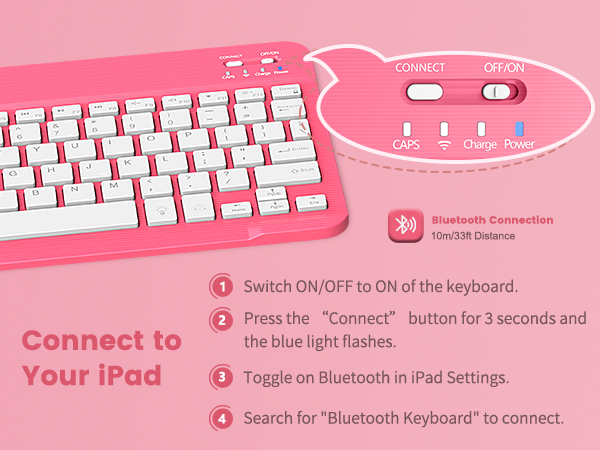
How to connect Bluetooth?
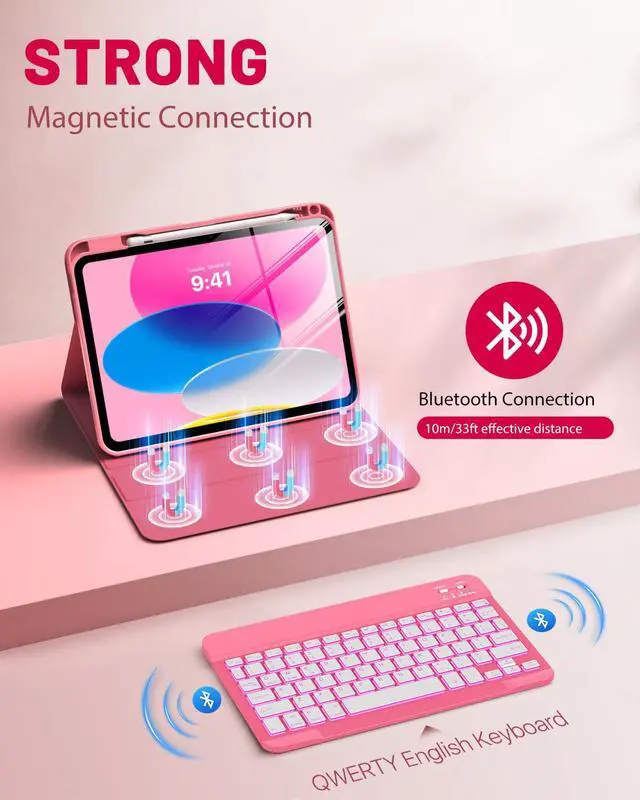
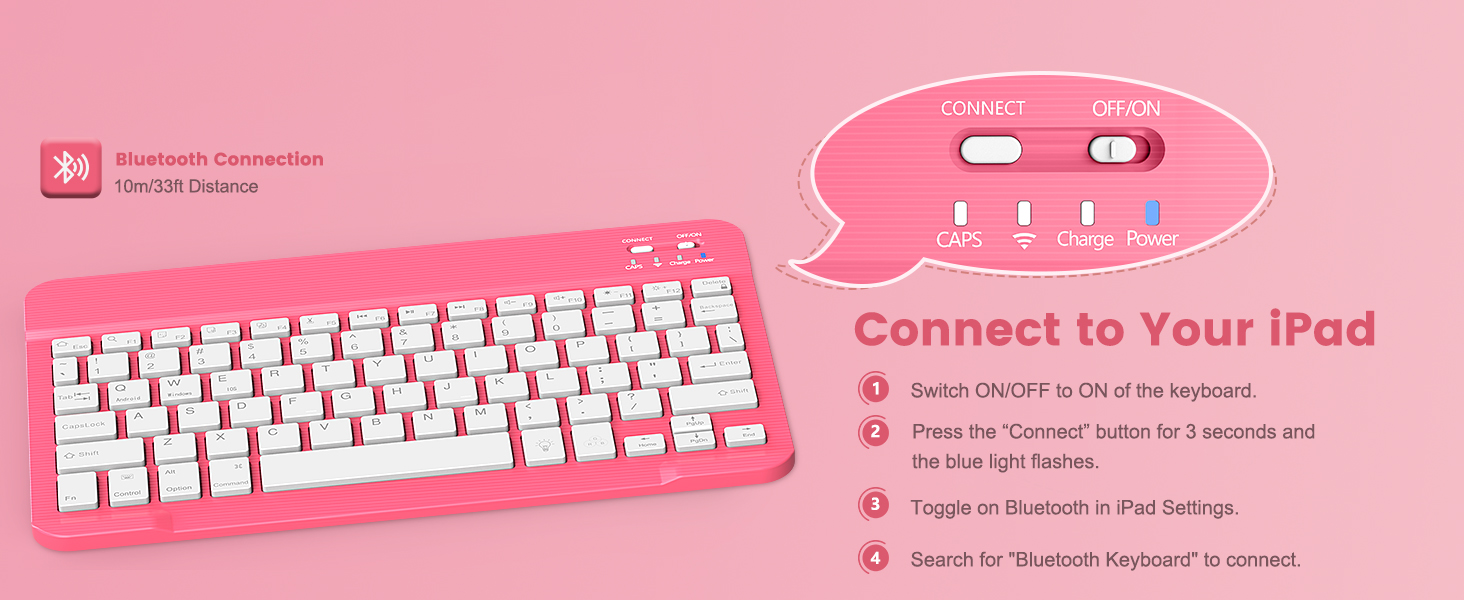
1. Switch ON/OFF to ON of the keyboard.
2. Press the “Connect” button for 3 seconds and the blue light flashes.
3. Toggle on Bluetooth in iPad Settings.
4. Search for "Bluetooth Keyboard" to connect.
What is the keyboard key layout? Can I switch systems and languages?
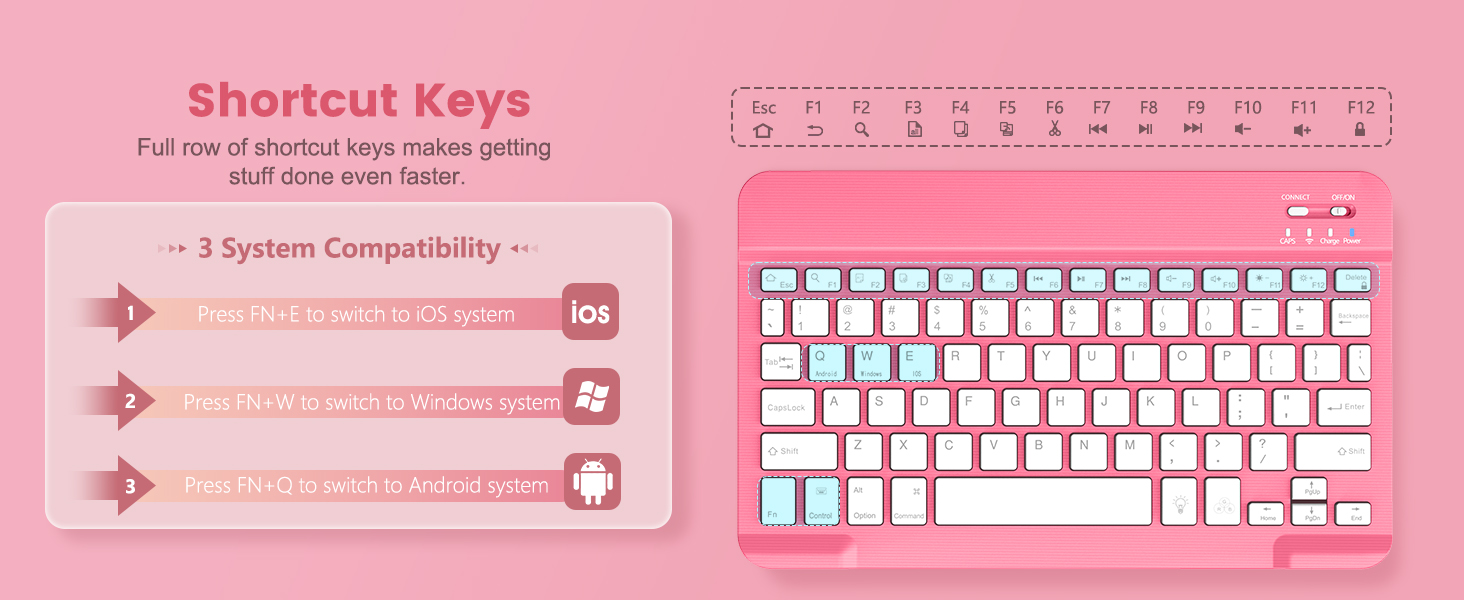
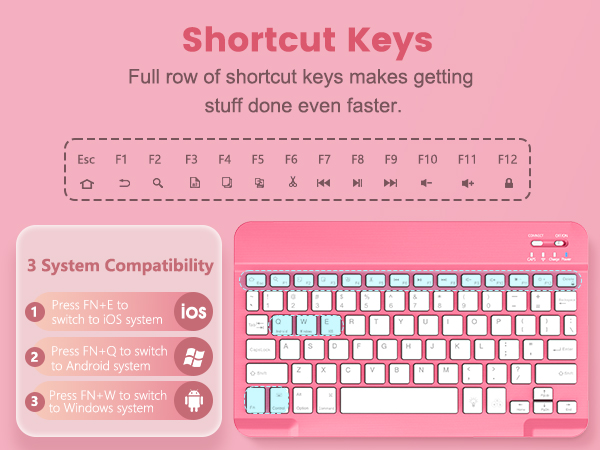
Key layout is QWERT. Press FN+E to switch to iOS system, Press FN+W to switch to Windows system, and Press FN+Q to switch to Android system. The keyboard language cannot be switched.
How do I adjust the keyboard backlight?
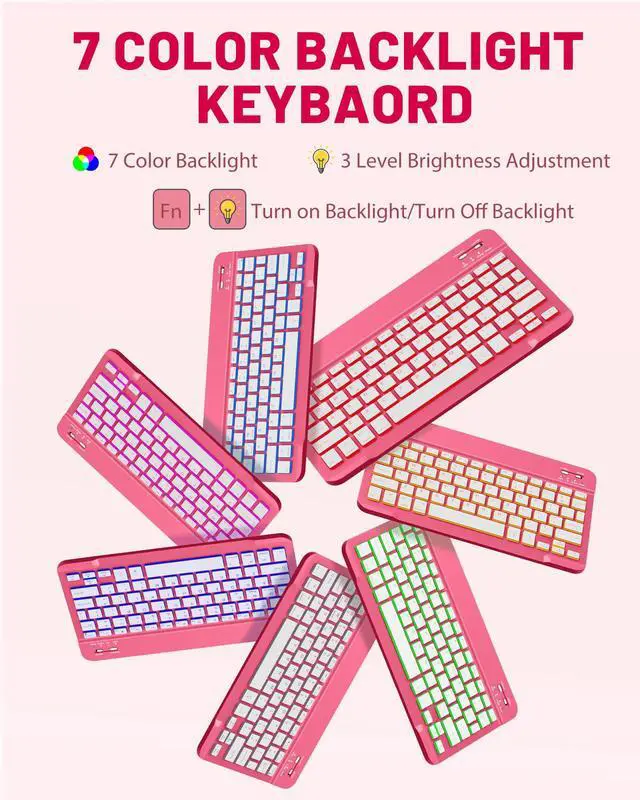
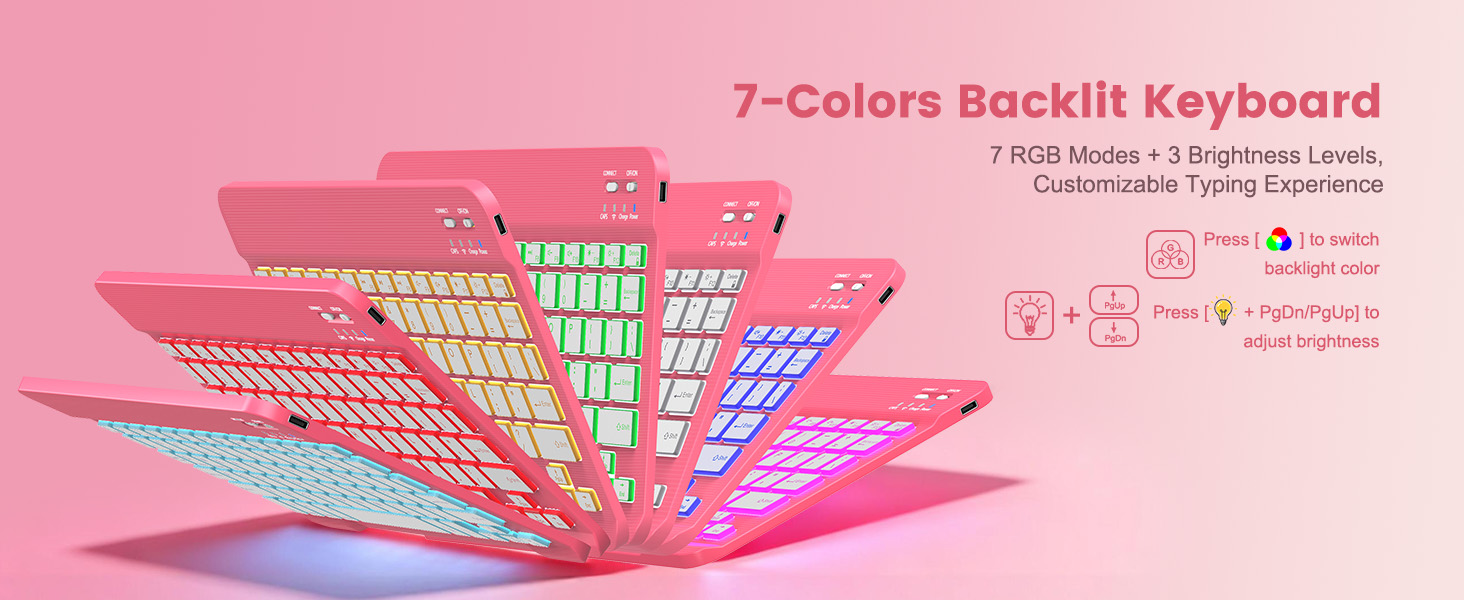
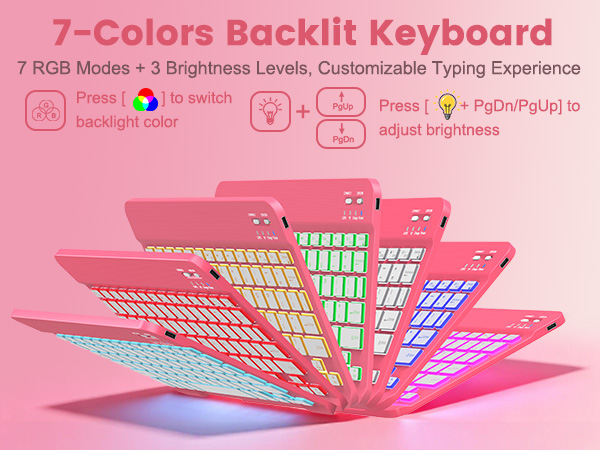
1.Press "Light" key to start backlight. Then tap RGB key to switch 7 colors, one press per color.
2.1 press "Light" key for backlight, 2 presses for cycle, 3 presses to power off.
3."Light" key+ up/down key adjusts three brightness levels.
How long does the keyboard last on a single charge?
The keyboard with 150mAh battery can be used for 100 hours at least after 2 hours of full charging. The keyboard will enter sleep mode after 10 mins of standby to save power. Press any key and wait 2-3 seconds to wake it up.
Keyboard Case for iPad 11th/10th Gen 2025/2022
Type-C Fast Charging
Work for longer on a single charge, 2hrs charging time, 100hrs working time, 90 days stand-by time.
Scissor Keys
Highly responsive scissor mechanism and comfortably spaced keys ensure accuracy with ideal bounce.
Premium Matreial
Made from premium PU leather, microfiber lining, and soft TPU with honeycomb cooling design, this case effectively protect your device from scratches.
Support Touch ID
Get total access to all ports, buttons, speakers and Touch ID, via the precision-engineered design.


How to connect Bluetooth?
1. Switch ON/OFF to ON of the keyboard.
2. Press the “Connect” button for 3 seconds and the blue light flashes.
3. Toggle on Bluetooth in iPad Settings.
4. Search for "Bluetooth Keyboard" to connect.
What is the keyboard key layout? Can I switch systems and languages?
Key layout is QWERT. Press FN+E to switch to iOS system, Press FN+W to switch to Windows system, and Press FN+Q to switch to Android system. The keyboard language cannot be switched.
How do I adjust the keyboard backlight?
1.Press "Light" key to start backlight. Then tap RGB key to switch 7 colors, one press per color.
2.1 press "Light" key for backlight, 2 presses for cycle, 3 presses to power off.
3."Light" key+ up/down key adjusts three brightness levels.
How long does the keyboard last on a single charge?
The keyboard with 150mAh battery can be used for 100 hours at least after 2 hours of full charging. The keyboard will enter sleep mode after 10 mins of standby to save power. Press any key and wait 2-3 seconds to wake it up.
Bring Tech to Your Life
Born to power up your tablets, MoKo has every factor you need to live a productive while flexible work-life.
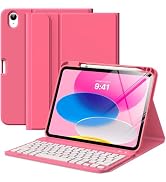
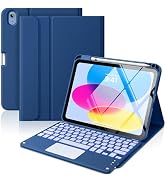
iPad 11th/10th Keyboard Case
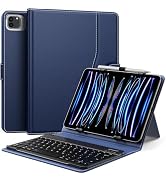
Universal Tablet Keyboard Case
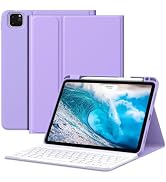
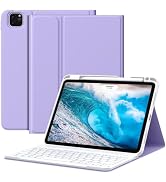
iPad Air 11 Inch Keyboard Case
iPad Air 13 Inch Keyboard Case
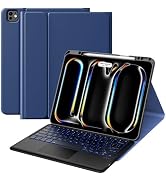
iPad Pro 13 Inch Keyboard Case
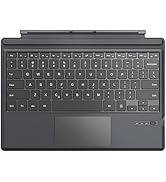
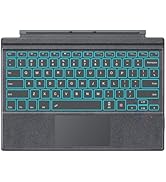
Microsoft Surface Keyboard
Samsung Galaxy Keyboard Case
Facilitate Your Digital Life
