



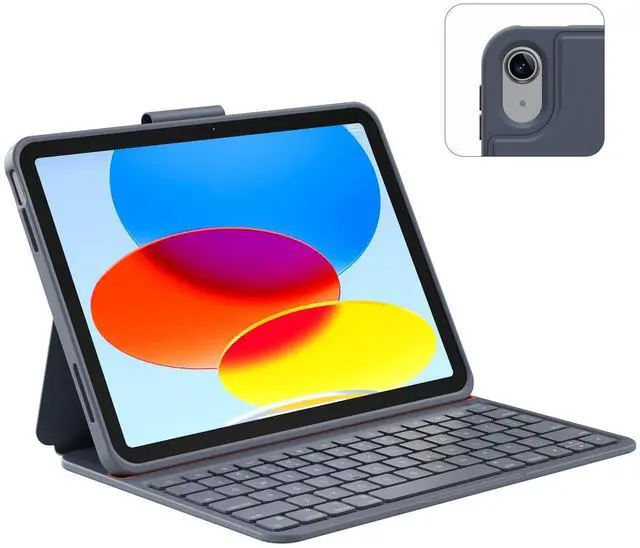
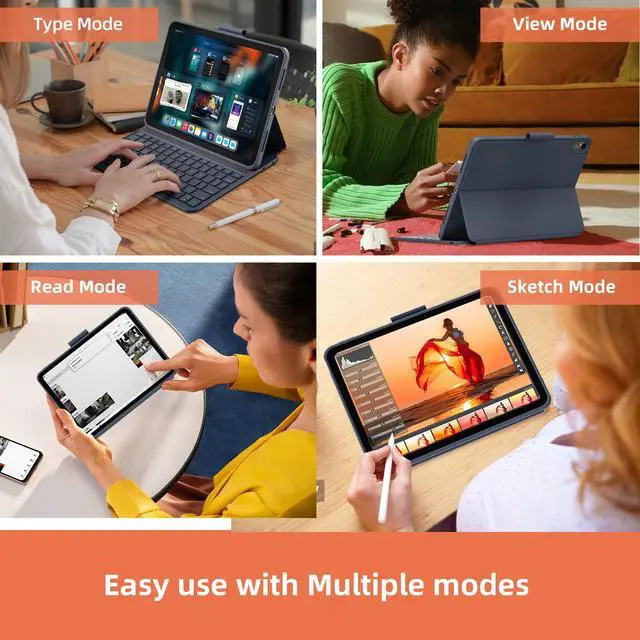
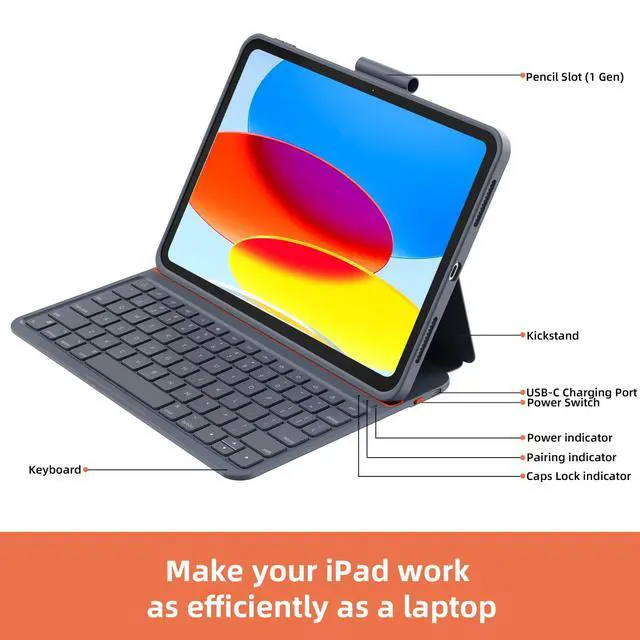




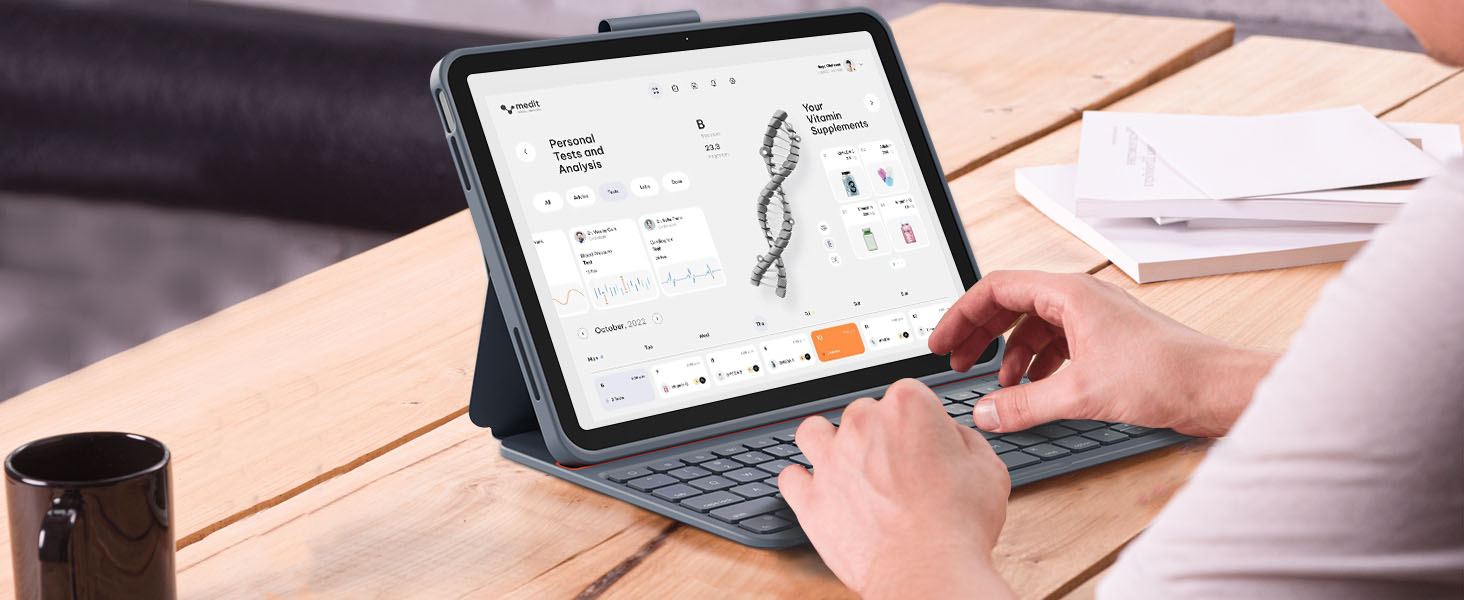
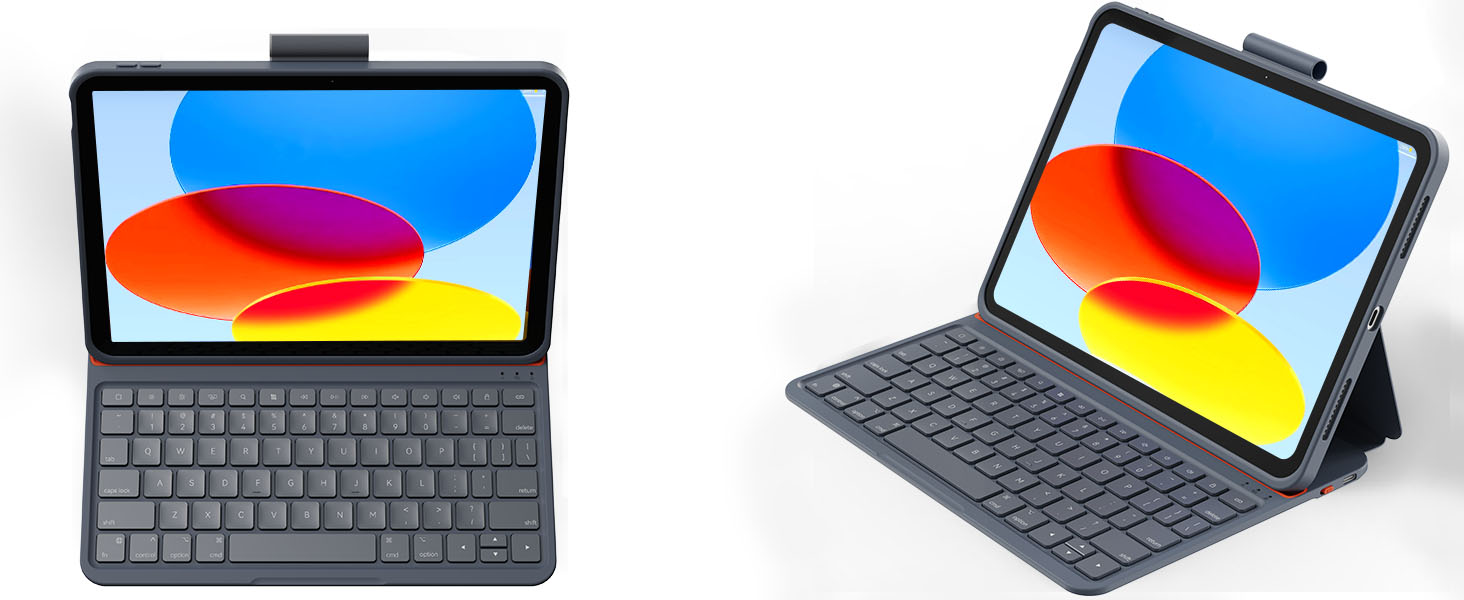
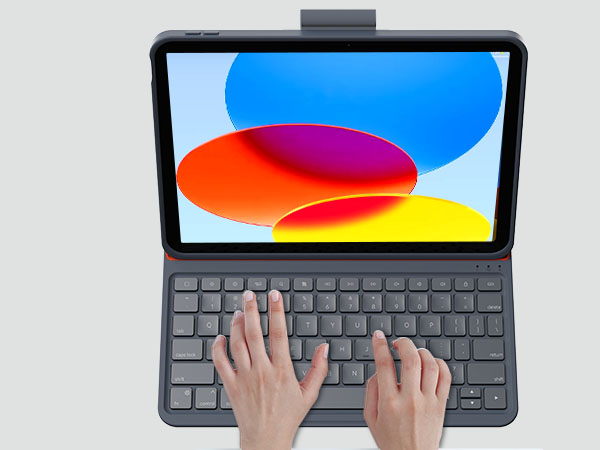
Dock the keyboard on the magnetic attachment, then you’re ready to type out notes, emails, etc

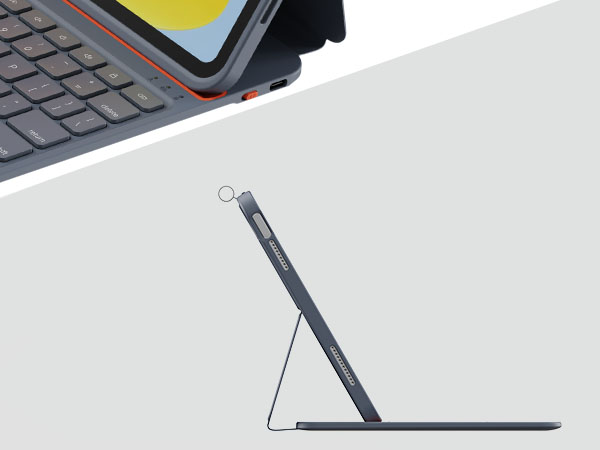
Fold the keyboard behind the iPad to take handwritten notes and draw with Pencil
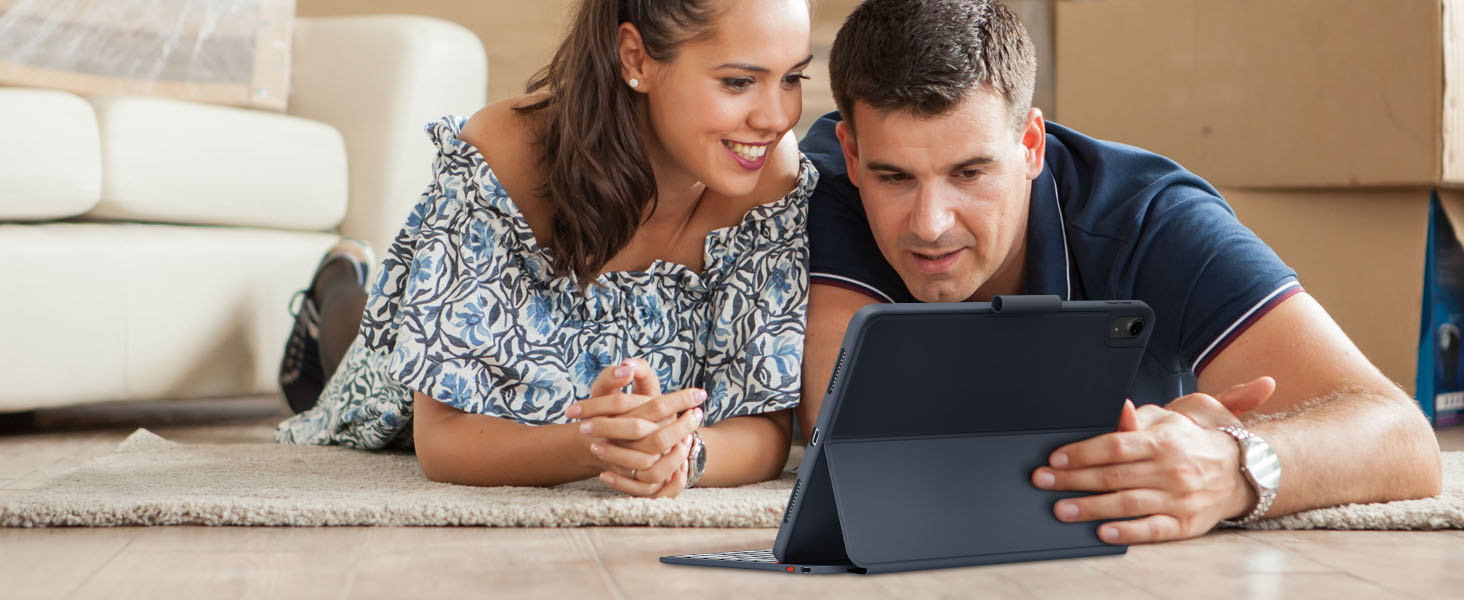
Attach the iPad to the keyboard magnetically for a better viewing experience

Fold up the keyboard and hold it in your hand to read books, articles, and more

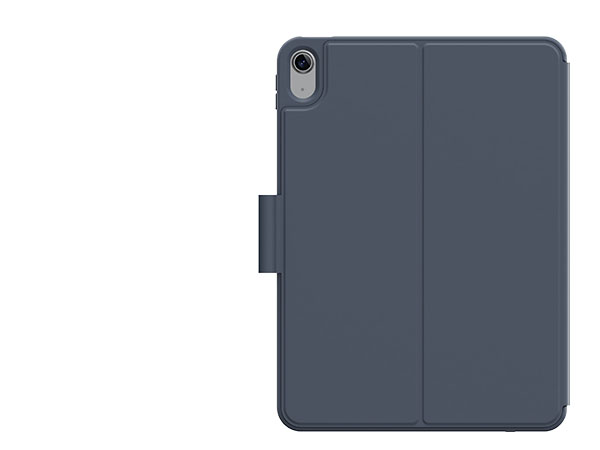
Premium PU panel & protective case
The lightweight and sleek materials have excellent abrasion resistance, easy to clean and maintain

Support all iPadOS shortcuts
Easily access media controls, brightness levels, screenshots and more, combining with the "fn" key
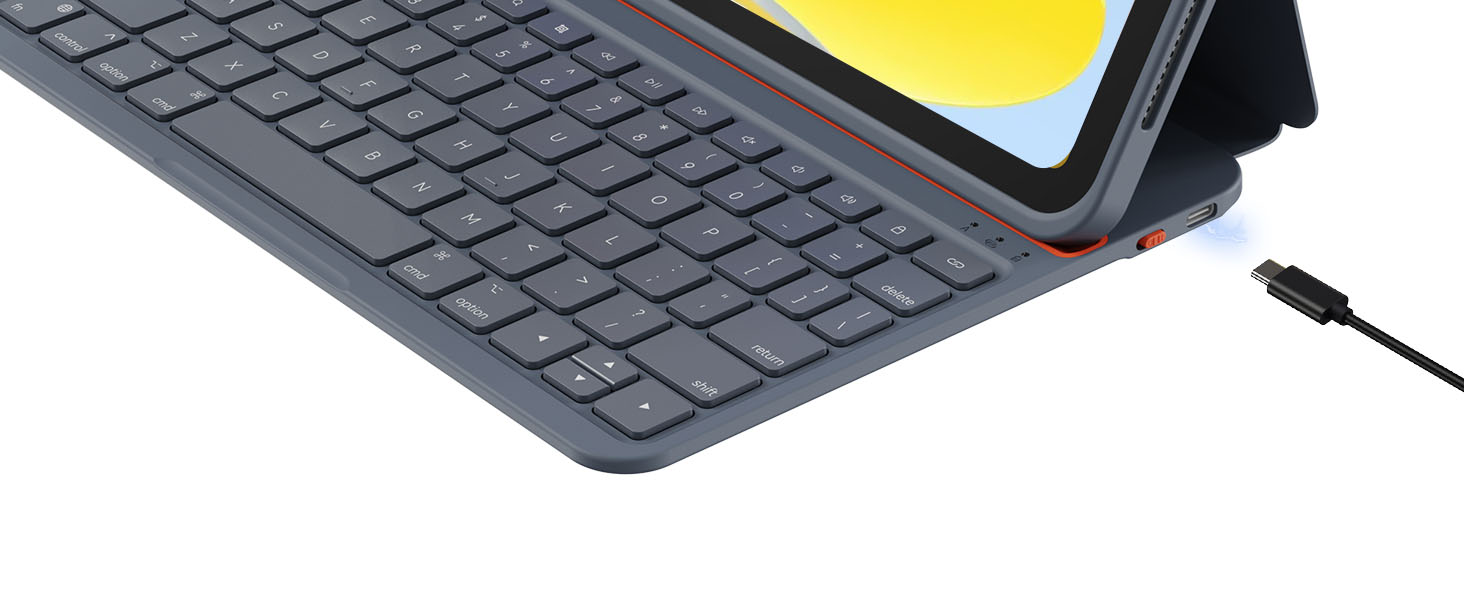
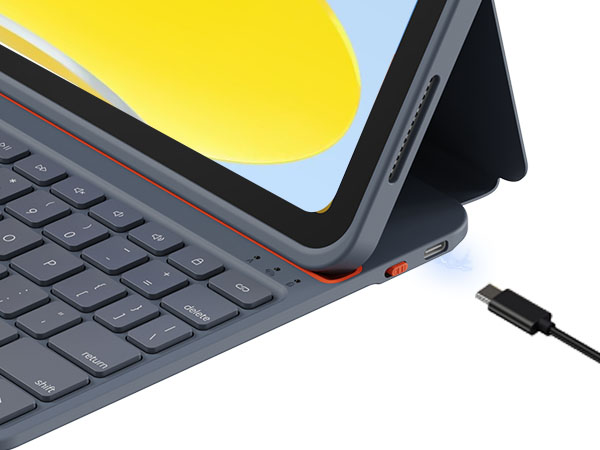
Built-in battery instead of using the iPad power
When backlit off, you only need to charge keyboard once a month without using iPad original battery
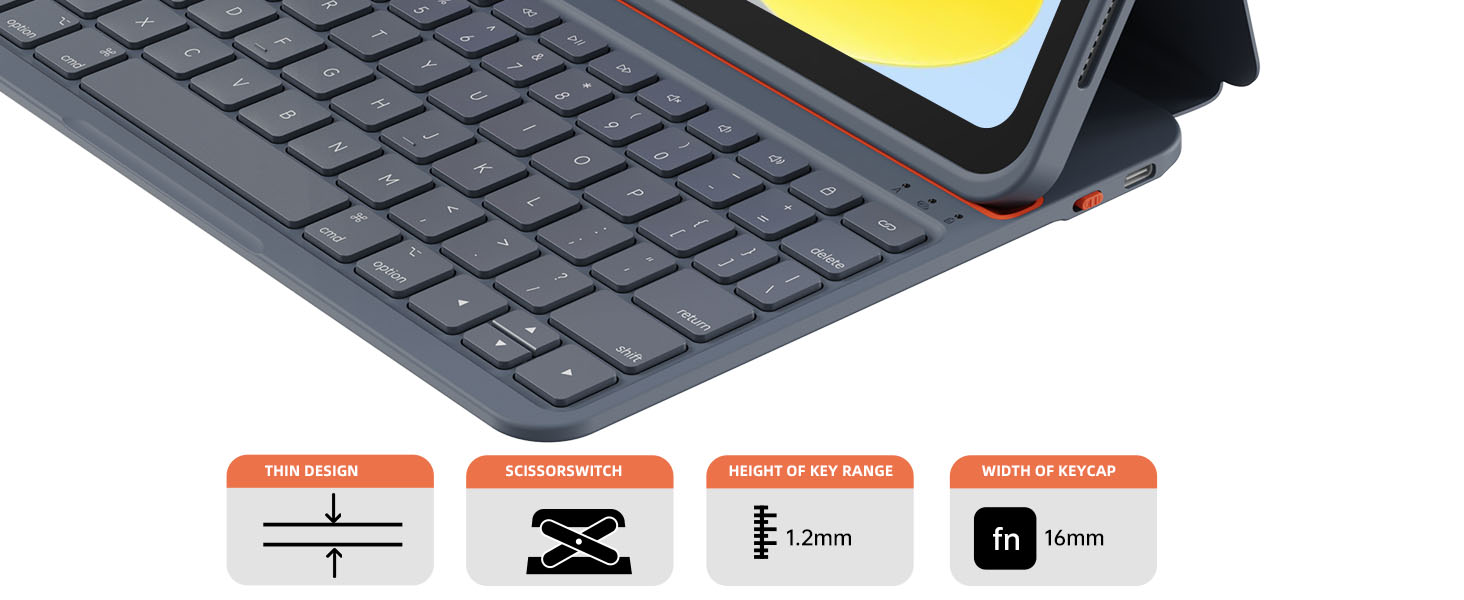
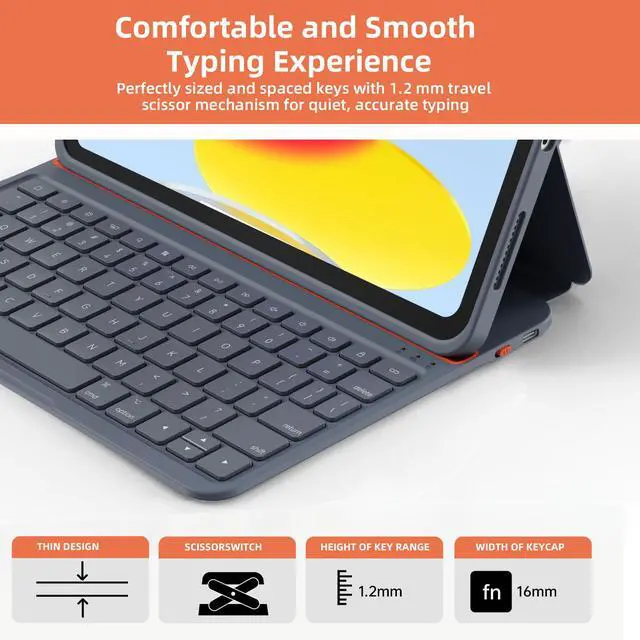
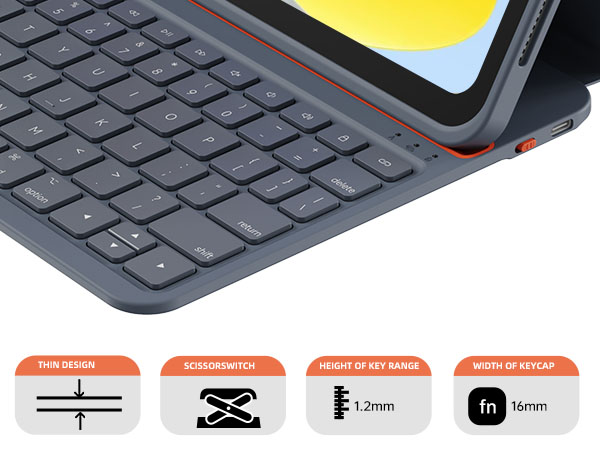
Low-profile keyboard
Equipped with the portable and silent design, you can use the keyboard case anywhere or anytime
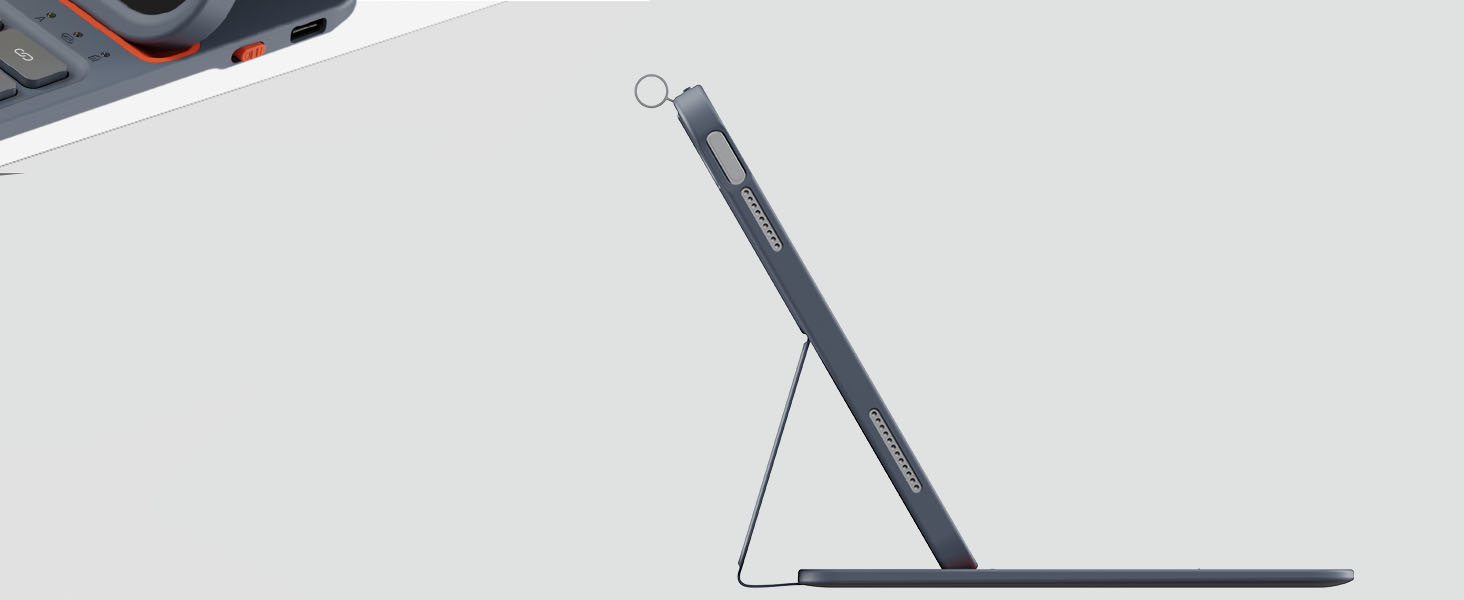
The strong magnetic force allows the iPad to be firmly fixed on the keyboard
Specification
How does this keyboard connect to ipad?
At the first time, you should pair the keyboard to ipad through bluetooth function. After that, it will automatically connect to each other when you turn on the keyboard.
Is the case easy to clean?
Yes, the delicate PU panel materials have excellent abrasion resistance, easy to clean and maintain.
Is this rechargeable?
Yes, it has independent battery so that it would not use the battery of iPad which itself is straining its own battery.
How to reset the keyboard?
When the keyboard is powered on, press and hold the combination of "fn+Shift+delete" for 3 seconds to restore the factory settings and clear the original paired devices.
Comparison
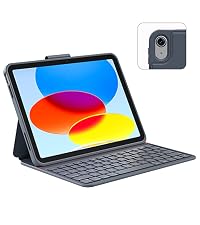 F109 Keyboard Case | 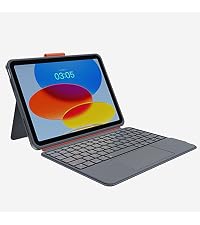 M109 Keyboard Case | 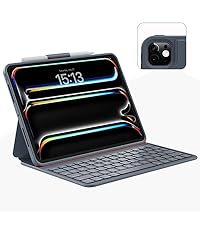 F011 M4 Keyboard Case | 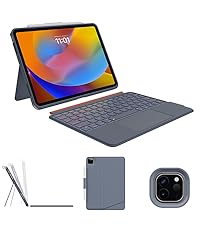 S011 Keyboard Case | 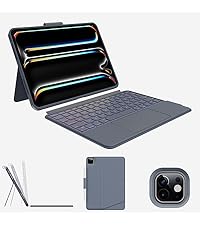 S011 M4 Keyboard Case | 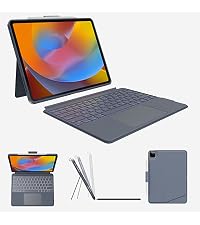 S129 Keyboard Case | |
|---|---|---|---|---|---|---|
Customer Reviews | — | — | — | — | — | — |
Price | — | — | — | — | — | — |
Copatible iPad Model | iPad 10th generation | iPad 10th generation | iPad Pro 11 inch 2024 | iPad Pro 11inch 2020 2021 2022 | iPad Pro 11 inch 2024 | iPad Pro 12.9' 2020 2021 2022 |
Trackpad | ? | ? | ? | ? | ? | ? |
Detachable | ? | ? | ? | ? | ? | ? |
Adjustable Stand | ? | ? | ? | ? | ? | ? |
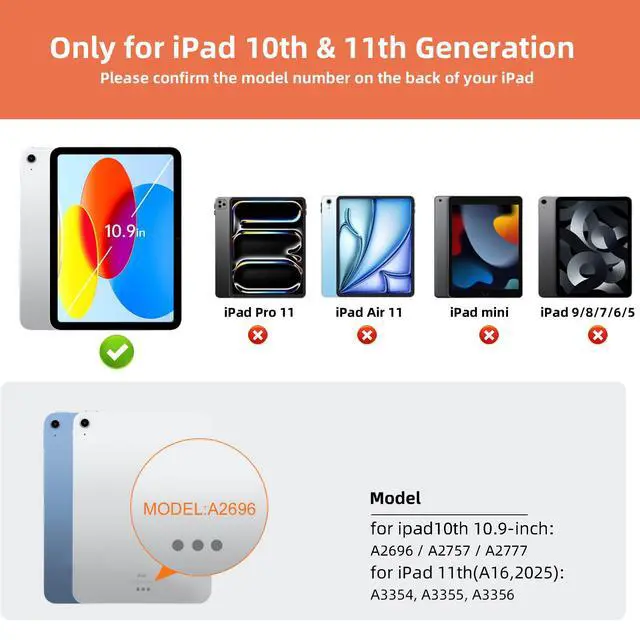
iPad Model Number | A2696, A2757, A2777 | A2696, A2757, A2777 | A2836, A2837, A3006 | 2nd, 3rd, 4th generation iPad | A2836, A2837, A3006 | 4th, 5th, 6th generation iPad |
Backlit | ? | ? | ? | ? | ? | ? |

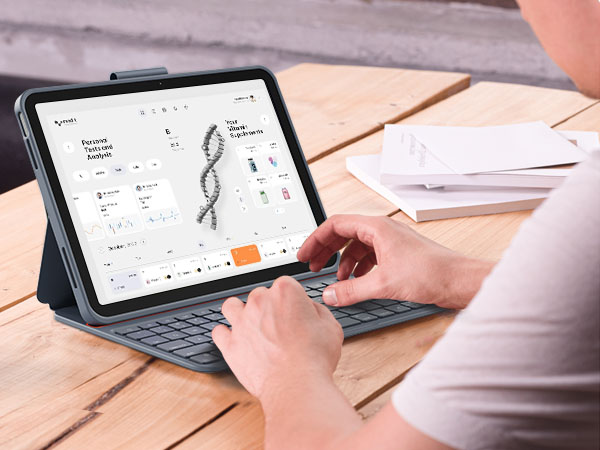
Dock the keyboard on the magnetic attachment, then you’re ready to type out notes, emails, etc
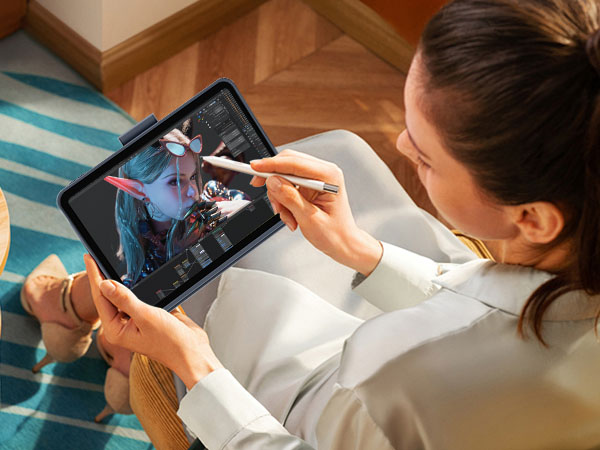
Fold the keyboard behind the iPad to take handwritten notes and draw with Pencil
Attach the iPad to the keyboard magnetically for a better viewing experience
Fold up the keyboard and hold it in your hand to read books, articles, and more


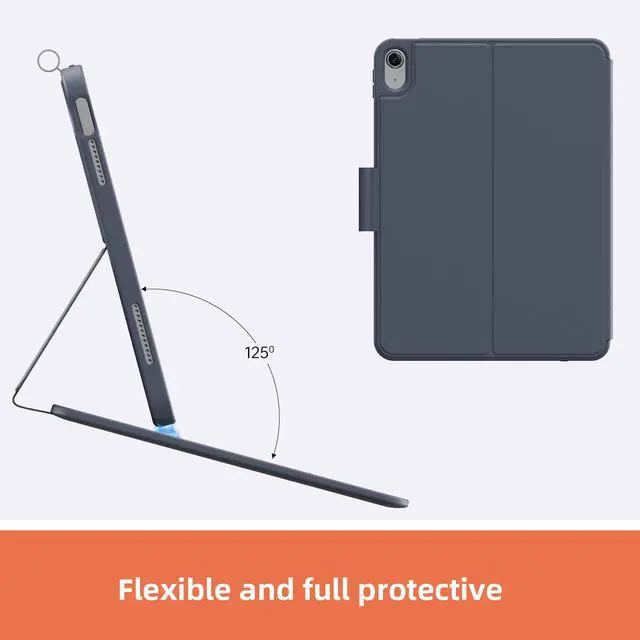
Premium PU panel & protective case
The lightweight and sleek materials have excellent abrasion resistance, easy to clean and maintain
Support all iPadOS shortcuts
Easily access media controls, brightness levels, screenshots and more, combining with the "fn" key
Built-in battery instead of using the iPad power
When backlit off, you only need to charge keyboard once a month without using iPad original battery
Low-profile keyboard
Equipped with the portable and silent design, you can use the keyboard case anywhere or anytime
The strong magnetic force allows the iPad to be firmly fixed on the keyboard
Specification
| Compatibility | Only for iPad 10th generation (A2696, A2757, A2777) |
|---|---|
| Bluetooth Version | 5.0 |
| Number of Keys | 78 (6 rows) |
| Charging Port | USB-C |
| Battery | 300mAh |
| Charging Time | Less than 1.5H |
| Sleep Mode | 30 minutes of inactivity |
How does this keyboard connect to ipad?
At the first time, you should pair the keyboard to ipad through bluetooth function. After that, it will automatically connect to each other when you turn on the keyboard.
Is the case easy to clean?
Yes, the delicate PU panel materials have excellent abrasion resistance, easy to clean and maintain.
Is this rechargeable?
Yes, it has independent battery so that it would not use the battery of iPad which itself is straining its own battery.
How to reset the keyboard?
When the keyboard is powered on, press and hold the combination of "fn+Shift+delete" for 3 seconds to restore the factory settings and clear the original paired devices.
Comparison
F109 Keyboard Case | 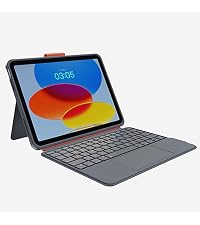 M109 Keyboard Case | 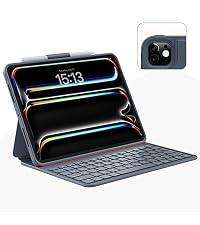 F011 M4 Keyboard Case | 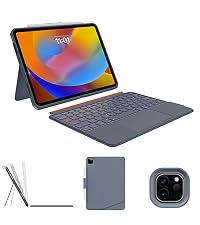 S011 Keyboard Case | 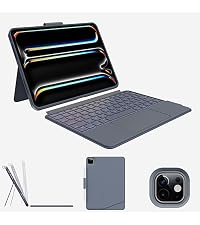 S011 M4 Keyboard Case | S129 Keyboard Case |
|---|---|---|---|---|---|
| Customer Reviews | |||||
| — | — | — | — | — | — |
| Price | |||||
| — | — | — | — | — | — |
| Copatible iPad Model | |||||
| iPad 10th generation | iPad 10th generation | iPad Pro 11 inch 2024 | iPad Pro 11inch 2020 2021 2022 | iPad Pro 11 inch 2024 | iPad Pro 12.9' 2020 2021 2022 |
| Trackpad | |||||
| ? | ? | ? | ? | ? | ? |
| Detachable | |||||
| ? | ? | ? | ? | ? | ? |
| Adjustable Stand | |||||
| ? | ? | ? | ? | ? | ? |
| iPad Model Number | |||||
| A2696, A2757, A2777 | A2696, A2757, A2777 | A2836, A2837, A3006 | 2nd, 3rd, 4th generation iPad | A2836, A2837, A3006 | 4th, 5th, 6th generation iPad |
| Backlit | |||||
| ? | ? | ? | ? | ? | ? |