




 here!
here!
I’m your shopping assistant for PC builds, upgrades, and everything tech.
Got questions? Ask away!
Start a conversation
here!
I’m your shopping assistant for PC builds, upgrades, and everything tech.
Got questions? Ask away!
Start a conversation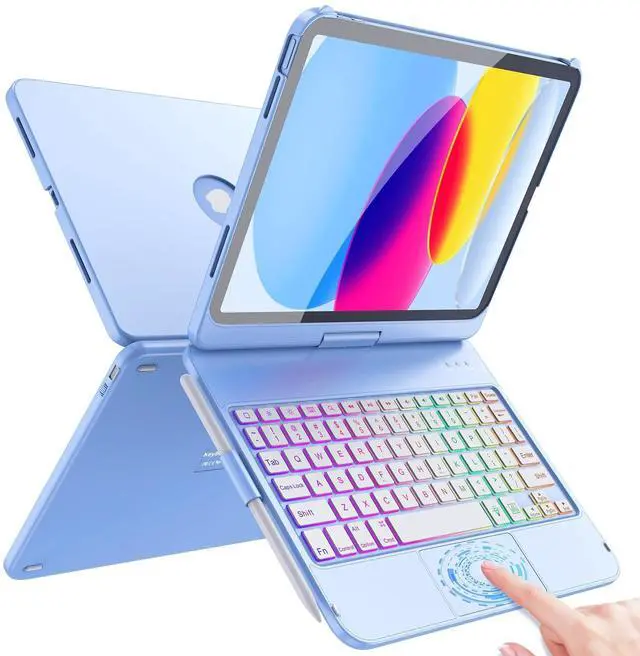



Any questions? Ask CelesteSM will help you find out quickly.

How does a wireless keyboard link to Bluetooth?
1. Turn ON the keyboard, the ""Power" light flashes;
2. Press the "CONNECT" button, the "BT" light flashes;
3. Find ‘Bluetooth Keyboard’; Click to connect;
Is it possible to adjust the brightness of the backlit keyboard in 3 levels?
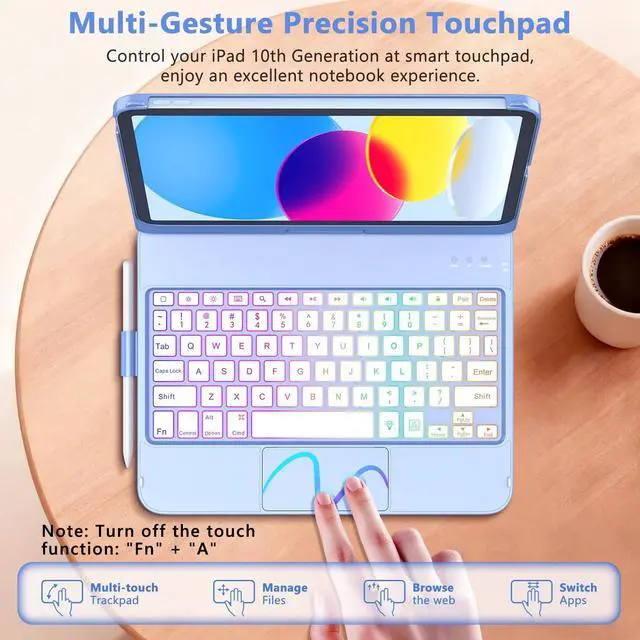
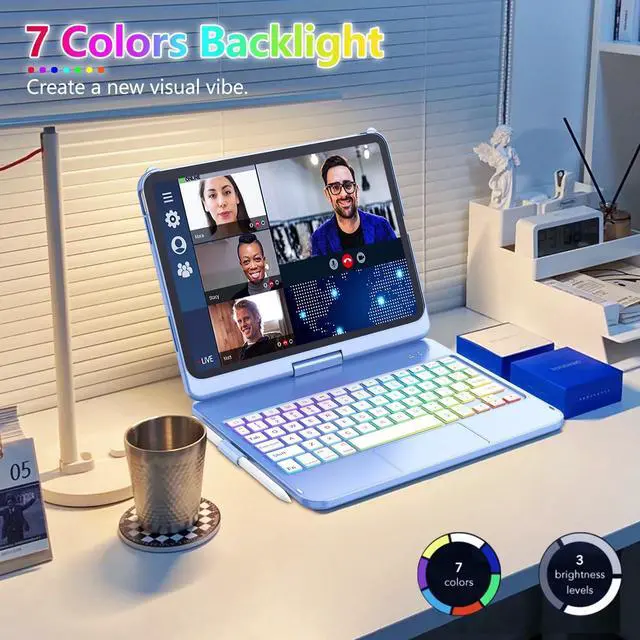
Yes, our iPad 10th Generation Keyboard Case can be adjusted to constant brightness/breathing light effect/deactivated backlight mode by pressing the bulb key, and the bulb key + up and down keys can be adjusted to three brightness levels.
Is this compatible with the New iPad Air 11 inch 2024 or iPad Air 5th Generation 10.9 inch 2022?
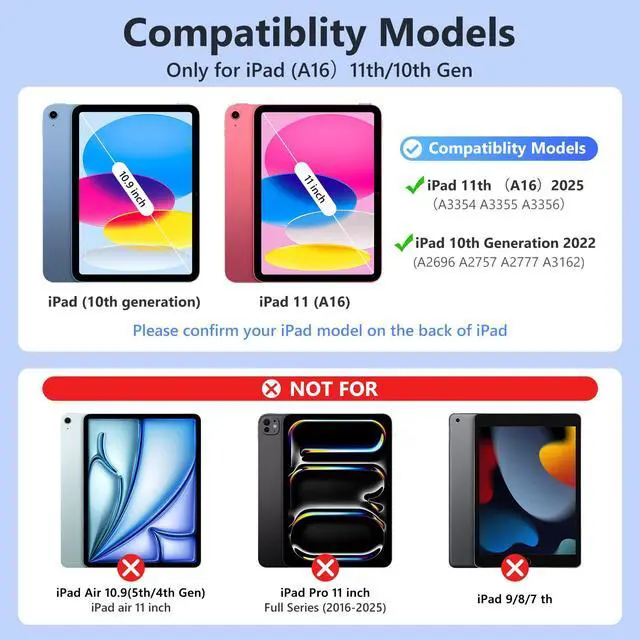
No, This keyboard case only for iPad A16 11th 11inch 2025 / 10th Generation 10.9 inch 2022 ; Model Number: A3354/A3355/A3356/A2696/A2757/A2777
Is the keyboard case detachable?
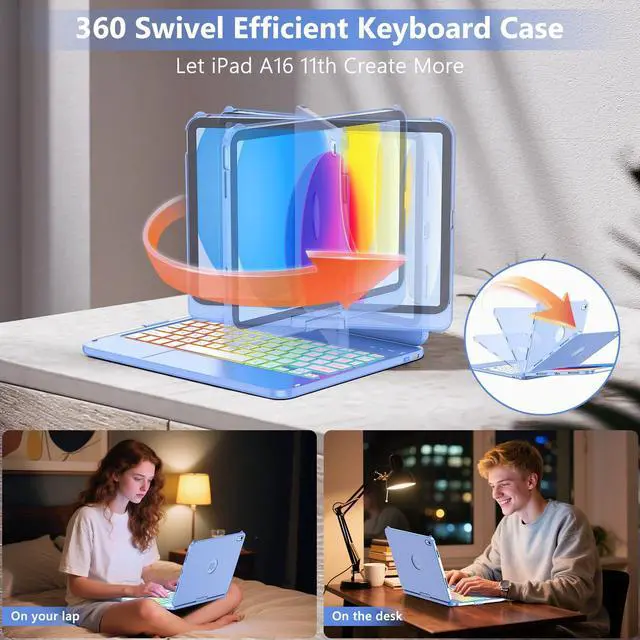
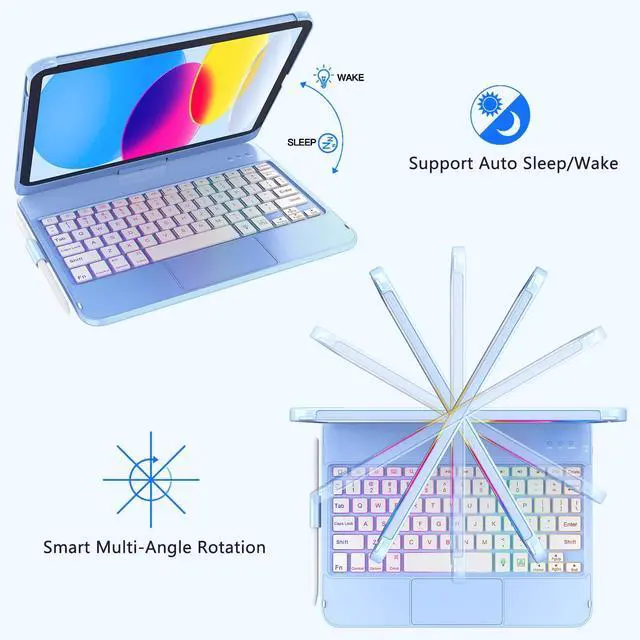
Our Keyboard Case for iPad 10th Generation features a 360 swivel hinge between the keyboards that instantly turns your iPad into a laptop, making it easy to share content from multiple angles, take it on the go, and be productive.
What's in the box?
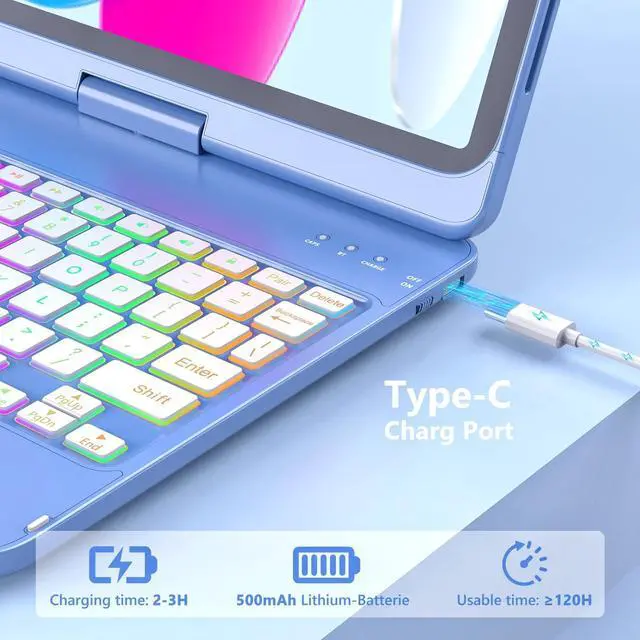
1 x Touch Keyboard Case for iPad 10th Generation 10.9 inch (Stylus not included), 1 x Type-C USB Cable (No Charger included), 1 x User Manual;


How does a wireless keyboard link to Bluetooth?
1. Turn ON the keyboard, the ""Power" light flashes;
2. Press the "CONNECT" button, the "BT" light flashes;
3. Find ‘Bluetooth Keyboard’; Click to connect;
Is it possible to adjust the brightness of the backlit keyboard in 3 levels?
Yes, our iPad 10th Generation Keyboard Case can be adjusted to constant brightness/breathing light effect/deactivated backlight mode by pressing the bulb key, and the bulb key + up and down keys can be adjusted to three brightness levels.
Is this compatible with the New iPad Air 11 inch 2024 or iPad Air 5th Generation 10.9 inch 2022?
No, This keyboard case only for iPad A16 11th 11inch 2025 / 10th Generation 10.9 inch 2022 ; Model Number: A3354/A3355/A3356/A2696/A2757/A2777
Is the keyboard case detachable?
Our Keyboard Case for iPad 10th Generation features a 360 swivel hinge between the keyboards that instantly turns your iPad into a laptop, making it easy to share content from multiple angles, take it on the go, and be productive.
What's in the box?
1 x Touch Keyboard Case for iPad 10th Generation 10.9 inch (Stylus not included), 1 x Type-C USB Cable (No Charger included), 1 x User Manual;





