here!
here!
I’m your shopping assistant for PC builds, upgrades, and everything tech.
Got questions? Ask away!
Start a conversation
here!
I’m your shopping assistant for PC builds, upgrades, and everything tech.
Got questions? Ask away!
Start a conversation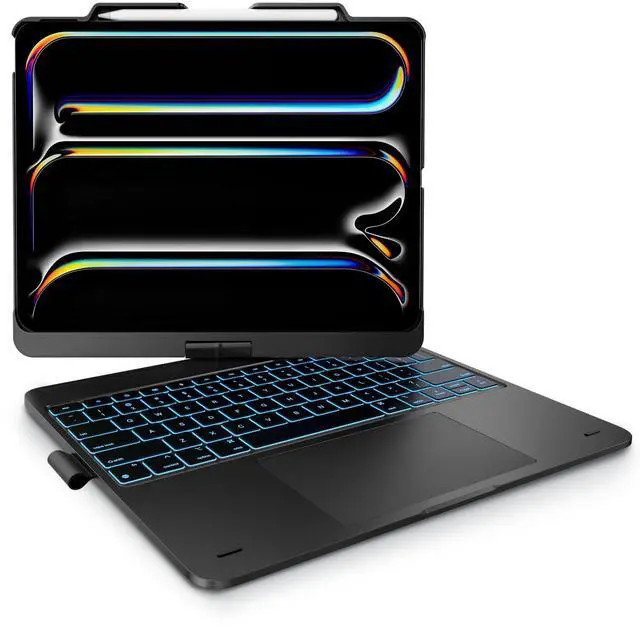




Any questions? Ask CelesteSM will help you find out quickly.
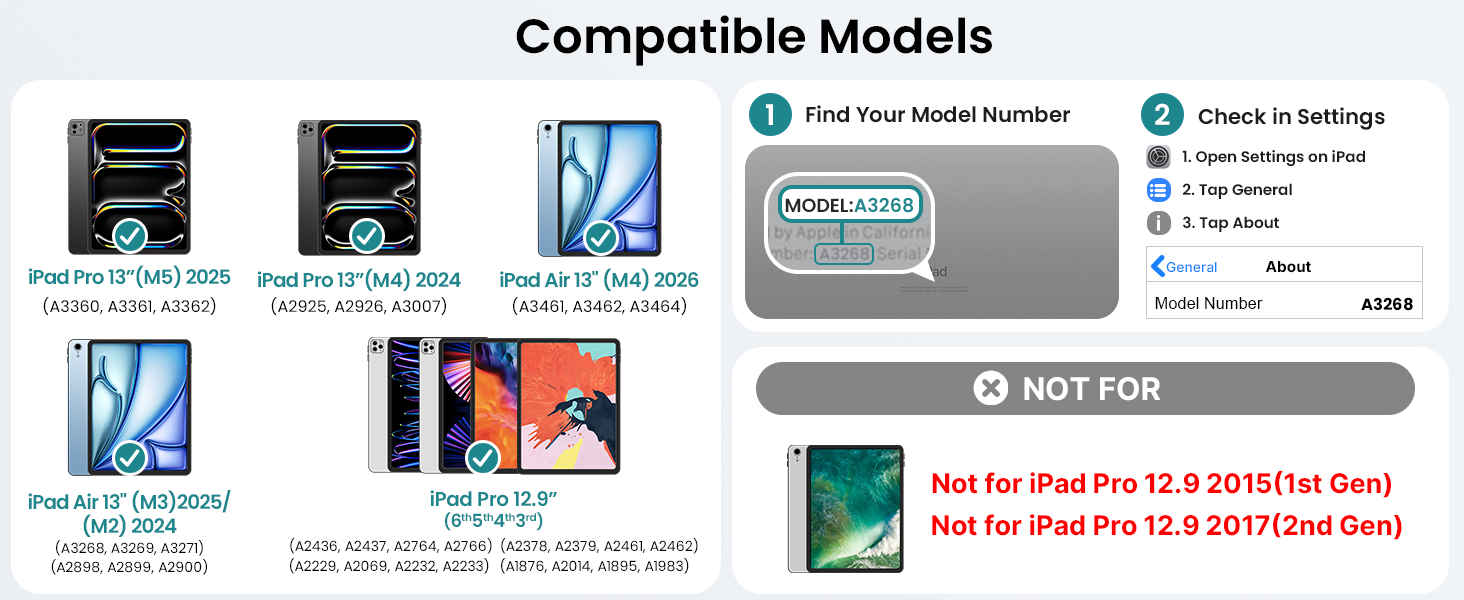
Is it compatible with other iPad models?
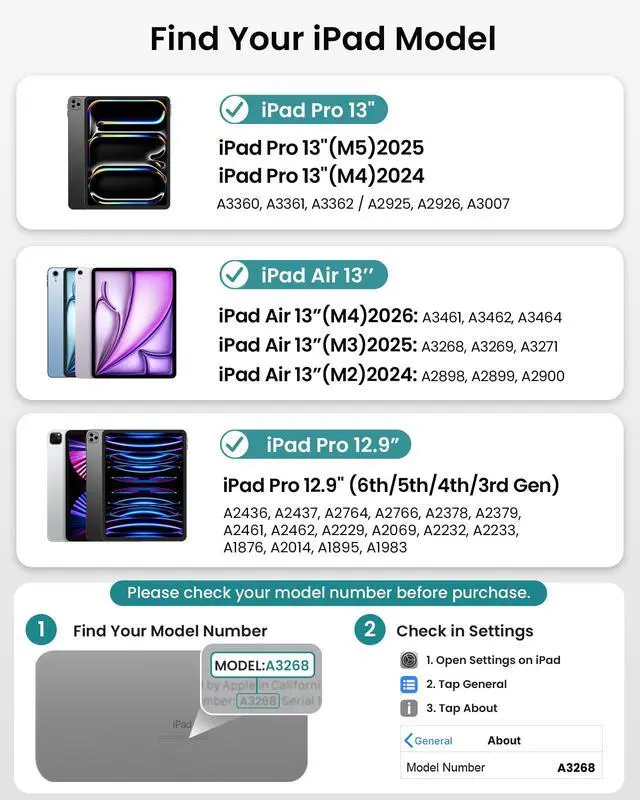
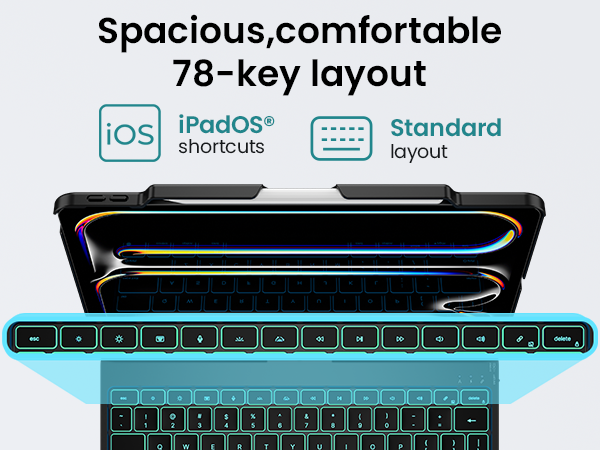
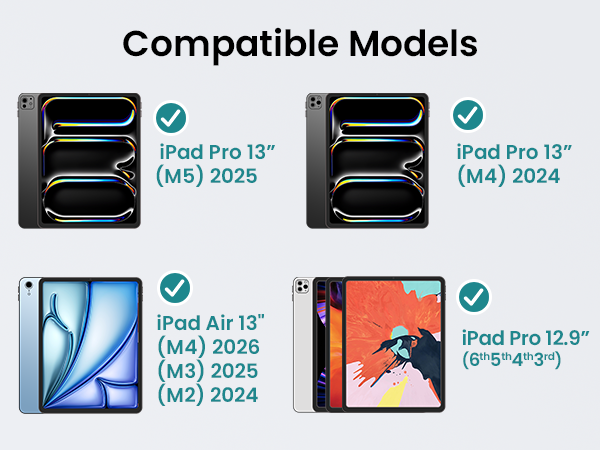
Only fits: iPad Pro 13" (M5/M4), iPad Air 13" (M4/M3/M2), iPad Pro 12.9" (3rd-6th Gen). Please verify iPad model pre-purchase — incompatible with other sizes/generations.
Is the keyboard detachable?
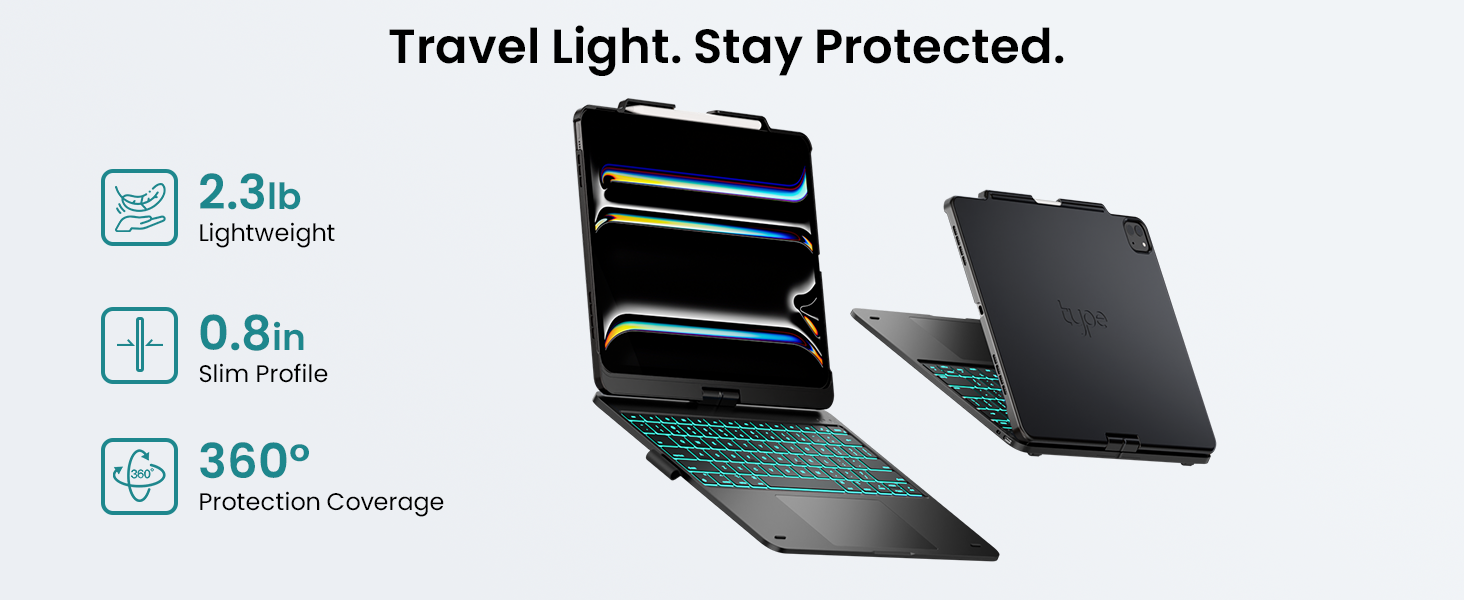
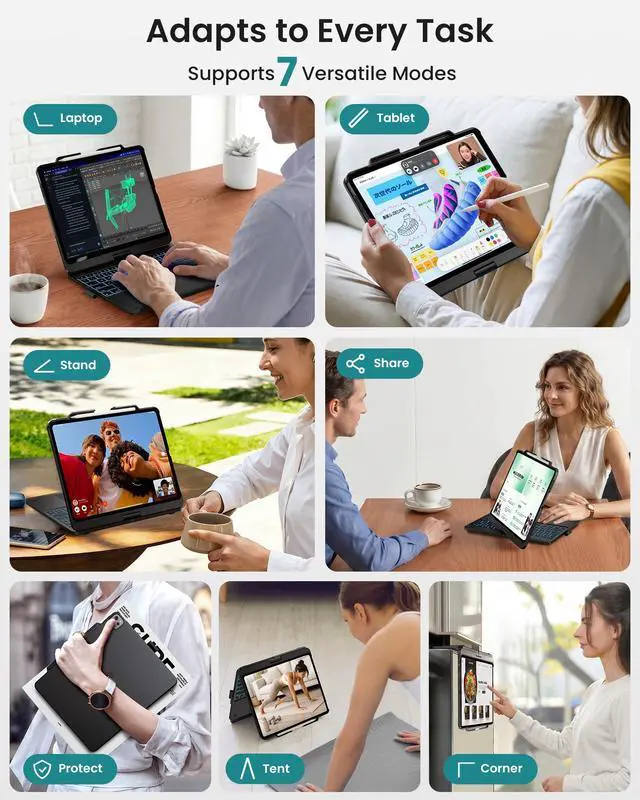
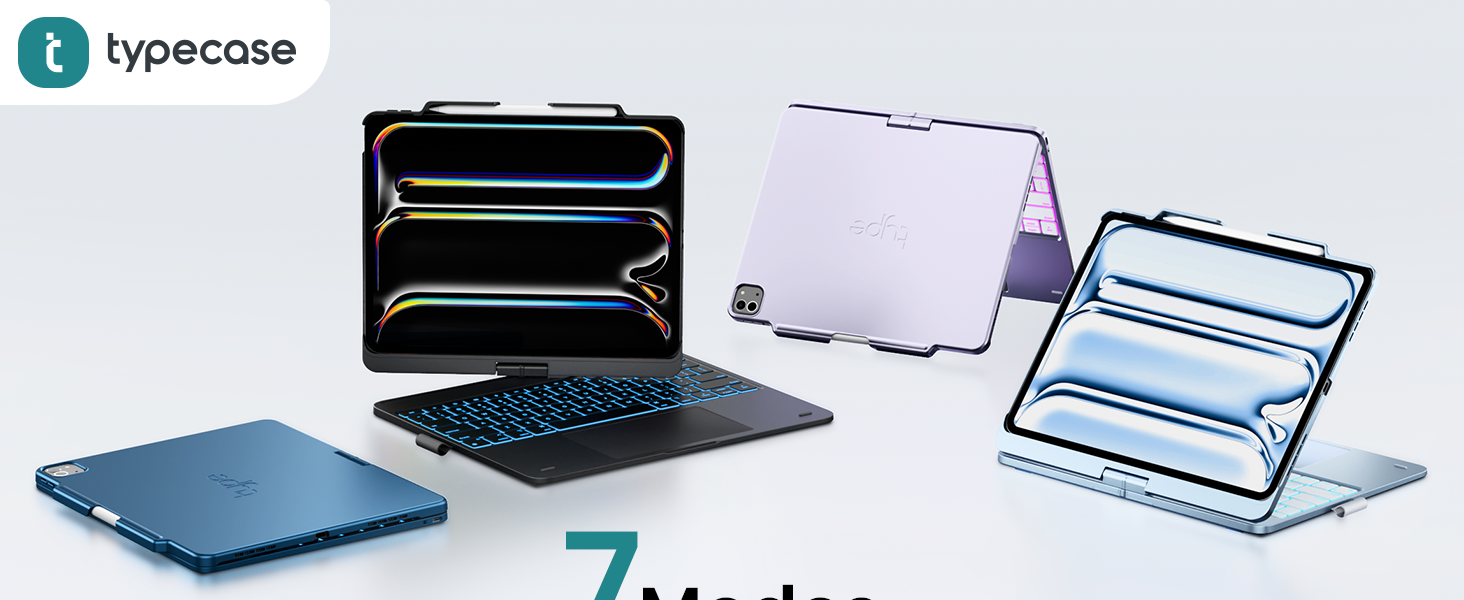
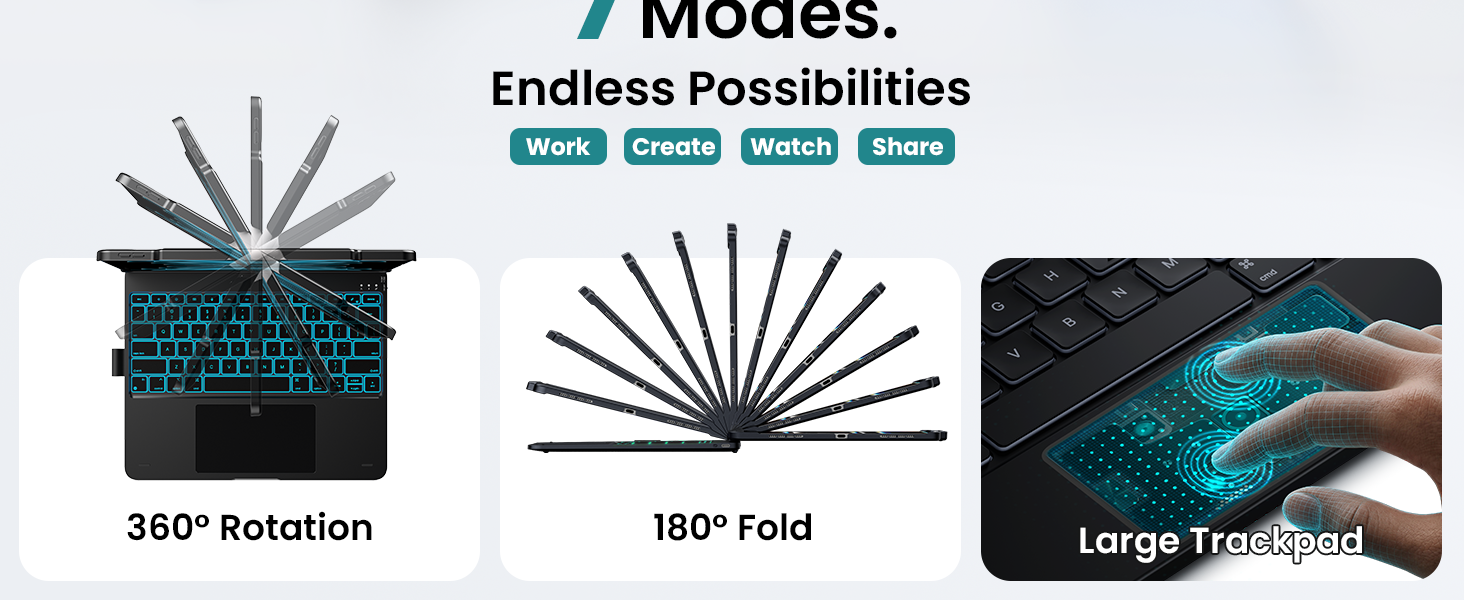
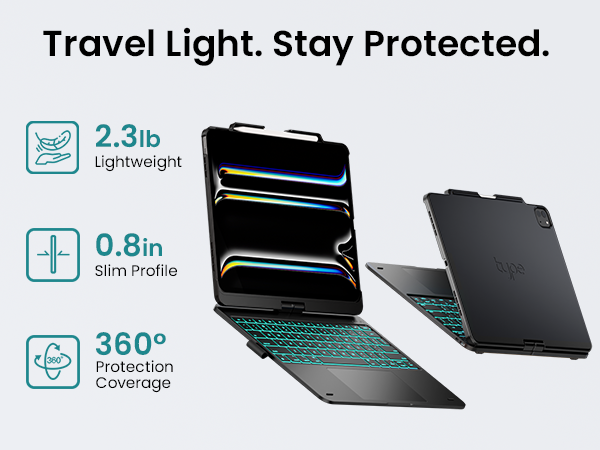
No, it's non-detachable. The integrated design enables versatility with its 360° hinge, switching instantly between 7 custom modes.
Why aren't some keys on my keyboard working?
"1.Gently tap the affected keys to remove debris.
2.Press & hold C + R + L for 3 seconds until the LED flashes.
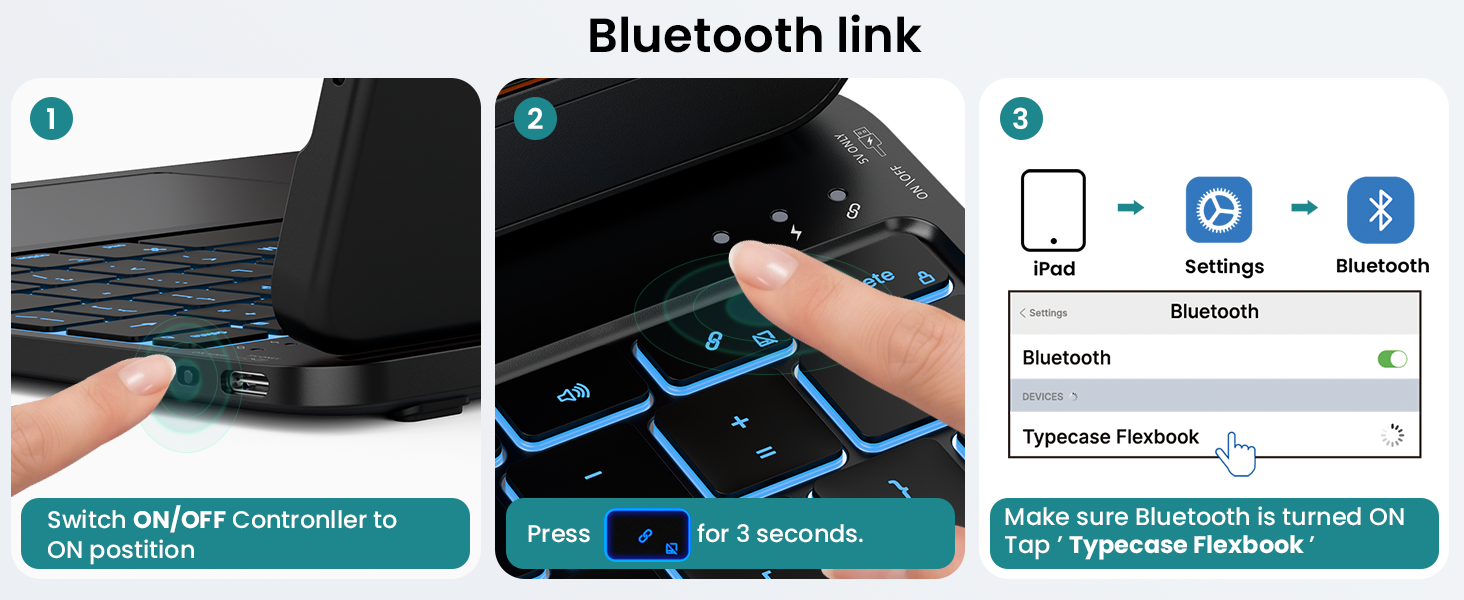
Re-pair: Press the Bluetooth button, then reconnect to your iPad.
Feel free to reach out if you have any further questions!"
How to change the colors of the backlight?
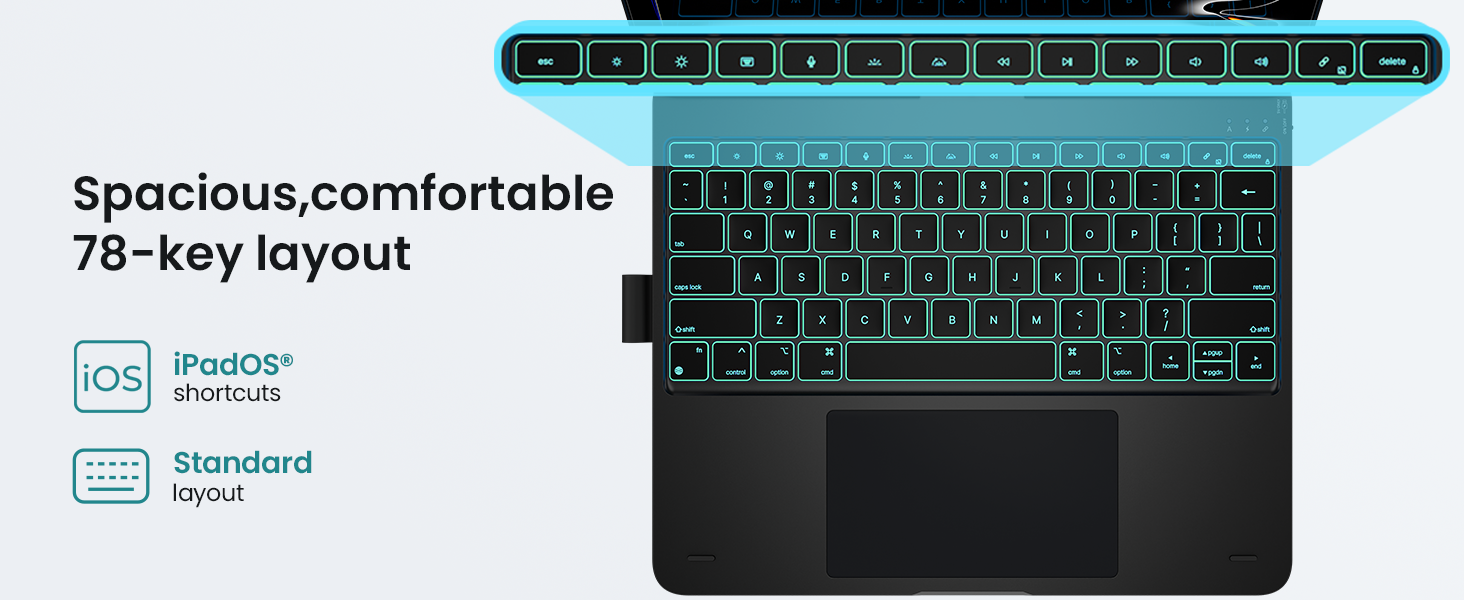
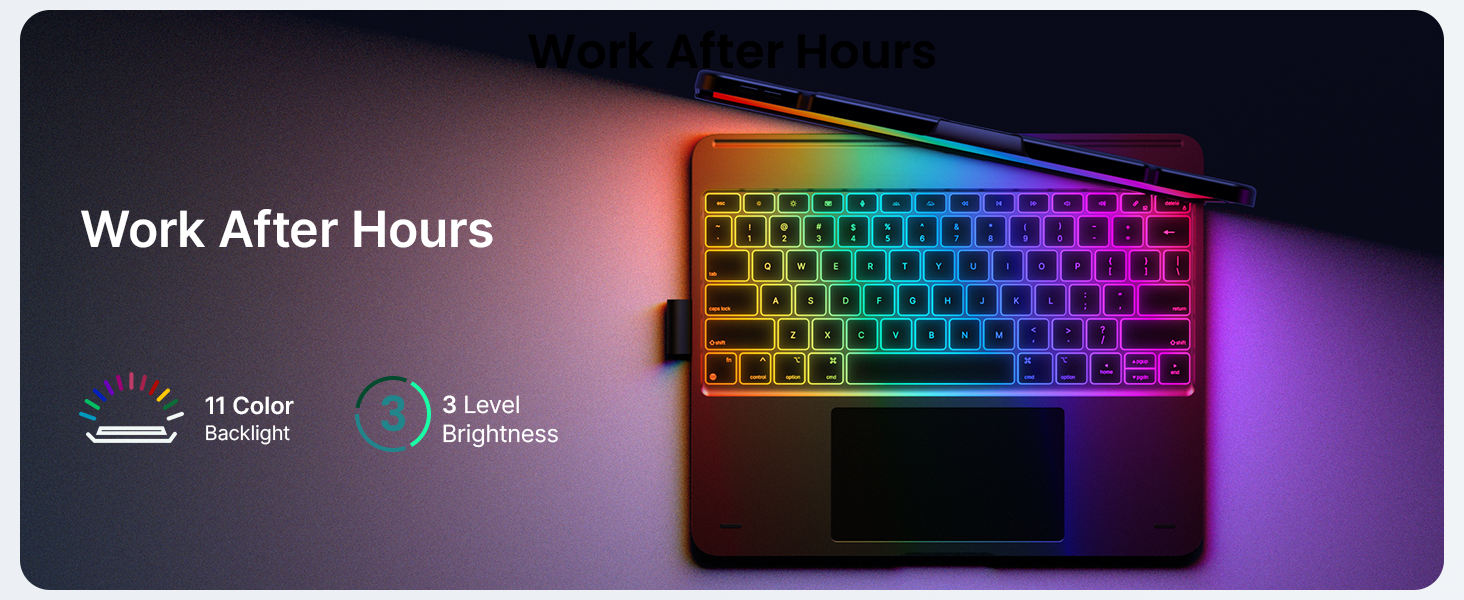
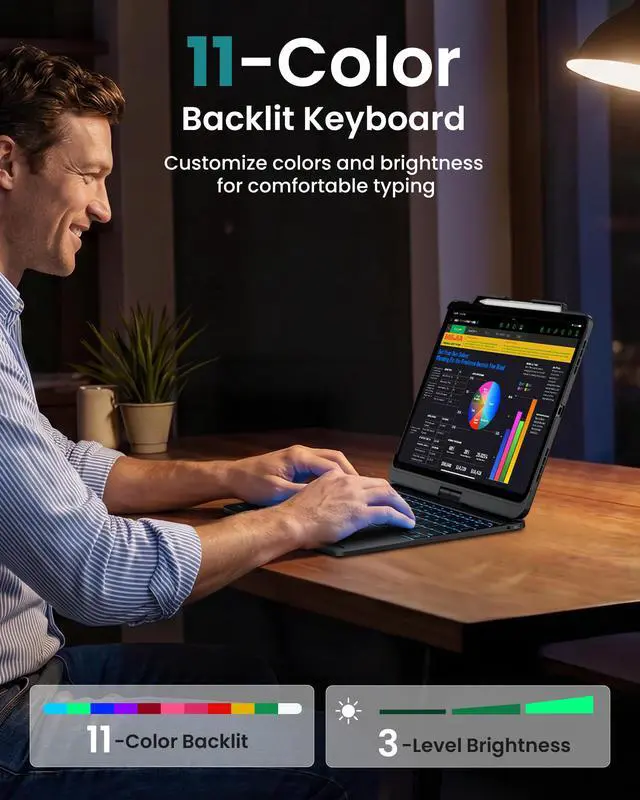
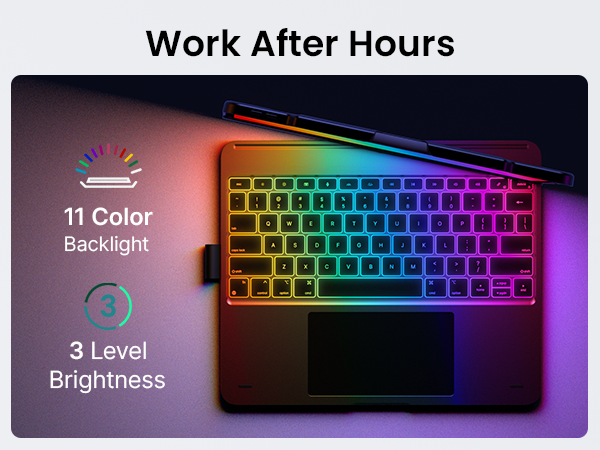
Simply press the Backlit Color key to cycle through the different backlighting colors.Please refer to the manual for a visual guide.
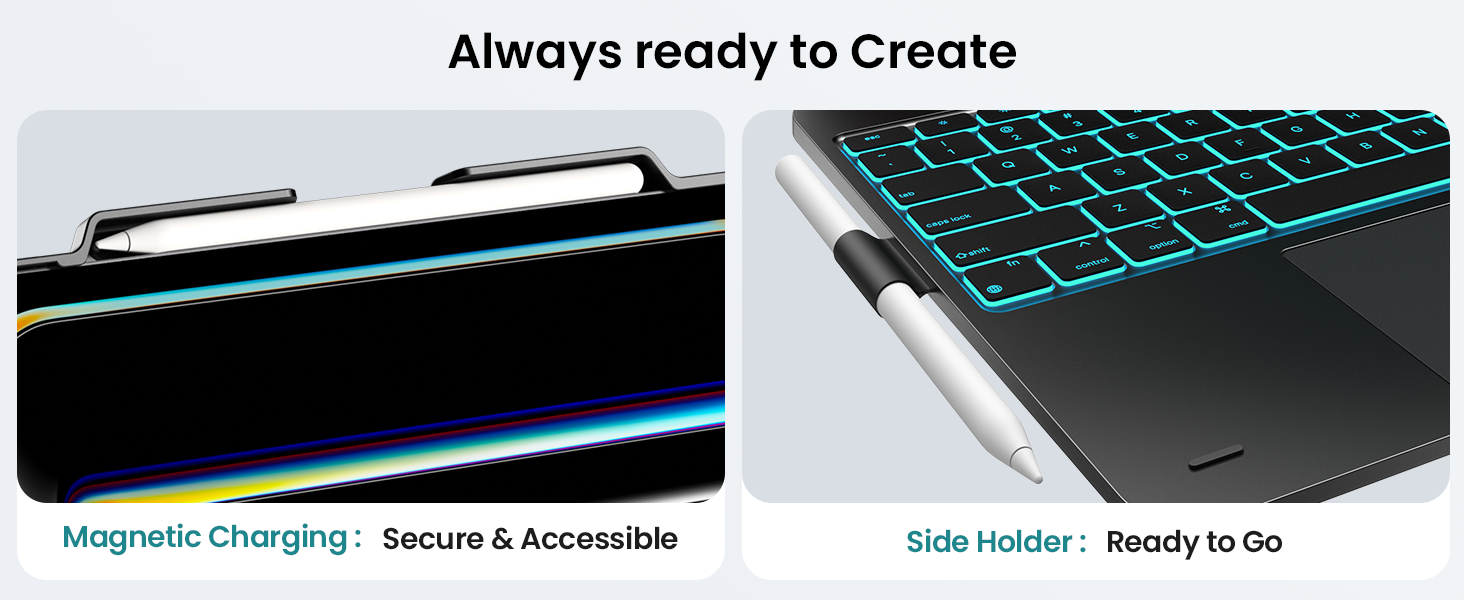
Is the pen holder detachable?
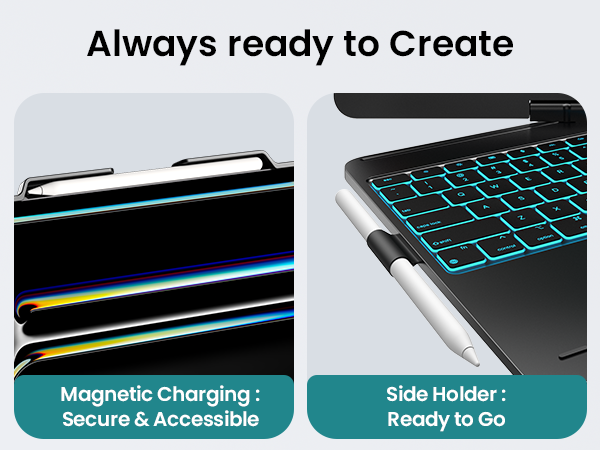
No, the side pen holder is a fixed, non-detachable part of the case's integrated design to ensure secure storage for your stylus.




Is it compatible with other iPad models?
Only fits: iPad Pro 13" (M5/M4), iPad Air 13" (M4/M3/M2), iPad Pro 12.9" (3rd-6th Gen). Please verify iPad model pre-purchase — incompatible with other sizes/generations.
Is the keyboard detachable?
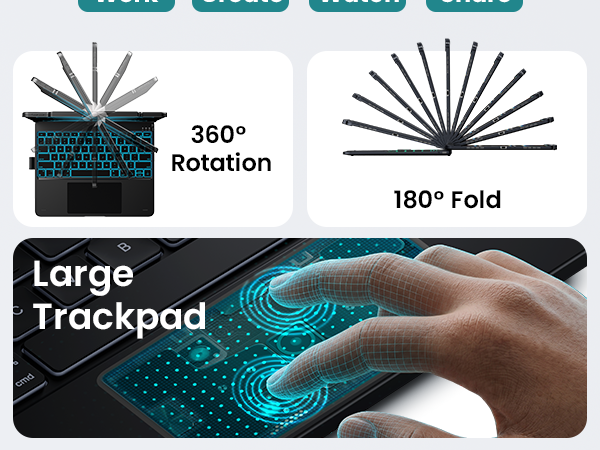
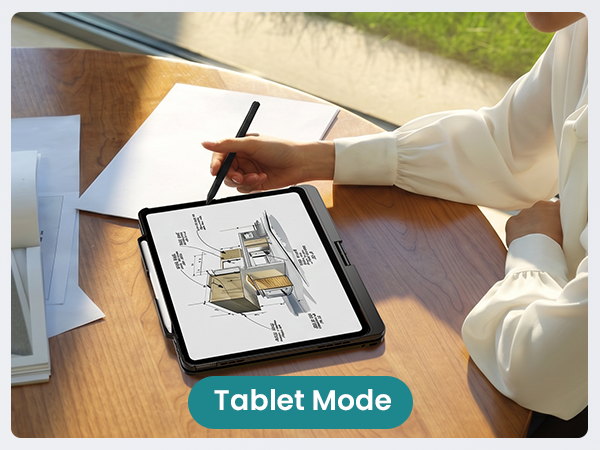
No, it's non-detachable. The integrated design enables versatility with its 360° hinge, switching instantly between 7 custom modes.
Why aren't some keys on my keyboard working?
"1.Gently tap the affected keys to remove debris.
2.Press & hold C + R + L for 3 seconds until the LED flashes.
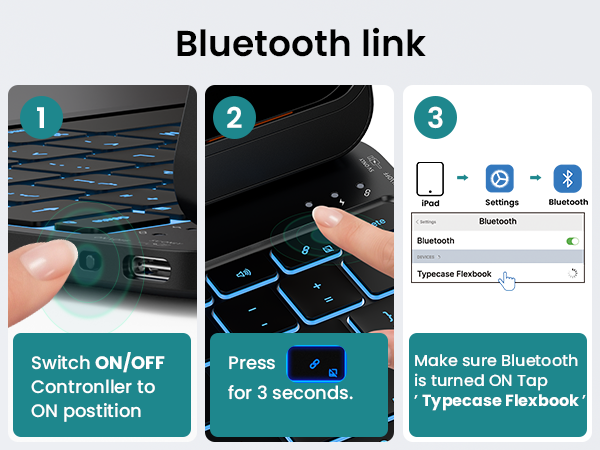
Re-pair: Press the Bluetooth button, then reconnect to your iPad.
Feel free to reach out if you have any further questions!"
How to change the colors of the backlight?
Simply press the Backlit Color key to cycle through the different backlighting colors.Please refer to the manual for a visual guide.
Is the pen holder detachable?
No, the side pen holder is a fixed, non-detachable part of the case's integrated design to ensure secure storage for your stylus.