
Your Browsing History




Any questions? Our AI beta will help you find out quickly.
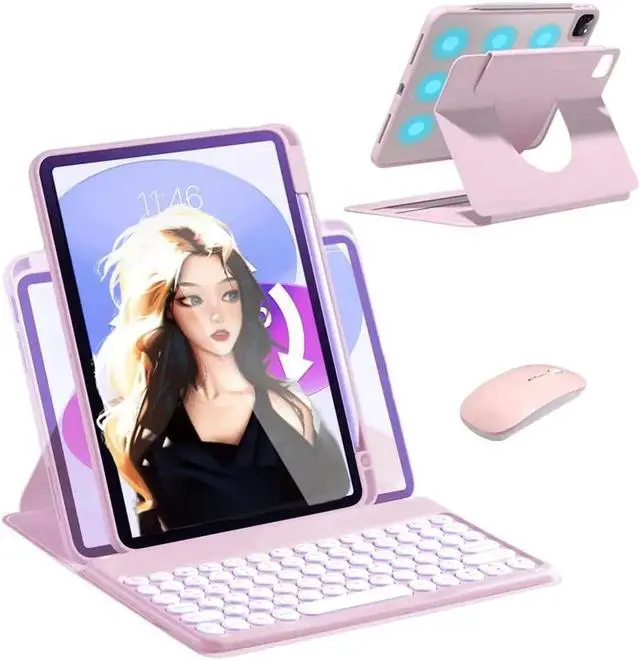
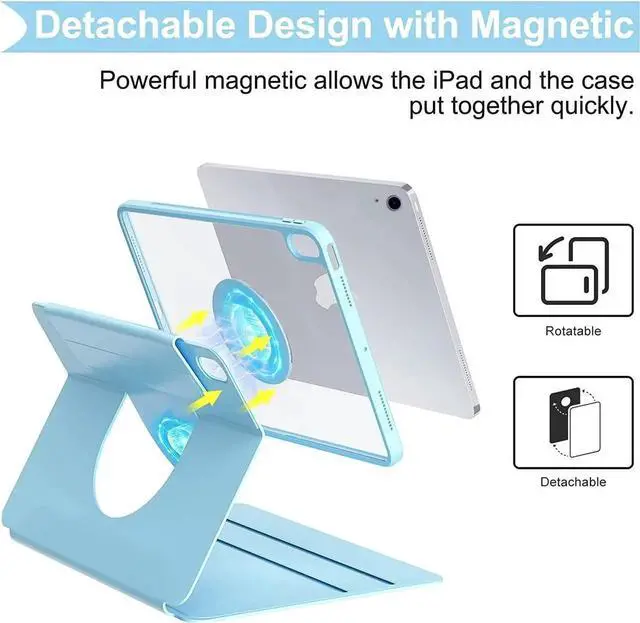
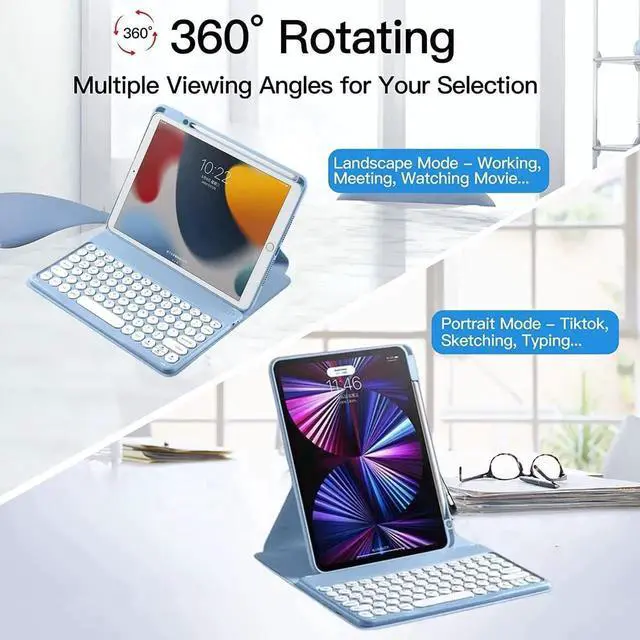
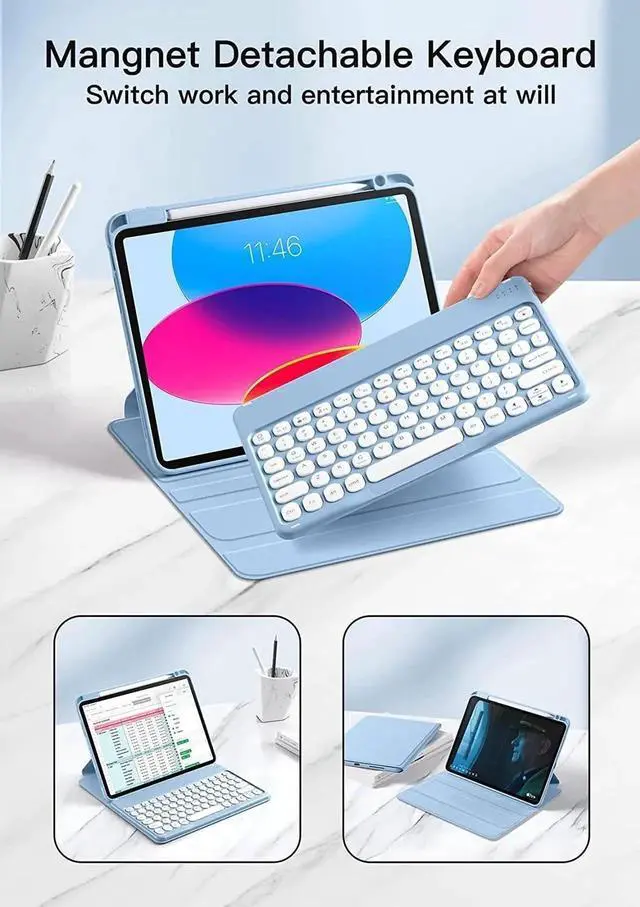
Keyboard Case for iPad 11 inch 2025 (A16) / iPad 10th Generation 2022, Magnetic Detachable Wireless Keyboard with Pencil Holder for 10.9 Inch iPad 10 2022 Release A2696 A2757 A2777
How to Connect the iPad:
Step 1. Switch On/Off to On to turn your keyboard on.
Step 2. Press the Fn + C keys together to enter pairing mode. please press"Fn""C"together.
Step 3. Verify your devices Bluetooth settings are on. Select Settings - Bluetooth - On.
Step 4. Select Bluetooth Keyboard from your devices list of available devices to complete pairing.
Step 5. Select Bluetooth Keyboard, the indicator will turn off after successfully paired.
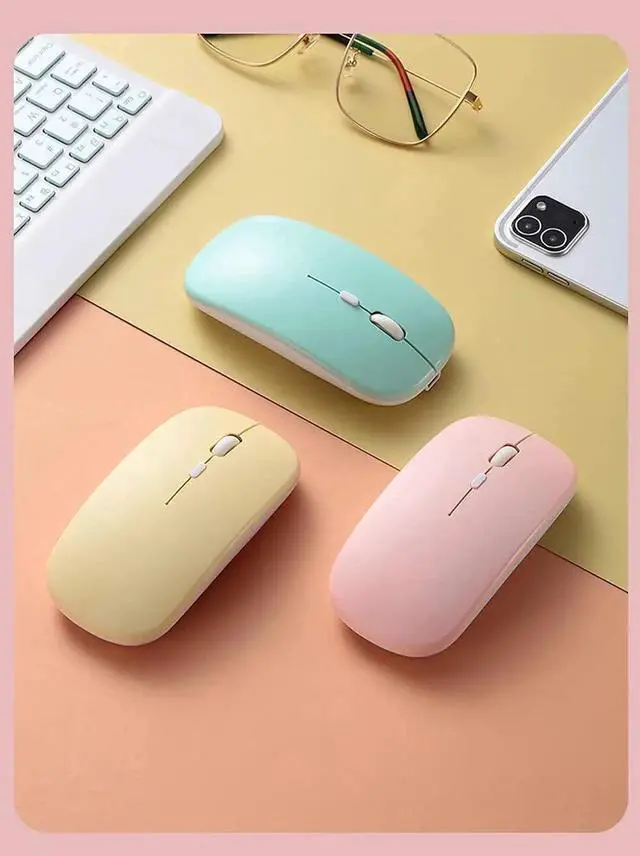
How to Connect the Mouse
Step 1, please open the mouse power, now the power indicator will be on.
Step 2, please press"Green Button" on the top of the left, the mouse bluetooth will be on.
Step 3, please open your ipad bluetooth in your ipad setting, now the mouse bluetooth will show on your ipad.
IMPORTANT NOTE: the case with plastic film, please remove it before you use the ipad case.
now you can connect the two bluetooth together,
it can work well.
if you have other question, please contact us anytime
thank you